









Industry Focused Training

Twinmotion Training Institute In Hyderabad

Design Your Skills Draft Your Future

Learn Twinmotion From Industry Experts With Practical Projects And Placement Focused Training, Build The Skills That Companies are Hiring For.

Google-colorCreated with Sketch.

4.9/5 ⭐

2.6k+ Reviews Google Rating

10000+

Students Trained

97%

Placement Rate

Get A Free Consultation

Fill the Form Our Counselor will Contact you within 24Hours

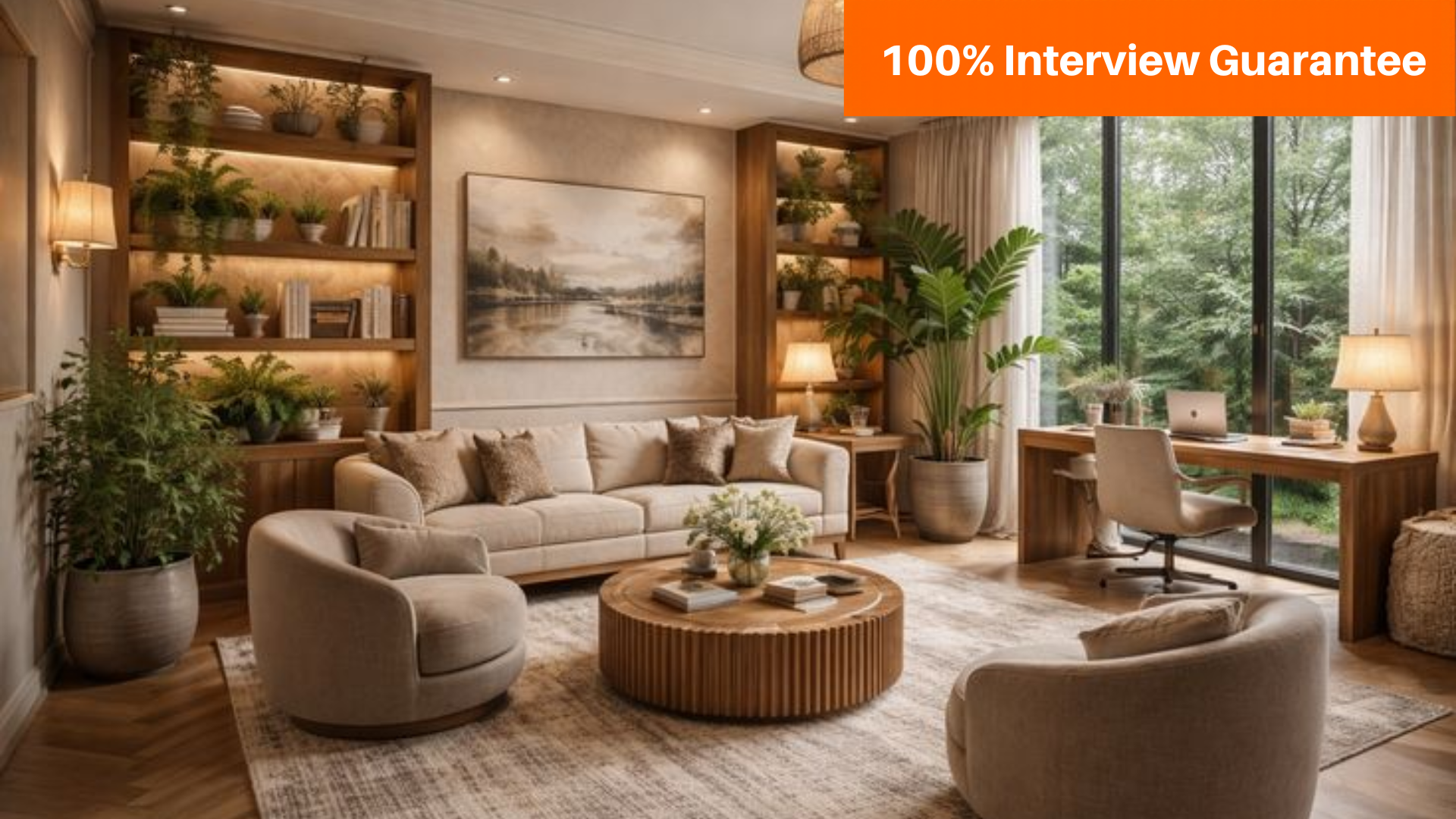
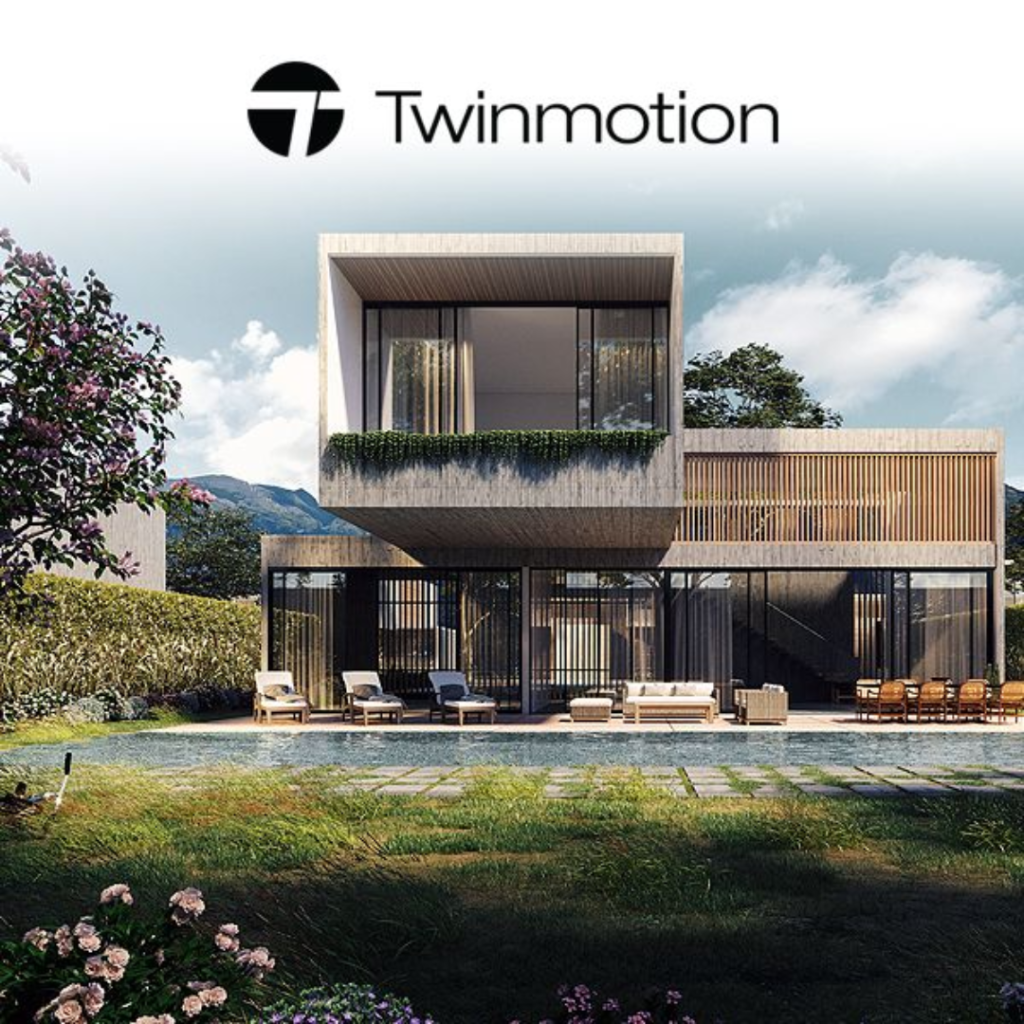
Modern two-story glass-and-concrete house with a poolside lounge area and landscaped garden; Twinmotion logo at top, indicating a digital architectural render.

About Twinmotion Course

A Twinmotion course is designed to teach users how to effectively use Twinmotion software for creating high-quality 3D visualisations and animations, primarily in architecture, urban planning, and design. Twinmotion is known for its real-time rendering capabilities, allowing users to quickly produce realistic visualizations and interactive presentations. To provide users with the skills needed to create detailed, photorealistic renderings and immersive animations using Twinmotion.  Architects, interior designers, urban planners, landscape architects, and design professionals. It’s also suitable for students and hobbyists interested in 3D visualization. The Twinmotion course provides valuable skills for creating professional-quality visualizations and animations, enhancing both your design presentations and career prospects in the field of 3D visualization. We are the best twinmotion training institute in Hyderabad.

Google-colorCreated with Sketch.

2300+

★★★★★ 4.8 Rating

10000+

Students Trained

100%

Placement Assistance

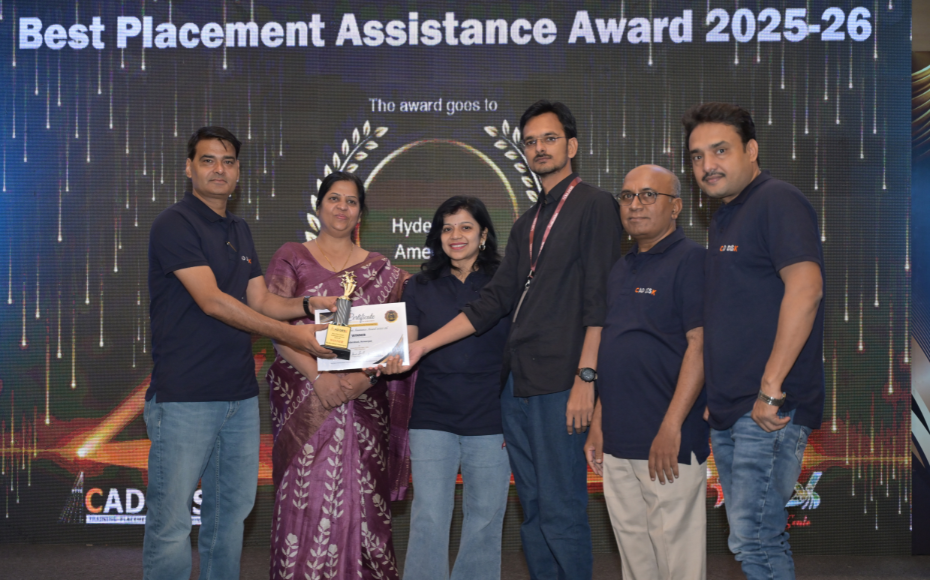
Six people on stage at an awards ceremony; a woman in a purple saree hands a trophy and certificate to a man while others pose nearby

WHY CHOOSE CADDESK

Build Your Design Career with Industry-Focused CAD Training

Student Login
ISO Certification + Autodesk Certification
Course materials
Placement Training
Life Time Technical Support

Advantages Of Twinmotion Course:

Real-Time Visualization & Presentation Training

Master Twinmotion, the powerful real-time visualization software used by architects, interior designers, engineers, and construction professionals to create immersive project presentations.

Create Stunning Renders, Walkthroughs & Animations

Learn to produce high-quality interior and exterior renders, animated walkthroughs, flythroughs, and virtual presentations with realistic lighting, materials, and environmental effects.

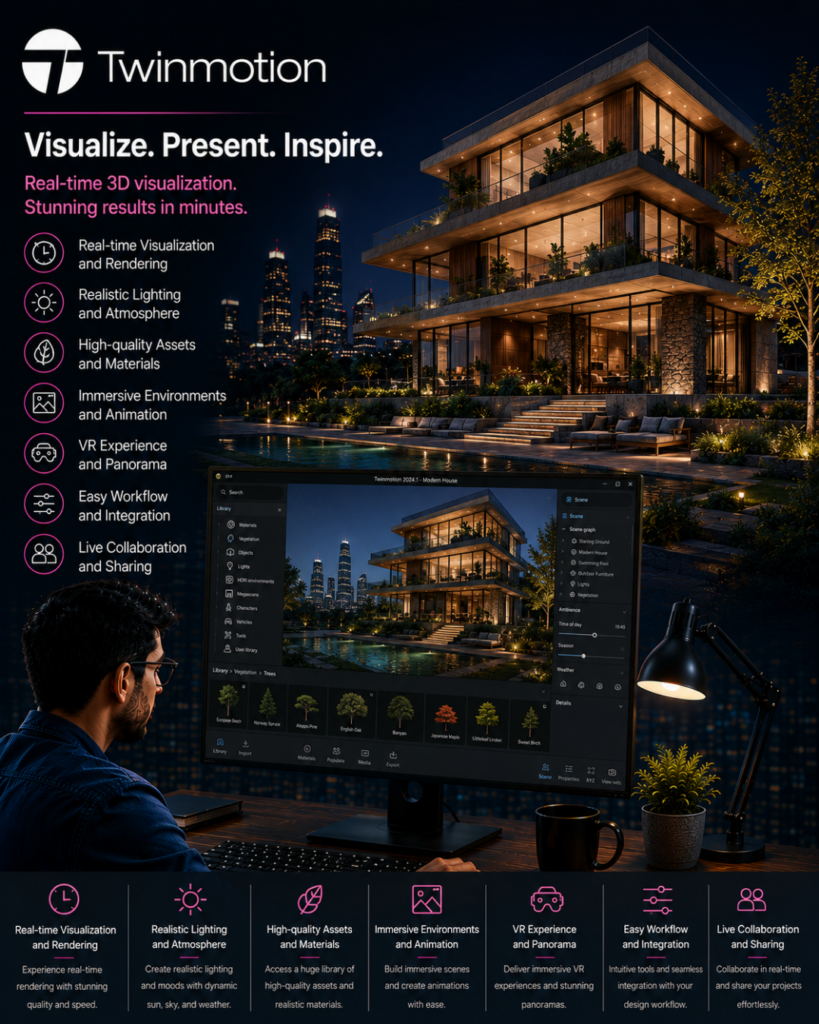
Twinmotion promo: a night-lit modern building with a designer at a desk viewing a 3D visualization on a monitor, featuring left- and bottom-side icons for key features.

Career-Focused Architectural Visualization Skills

Develop in-demand skills in architectural rendering, real-time visualization, BIM presentation, and 3D design communication required by leading architecture and construction firms.

Industry-Ready Visualization & BIM Workflows

Gain hands-on experience in scene creation, landscape design, animation, VR presentations, BIM integration, and client-focused visualization techniques for real-world projects.

Twinmotion Course Content

  • Introduction to Twinmotion
  • System Requirements
  • Download & Installation
  • Workflow Overview
  • Graphical User Interface (GUI)
  • Orbit, Pan & Look Around
  • Camera Speed Control
  • Viewport & Presenter Mode
  • View Menu
  • Path Tracer
  • Material Picker
  • Translate, Rotate & Scale
  • Local/World Orientation
  • Pivot Editing
  • Collision & Gravity Tools
  • Importing Models from SketchUp
  • AutoCAD Import
  • 3ds Max Import
  • Revit Import
  • Datasmith Exporter Workflow
  • New Scene Creation
  • Save & Incremental Save
  • Merge Projects
  • Resource Collector
  • Missing Files Management
  • Preferences
  • Containers & Sub-Containers
  • Object Replacement
  • Instance Management
  • User Library
  • Hierarchy Management
  • Nanite Conversion
  • Level of Detail (LOD)
  • Nanite Settings
  • Lighting Channels
  • Collision Settings
  • XYZ Tools
  • View Sets
  • Faces, Mirror, Merge & Split
  • Material Library
  • Custom User Library
  • Standard Materials
  • Colors & Luminosity
  • Texture Application
  • Roughness & Reflections
  • Glossy & Matte Finishes
  • PBR Workflow
  • Metallic Materials
  • Ambient Occlusion
  • Opacity & Emissive Materials
  • UV Mapping
  • Substance Materials
  • Tire Materials
  • Foliage & 3D Grass
  • Water Materials
  • Fabric Materials
  • Glass Materials
  • Car Paint Materials
  • Omnidirectional Lights
  • Spot Lights
  • Area Lights
  • IES Lights
  • Projector Lights
  • Paint Tool
  • Scatter Tool
  • Paths & Urban Assets
  • Environment Presets
  • Dynamic Sky Settings
  • Weather Effects
  • Clouds & Atmosphere
  • Camera Effects
  • Depth of Field
  • Composition Overlays
  • Standard Renderer
  • Lumen Renderer
  • Path Tracer Renderer
  • Global Illumination
  • Reflections & Shadows
  • FX Settings
  • LUTs & Color Grading
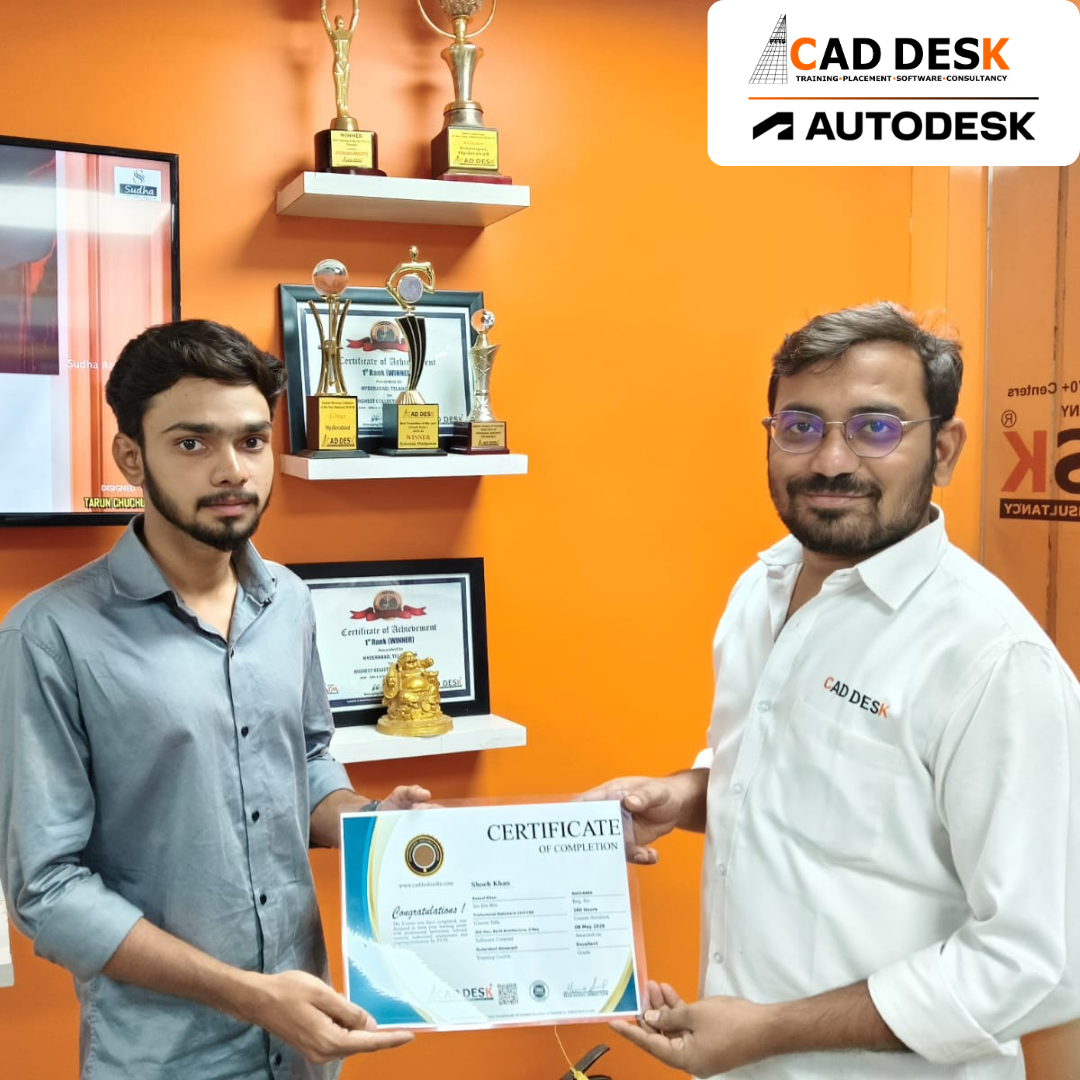
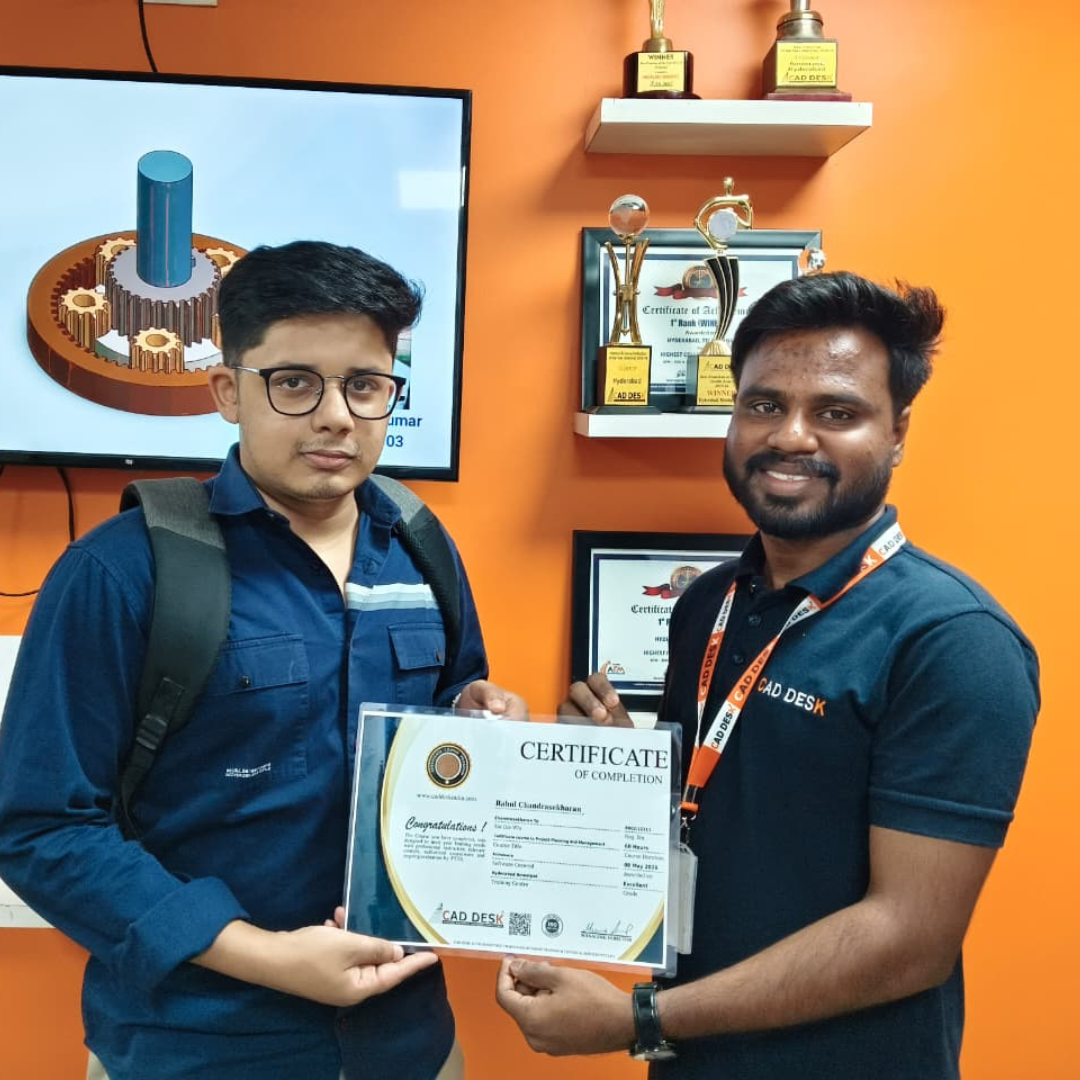
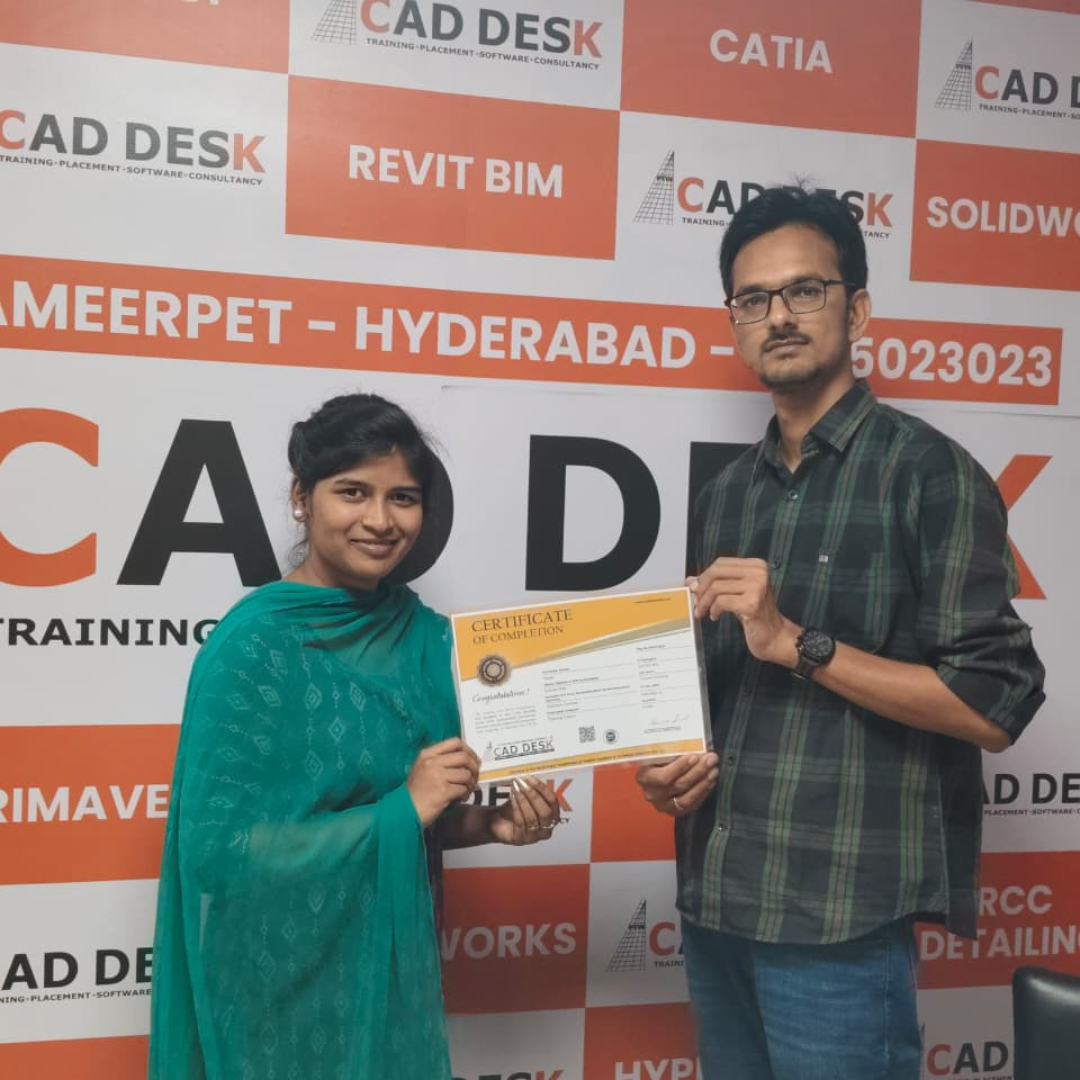
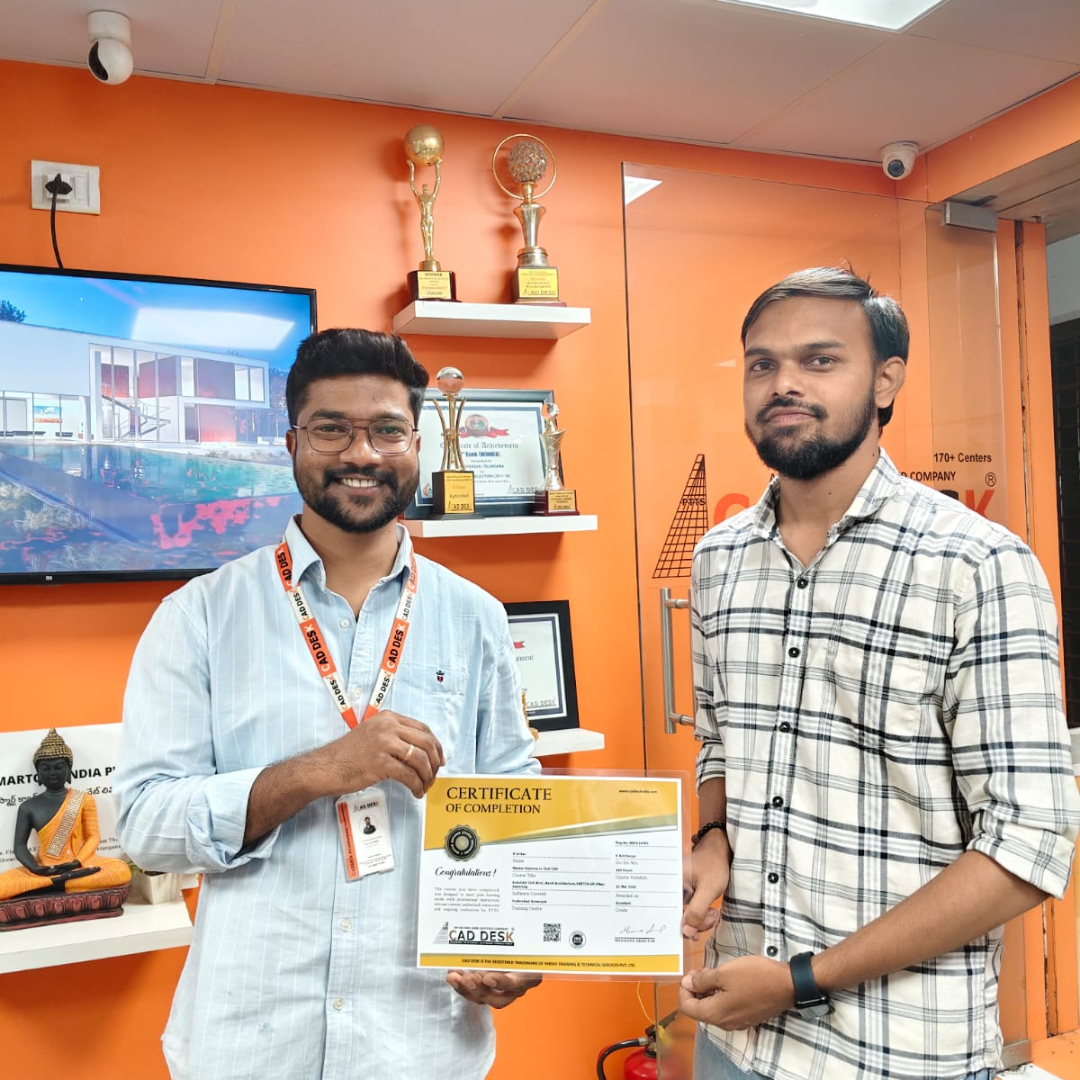
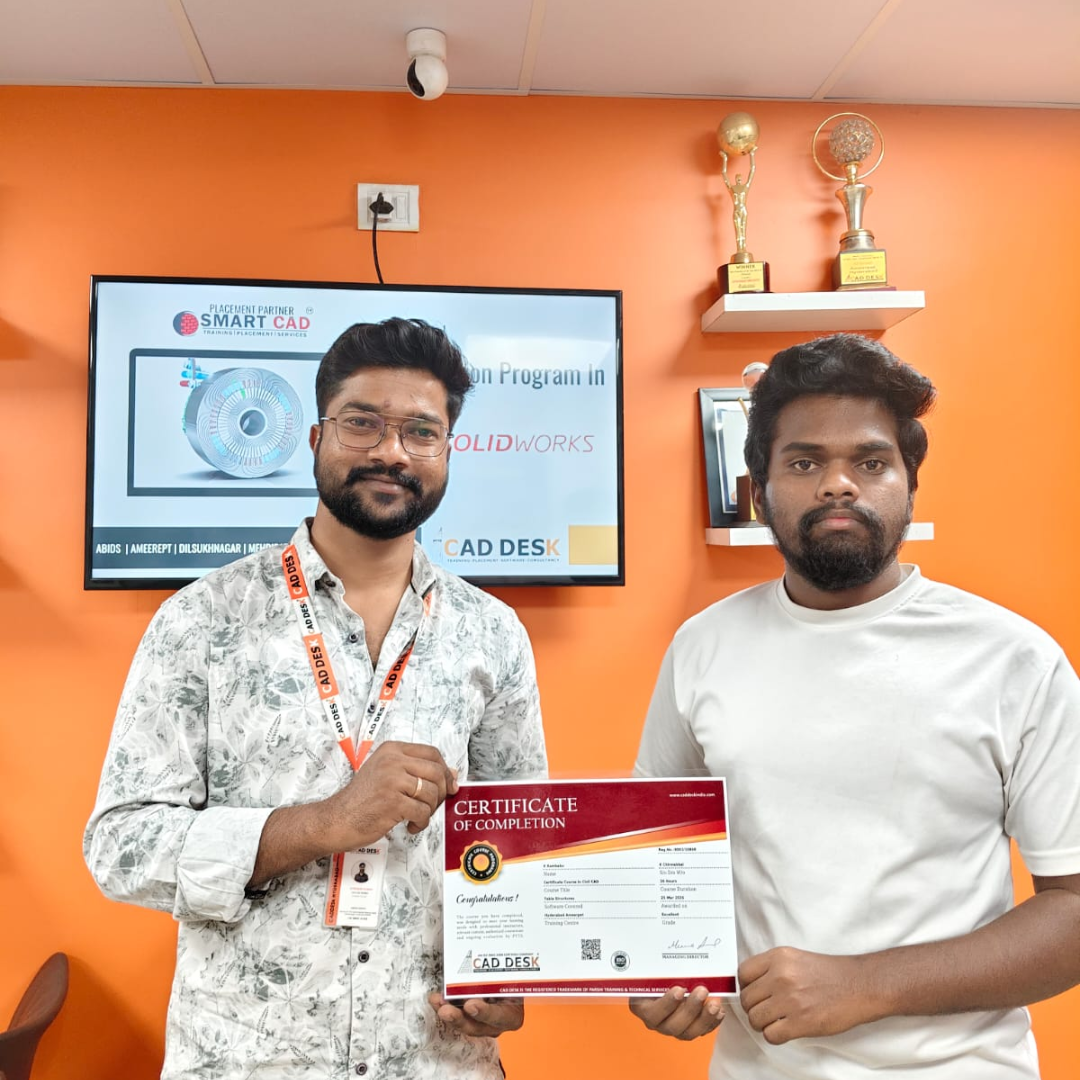
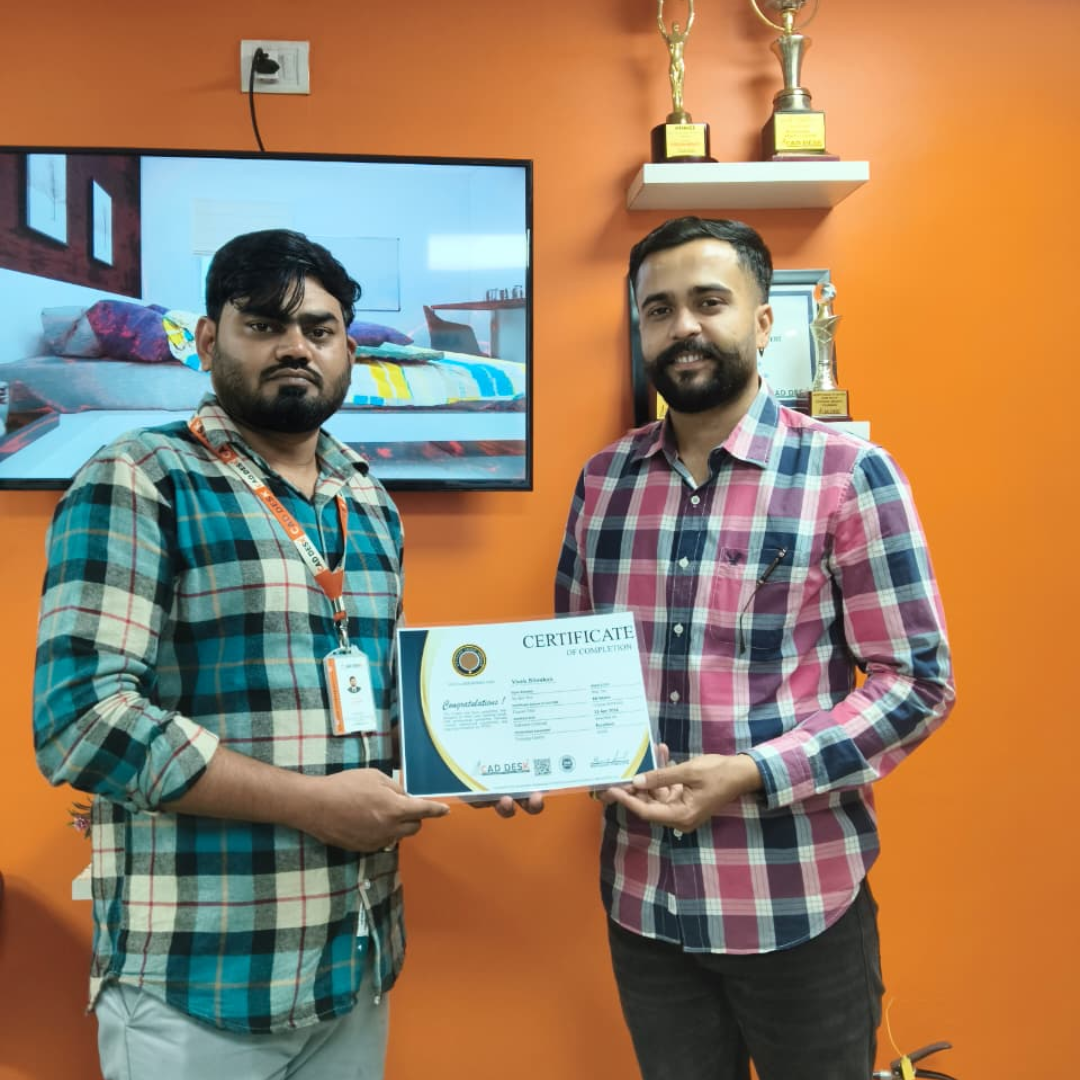
Two men exchange a certificate of completion in a bright orange office with trophy shelves; CAD DESK and Autodesk logos visible in the corner.

Course Includes

New Batches

Course NameStart DateTimingEnroll
Autocad15/06/202611:00 AMBook Slot
StaadPro15/06/202611:00 AMBook Slot
Enscape15/06/202604:00 PMBook Slot
Revit MEP15/06/202606:00 PMBook Slot
SketchUP15/06/202606:00 PMBook Slot
D5-Render15/06/202612:00 PMBook Slot
NX CAD15/06/202612:00 PMBook Slot
Solidworks15/06/202605:00 PMBook Slot
3DS Max15/06/202611:00 AMBook Slot
AutoCAD15/06/202606:00 PMBook Slot
Quantity Survey15/06/202608:00 PMBook Slot

Online Twinmotion Course:

Transform your architectural concepts into immersive visual experiences with the Online Twinmotion Course at Caddesk Hyderabad. Designed for architects, interior designers, civil engineers, and visualization professionals, our Online Twinmotion Training provides comprehensive knowledge of real-time rendering, lighting, materials, landscapes, animations, and walkthrough creation using industry-standard workflows. Through live online classes, practical assignments, and real-time projects, students gain hands-on experience in producing stunning interior and exterior visualizations for residential, commercial, and infrastructure projects. If you are searching for the best Online Twinmotion Course, Twinmotion Online Training, or professional Twinmotion Classes, Caddesk Hyderabad offers expert faculty, certification, and placement assistance to help you build a successful career in architectural visualization and 3D design.

Classroom Twinmotion Course:

Master real-time rendering and presentation techniques with the Classroom Twinmotion Course at Caddesk Hyderabad. Our instructor-led Classroom Twinmotion Training is specially designed for architecture students, civil engineers, interior designers, and working professionals who prefer practical classroom learning. The course covers materials, lighting, environment settings, animations, walkthroughs, landscapes, and photorealistic rendering through hands-on sessions and live projects. With experienced trainers, modern lab facilities, and personalized guidance, students develop industry-ready skills required for careers in architecture, interior design, and visualization. If you are looking for the best Twinmotion Course in Hyderabad, Twinmotion Training Institute, or professional Twinmotion Classes, Caddesk Hyderabad provides comprehensive training with certification and placement support.

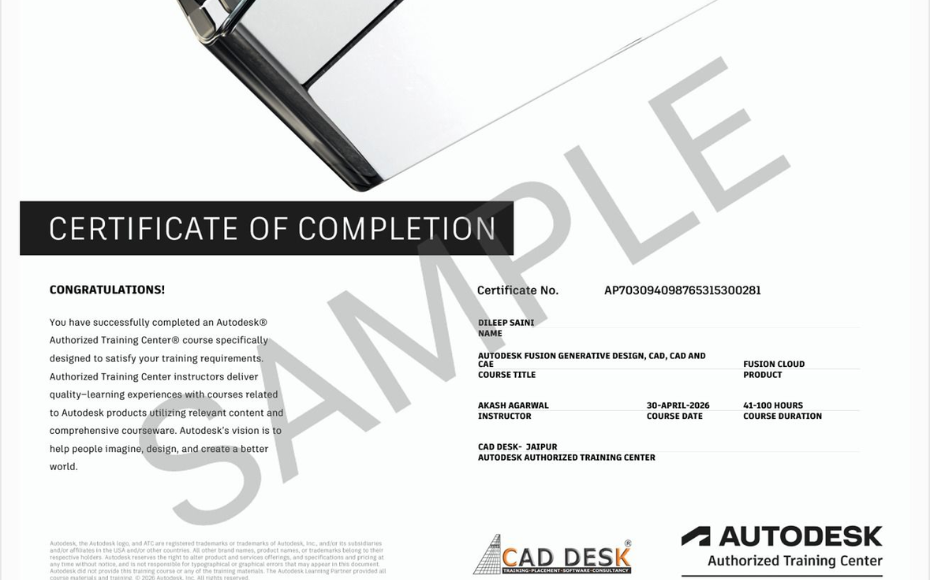
Earn Industry-Recognized Twinmotion Certification With Dual Certificate Benefits

Gain industry-recognized Twinmotion certification from CADDESK Hyderabad, an Autodesk Authorized Training Center, with dual certification benefits for better career opportunities.

Certificate of completion featuring a blue header, gold seal on the left, the word 'Congratulations', and multiple logos at the bottom (branding and seals).
Certificate of Completion with a bold black label and watermark sample across the page; includes logos of CAD Desk and Autodesk at the bottom (informational image).

Career Opportunities After Twinmotion Course In CADDESK Ameerpet Hyderabad

The demand for skilled Twinmotion professionals is rapidly growing across architecture, construction, interior design, civil engineering, and manufacturing industries.

Twinmotion Visualization Artist

₹2.5L – ₹5L

Architectural Visualizer

₹3L – ₹6L

Interior Design Visualizer

₹3L – ₹5.5L

3D Rendering Artist

₹3L – ₹6L

Walkthrough Animation Designer

₹3L – ₹5.5L

Landscape Visualization Artist

₹2.5L – ₹5L

Our Hiring Clients

QUESTIONS & ANSWERS

Frequently Asked Questions

Twinmotion is a real-time visualization and rendering software that allows users to create high-quality architectural presentations, animations, virtual tours, and immersive 3D experiences quickly and efficiently.


The course is suitable for:

  • Architecture students
  • Interior designers
  • Civil engineers
  • Urban planners
  • Landscape designers
  • BIM professionals
  • 3D visualization artists

No. Twinmotion is beginner-friendly and can be learned without prior rendering experience. Basic knowledge of 3D modeling software is helpful.

A basic understanding of architecture, interior design, or 3D modeling concepts is beneficial but not mandatory.

The course typically covers:

  • Twinmotion interface and navigation
  • Model import and synchronization
  • Materials and textures
  • Lighting and environmental settings
  • Landscaping and vegetation tools
  • Animation creation
  • Walkthroughs and flythroughs
  • Rendering and export settings
  • VR presentations
  • Real-time visualization workflows

Twinmotion supports integration with:

  • AutoCAD
  • Revit
  • SketchUp
  • Archicad
  • 3ds Max

Yes. Twinmotion is widely used for creating realistic architectural presentations, building walkthroughs, and project visualizations.

Yes. Twinmotion supports both interior and exterior rendering with realistic materials, lighting, weather effects, and environmental settings.

Yes. Twinmotion provides real-time rendering, allowing users to instantly visualize design changes.

Yes. Users can create animated walkthroughs, flythroughs, presentations, and cinematic videos for client demonstrations.

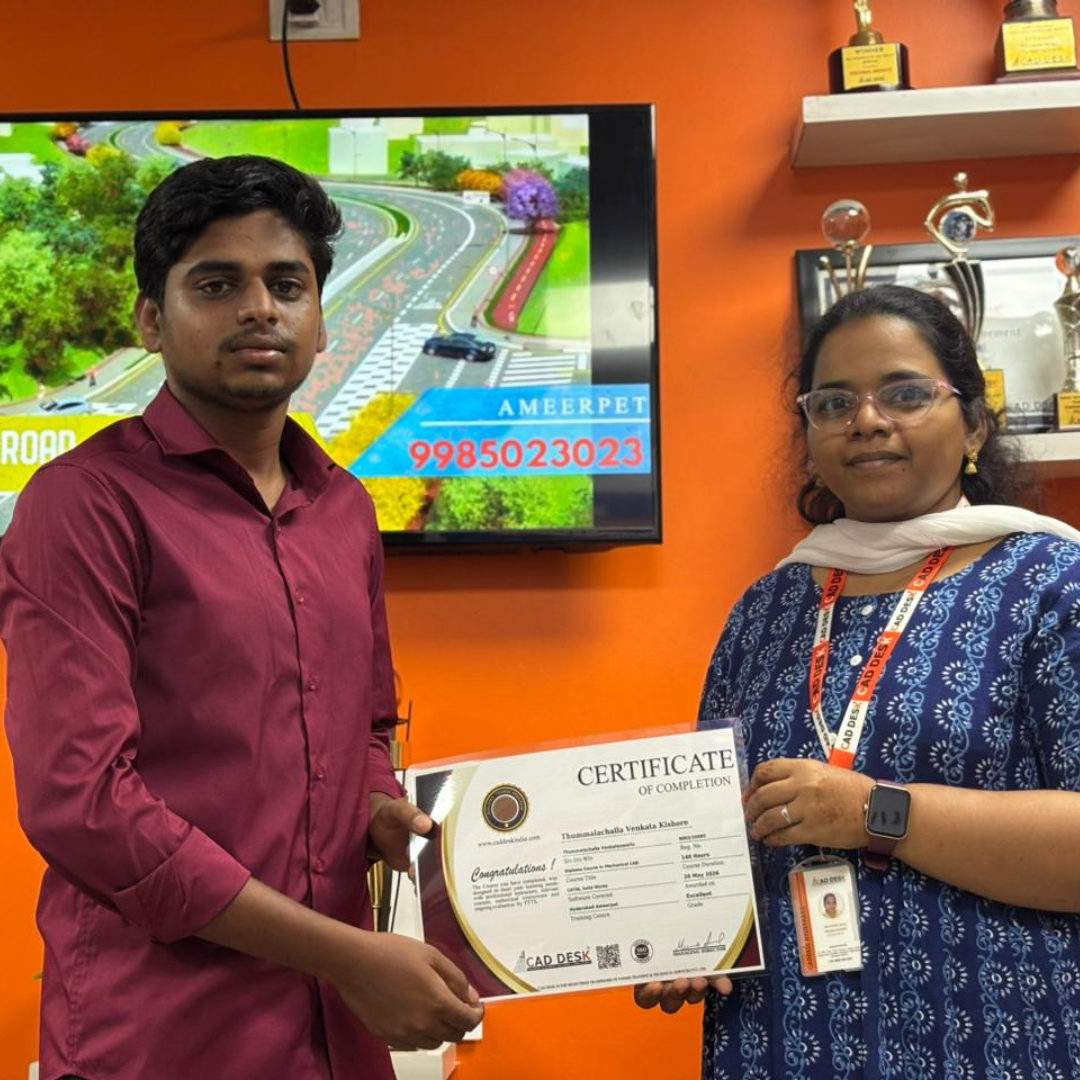
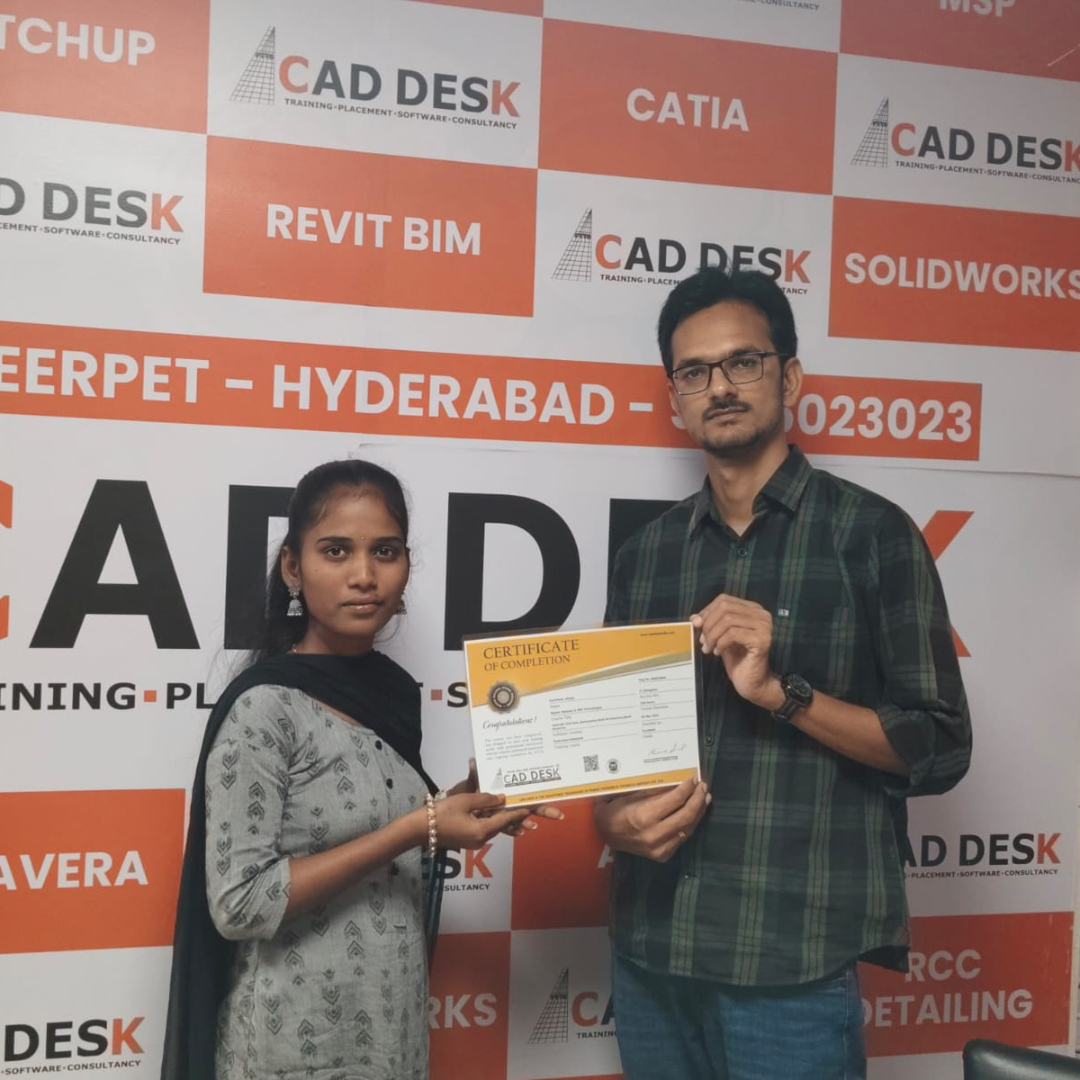
Our Certified Students

Our Student Testimonials

Google-colorCreated with Sketch.

2300+

★★★★★ 4.8 Rating

Explore Related Courses

Banner announcing students placed in campus drive, showing five student headshots with colored blocks and logos for CAD DESK and JWIL.

Confused about choosing a course? Fill the form and get a free counselling session.