








Industry Focused Training

Vray Training Institute In Hyderabad

Design Your Skills Draft Your Future

Learn Vray From Industry Experts With Practical Projects And Placement Focused Training, Build The Skills That Companies are Hiring For.

Google-colorCreated with Sketch.

4.9/5 ⭐

2.6k+ Reviews Google Rating

10000+

Students Trained

97%

Placement Rate

Get A Free Consultation

Fill the Form Our Counselor will Contact you within 24Hours

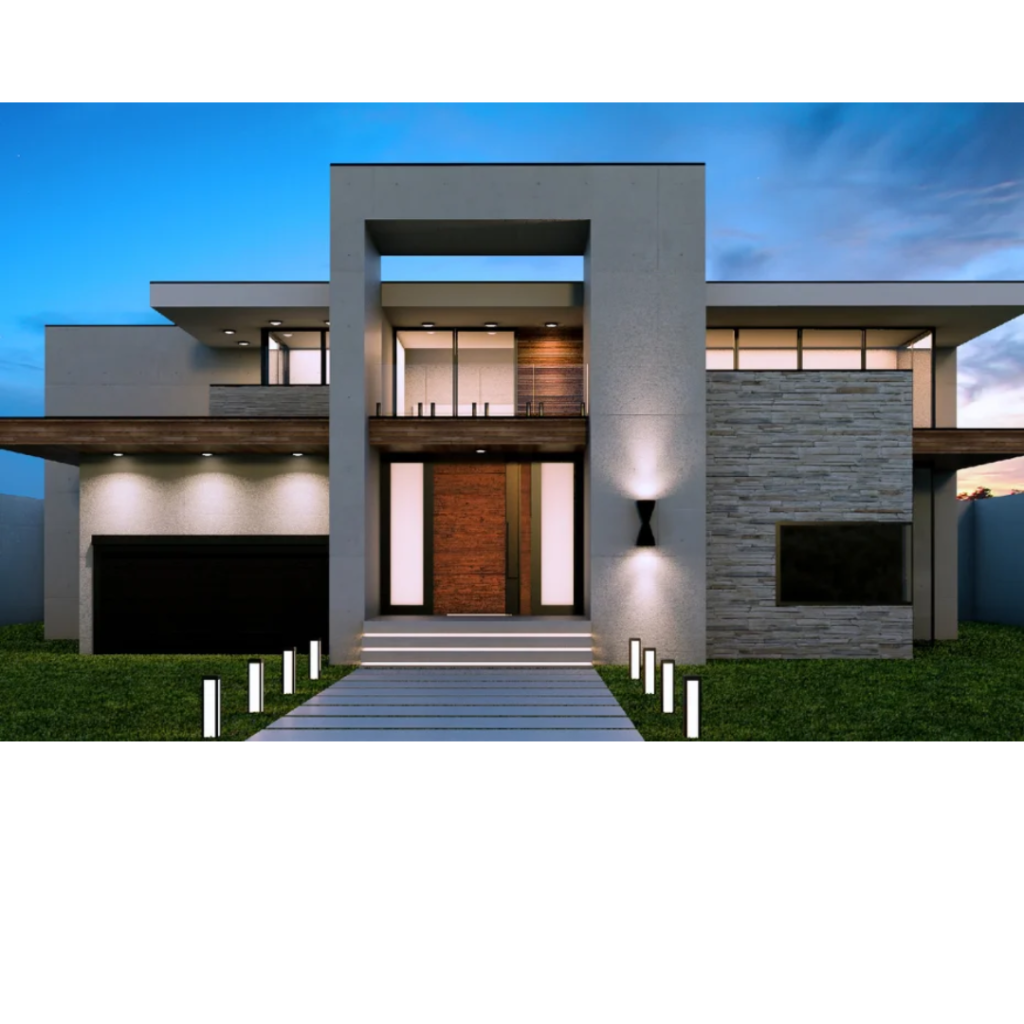
Modern two-story house with concrete and stone facade, illuminated entry, and a lined walkway at dusk.

About Vray Course

Vray is a powerful tool used by architects, designers, and artists for creating high-quality 3D visualizations. A Vray course will teach students how to create photorealistic images and animations using Vray’s advanced lighting, materials, and rendering tools. Students will learn the basics of Vray and how to set up a scene, adjust lighting, apply textures, and render final images. They will also learn advanced techniques for fine-tuning and optimizing their renders. A Vray course is ideal for anyone looking to improve their 3D visualization skills and create high-quality, professional-grade images and animations for use in architecture, interior design, product design, and more. With the help of a Vray course, students can take their 3D visualization skills to the next level and create stunning visualizations that stand out from the crowd.

Google-colorCreated with Sketch.

2300+

★★★★★ 4.8 Rating

10000+

Students Trained

100%

Placement Assistance

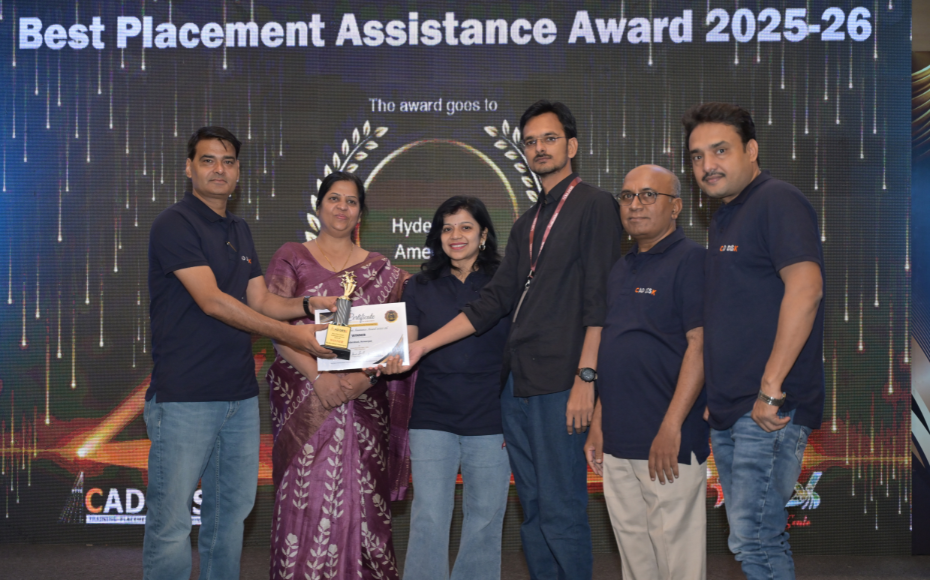
Six people on stage at an awards ceremony; a woman in a purple saree hands a trophy and certificate to a man while others pose nearby

WHY CHOOSE CADDESK

Build Your Design Career with Industry-Focused CAD Training

Student Login
ISO Certification + Autodesk Certification
Course materials
Placement Training
Life Time Technical Support

Advantages Of Vray Course:

Learning industry standard software: Vray is widely used in the visual effects and animation industry, and learning it can enhance your career opportunities in fields such as architecture, interior design, and film

Photorealistic Rendering Expertise

Master V-Ray, the industry-leading rendering software used by architects, interior designers, and visualization professionals to create stunning photorealistic images and animations.

Transform 3D Models into Realistic Visuals

Learn to apply materials, textures, lighting, and camera settings to produce high-quality renders that bring design concepts to life.

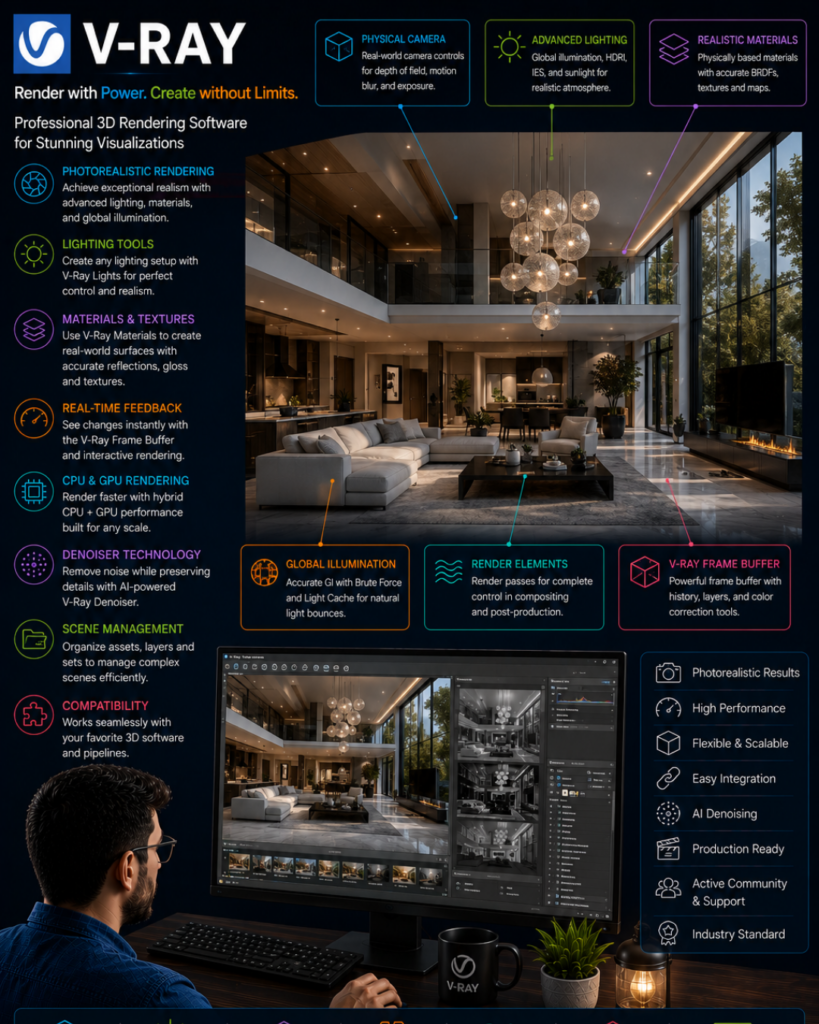
V-Ray product infographic highlighting features like photorealistic rendering, lighting tools, materials and textures, real-time feedback, CPU/GPU rendering, denoiser, and render elements around a modern living room render, with a designer at a workstation evaluating the scene.

High-Demand Visualization Skill

V-Ray skills are highly valued in architecture, interior design, product visualization, real estate marketing, and 3D animation industries.

Advanced Lighting & Material Techniques

Develop expertise in realistic lighting, material creation, HDRI environments, render optimization, and post-production workflows for professional-quality outputs.

Vray Course Content

  • Faculty/student interaction
  • Introduction to V-Ray
  • System requirements
  • Software download and installation
  • SketchUp graphical user interface
  • V-Ray for SketchUp toolbar
  • V-Ray basic workflow
  • Asset Editor interface
  • Generic/Diffuse materials
  • Applying materials
  • Saving, loading, and purging assets
  • Interactive and non-interactive rendering
  • Bitmap textures
  • Color concepts
  • Texture coordinates
  • Tri-planar projection
  • Spherical projection
  • Reflection and refraction concepts
  • Glossiness, BRDF, IOR, Fresnel
  • Clear, frosted, reflective, tinted, gradient, stained, textured glass
  • Water material
  • Uniform and mapped reflection
  • Flooring reflection maps
  • Gold, silver, copper, aluminium, chrome, iron, titanium, etc.
  • Brushed metal
  • Plastic and ceramic materials
  • Chaos Cosmos models
  • V-Ray inbuilt materials
  • Bitmap, checker, falloff, gradient, marble, noise, tiles
  • V-Ray 2-Sided, Blend, Bump, Wrapper
  • Car Paint, Fast SSS2, Flakes, Override, Emissive
  • Bump, normal, displacement maps
  • PBR textures
  • V-Ray object toolbar
  • V-Ray displacement
  • V-Ray proxy
  • V-Ray fur
  • Infinite plane
  • V-Ray clipper, decal, scatter, enmesh
  • Camera settings: aperture, shutter speed, safe frame
  • Natural and artificial lighting
  • V-Ray light toolbar
  • Sun and sky parameters
  • Dome light and HDRI
  • Environment and effects
  • Rectangle, disc, sphere, mesh, omni, spot, and IES lights
  • Light Gen
  • 360-degree panorama
  • V-Ray quick settings
  • Test and final render settings
  • V-Ray Frame Buffer
  • Render history and render region
  • Image sampling, noise threshold, color mapping
  • Global illumination
  • Denoiser, Light Mix, Ambient Occlusion
  • Render elements for Photoshop
  • Interior day/night rendering project
  • Exterior day/night rendering project
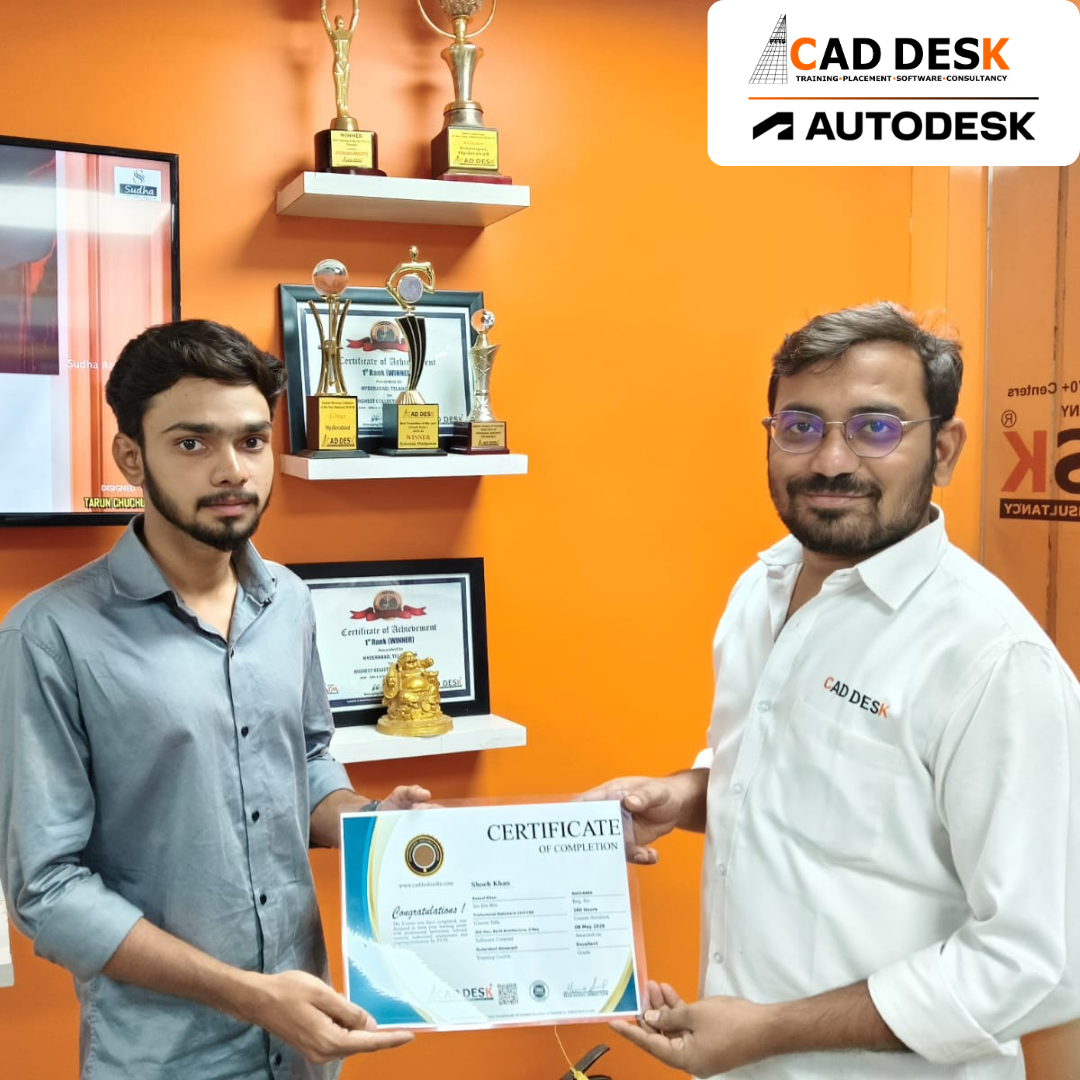
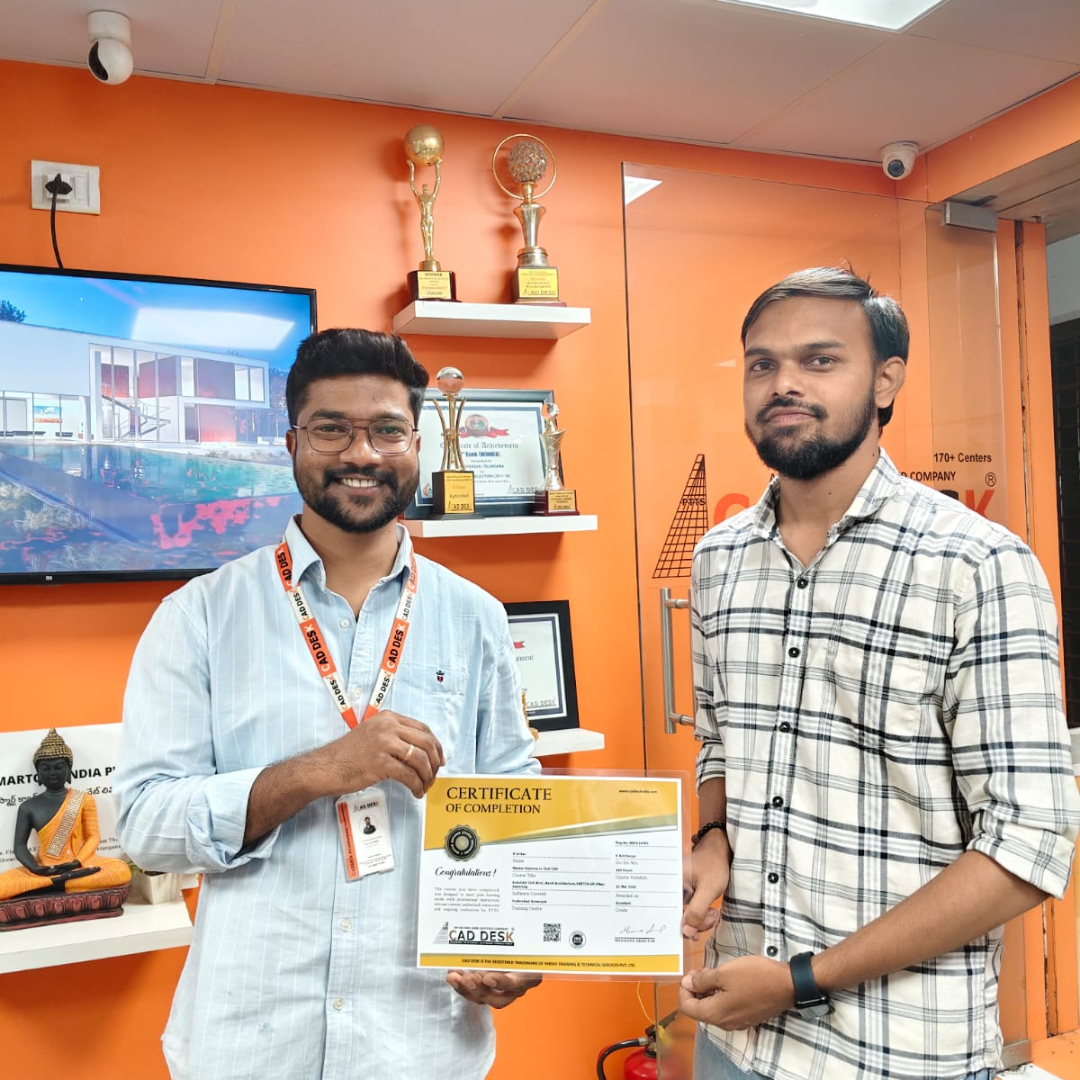
Two men exchange a certificate of completion in a bright orange office with trophy shelves; CAD DESK and Autodesk logos visible in the corner.

Course Includes

New Batches

Course NameStart DateTimingEnroll
Autocad15/06/202611:00 AMBook Slot
StaadPro15/06/202611:00 AMBook Slot
Enscape15/06/202604:00 PMBook Slot
Revit MEP15/06/202606:00 PMBook Slot
SketchUP15/06/202606:00 PMBook Slot
D5-Render15/06/202612:00 PMBook Slot
NX CAD15/06/202612:00 PMBook Slot
Solidworks15/06/202605:00 PMBook Slot
3DS Max15/06/202611:00 AMBook Slot
AutoCAD15/06/202606:00 PMBook Slot
Quantity Survey15/06/202608:00 PMBook Slot

Online Vray Course:

Create stunning photorealistic renders from anywhere with the Online V-Ray Course at Caddesk Hyderabad. Our comprehensive Online V-Ray Training is designed for architects, interior designers, civil engineers, 3D artists, and students who want to master professional rendering techniques through flexible online learning. The course covers V-Ray materials, lighting, cameras, textures, global illumination, and rendering workflows for SketchUp and 3ds Max. Through live interactive classes, practical assignments, and real-time projects, students gain the skills required to produce high-quality interior and exterior visualizations. If you are searching for the best Online V-Ray Course in Hyderabad, V-Ray Online Training, or professional V-Ray Online Classes, Caddesk Hyderabad offers expert guidance, certification, and placement assistance to help you advance your career in architectural visualization and 3D design.

Classroom Vray Course:

Transform your 3D models into realistic visual presentations with the Classroom V-Ray Course in Hyderabad at Caddesk Hyderabad. This industry-oriented V-Ray Training provides hands-on experience in rendering techniques used by architects, interior designers, and visualization professionals. Students learn advanced concepts such as materials, textures, lighting, cameras, environment settings, and rendering optimization through practical sessions and live projects. With experienced trainers, modern lab facilities, and personalized attention, our Classroom V-Ray Course helps learners build industry-ready skills for architectural and interior visualization. If you are looking for the best V-Ray Course in Hyderabad, V-Ray Training Institute in Hyderabad, or professional V-Ray Classes, Caddesk Hyderabad provides quality training with certification and placement support.
:::

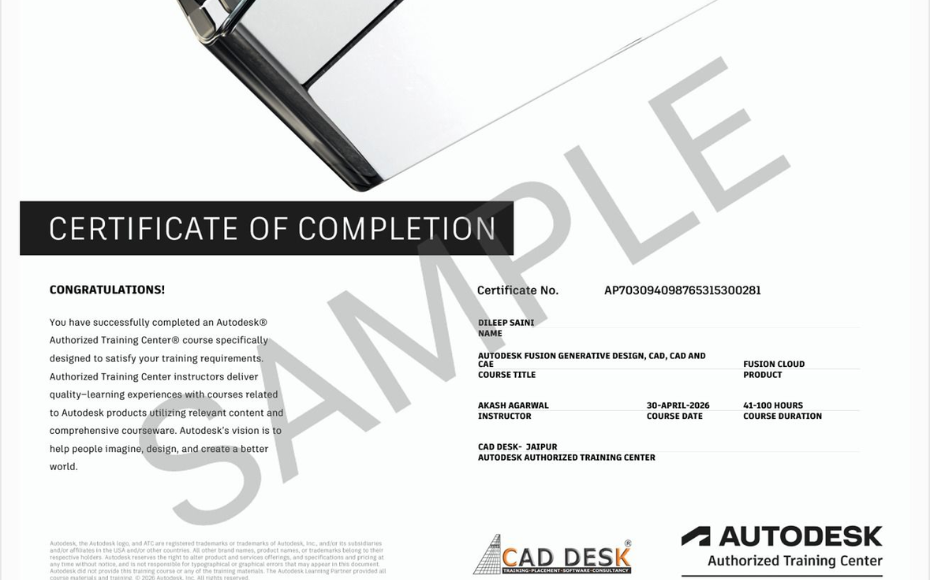
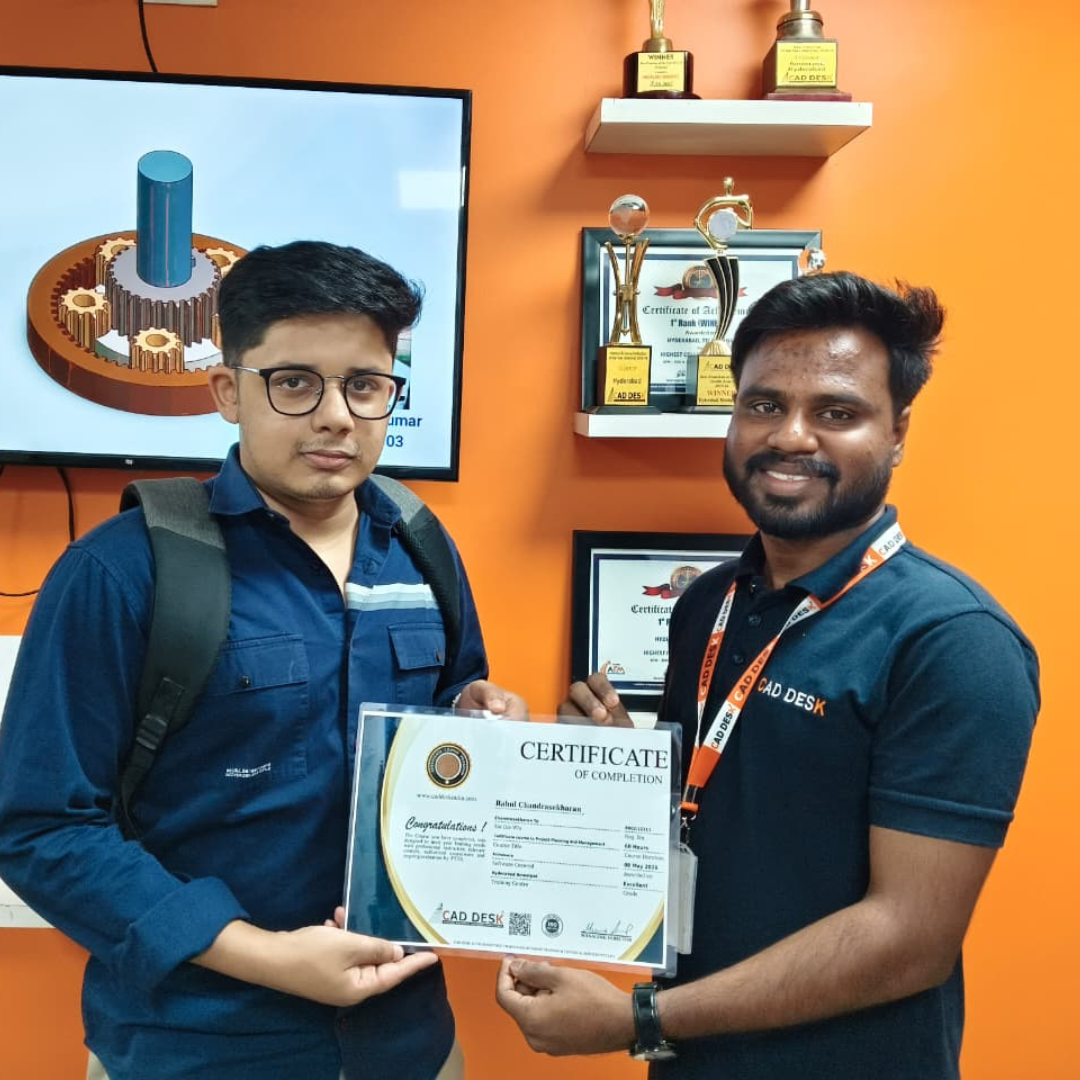
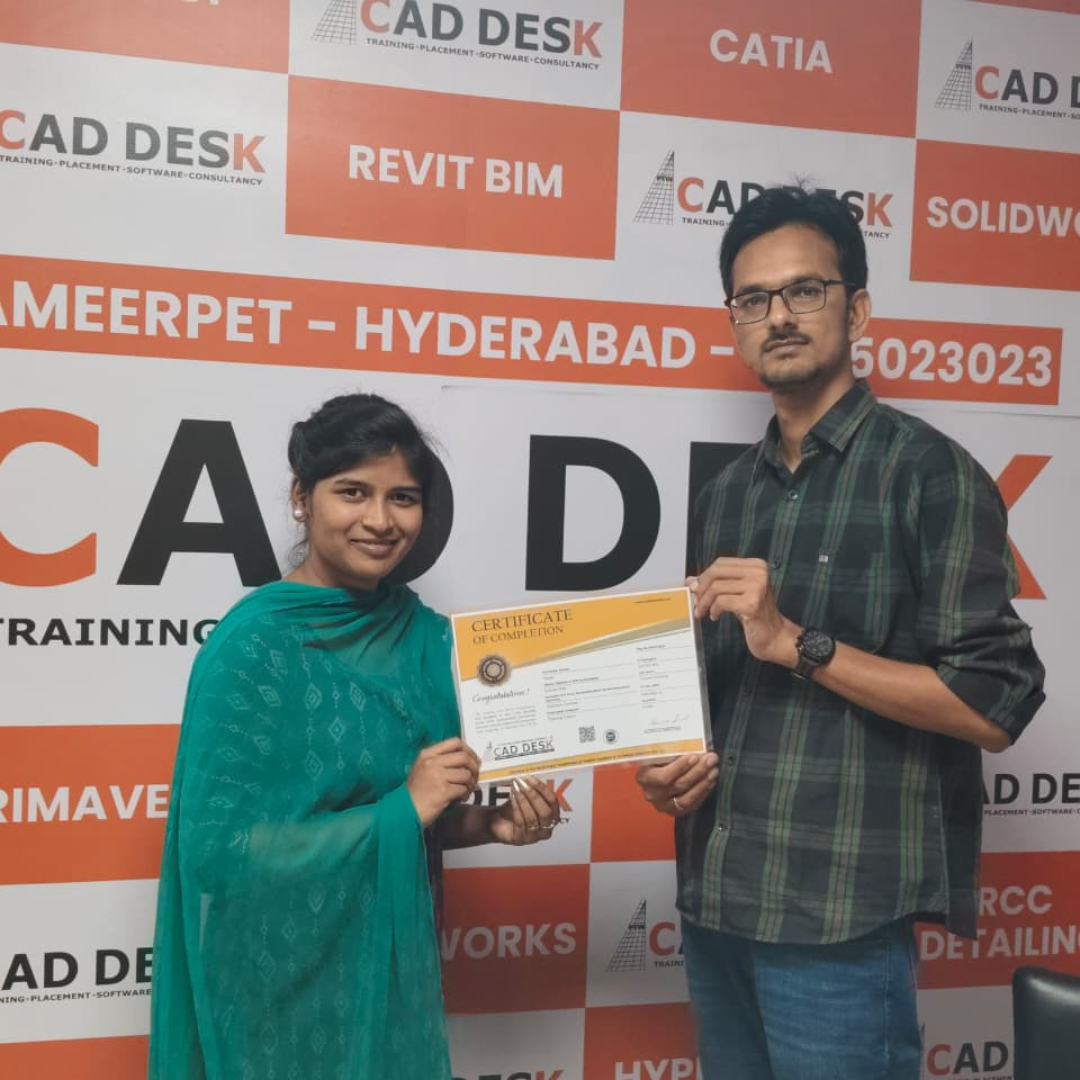
Earn Industry-Recognized Vray Certification With Dual Certificate Benefits

Gain industry-recognized Vray certification from CADDESK Hyderabad, an Autodesk Authorized Training Center, with dual certification benefits for better career opportunities.

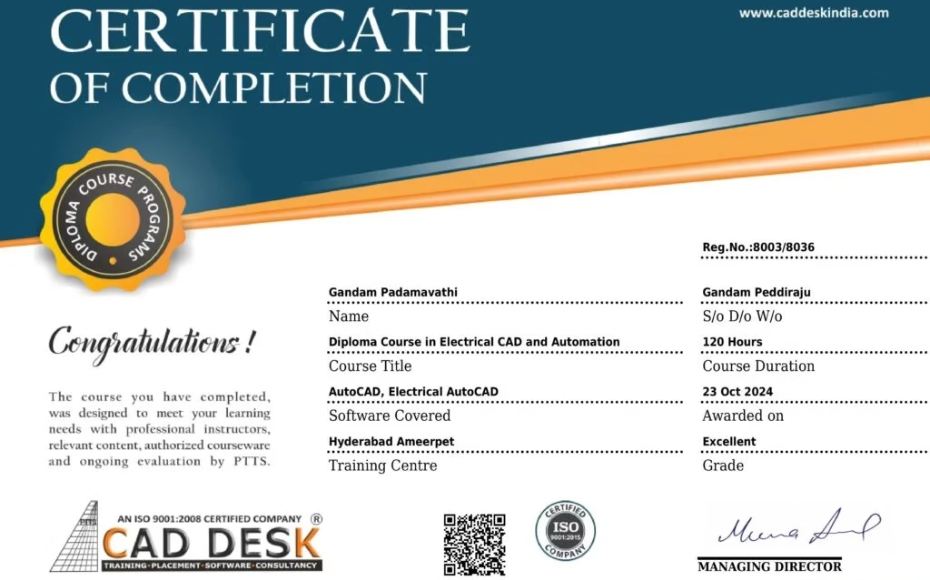
Certificate of completion featuring a blue header, gold seal on the left, the word 'Congratulations', and multiple logos at the bottom (branding and seals).
Certificate of Completion with a bold black label and watermark sample across the page; includes logos of CAD Desk and Autodesk at the bottom (informational image).

Career Opportunities After Vray Course In CADDESK Ameerpet Hyderabad

The demand for skilled Vray professionals is rapidly growing across architecture, construction, interior design, civil engineering, and manufacturing industries.

Walkthrough & Rendering Artist

₹3 LPA – ₹5.5 LPA

Architectural Presentation Specialist

₹3 LPA – ₹5 LPA

Real Estate Visualization Artist

₹3 LPA – ₹6 LPA

Visualization Designer

₹3 LPA – ₹5.5 LPA

Interior & Exterior Rendering Artist

₹2.8 LPA – ₹5.5 LPA

3D Visualizer

₹3 LPA – ₹5.5 LPA

Our Hiring Clients

QUESTIONS & ANSWERS

Frequently Asked Questions

V-Ray is a professional rendering software used to create highly realistic images and visualizations for architectural, interior, and product design projects.

This course is ideal for architects, interior designers, 3D artists, civil engineers, visualization professionals, and students looking to improve their rendering skills.

You will learn lighting techniques, materials, textures, cameras, rendering settings, scene optimization, and photorealistic visualization workflows.

Basic knowledge of software such as SketchUp, 3ds Max, or similar 3D applications is beneficial but not mandatory.

V-Ray transforms 3D models into realistic images with accurate lighting, shadows, reflections, and materials, making presentations more professional and convincing.

Yes. The course covers rendering techniques for both interior spaces and exterior architectural projects.

Students learn natural daylight lighting, artificial lighting setups, HDRI environments, and advanced illumination methods.

Yes. The course starts with the fundamentals and gradually introduces advanced rendering concepts and workflows.

V-Ray skills are highly valued in architecture, interior design, construction visualization, product design, and freelance rendering services.

Yes. The course teaches how to achieve high-quality renders while reducing rendering time and improving workflow efficiency.

Our Certified Students

Our Student Testimonials

Google-colorCreated with Sketch.

2300+

★★★★★ 4.8 Rating

Explore Related Courses

Banner announcing students placed in campus drive, showing five student headshots with colored blocks and logos for CAD DESK and JWIL.

Confused about choosing a course? Fill the form and get a free counselling session.