

















Industry Focused Training

AutoCAD MEP Training Institute In Hyderabad

Design Your Skills Draft Your Future

Learn AutoCAD MEP From Industry Experts With Practical Projects And Placement Focused Training, Build The Skills That Companies are Hiring For.

Google-colorCreated with Sketch.

4.9/5 ⭐

2.6k+ Reviews Google Rating

10000+

Students Trained

97%

Placement Rate

Get A Free Consultation

Fill the Form Our Counselor will Contact you within 24Hours

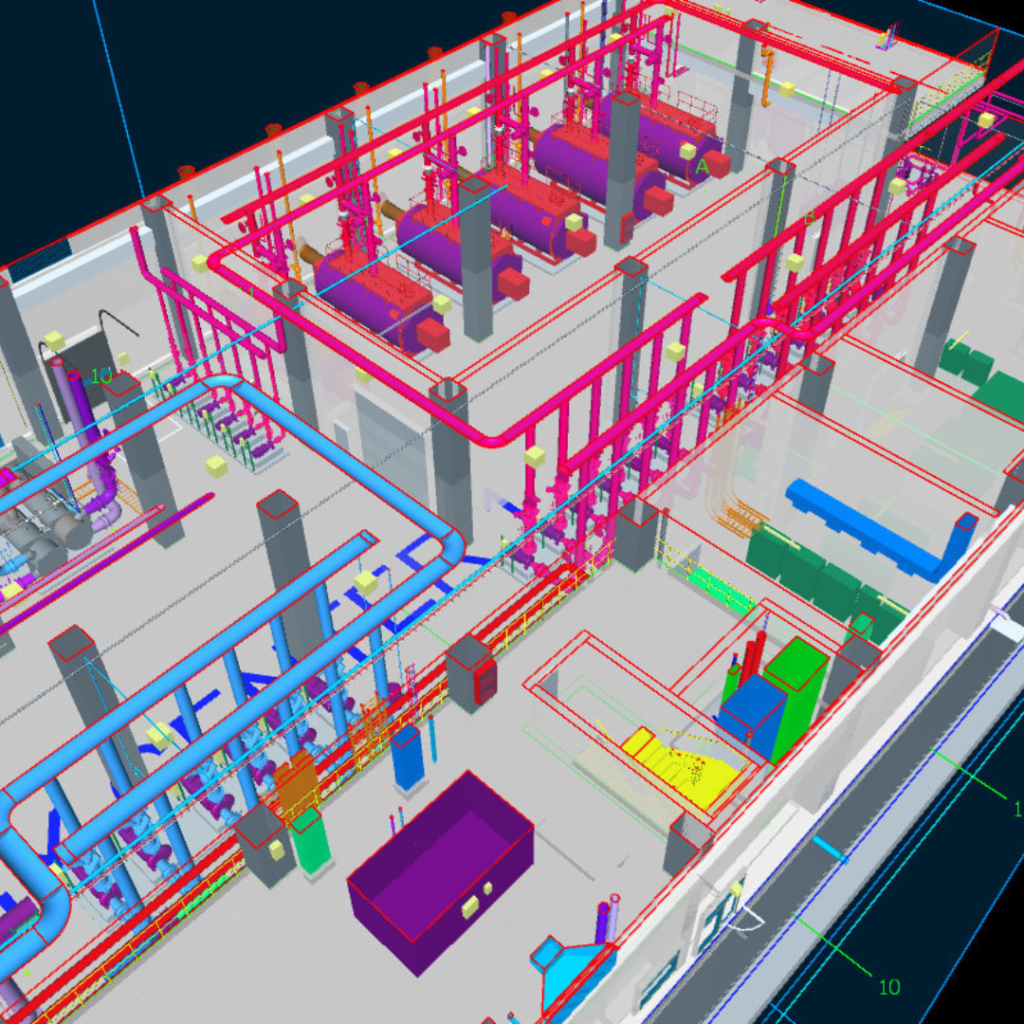
3D isometric rendering of an industrial plant with colorful pipes, tanks, and machinery across multiple levels and areas.

About Autocad MEP Course

The AutoCAD MEP Course is designed to help students and professionals learn how to create accurate Mechanical, Electrical, and Plumbing (MEP) drawings using AutoCAD software. It is one of the most in-demand skills in the construction, interior design, and building services industry. In this course, you will learn how to design and draft building systems such as HVAC layouts, electrical wiring plans, and plumbing systems with precision. The training focuses on both basic and advanced concepts, making it suitable for beginners as well as working professionals. AutoCAD MEP helps engineers and designers improve productivity by providing specialized tools for MEP drafting, reducing manual work, and increasing accuracy in project designs. AutoCAD MEP training institute in Hyderabad.

Google-colorCreated with Sketch.

2300+

★★★★★ 4.8 Rating

10000+

Students Trained

100%

Placement Assistance

Six people on stage at an awards ceremony; a woman in a purple saree hands a trophy and certificate to a man while others pose nearby

WHY CHOOSE CADDESK

Build Your Design Career with Industry-Focused CAD Training

Student Login
ISO Certification + Autodesk Certification
Course materials
Placement Training
Life Time Technical Support

Advantages Of Autocad MEP Course:

The AutoCAD MEP course offers several advantages for students and professionals who want to build a career in the construction and design industry. It helps in developing specialized skills in mechanical, electrical, and plumbing drafting, which are highly in demand in today’s job market. With AutoCAD MEP, users can create accurate and efficient building system designs, reducing errors and saving time in project execution. The course provides hands-on training with real-time projects, improving practical knowledge and confidence.

Specialized MEP Design & Drafting Software

Master AutoCAD MEP, the industry-focused software used by MEP engineers and consultants for designing, drafting, and documenting mechanical, electrical, and plumbing systems.

Intelligent Building Services Design

Learn to create accurate HVAC layouts, electrical systems, plumbing networks, ducting plans, piping designs, and coordinated building service drawings efficiently.

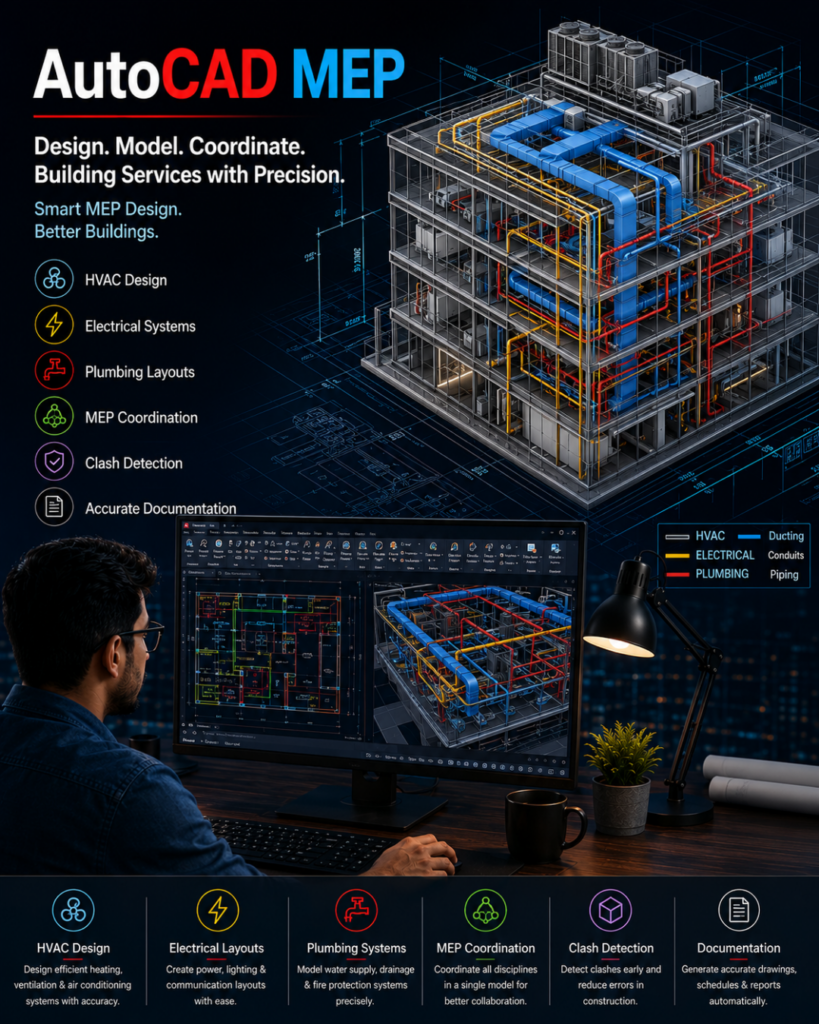
Infographic poster for AutoCAD MEP showing a 3D building with color‑coded HVAC, electrical and plumbing lines, plus a designer at a workstation reviewing CAD diagrams; feature icons and service list along the sides and bottom.

High-Demand MEP Engineering Skill

Develop expertise valued by MEP consulting firms, construction companies, BIM organizations, facility management companies, and infrastructure projects worldwide.

Industry-Ready MEP Documentation & Coordination

Gain practical knowledge in MEP drafting, system coordination, schematic design, construction documentation, clash detection, and project-based workflow management for real-world applications.

Autocad MEP Course Content

  • Overview of MEP concepts
  • AutoCAD MEP interface & tools
  • Project setup and workspace
  • Drawing basics and navigation
  • 2D drawing tools (Line, Circle, Arc, etc.)
  • Modify tools (Move, Copy, Rotate, Trim, Extend)
  • Layers, colors & line types
  • Text, dimensions & annotations
  • Introduction to HVAC systems
  • Types of HVAC Systems
  • Heat Load Calculation – HAP (Hourly Analysis Programme)
  • Selection Machines
  • Air distribution systems
  • Air Terminals
  • Duct – Types, Shape Accessories & Fittings
  • Ducting layout design
  • Chilled Water pipe layout
  • HVAC symbols and standards
  • Electrical system fundamentals
  • Lighting Load Calculation
  • Power load Calculation
  • Transformer Size calculation
  • Generator size calculation
  • Wiring diagrams and layouts
  • Lighting design and circuiting
  • Panel board design
  • Basics of plumbing systems
  • Water supply (cold & hot ) and drainage layouts
  • Pipe routing and fittings
  • Pump head calculation
  • Storage tank Calculation
  • Plumbing symbols and standards
  • MEP tool palettes and libraries
  • Creating and editing components
  • Clash detection basics
  • Heat Load Calculation – HAP
  • Air terminal size Calculation – Beta Software
  • Duct Size Calculation – McQuey Duct Sizer
  • Pipe Size Calculation – McQuey Pipe Size
  • Ligth Load Calculation – Dialux & Master Converter
  • Coordination between MEP systems
  • Real-time MEP project
  • Complete building layout design
  • HVAC, electrical & plumbing integration
  • Project submission and review
  • Layouts and plotting
  • Printing and sheet setup
  • Creating professional drawings
  • Bill of Materials & Schematics Draws
  • Project documentation
Two men exchange a certificate of completion in a bright orange office with trophy shelves; CAD DESK and Autodesk logos visible in the corner.

Course Includes

New Batches

Course NameStart DateTimingEnroll
Autocad15/06/202611:00 AMBook Slot
StaadPro15/06/202611:00 AMBook Slot
Enscape15/06/202604:00 PMBook Slot
Revit MEP15/06/202606:00 PMBook Slot
SketchUP15/06/202606:00 PMBook Slot
D5-Render15/06/202612:00 PMBook Slot
NX CAD15/06/202612:00 PMBook Slot
Solidworks15/06/202605:00 PMBook Slot
3DS Max15/06/202611:00 AMBook Slot
AutoCAD15/06/202606:00 PMBook Slot
Quantity Survey15/06/202608:00 PMBook Slot

Online Autocad MEP Course:

Develop specialized building services design skills with the Online AutoCAD MEP Course at Caddesk Hyderabad. Designed for mechanical, electrical, and civil engineering students, HVAC professionals, and MEP engineers, our Online AutoCAD MEP Training provides comprehensive knowledge of mechanical, electrical, and plumbing drafting using industry-standard practices. Through live online classes, practical assignments, and real-time projects, students gain hands-on experience in creating MEP layouts, schematics, ducting, piping, and electrical drawings for residential, commercial, and industrial projects. If you are searching for the best Online AutoCAD MEP Course, AutoCAD MEP Online Training, or professional AutoCAD MEP Classes, Caddesk Hyderabad offers expert guidance, certification, and placement assistance to help you build a successful career in the MEP industry.

Classroom Autocad MEP Course:

Master building services drafting with the Classroom AutoCAD MEP Course at Caddesk Hyderabad. Our instructor-led Classroom AutoCAD MEP Training is specially designed for mechanical engineers, electrical engineers, civil engineers, and working professionals who prefer practical classroom learning. The course covers MEP layouts, ducting systems, piping design, electrical schematics, annotations, and project documentation through hands-on sessions and real-time projects. With experienced trainers, advanced lab facilities, and personalized guidance, students acquire industry-ready skills required for careers in HVAC, plumbing, fire fighting, and electrical design. If you are looking for the best AutoCAD MEP Course in Hyderabad, AutoCAD MEP Training Institute, or professional AutoCAD MEP Classes, Caddesk Hyderabad provides comprehensive training with certification and placement support.

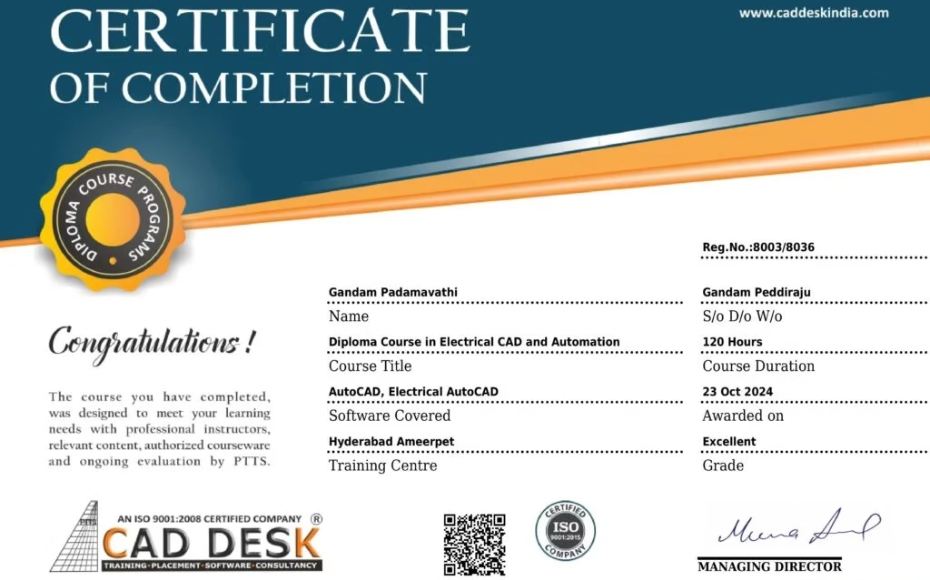
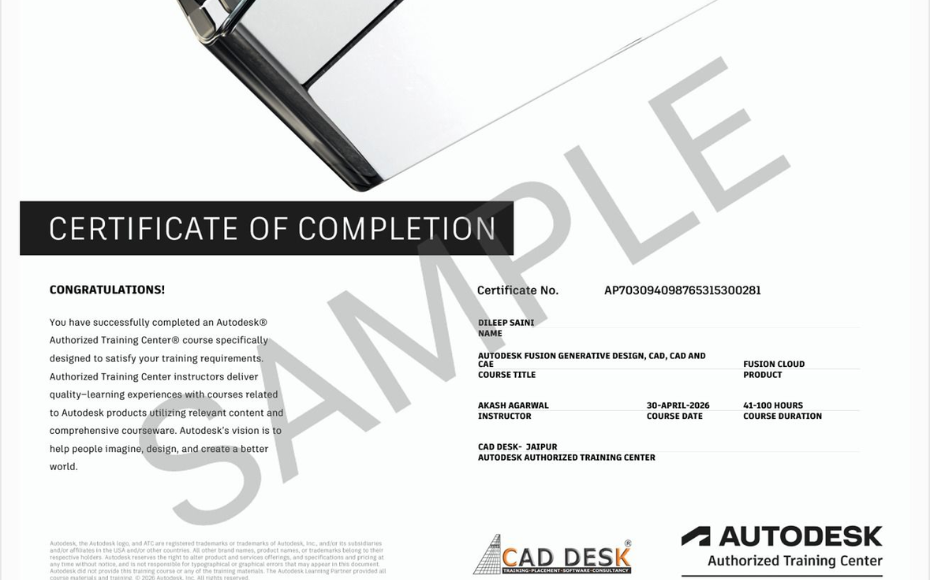
Earn Industry-Recognized AutoCAD MEP Certification With Dual Certificate Benefits

Gain industry-recognized AutoCAD MEP certification from CADDESK Hyderabad, an Autodesk Authorized Training Center, with dual certification benefits for better career opportunities.

Certificate of completion featuring a blue header, gold seal on the left, the word 'Congratulations', and multiple logos at the bottom (branding and seals).
Certificate of Completion with a bold black label and watermark sample across the page; includes logos of CAD Desk and Autodesk at the bottom (informational image).

Career Opportunities After AutoCAD MEP Course In CADDESK Ameerpet Hyderabad

The demand for skilled AutoCAD MEP professionals is rapidly growing across architecture, construction, interior design, civil engineering, and manufacturing industries.

Revit MEP Modeler

₹2.5L - ₹5L/yr

BIM Engineer

₹3L - ₹6L/yr

MEP Draftsman

₹3L - ₹5.5L/yr

Mechanical BIM Coordinator

₹2.5L - ₹5L/yr

Junior MEP Engineer

₹3L - ₹5L/yr

HVAC Site Engineer

₹2.4L - ₹4L/yr

Our Hiring Clients

QUESTIONS & ANSWERS

Frequently Asked Questions

AutoCAD MEP is the most widely used drafting and design software for Civil, Mechanical, Electrical, and Architectural fields. Learning AutoCAD MEP helps students build strong technical drawing skills and improves career opportunities in top companies.

Caddesk Hyderabad in Ameerpet is one of the best choices for beginners because the institute offers practical training, expert faculty, and real-time project exercises.

The AutoCAD MEP Course in Hyderabad (Ameerpet branch) usually ranges from 30 to 45 days, depending on the student’s learning speed and batch type.

Yes, Caddesk Hyderabad provides 100% practical training with hands-on exercises, industry drawings, and real-time drafting assignments.

Absolutely! After successful completion, students receive a Caddesk Hyderabad AutoCAD MEP Certification, which is recognized by industry professionals.

Yes, the Ameerpet branch of Caddesk Hyderabad offers dedicated placement support, resume guidance, and interview preparation for students.

Students from Civil, Mechanical, Electrical, Architecture, Diploma, B.Tech, or anyone interested in design and drafting can join.

You can work as a Draftsman, CAD Designer, Junior Engineer, Planning Engineer, Interior Design Assistant, and more across construction, manufacturing, and design firms.


Yes, AutoCAD MEP is a fundamental skill for both Civil and Mechanical engineering students because companies prefer candidates who can create accurate technical drawings.


Yes! Students can attend a free demo class at the Ameerpet branch to understand the training methods and course structure.


Yes, students receive study materials, practice drawings, command sheets, and reference PDFs during the course.

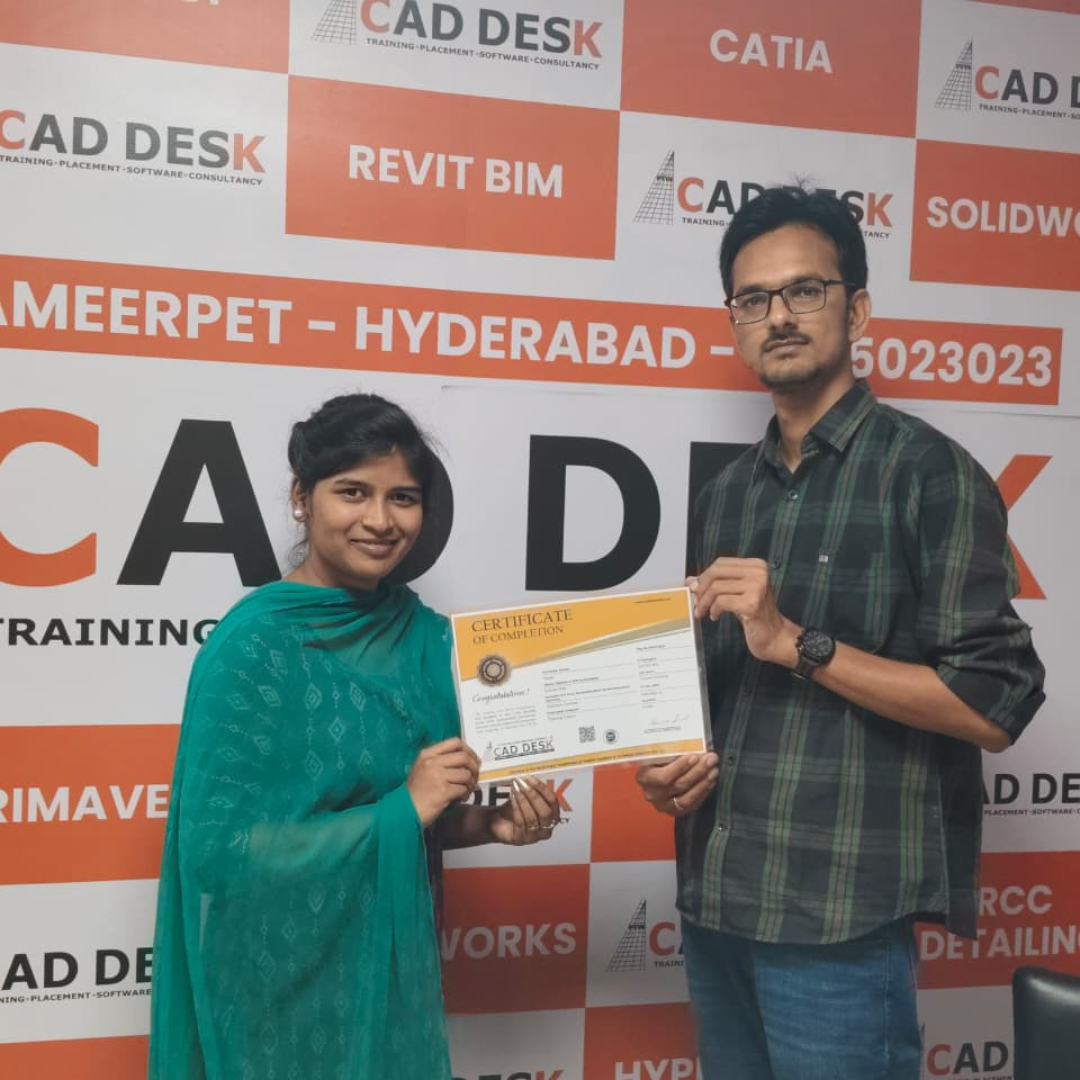
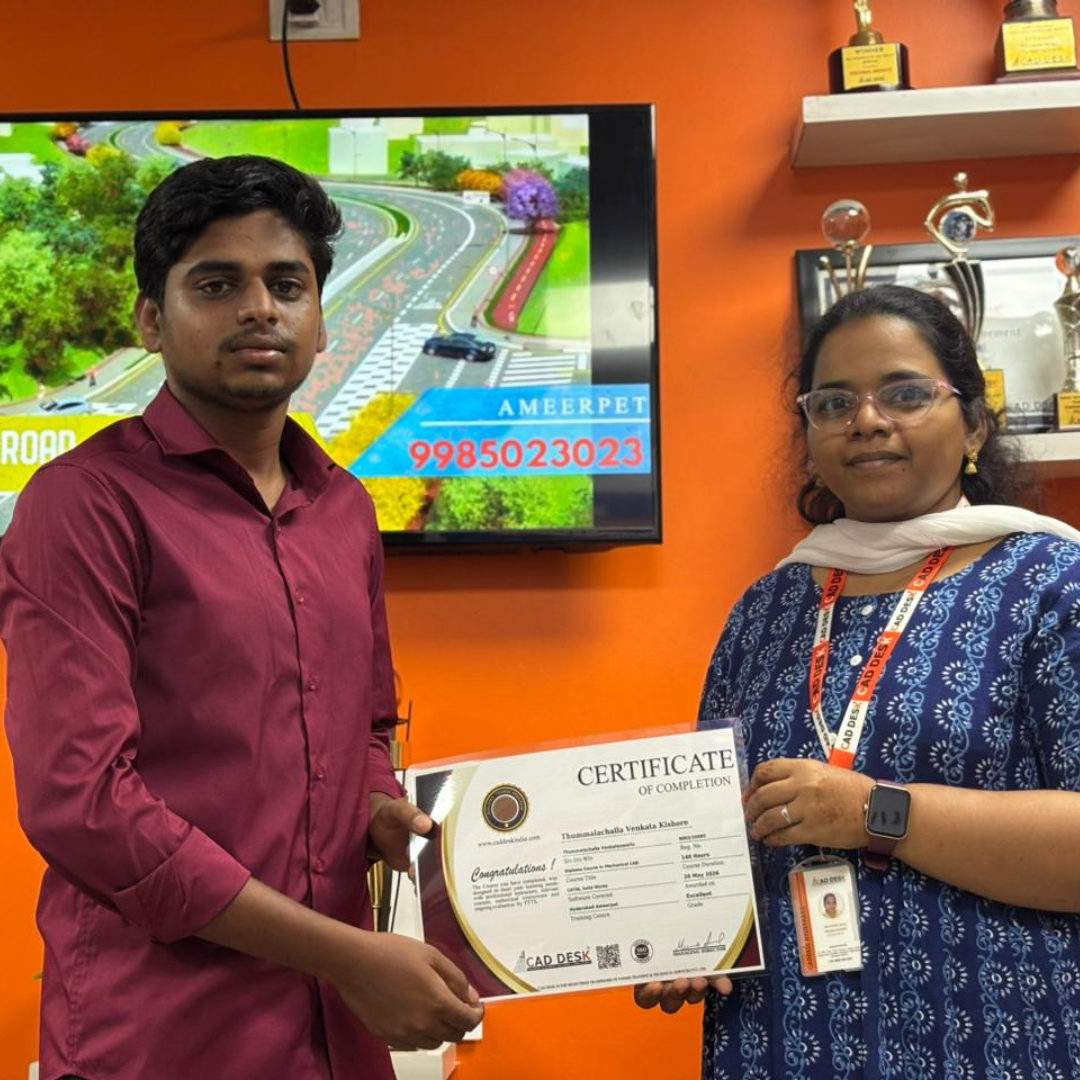
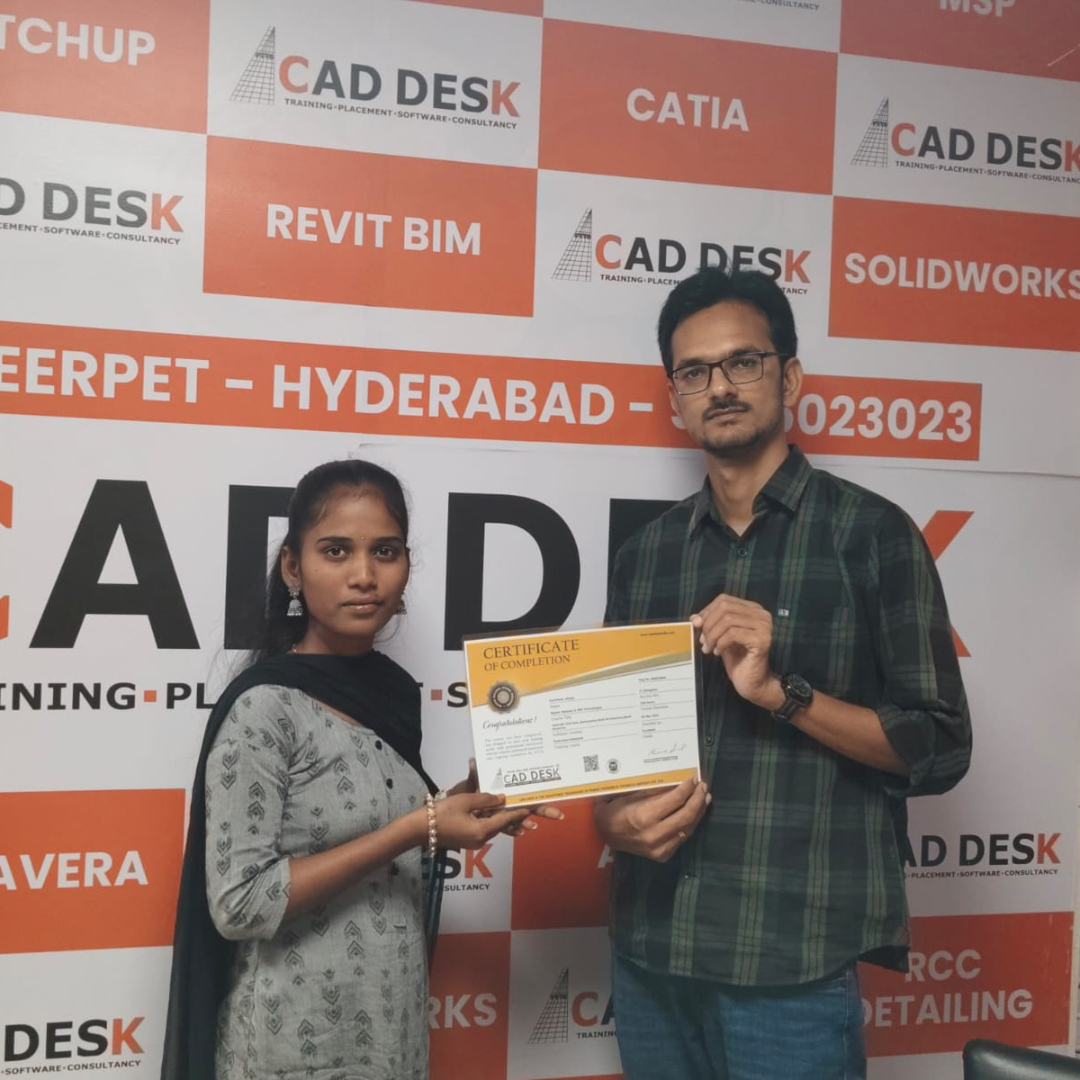
Our Certified Students

Our Student Testimonials

Google-colorCreated with Sketch.

2300+

★★★★★ 4.8 Rating

Explore Related Courses

Banner announcing students placed in campus drive, showing five student headshots with colored blocks and logos for CAD DESK and JWIL.

Confused about choosing a course? Fill the form and get a free counselling session.