






















Industry Focused Training

AutoCAD Training Institute In Hyderabad

Design Your Skills Draft Your Future

Learn AutoCad From Industry Experts With Practical Projects And Placement Focused Training, Build The Skills That Companies are Hiring For.

Google-colorCreated with Sketch.

4.9/5 ⭐

2.6k+ Reviews Google Rating

10000+

Students Trained

97%

Placement Rate

Get A Free Consultation

Fill the Form Our Counselor will Contact you within 24Hours

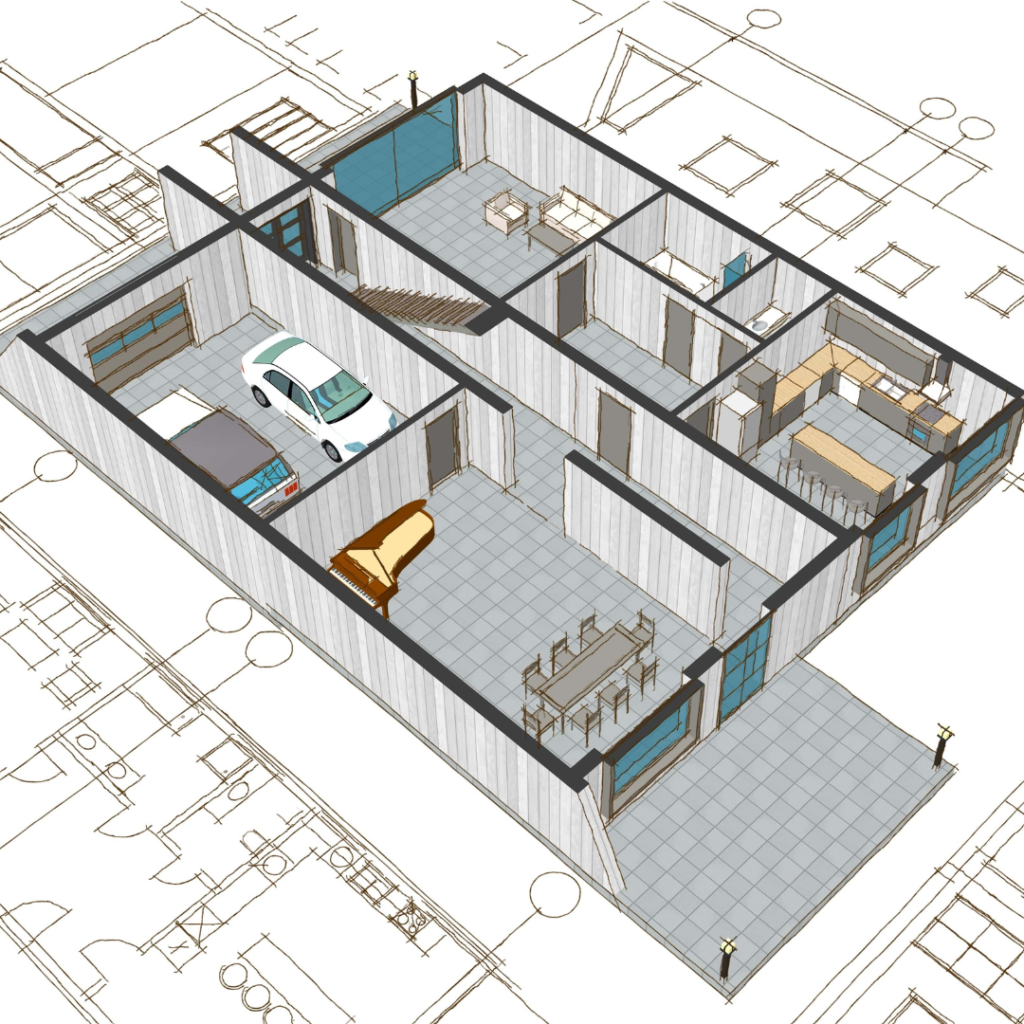
Isometric cutaway of a modern house showing interior rooms: a two-car garage, kitchen and dining area, living room, hallway, and stairwell, with blueprint outlines in the background.

About Autocad Course

AutoCAD is a widely used software application for 2D, 3D and Isometric design and drafting. The best autocad training institute will teach you to create accurate drawings and also generate 3D models of objects and structures in the autocad training. AutoCAD software has a user-friendly interface that includes a command line, toolbars, menus, and various palettes. The Autocad course provides a wide range of drawing and editing tools, allowing users to create and modify shapes, lines, arcs, and other geometric elements. AutoCAD allows users to work with a high level of precision by providing tools for accurate measurement, dimensioning, and annotation. Autocad course offers to create libraries of reusable components and blocks, streamlining the design process and ensuring consistency across drawings. The AutoCAD tool is highly customizable to create custom commands, scripts, and macros to automate repetitive tasks and adapt the software to their specific needs. AutoCAD files are typically saved in DWG (Drawing) format. AutoCAD can also import and export various other file formats.

Google-colorCreated with Sketch.

2300+

★★★★★ 4.8 Rating

10000+

Students Trained

100%

Placement Assistance

Six people on stage at an awards ceremony; a woman in a purple saree hands a trophy and certificate to a man while others pose nearby

WHY CHOOSE CADDESK

Build Your Design Career with Industry-Focused CAD Training

Student Login
ISO Certification + Autodesk Certification
Course materials
Placement Training
Life Time Technical Support

Advantages Of Autocad Course:

AutoCAD software offers a multitude of advantages, making it a preferred choice for professionals in various design and drafting fields, AutoCAD is a software that is widely used for creating precise 2D and 3D designs in various industries including construction architecture drawings, engineering and product design. followings are some advantages of using AutoCAD

Industry Standard Software

AutoCAD is used by architects, engineers, designers, and construction professionals worldwide.

Faster Design Workflow

Create accurate drawings, modify designs quickly, and improve project productivity.

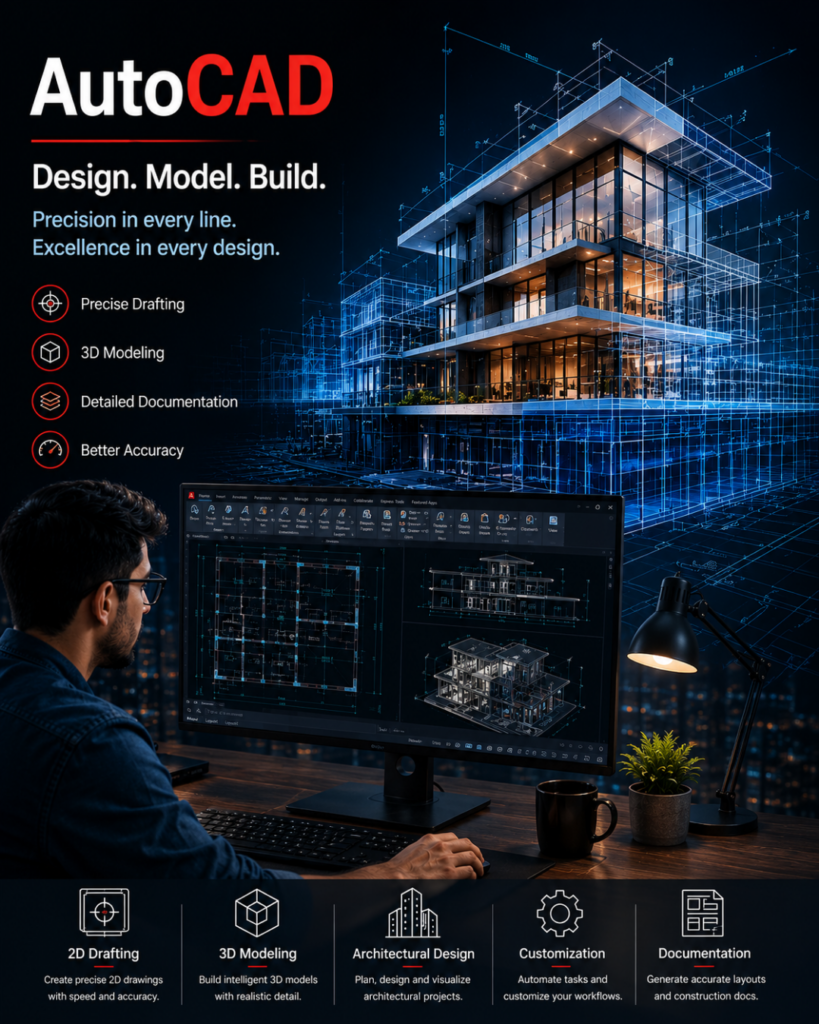
AutoCAD advertisement: a designer at a desk working on a bluebuilding CAD model with blueprints and feature icons for 2D drafting, 3D modeling, architectural design, customization, and documentation on screen and bottom panel.

High-Demand Career Skill

AutoCAD expertise opens doors to careers in drafting, design, engineering, and construction.

Foundation for Advanced Tools

Build a strong base for learning Revit, BIM, SketchUp, 3ds Max, STAAD Pro, and other industry software.

Autocad Course Content

  • Introduction to AutoCAD
  • Graphical User Interface
  • File Management (New, Open, Save, Backup)
  • AutoCAD Workspace
  • Absolute Coordinate System (ACS)
  • Relative Coordinate System (RCS)
  • Polar Coordinate System (PCS)
  • Line Commands & Object Snaps
  • Line, Circle, Arc
  • Polyline
  • Rectangle
  • Polygon
  • Ellipse
  • Spline
  • Xline & Ray
  • Point Commands
  • Divide & Measure
  • Donut
  • Wipeout
  • Revision Cloud
  • Region
  • Limits Setup
  • Function Keys
  • Grid & Snap Settings
  • Dynamic Input
  • Selection Tools
  • Object Tracking
  • Move
  • Copy
  • Rotate
  • Stretch
  • Mirror
  • Scale
  • Trim & Extend
  • Offset
  • Fillet
  • Chamfer
  • Explode
  • Align
  • Break & Join
  • Lengthen
  • Array Commands
  • Isometric Drawing Techniques
  • Isoplane Settings
  • Hatch & Gradient
  • Draw Order
  • Overkill Command
  • Staircase Terminology
  • Staircase Plan
  • Staircase Elevation
  • Staircase Section
  • Text & MText
  • Text Styles
  • Dimension Commands
  • Dimension Styles
  • Leaders & Multileaders
  • Tables & Data Extraction
  • Object Properties
  • Layer Creation & Management
  • Layer Controls
  • Layer Standards
  • Block Creation & Editing
  • Dynamic Blocks
  • Design Center
  • Tool Palettes
  • Residential Building Planning
  • Vaastu Concepts
  • Bedroom Design
  • Ceiling & Wardrobe Design
  • Door & Window Sections
  • Furniture Layout
  • Express Tools
  • Plotting & Publishing
  • Title Blocks
  • Layouts & Viewports
  • 3D Modeling Basics
  • Extrude, Revolve, Loft, Sweep
  • Boolean Operations
  • 2D to 3D Conversion
  • Final Project & Technical Quiz
Two men exchange a certificate of completion in a bright orange office with trophy shelves; CAD DESK and Autodesk logos visible in the corner.

Course Includes

New Batches

Course NameStart DateTimingEnroll
Autocad15/06/202611:00 AMBook Slot
StaadPro15/06/202611:00 AMBook Slot
Enscape15/06/202604:00 PMBook Slot
Revit MEP15/06/202606:00 PMBook Slot
SketchUP15/06/202606:00 PMBook Slot
D5-Render15/06/202612:00 PMBook Slot
NX CAD15/06/202612:00 PMBook Slot
Solidworks15/06/202605:00 PMBook Slot
3DS Max15/06/202611:00 AMBook Slot
AutoCAD15/06/202606:00 PMBook Slot
Quantity Survey15/06/202608:00 PMBook Slot

Online Autocad Course:

Looking for the best Online AutoCAD Course to build a successful career in design and drafting? Caddesk Hyderabad offers industry-oriented Online AutoCAD Training designed for students, engineers, architects, interior designers, and working professionals. Our Online AutoCAD Classes provide comprehensive training in 2D drafting and basic 3D modeling through live interactive sessions, practical assignments, and real-time projects. Whether you are a beginner or an experienced professional, this AutoCAD Course Online helps you develop the skills required by industries such as architecture, civil engineering, mechanical engineering, and construction. With expert trainers, flexible batch timings, recorded sessions, certification, and placement assistance, Caddesk Hyderabad is a trusted destination for anyone looking for the best Online AutoCAD Course, Online AutoCAD Training, and professional AutoCAD Online Classes to enhance their career opportunities.


Classroom Autocad Course:

Enhance your design and drafting skills with the Classroom AutoCAD Course at Caddesk Hyderabad. This instructor-led program is ideal for students, diploma holders, engineers, architects, and professionals who want to learn AutoCAD in a traditional classroom environment. Our Classroom AutoCAD Training focuses on practical learning, allowing students to work on real-world drawings and projects using industry-standard techniques. With personalized guidance from expert faculty, well-equipped labs, and a structured curriculum covering 2D drafting and 3D modeling, learners gain the confidence required for professional careers. If you are searching for the best Classroom AutoCAD Course, AutoCAD Classroom Training, or a reliable AutoCAD Training Institute, Caddesk Hyderabad provides the perfect platform to master AutoCAD and prepare for opportunities in engineering, architecture, interior design, and construction industries.

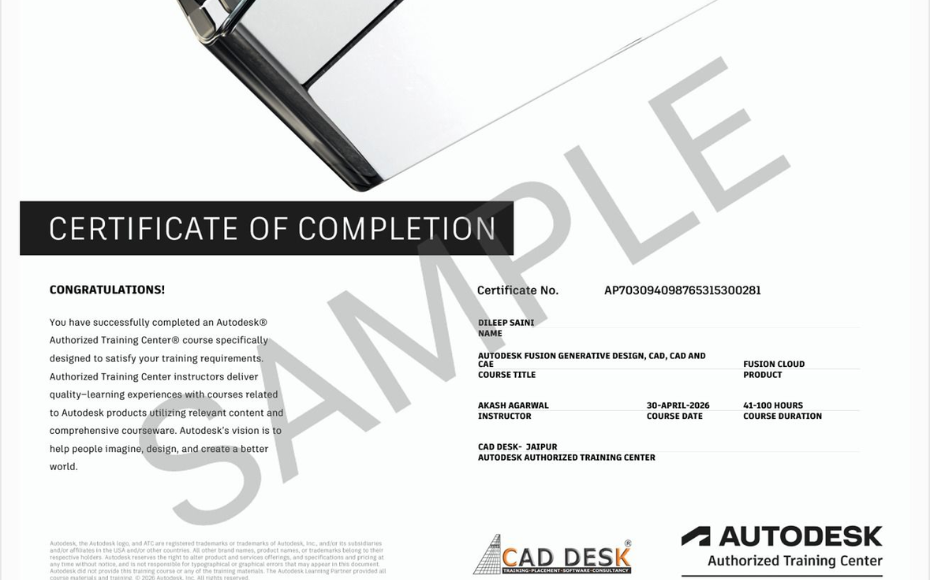
Earn Industry-Recognized AutoCAD Certification With Dual Certificate Benefits

Gain industry-recognized AutoCAD certification from CADDESK Hyderabad, an Autodesk Authorized Training Center, with dual certification benefits for better career opportunities.

Certificate of completion featuring a blue header, gold seal on the left, the word 'Congratulations', and multiple logos at the bottom (branding and seals).
Certificate of Completion with a bold black label and watermark sample across the page; includes logos of CAD Desk and Autodesk at the bottom (informational image).

Career Opportunities After AutoCAD Course In CADDESK Ameerpet Hyderabad

The demand for skilled AutoCAD professionals is rapidly growing across architecture, construction, interior design, civil engineering, and manufacturing industries.

AutoCAD Draftsman

₹2.5L - ₹4L/yr

Civil Drafting Engineer

₹3L - ₹6L/yr

Mechanical CAD Designer

₹3L - ₹5.5L/yr

Electrical CAD Designer

₹2.5L - ₹5L/yr

Interior CAD Designer

₹3L - ₹6L/yr

Civil CAD Designer

₹3L - ₹5.5L/yr

Our Hiring Clients

QUESTIONS & ANSWERS

Frequently Asked Questions

AutoCAD is one of the most widely used design and drafting software applications used by engineers, architects, interior designers, and construction professionals for creating accurate 2D and 3D drawings.

This course is suitable for Civil, Mechanical, Electrical, Architecture, and Interior Design students, as well as freshers and working professionals looking to improve their design skills.

The course covers AutoCAD interface, 2D drafting, layers, editing commands, dimensions, annotations, layouts, plotting, object properties, and real project-based drawing practice.

The training focuses mainly on practical learning with hands-on exercises, real-world projects, and industry-oriented drafting workflows.

The AutoCAD training program is typically designed as a 40-day intensive course with regular practice sessions.

Yes. Students receive a course completion certificate after successfully completing the training program and project work.

Yes. Students work on practical drawings and project-based assignments to gain real-world experience and improve job readiness.

Yes. Flexible batch timings are available for students, job seekers, and working professionals.

After completing the course, students can apply for roles such as CAD Draftsman, AutoCAD Designer, Mechanical Draftsman, Civil Draftsman, Design Engineer, and Architectural Draftsman.

Yes. AutoCAD remains a widely used drafting and design software across engineering, construction, architecture, manufacturing, and interior design industries.

Our Certified Students

Our Student Testimonials

Google-colorCreated with Sketch.

2300+

★★★★★ 4.8 Rating

Explore Related Courses

Banner announcing students placed in campus drive, showing five student headshots with colored blocks and logos for CAD DESK and JWIL.

Confused about choosing a course? Fill the form and get a free counselling session.