
















Industry Focused Training

D5 Render Training Institute In Hyderabad

Design Your Skills Draft Your Future

Learn D5 Render From Industry Experts With Practical Projects And Placement Focused Training, Build The Skills That Companies are Hiring For.

Google-colorCreated with Sketch.

4.9/5 ⭐

2.6k+ Reviews Google Rating

10000+

Students Trained

97%

Placement Rate

Get A Free Consultation

Fill the Form Our Counselor will Contact you within 24Hours

Isometric cutaway of a modern house showing interior rooms: a two-car garage, kitchen and dining area, living room, hallway, and stairwell, with blueprint outlines in the background.

About D5 Render Course

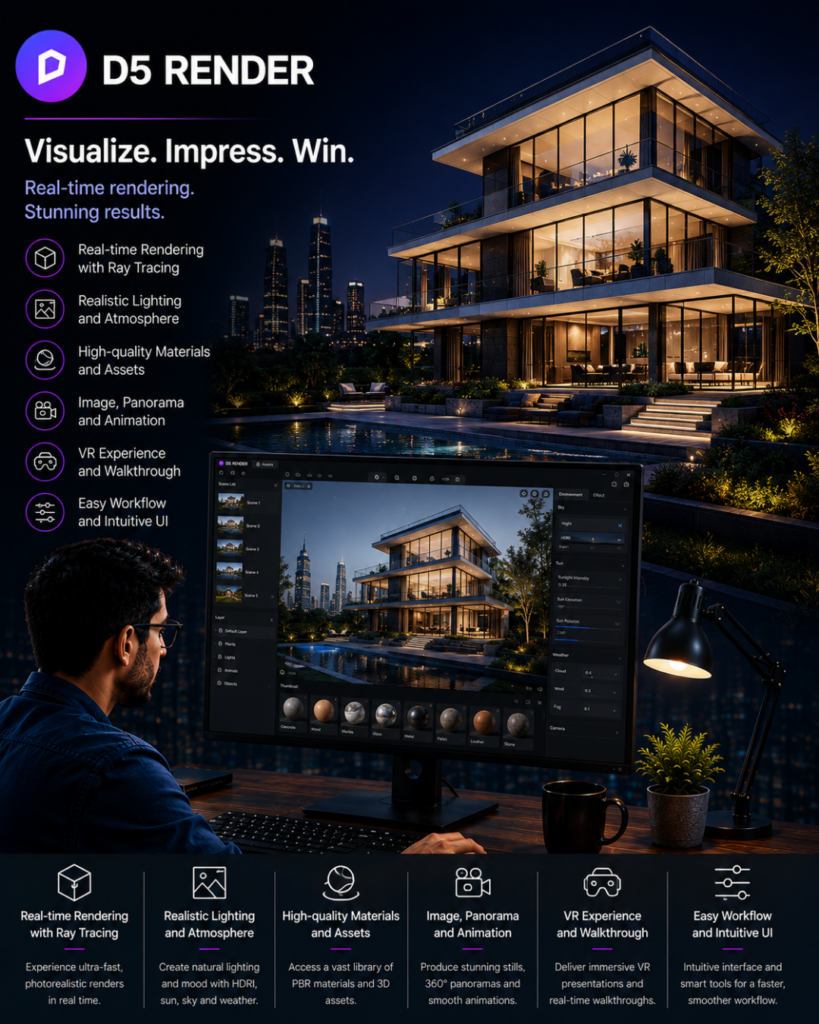
The D5 Render course is designed to help users master D5 Render, a powerful real-time rendering software popular in the architecture, interior design, and visualization fields. The course typically covers a range of topics to help users create high-quality, photorealistic renderings. Understanding the software’s capabilities and its role in visualization. Navigating the user interface, including toolbars, panels, and menus. Learning how to utilize and customize asset libraries for things like furniture, vegetation, and other scene elements. This can include importing third-party assets or creating your own. Tips on how to optimize your scene for faster rendering times without sacrificing quality. This might include techniques for managing scene complexity, texture resolutions, and light settings. This structure provides a comprehensive guide to what you might learn in a D5 Render course. The exact content and depth may vary depending on the course provider and format, but this outline should give you a good idea of what to expect. We are the best D5 Render training institute in Hyderabad.

Google-colorCreated with Sketch.

2300+

★★★★★ 4.8 Rating

10000+

Students Trained

100%

Placement Assistance

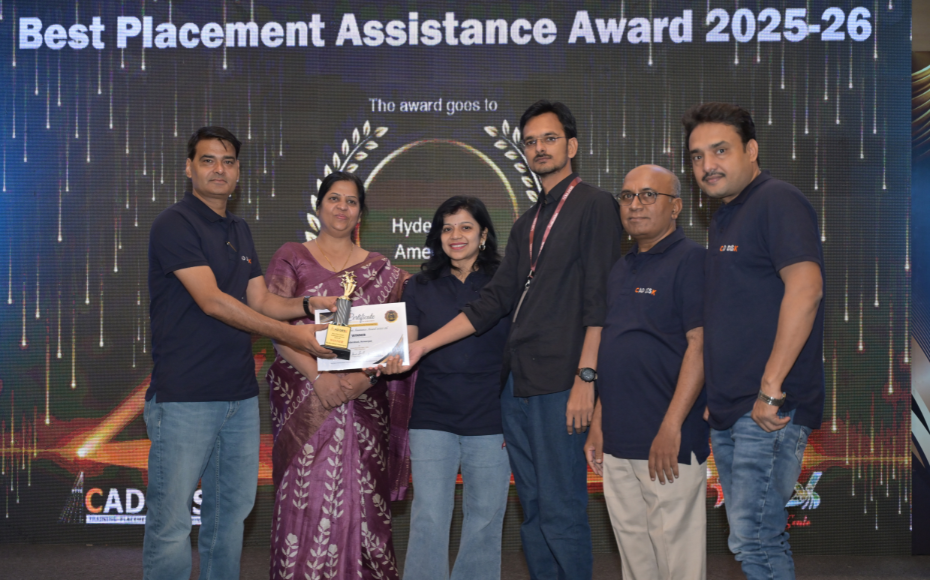
Six people on stage at an awards ceremony; a woman in a purple saree hands a trophy and certificate to a man while others pose nearby

WHY CHOOSE CADDESK

Build Your Design Career with Industry-Focused CAD Training

Student Login
ISO Certification + Autodesk Certification
Course materials
Placement Training
Life Time Technical Support

Advantages Of D5 Render Course:

Real-Time Architectural Visualization Training

Master D5 Render, the powerful real-time rendering software used by architects, interior designers, and visualization professionals to create stunning photorealistic presentations.

Create High-Quality Renders & Animations

Learn to produce realistic interior and exterior renders, walkthroughs, flythroughs, landscape visualizations, and architectural animations with ease.

AutoCAD advertisement: a designer at a desk working on a bluebuilding CAD model with blueprints and feature icons for 2D drafting, 3D modeling, architectural design, customization, and documentation on screen and bottom panel.

Career-Focused Architectural Rendering Skills

Develop in-demand skills in architectural visualization, interior rendering, 3D presentation design, and real-time rendering workflows required by leading design firms.

Industry-Ready Visualization & Presentation Workflows

Gain hands-on experience in lighting design, material creation, scene composition, environmental effects, animation, and presentation techniques for real-world architectural projects.

D5 Render Course Content

  • D5 Render Overview
  • System Requirements
  • Download & Installation
  • Graphical User Interface (GUI)
  • Orbit, Fly, Walk Navigation
  • Display Modes
  • Realtime Quality Settings
  • Camera Controls
  • D5 LiveSync with SketchUp
  • D5 LiveSync with 3ds Max
  • D5 LiveSync with Revit Architecture
  • Move
  • Rotate
  • Scale
  • World Coordinate System
  • Material Picker
  • Random Size, Rotation & Location
  • New Project
  • Open Project
  • Save & Save As
  • Import Models
  • Undo & Redo
  • Duplicate
  • Lock & Unlock
  • Hide & Unhide
  • Group & Ungroup
  • Delete & Replace
  • Export & Reload
  • Base Color
  • Base Color Maps
  • UV Mapping
  • Normal Maps
  • Displacement Maps
  • Specular
  • Roughness
  • Metalness
  • Ambient Occlusion
  • Transparent Materials
  • Water Materials
  • Multimedia Materials
  • Flowing Water
  • Grass
  • Cloth
  • Foliage
  • Car Paint
  • Point Light
  • Spot Light
  • IES Light
  • Strip Light
  • Rect Light
  • Stage Light
  • Projector Light
  • Character Placement
  • Animal Placement
  • Vehicle Placement
  • Brush Tool
  • Scatter Tool
  • Path Tool
  • Terrain & City Creation
  • Geo Sky Settings
  • HDRI Settings
  • Multiple Scene Creation
  • Custom Environment Settings
  • Exterior Rendering Workflow
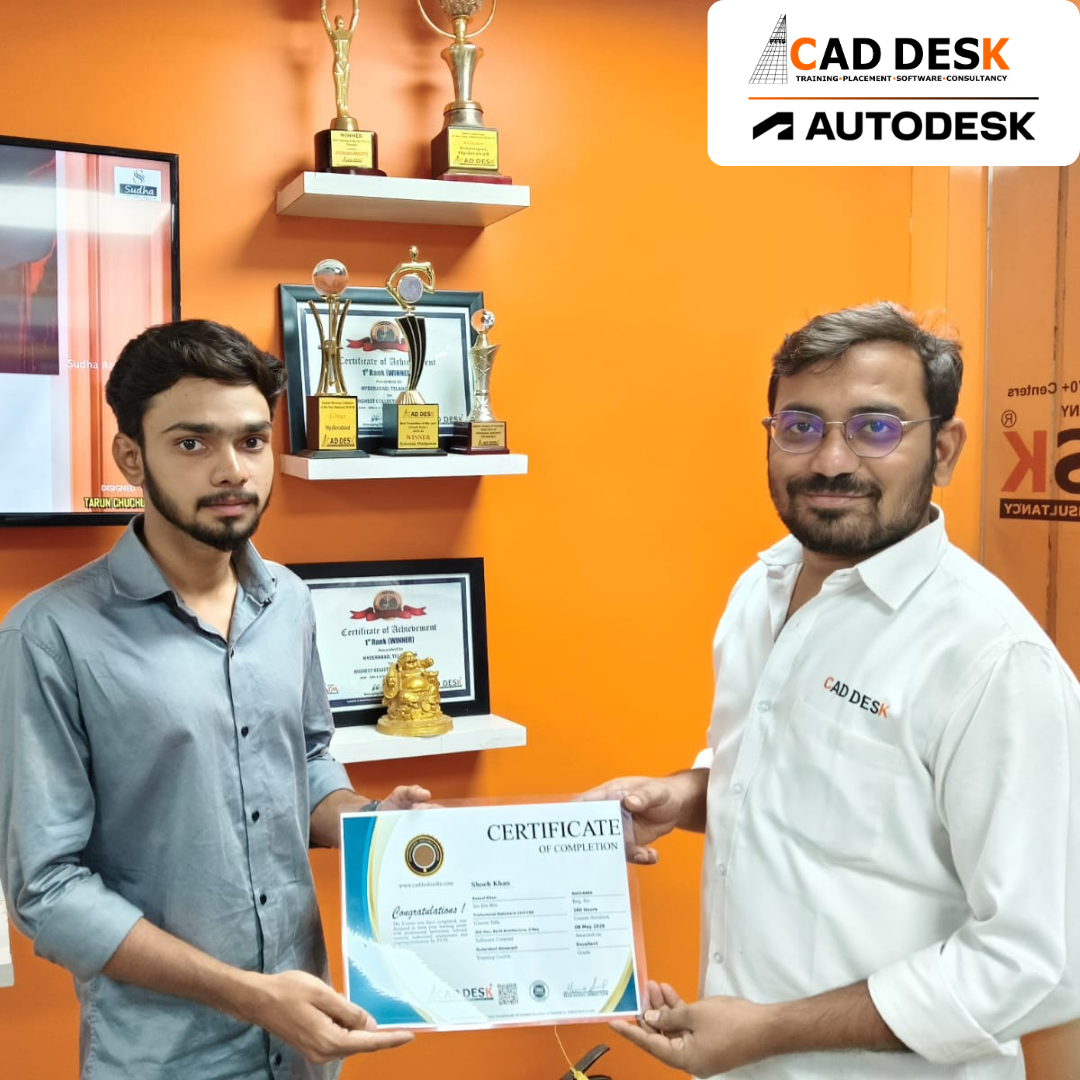
Two men exchange a certificate of completion in a bright orange office with trophy shelves; CAD DESK and Autodesk logos visible in the corner.

Course Includes

New Batches

Course Name Start DateModeTiming Enroll
Autocad01/06/2026Online/Offline 12:00 PMBook Slot
Revit Architecture01/06/2026Online/Offline 12:00 PMBook Slot
Ansys 01/06/2026Online/Offline11:00 AMBook Slot
Lumion01/06/2026Online/Offline11:00 AMBook Slot
Primavera 01/06/2026Online/Offline11:00 AMBook Slot
Revit MEP01/06/2026Online/Offline05:00 PMBook Slot
Ecad 01/06/2026Online/Offline05:00 PMBook Slot
3ds Max01/06/2026Online/Offline04:00 PMBook Slot
AutoCAD 01/06/2026Online 10:00 AMBook Slot
Ansys 01/06/2026Online 09:30 PMBook Slot

Online D5 Render Course:

Caddesk Hyderabad offers an online course for D5 Render, a popular software used for 3D modeling, animation, and rendering. The course is designed to provide students with a comprehensive understanding of the software and its features. The online course includes instructor-led sessions, practical projects, and interactive sessions that help students understand the nuances of 3D modeling. The course covers topics such as modeling techniques, lighting, textures, materials, camera, animation, and rendering. The course is ideal for students who want to pursue a career in the fields of architecture, interior design, graphic design, or animation. Caddesk Hyderabad also provides certification on completion of the course, providing students with an added advantage in their professional pursuits.

Classroom D5 Render Course:

Caddesk Hyderabad offers an online course for D5 Render, a popular software used for 3D modeling, animation, and rendering. The course is designed to provide students with a comprehensive understanding of the software and its features. The online course includes instructor-led sessions, practical projects, and interactive sessions that help students understand the nuances of 3D modeling. The course covers topics such as modeling techniques, lighting, textures, materials, camera, animation, and rendering. The course is ideal for students who want to pursue a career in the fields of architecture, interior design, graphic design, or animation. Caddesk Hyderabad also provides certification on completion of the course, providing students with an added advantage in their professional pursuits.

Earn Industry-Recognized D5 Render Certification With Dual Certificate Benefits

Gain industry-recognized D5 Render certification from CADDESK Hyderabad, an Autodesk Authorized Training Center, with dual certification benefits for better career opportunities.

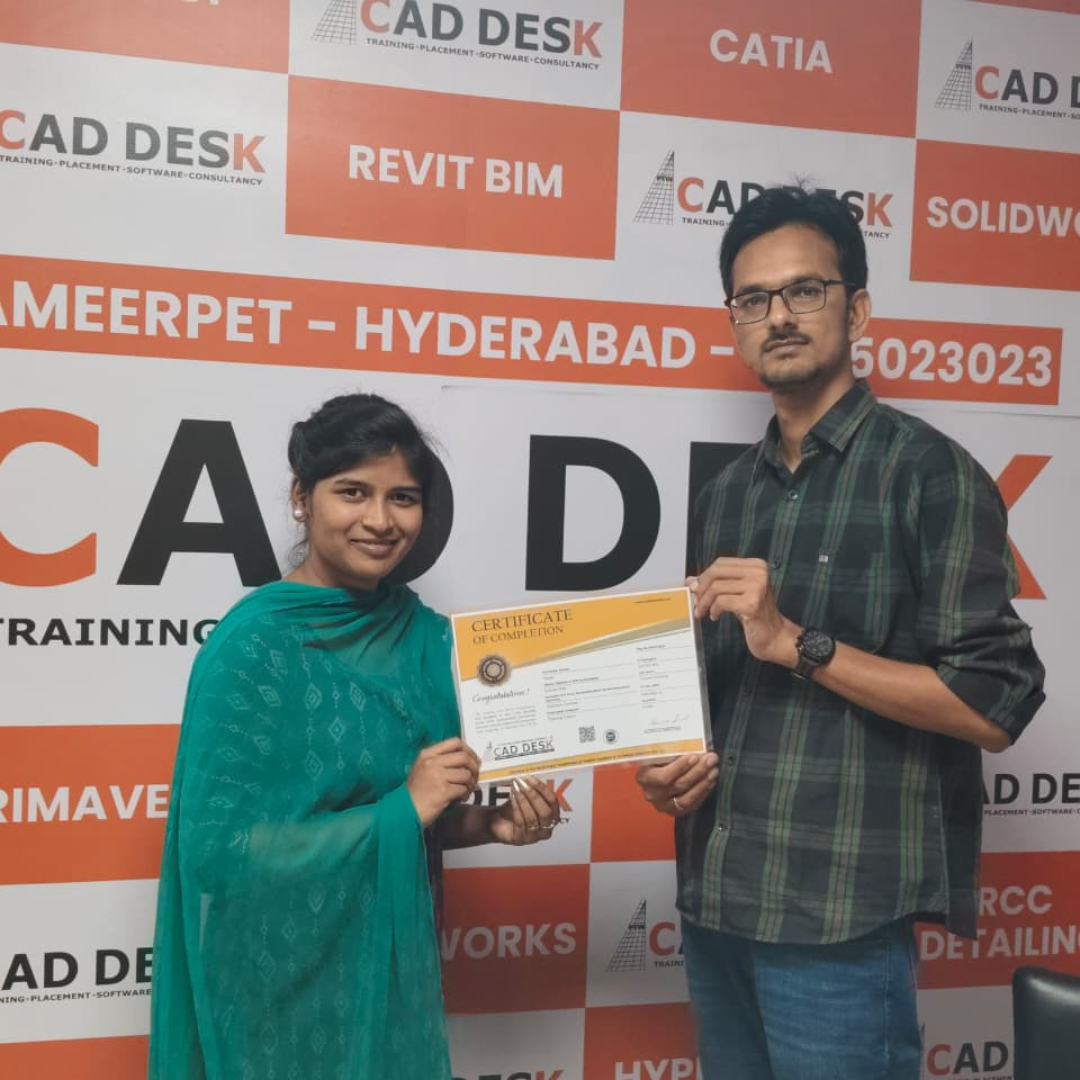
Certificate of completion featuring a blue header, gold seal on the left, the word 'Congratulations', and multiple logos at the bottom (branding and seals).
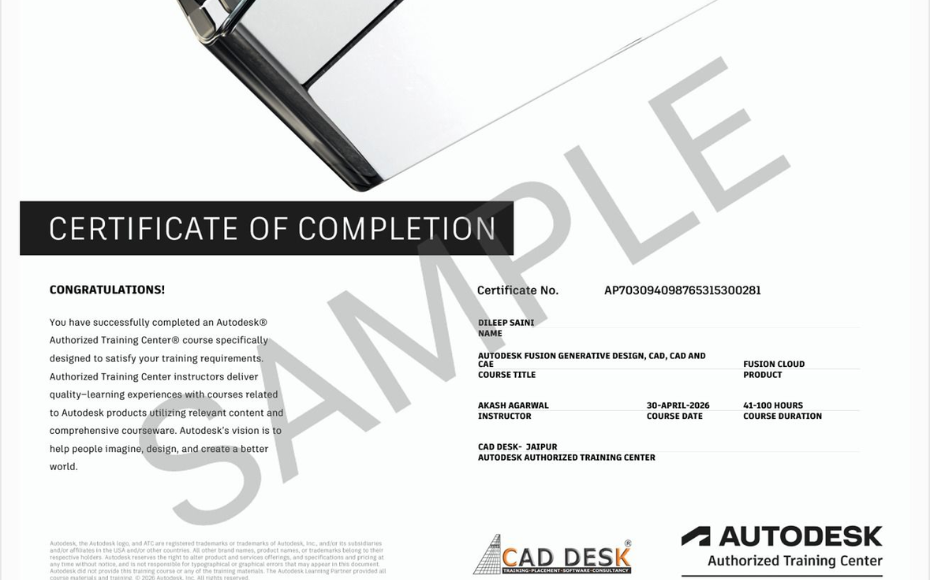
Certificate of Completion with a bold black label and watermark sample across the page; includes logos of CAD Desk and Autodesk at the bottom (informational image).

Career Opportunities After D5 Render Course In CADDESK Ameerpet Hyderabad

The demand for skilled D5render professionals is rapidly growing across architecture, construction, interior design, civil engineering, and manufacturing industries.

D5 Render Visualization Artist

₹2.5L – ₹5L

Architectural Visualizer

₹3L – ₹6L

Interior Design Visualizer

₹3L – ₹5.5L

3D Rendering Artist

₹3L – ₹6L

Walkthrough Animation Designer

₹3L – ₹5.5L

Landscape Visualization Artist

₹2.5L – ₹5L

Our Hiring Clients

QUESTIONS & ANSWERS

Frequently Asked Questions

D5 Render is a real-time rendering and visualization software used to create photorealistic architectural, interior, landscape, and product design presentations. It is popular for its fast rendering speed, realistic lighting, and easy workflow.


The course is suitable for:

  • Architecture students
  • Interior designers
  • Civil engineers
  • 3D artists
  • BIM professionals
  • Architects and visualization artists
  • Freelancers working in design and rendering fields


No. Beginners can learn D5 Render from scratch. However, knowledge of software like SketchUp, Revit, AutoCAD, Rhino, or 3ds Max can help you learn faster.

The course generally covers:

  • D5 Render interface and workflow
  • Model import and scene setup
  • Materials and textures
  • Lighting techniques
  • Camera composition
  • Environment creation
  • Asset library usage
  • Walkthrough animations
  • Rendering and post-processing
  • Portfolio project creation

CAD DESK Hyderabad lists the D5 Render course duration as approximately 40 days with practical training sessions.

Yes. Students work on interior and exterior visualization projects, architectural scenes, lighting setups, and real-world rendering assignments.

D5 Render integrates with:

  • SketchUp
  • Revit
  • 3ds Max
  • AutoCAD workflows
  • Other BIM and 3D modeling platforms

Yes. The course includes camera movement, walkthrough animations, cinematic views, and presentation rendering techniques.

Yes. CAD DESK Hyderabad provides course completion certification after successful training completion.

Yes. Online training with instructor-led sessions, practical exercises, and project support is available.

Career options include:

  • Architectural Visualizer
  • Interior Visualization Artist
  • 3D Rendering Artist
  • Design Consultant
  • Architectural Animator
  • Freelance Visualization Specialist
  • Product Visualization Artist

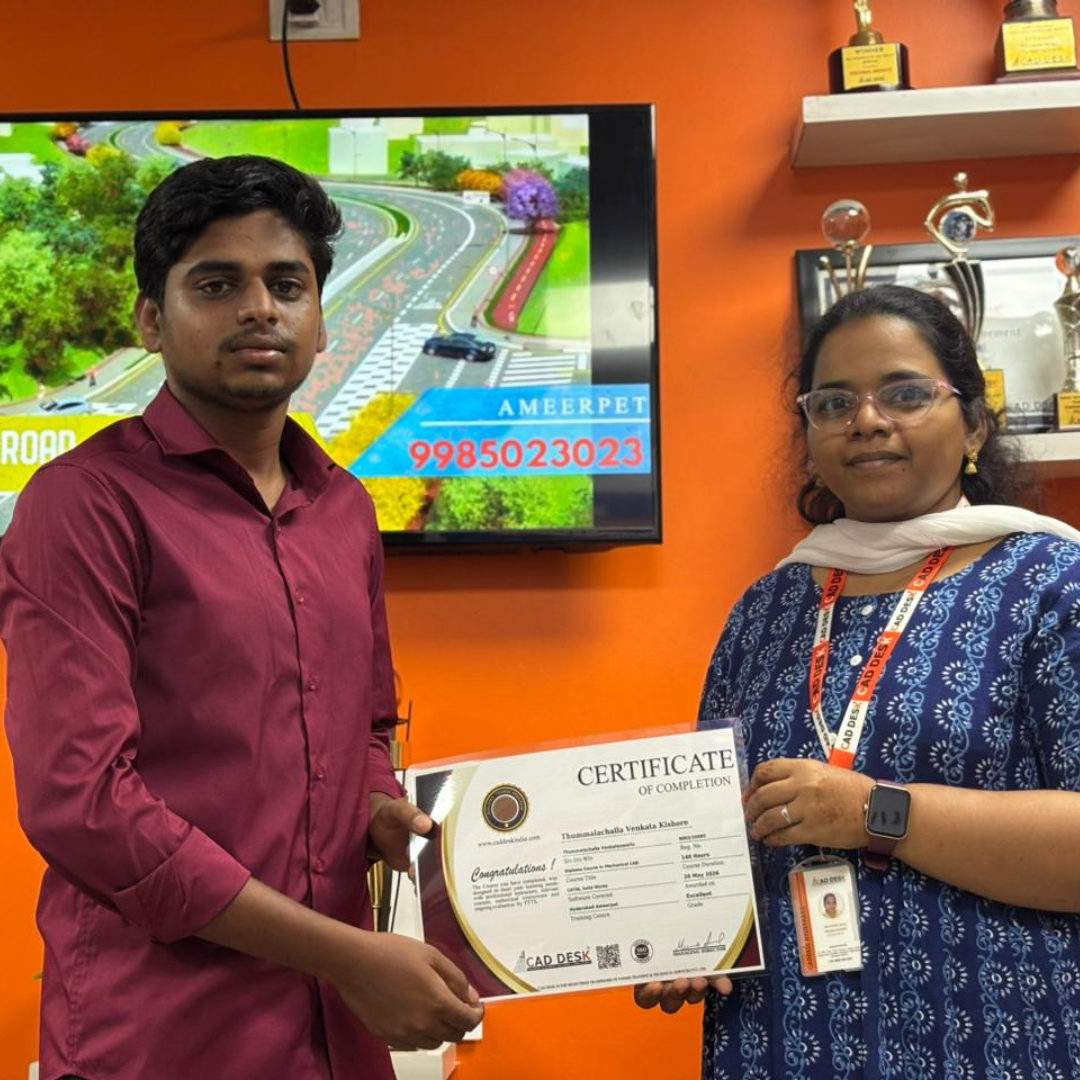
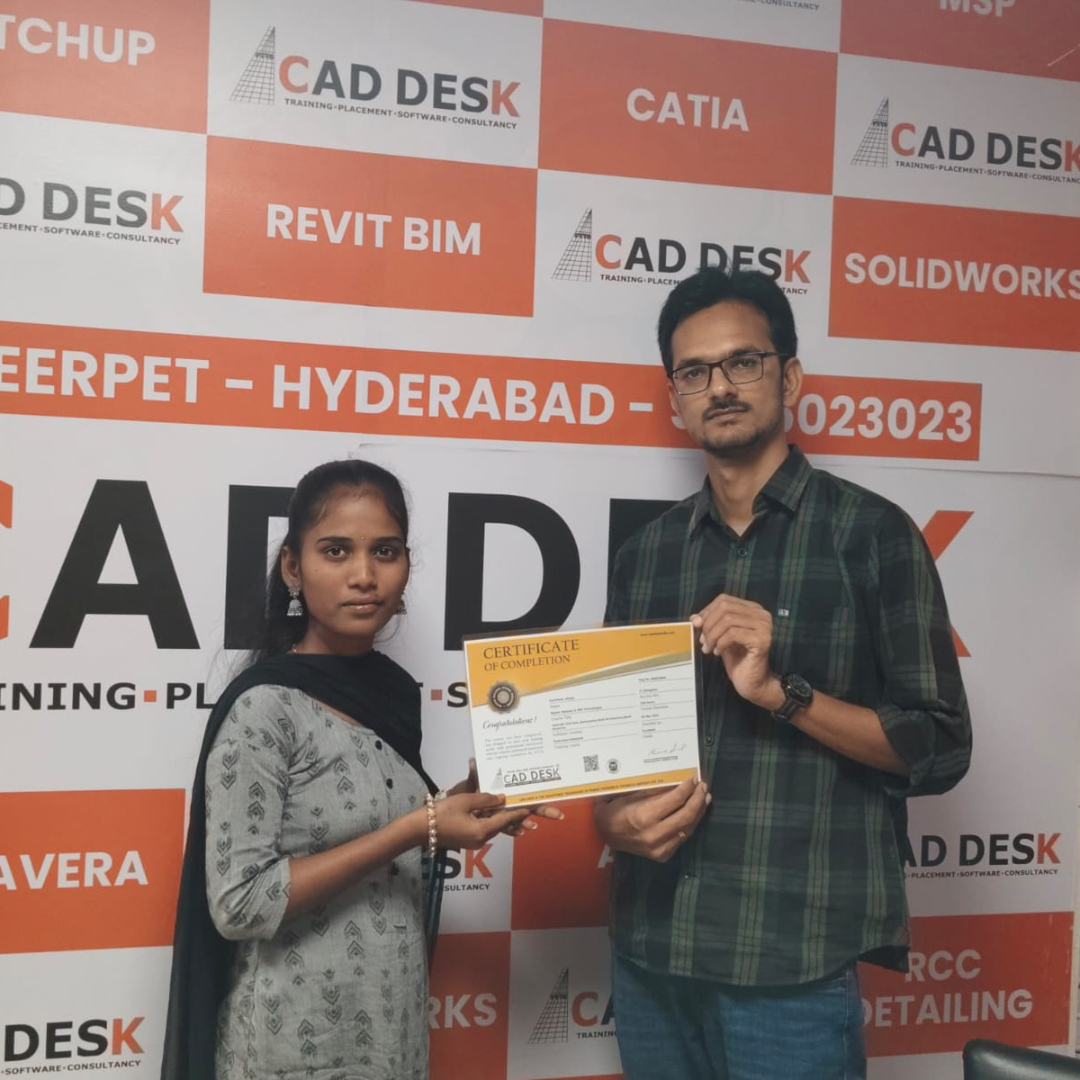
Our Certified Students

Our Student Testimonials

Google-colorCreated with Sketch.

2300+

★★★★★ 4.8 Rating

Banner announcing students placed in campus drive, showing five student headshots with colored blocks and logos for CAD DESK and JWIL.

Confused about choosing a course? Fill the form and get a free counselling session.