


















Industry Focused Training

Autodesk Inventor Training Institute In Hyderabad

Design Your Skills Draft Your Future

Learn Autodesk Inventor From Industry Experts With Practical Projects And Placement Focused Training, Build The Skills That Companies are Hiring For.

Google-colorCreated with Sketch.

4.9/5 ⭐

2.6k+ Reviews Google Rating

10000+

Students Trained

97%

Placement Rate

Get A Free Consultation

Fill the Form Our Counselor will Contact you within 24Hours

Tablet displaying a modern bedroom with blue accent wall, chandelier, bed, and wooden nightstand on a white rug.

About Autodesk Inventor Course

Caddesk Hyderabad is the best Autodesk inventor training institute in Hyderabad. Autodesk Inventor is a powerful 3D CAD (computer-aided design) software used primarily for product design, engineering, and mechanical design. It allows users to create detailed 3D models, simulations, and 2D drawings of mechanical components and assemblies. Inventor supports parametric, direct, and freeform modeling, which allows users to create complex geometries and assemblies with precision. Users can build and manage large assemblies, including tools for interference checking, motion analysis, and component interactions. Inventor offers built-in simulation tools for stress analysis, motion analysis, and other types of performance evaluations, helping engineers test and validate designs before production. Autodesk Inventor is widely used in industries like automotive, aerospace, machinery, and consumer products, where detailed and precise 3D modeling and simulation are crucial. We are the best Autodesk inventor training institute in Hyderabad. 

Google-colorCreated with Sketch.

2300+

★★★★★ 4.8 Rating

10000+

Students Trained

100%

Placement Assistance

Six people on stage at an awards ceremony; a woman in a purple saree hands a trophy and certificate to a man while others pose nearby

WHY CHOOSE CADDESK

Build Your Design Career with Industry-Focused CAD Training

Student Login
ISO Certification + Autodesk Certification
Course materials
Placement Training
Life Time Technical Support

Advantages Of Autodesk Inventor Course:

Professional-Grade 3D CAD Tools: Inventor provides robust tools for 3D mechanical design, documentation, and product simulation, making it ideal for creating detailed and accurate models

Advanced Product Design & Manufacturing Software

Master Autodesk Inventor, the industry-leading 3D mechanical design software used for product development, machine design, and manufacturing engineering applications.

Intelligent 3D Modeling & Assembly Design

Learn to create precise 3D parts, assemblies, sheet metal components, weldments, and engineering drawings using parametric modeling techniques.

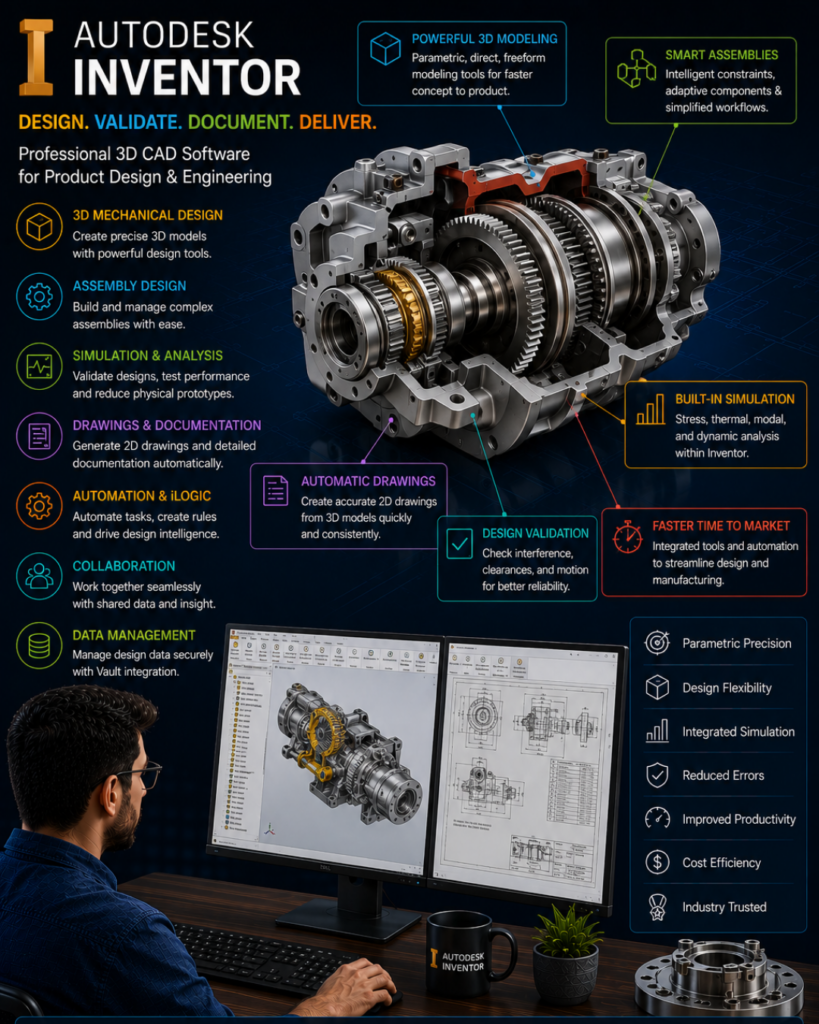
Infographic for Autodesk Inventor listing features: 3D mechanical design, assembly design, simulation, automatic drawings, and design validation.

High-Demand Mechanical Engineering Skill

Develop expertise sought by manufacturing companies, automotive industries, industrial equipment manufacturers, product design firms, and engineering consultancies worldwide.

Industry-Ready Product Development Workflows

Gain practical knowledge in part modeling, assembly design, sheet metal design, simulation, design automation, drafting, and manufacturing-ready documentation for real-world engineering projects.

Autodesk Inventor Course Content

  • Introduction to CAD, CAM & CAE
  • Autodesk Inventor Overview
  • User Interface (GUI)
  • Project Creation and Management
  • Basic Navigation Tools
  • Lines, Circles, Ellipses
  • Rectangles, Slots, Polygons
  • Arcs, Fillets, Chamfers
  • Text and Points Creation
  • Geometrical Constraints
  • Dimensional Constraints
  • Construction Geometry
  • Centerlines and Project Geometry
  • Move, Copy, Rotate
  • Trim and Extend
  • Split, Scale, Stretch
  • Offset and Mirror Tools
  • 2D Pattern Creation
  • Standard Primitives
  • Box, Cylinder, Sphere, Torus
  • Extrude Feature
  • Revolve Feature
  • Sweep
  • Loft
  • Coil
  • Emboss
  • Rib
  • Decals
  • Hole and Thread
  • Fillet and Chamfer
  • Shell and Draft
  • Combine and Split Features
  • Direct Editing
  • Construction Planes
  • Construction Axes
  • Construction Points
  • User Coordinate System (UCS)
  • Introduction to Assemblies
  • Top-Down Assembly Design
  • Bottom-Up Assembly Design
    • Component Creation and Placement
  • Assembly Constraints
  • Assembly Joints
  • Component Movement
  • Assembly Relationships
  • Frame Generator
  • Structural Frame Design
  • Component Patterns
  • Mirror and Pattern Features
  • Sheet Creation
  • Orthographic Views
  • Section Views
  • Dimensions and Annotations
  • Balloons and BOM
  • PDF Generation and Printing
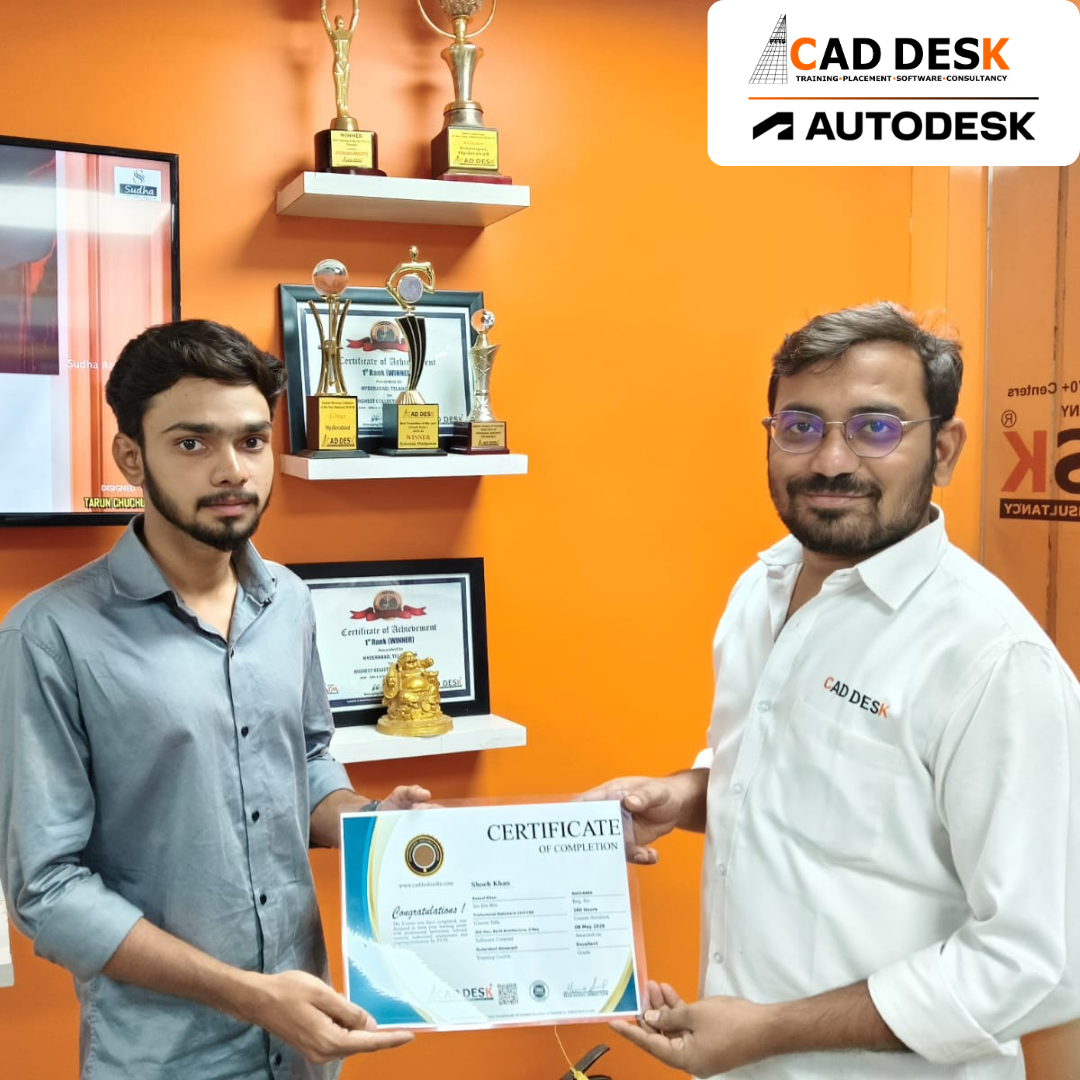
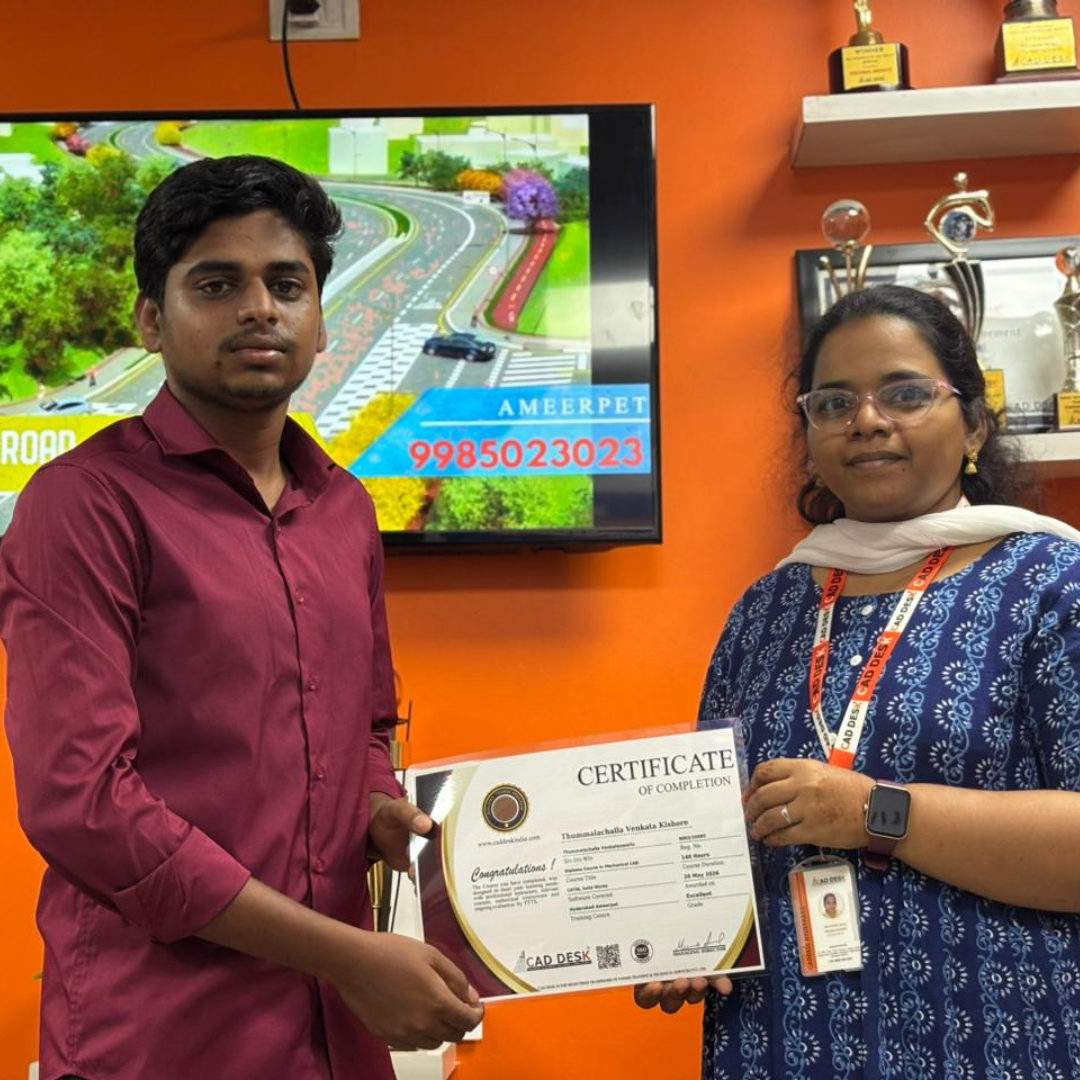
Two men exchange a certificate of completion in a bright orange office with trophy shelves; CAD DESK and Autodesk logos visible in the corner.

Course Includes

New Batches

Course NameStart DateTimingEnroll
Autocad15/06/202611:00 AMBook Slot
StaadPro15/06/202611:00 AMBook Slot
Enscape15/06/202604:00 PMBook Slot
Revit MEP15/06/202606:00 PMBook Slot
SketchUP15/06/202606:00 PMBook Slot
D5-Render15/06/202612:00 PMBook Slot
NX CAD15/06/202612:00 PMBook Slot
Solidworks15/06/202605:00 PMBook Slot
3DS Max15/06/202611:00 AMBook Slot
AutoCAD15/06/202606:00 PMBook Slot
Quantity Survey15/06/202608:00 PMBook Slot

Online Autodesk Inventor Course:

Master modern product design and 3D mechanical modeling with the Online Autodesk Inventor Course at Caddesk Hyderabad. Designed for mechanical engineering students, design engineers, and manufacturing professionals, our Online Autodesk Inventor Training provides comprehensive knowledge of part modeling, assembly design, sheet metal, weldments, and drafting using industry-standard workflows. Through live online classes, practical assignments, and real-time projects, students gain hands-on experience in developing complex components and assemblies used in automotive, aerospace, and manufacturing industries. If you are searching for the best Online Autodesk Inventor Course, Autodesk Inventor Online Training, or professional Autodesk Inventor Classes, Caddesk Hyderabad offers expert guidance, certification, and placement assistance to help you build a successful career in mechanical design and product development.

Classroom Autodesk Inventor Course:

Develop industry-ready mechanical design skills with the Classroom Autodesk Inventor Course at Caddesk Hyderabad. Our instructor-led Classroom Autodesk Inventor Training is specially designed for mechanical engineering students, diploma holders, and working professionals who prefer practical classroom learning. The course covers sketching, part modeling, assembly design, sheet metal, weldments, drafting, and product development workflows through hands-on sessions and live projects. With experienced trainers, advanced lab facilities, and personalized guidance, students acquire the technical expertise required for careers in product design, manufacturing, and mechanical engineering. If you are looking for the best Autodesk Inventor Course in Hyderabad, Autodesk Inventor Training Institute, or professional Autodesk Inventor Classes, Caddesk Hyderabad provides comprehensive training with certification and placement support.

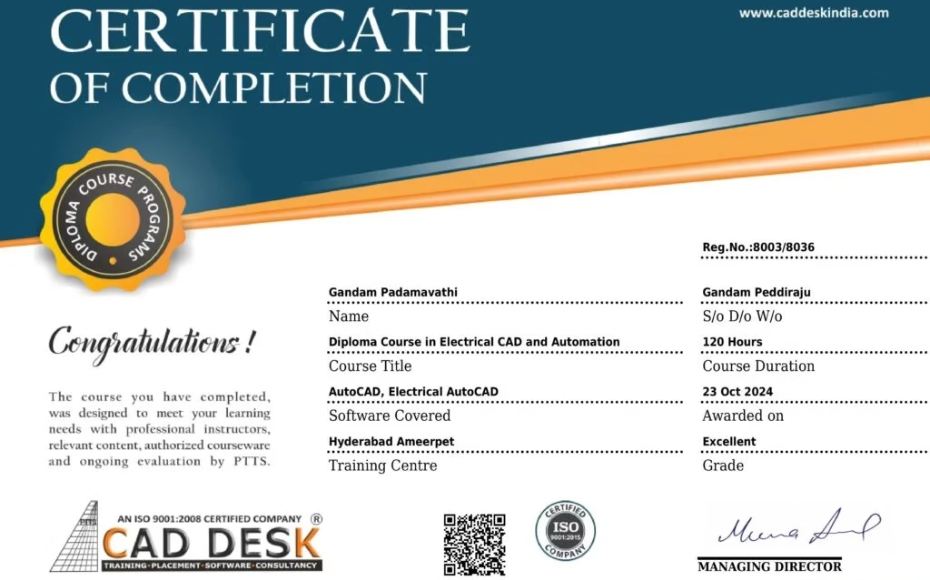
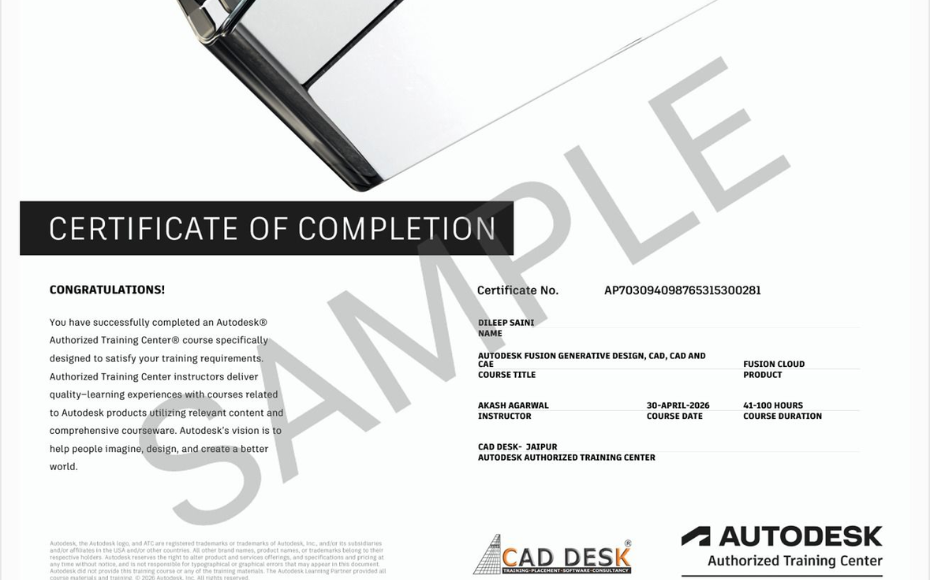
Earn Industry-Recognized Autodesk Inventor Certification With Dual Certificate Benefits

Gain industry-recognized Autodesk Inventor certification from CADDESK Hyderabad, an Autodesk Authorized Training Center, with dual certification benefits for better career opportunities.

Certificate of completion featuring a blue header, gold seal on the left, the word 'Congratulations', and multiple logos at the bottom (branding and seals).
Certificate of Completion with a bold black label and watermark sample across the page; includes logos of CAD Desk and Autodesk at the bottom (informational image).

Career Opportunities After Autodesk Inventor Course In CADDESK Ameerpet Hyderabad

The demand for skilled Autodesk Inventor professionals is rapidly growing across architecture, construction, interior design, civil engineering, and manufacturing industries.

Autodesk Inventor Design Engineer

₹3 – ₹5 LPA

Mechanical Design Engineer

₹3 – ₹6 LPA

Machine Design Engineer

₹3L - ₹5.5L/yr

Sheet Metal Design Engineer

₹3 – ₹5.5 LPA

Mechanical Drafting Engineer

₹2.5 – ₹4.5 LPA

Tool Design Engineer

₹3 – ₹5.5 LPA

Our Hiring Clients

QUESTIONS & ANSWERS

Frequently Asked Questions

Autodesk Inventor is a powerful 3D mechanical design and simulation tool used for creating parts, assemblies, sheet metal components, and engineering drawings. Learning Inventor helps you build strong design skills for manufacturing, automation, and product development industries.

The course is ideal for:

  • Mechanical Engineering students

  • Diploma holders

  • Product design aspirants

  • CAD designers

  • Anyone starting a career in mechanical design or manufacturing

You will gain knowledge in:

  • 3D part modeling

  • Assembly design

  • Sheet metal design

  • Weldments

  • Surface modeling

  • Drawing creation

  • Design automation with iLogic

  • Basic simulation and analysis

Caddesk Hyderabad stands out for its:
✔ Industry-experienced trainers
✔ Project-based learning
✔ Hands-on software practice
✔ Updated Autodesk Inventor modules
✔ Placement assistance
✔ Student-friendly learning approach

Yes! Our Inventor Training Institute in Hyderabad focuses on real-time mechanical designs, ensuring students learn through practical projects and exercises.

No. Beginners can start comfortably, and those with AutoCAD, SolidWorks, or Creo backgrounds will find it even easier.

You can apply for positions such as:

  • Mechanical Design Engineer

  • CAD Engineer

  • Product Designer

  • Manufacturing Design Engineer

  • R&D Engineer

  • Design Draftsman

Yes, Caddesk Hyderabad provides a recognized Inventor certification, which helps during interviews and job applications.


Yes! We offer:

  • Resume guidance

  • Interview preparation

  • Job assistance

  • Alerts for openings in mechanical design companies


You can visit Caddesk Hyderabad, Ameerpet, or contact us to book a free demo session and get complete course details.


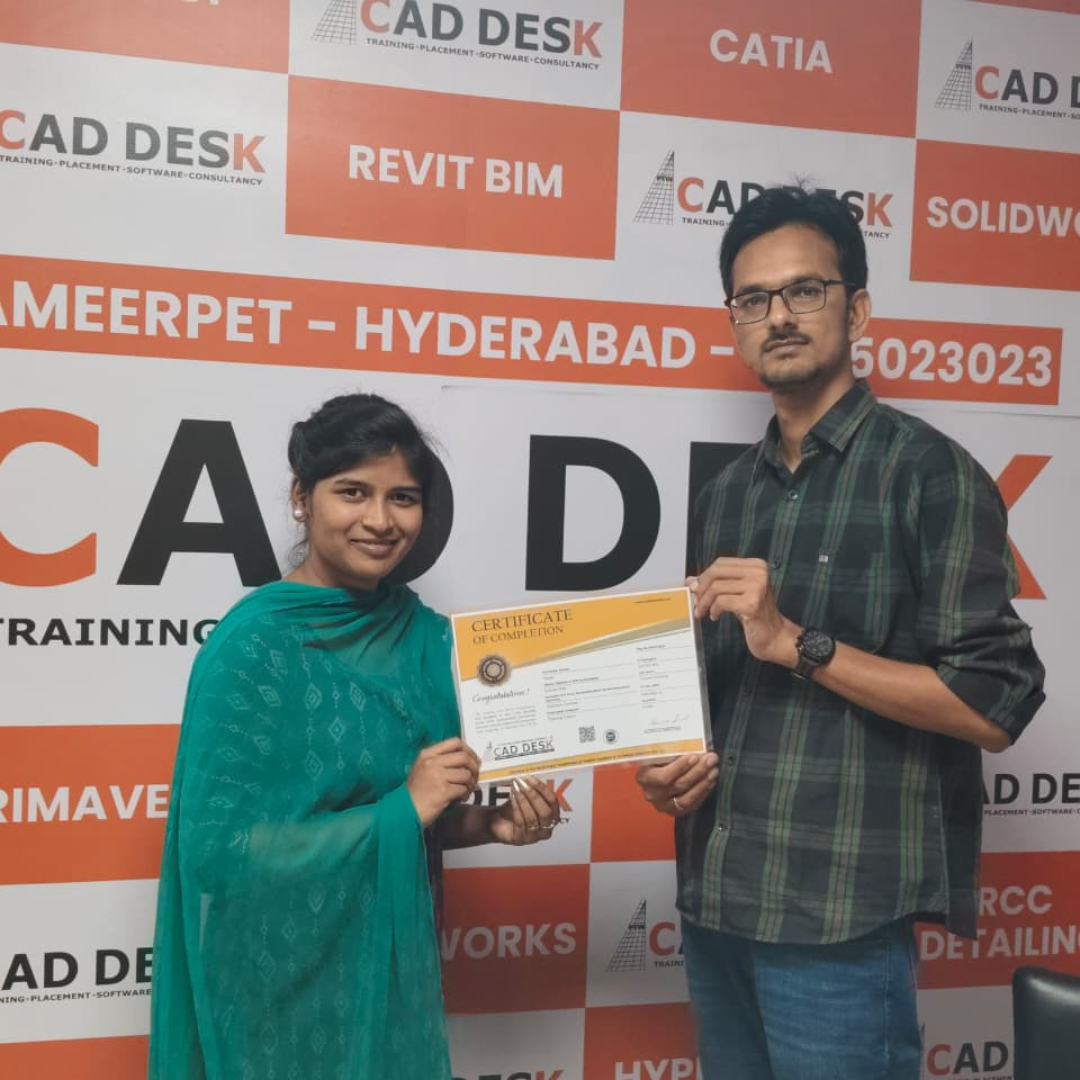
Our Certified Students

Our Student Testimonials

Google-colorCreated with Sketch.

2300+

★★★★★ 4.8 Rating

Explore Related Courses

Banner announcing students placed in campus drive, showing five student headshots with colored blocks and logos for CAD DESK and JWIL.

Confused about choosing a course? Fill the form and get a free counselling session.