














Industry Focused Training

Tekla Structures Training Institute In Hyderabad

Design Your Skills Draft Your Future

Learn Tekla Structures From Industry Experts With Practical Projects And Placement Focused Training, Build The Skills That Companies are Hiring For.

Google-colorCreated with Sketch.

4.9/5 ⭐

2.6k+ Reviews Google Rating

10000+

Students Trained

97%

Placement Rate

Get A Free Consultation

Fill the Form Our Counselor will Contact you within 24Hours

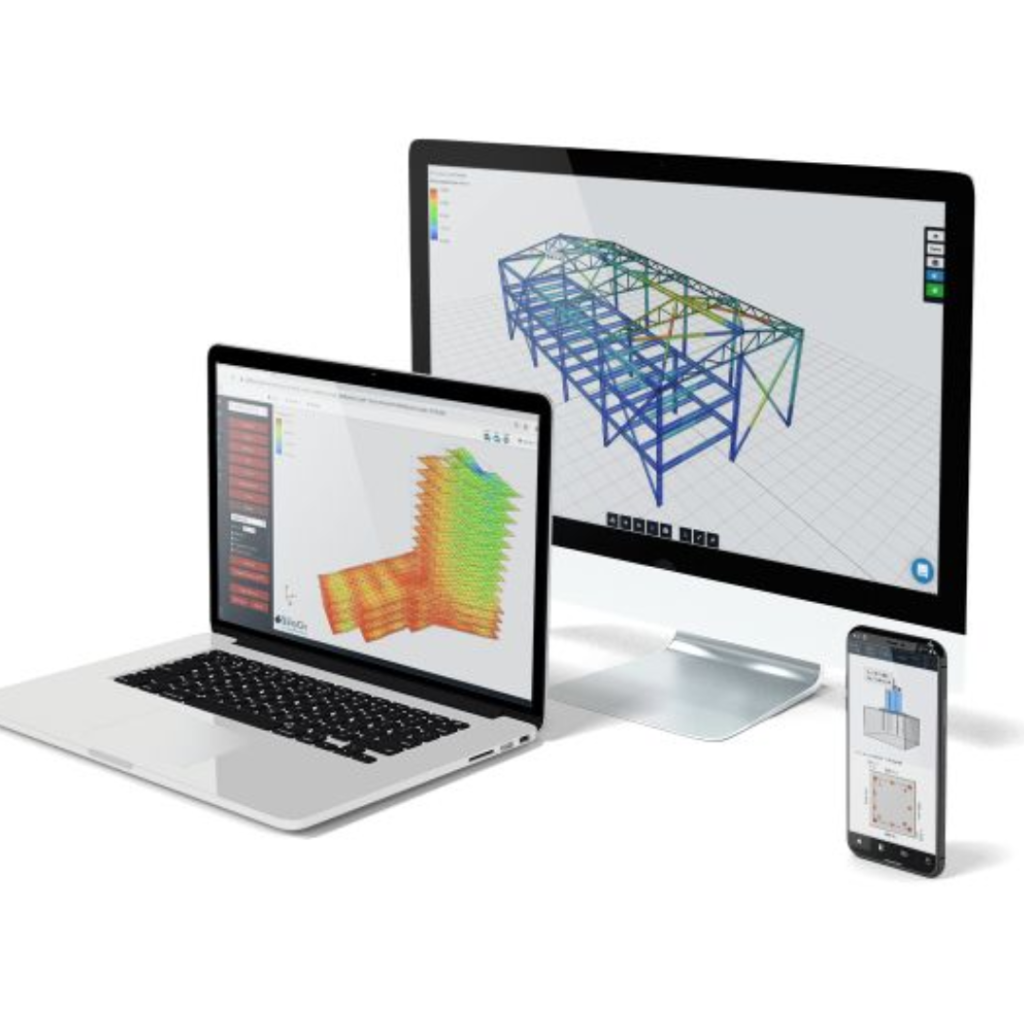
Desktop monitor shows a blue 3D structural frame; laptop displays a color heat-map; smartphone shows diagrams on its screen.

About Tekla Structures Course

AutoCAD is a widely used software application for 2D, 3D and Isometric design and drafting. The best autocad training institute will teach you to create accurate drawings and also generate 3D models of objects and structures in the autocad training. AutoCAD software has a user-friendly interface that includes a command line, toolbars, menus, and various palettes. The Autocad course provides a wide range of drawing and editing tools, allowing users to create and modify shapes, lines, arcs, and other geometric elements. AutoCAD allows users to work with a high level of precision by providing tools for accurate measurement, dimensioning, and annotation. Autocad course offers to create libraries of reusable components and blocks, streamlining the design process and ensuring consistency across drawings. The AutoCAD tool is highly customizable to create custom commands, scripts, and macros to automate repetitive tasks and adapt the software to their specific needs. AutoCAD files are typically saved in DWG (Drawing) format. AutoCAD can also import and export various other file formats.

Google-colorCreated with Sketch.

2300+

★★★★★ 4.8 Rating

10000+

Students Trained

100%

Placement Assistance

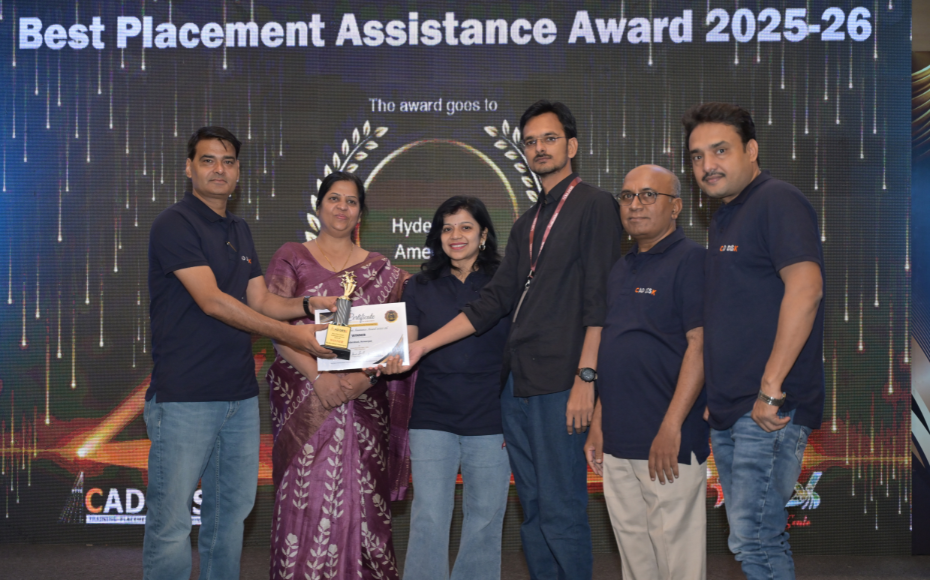
Six people on stage at an awards ceremony; a woman in a purple saree hands a trophy and certificate to a man while others pose nearby

WHY CHOOSE CADDESK

Build Your Design Career with Industry-Focused CAD Training

Student Login
ISO Certification + Autodesk Certification
Course materials
Placement Training
Life Time Technical Support

Advantages Of Tekla Structures Course:

AutoCAD software offers a multitude of advantages, making it a preferred choice for professionals in various design and drafting fields, AutoCAD is a software that is widely used for creating precise 2D and 3D designs in various industries including construction architecture drawings, engineering and product design. followings are some advantages of using AutoCAD

Advanced Steel Detailing & BIM Modeling

Master Tekla Structures, the industry-leading software used for detailed steel, concrete, and precast structure modeling, detailing, and fabrication workflows.

Intelligent Structural Modeling & Detailing

Learn to create accurate 3D structural models, generate shop drawings, fabrication drawings, connection details, and construction documentation with precision.

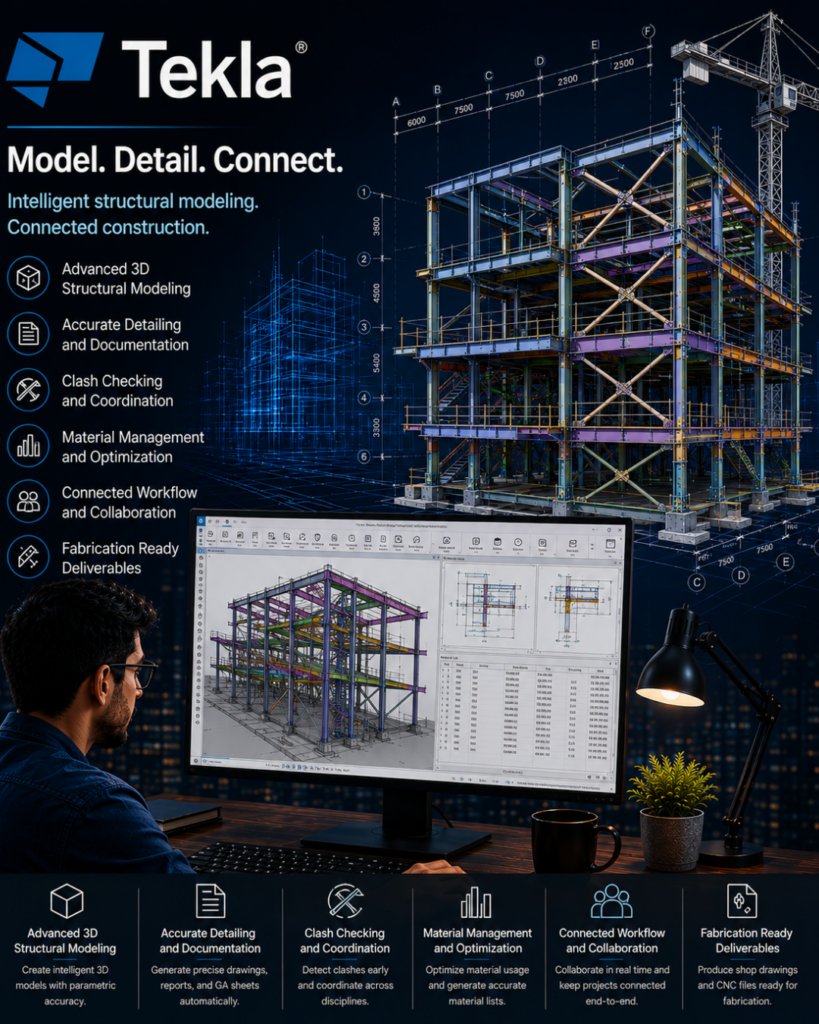
Tekla poster showing a multi‑story steel frame with blueprint overlays and an engineer at a computer illustrating 3D structural modeling.

High-Demand Structural BIM Skill

Develop expertise sought by structural engineering firms, steel fabrication companies, BIM consultancies, construction contractors, and infrastructure organizations worldwide.

Industry-Ready Fabrication & Construction Workflows

Gain practical knowledge in steel detailing, reinforcement detailing, quantity take-offs, clash detection, BIM coordination, and fabrication management for real-world projects.

Tekla Structures Course Content

  • Tekla Overview
  • IFC Drawings
  • Create New Model
  • Single User & Multiuser Models
  • Grid Creation
  • Views and Navigation
  • Contextual Toolbar
  • Base Point
  • Columns, Beams, Girders
  • Braces, Poly Beams, Curved Beams
  • Member Orientation
  • Material Grades
  • Finish Codes
  • Filtering Options
  • Surface Treatment
  • Construction Lines & Circles
  • Measuring Tools
  • Split & Combine
  • Move, Copy, Mirror
  • Work Plane Operations
  • Polygon Cut
  • Line Cut
  • Part Cut
  • Fit Part
  • Welds & Weld Properties
  • Bolts & Slotted Holes
  • Selection & Snapping Tools
  • Chamfer Edge
  • Rendering Options
  • Clip Plane
  • Clash Check Manager
  • Components Introduction
  • Joints & Connections
  • Base Plates
  • Haunches
  • End Plates
  • Splices
  • Clip Angles
  • Gusset Plates
  • Stiffened End Plates
  • Stub Connections
  • Box Girders
  • Stiffeners
  • Weld Through Components
  • Custom Components
  • Model Thumbnail Creation
  • Project Properties
  • Phase Manager
  • Numbering Settings
  • Diagnose & Repair Models
  • Assembly Numbering
  • BOM Reports
  • Material Lists
  • Bolt Lists
  • Shop Reports
  • Site Reports
  • GA Drawings
  • Plan Views
  • Elevations
  • Sections & Details
  • Weld Marks & Symbols
  • Assembly Drawings
  • Single Part Drawings
  • Multi Drawings
  • Clone Drawings
  • Revision Handling
  • Printing & Exporting
  • Concrete Detailing
  • Rebar Detailing
  • Miscellaneous Steel
  • PEB Structure Modeling
  • PEB Connections
  • PEB Reports & Drawings
  • Final Industrial Projects
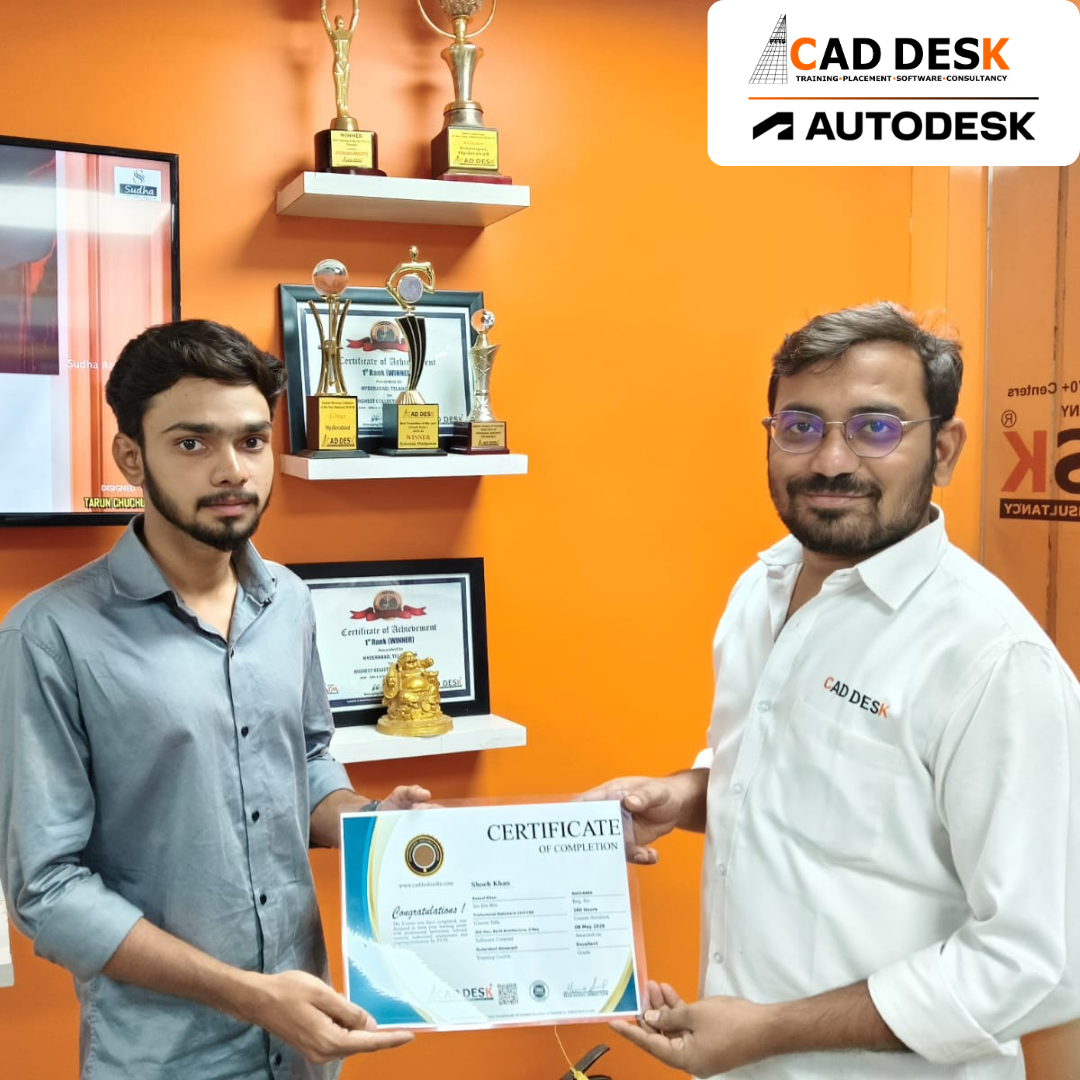
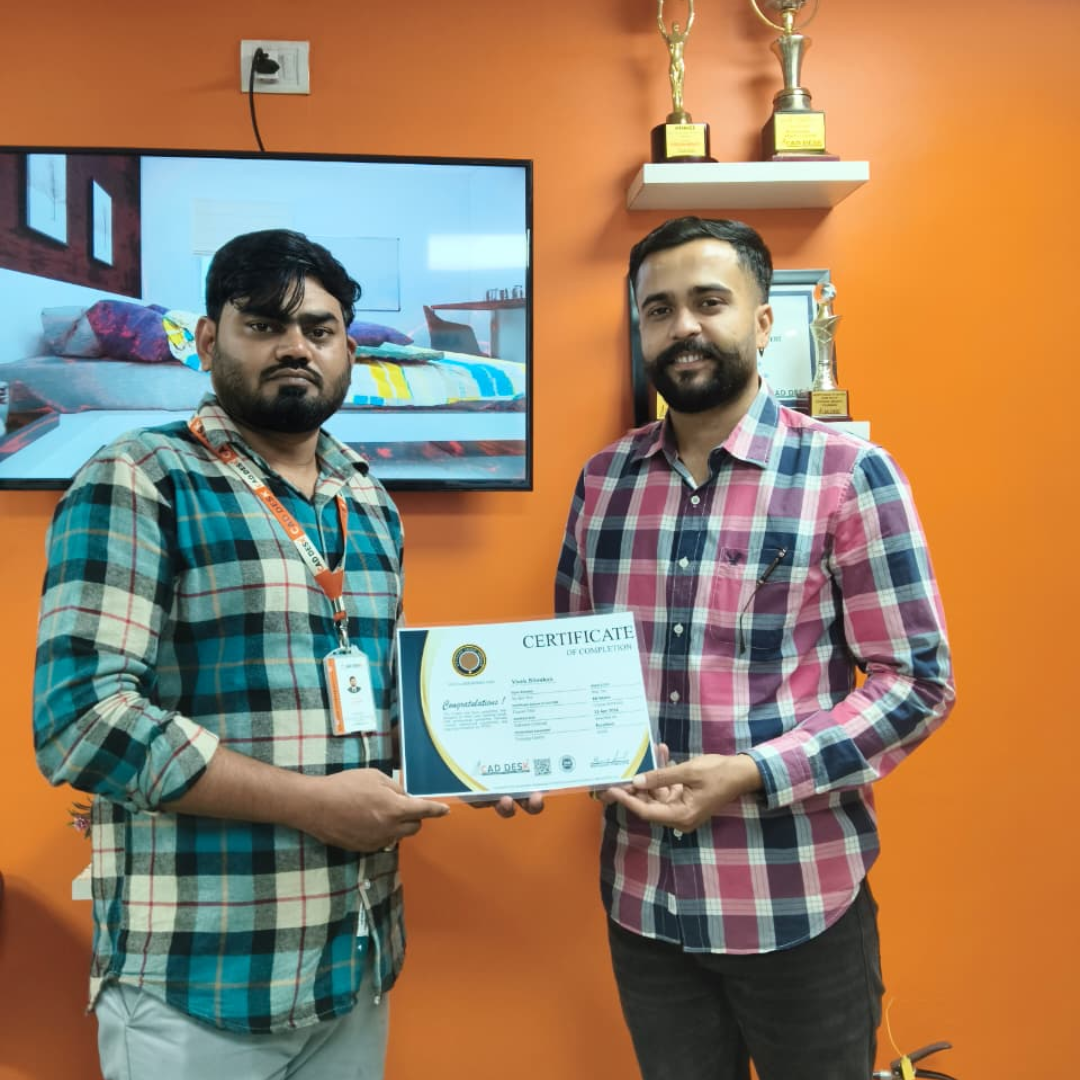
Two men exchange a certificate of completion in a bright orange office with trophy shelves; CAD DESK and Autodesk logos visible in the corner.

Course Includes

New Batches

Course NameStart DateTimingEnroll
Autocad15/06/202611:00 AMBook Slot
StaadPro15/06/202611:00 AMBook Slot
Enscape15/06/202604:00 PMBook Slot
Revit MEP15/06/202606:00 PMBook Slot
SketchUP15/06/202606:00 PMBook Slot
D5-Render15/06/202612:00 PMBook Slot
NX CAD15/06/202612:00 PMBook Slot
Solidworks15/06/202605:00 PMBook Slot
3DS Max15/06/202611:00 AMBook Slot
AutoCAD15/06/202606:00 PMBook Slot
Quantity Survey15/06/202608:00 PMBook Slot

Online Tekla Structures Course:

Advance your structural detailing and BIM skills with the Online Tekla Structures Course at Caddesk Hyderabad. Designed for civil engineering students, structural engineers, steel detailers, and BIM professionals, our Online Tekla Structures Training provides comprehensive knowledge of 3D structural modeling, steel detailing, connection design, reinforcement detailing, and fabrication drawings. Through live online sessions, practical assignments, and real-time projects, students gain hands-on experience using industry-standard workflows adopted in construction and infrastructure projects. If you are searching for the best Online Tekla Structures Course, Tekla Structures Online Training, or professional Tekla Structures Classes, Caddesk Hyderabad offers expert guidance, certification, and placement assistance to help you build a successful career in structural engineering and BIM.

Classroom Tekla Structures Course:

Master structural steel detailing and BIM modeling with the Classroom Tekla Structures Course at Caddesk Hyderabad. Our instructor-led Classroom Tekla Structures Training is specially designed for civil engineering students, structural engineers, and detailing professionals who prefer practical classroom learning. The course covers structural modeling, steel connections, reinforcement detailing, shop drawings, fabrication drawings, and project documentation through hands-on sessions and live projects. With experienced trainers, modern lab facilities, and personalized guidance, students develop industry-ready skills required for careers in structural engineering, steel detailing, and BIM. If you are looking for the best Tekla Structures Course in Hyderabad, Tekla Structures Training Institute, or professional Tekla Structures Classes, Caddesk Hyderabad provides comprehensive training with certification and placement support.

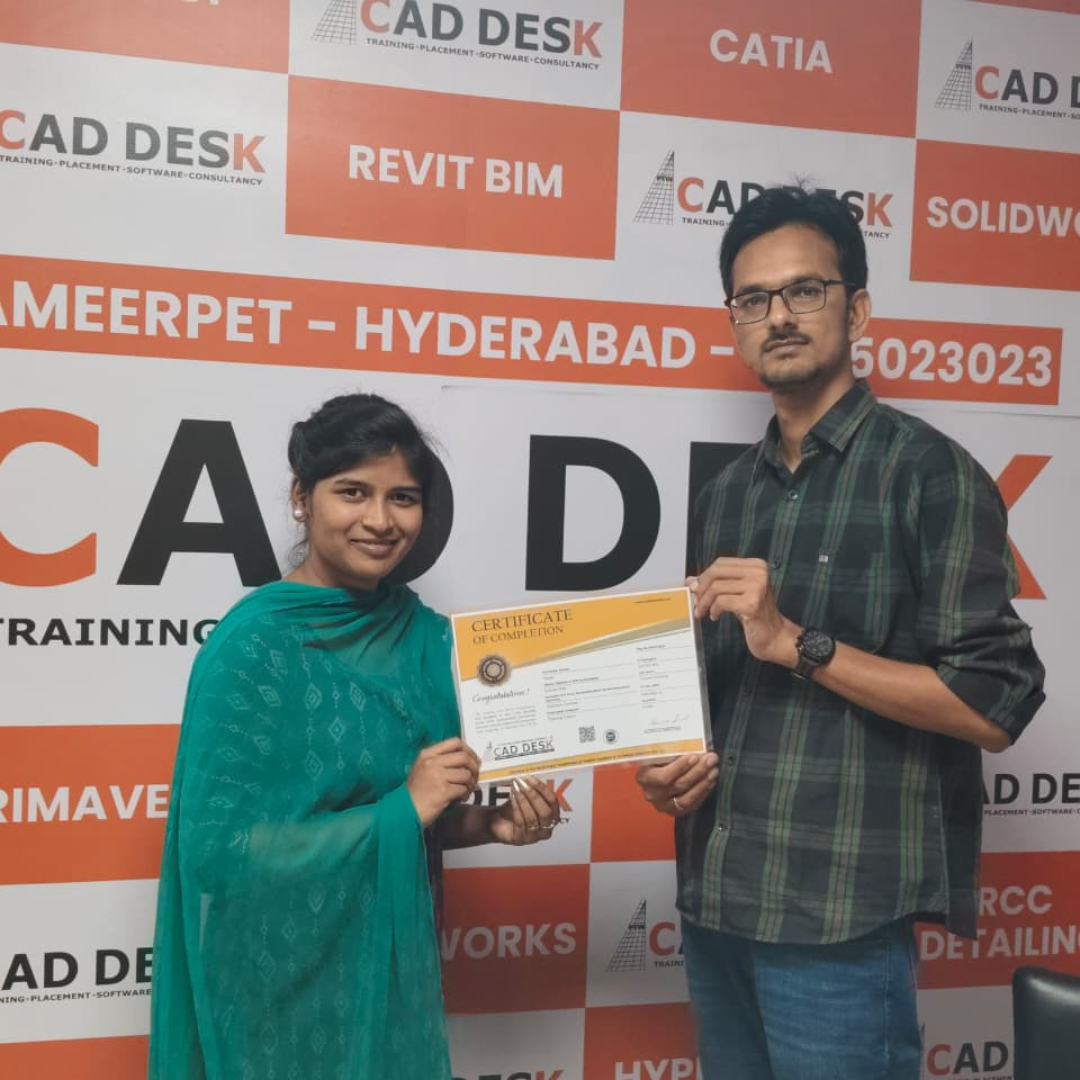
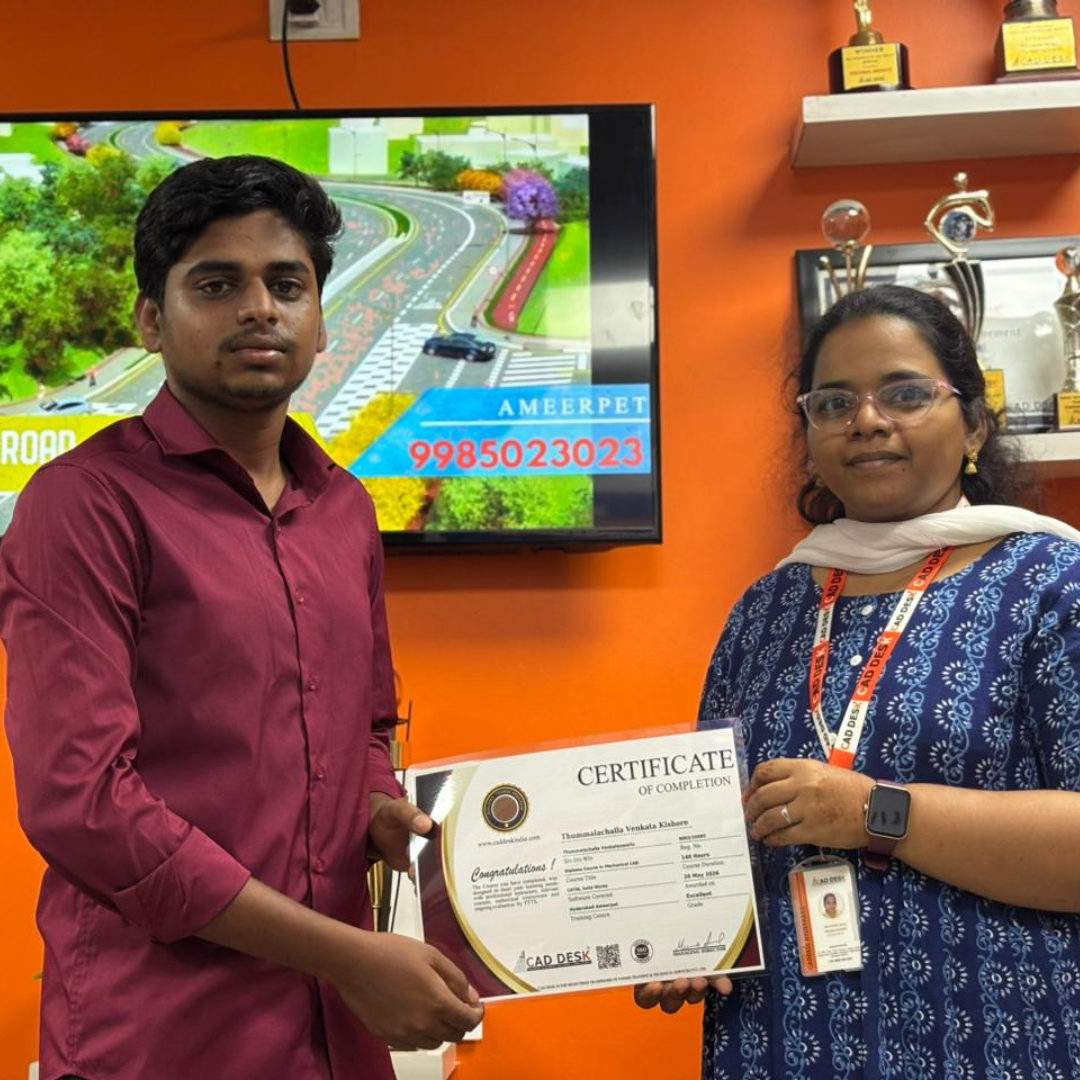
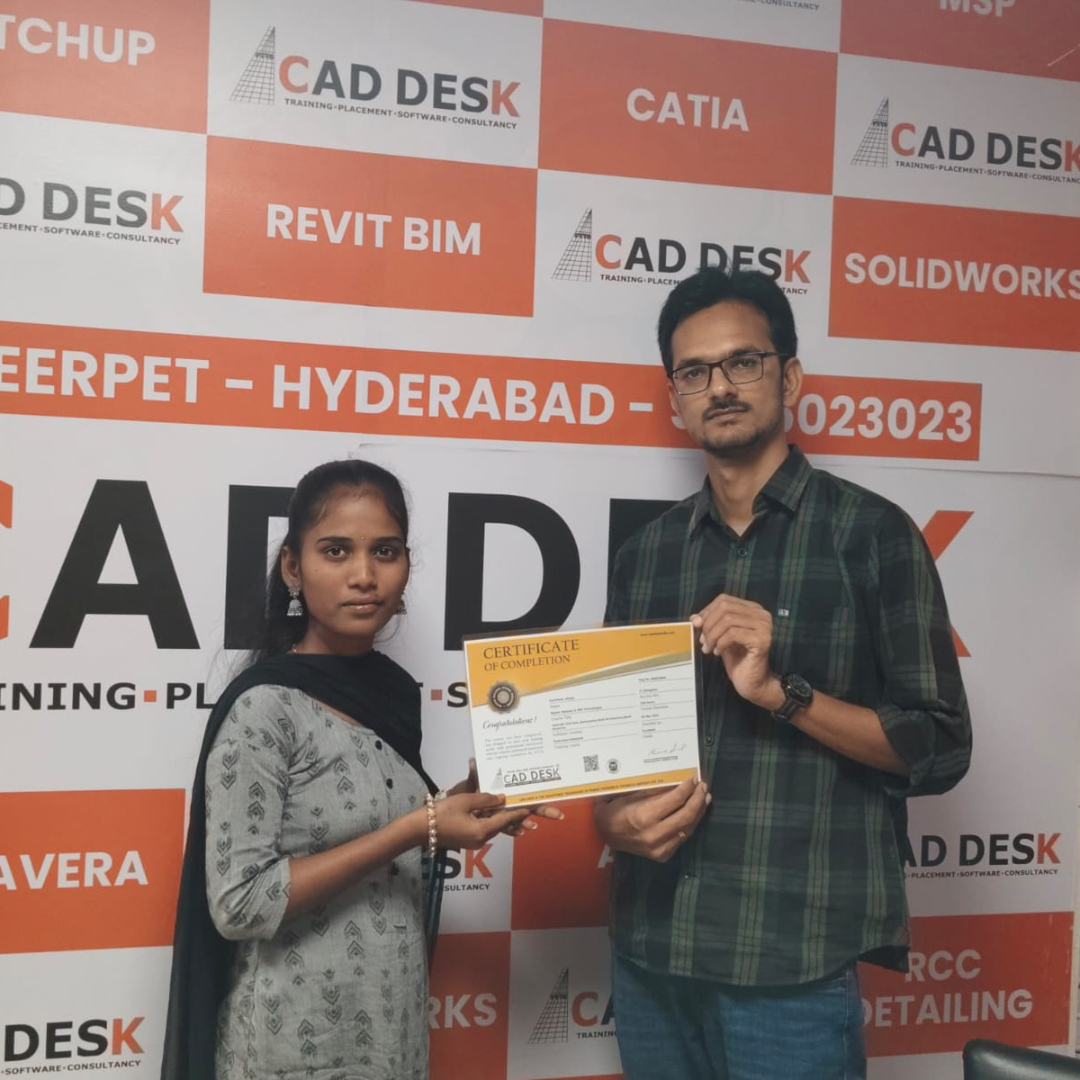
Earn Industry-Recognized Tekla Structures Certification With Dual Certificate Benefits

Gain industry-recognized Tekla Structures certification from CADDESK Hyderabad, an Autodesk Authorized Training Center, with dual certification benefits for better career opportunities.

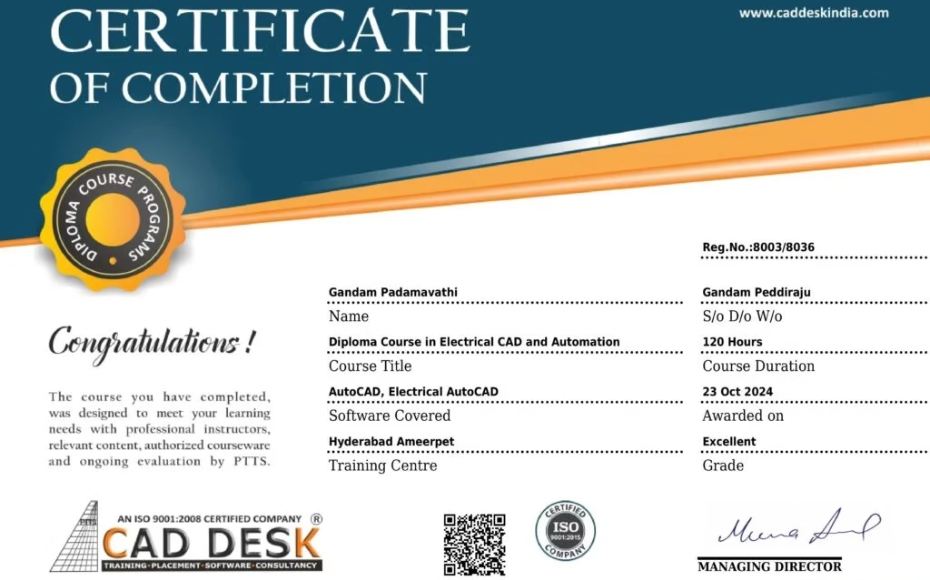
Certificate of completion featuring a blue header, gold seal on the left, the word 'Congratulations', and multiple logos at the bottom (branding and seals).
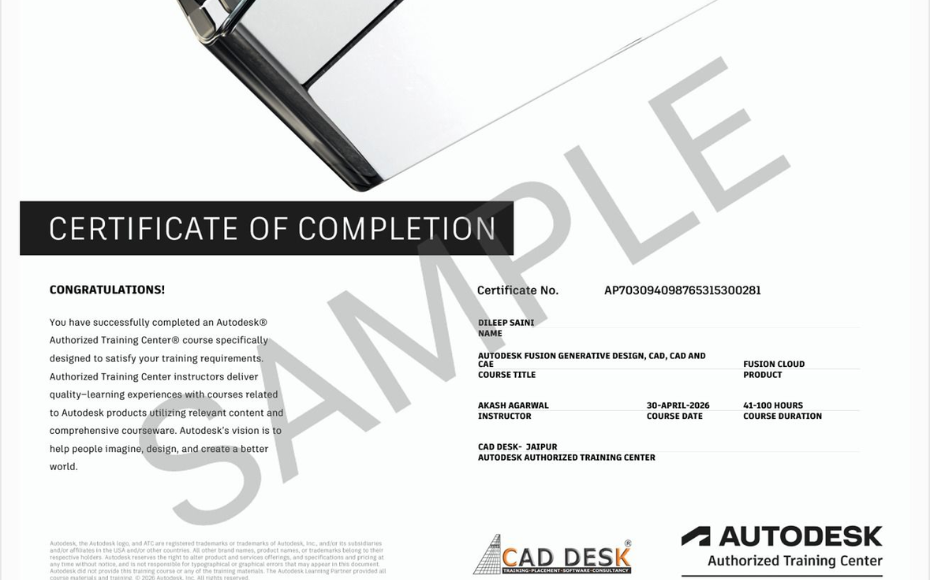
Certificate of Completion with a bold black label and watermark sample across the page; includes logos of CAD Desk and Autodesk at the bottom (informational image).

Career Opportunities After Tekla Structures Course In CADDESK Ameerpet Hyderabad

The demand for skilled AutoCAD professionals is rapidly growing across architecture, construction, interior design, civil engineering, and manufacturing industries.

AutoCAD Draftsman

₹2.5L - ₹4L/yr

Civil Drafting Engineer

₹3L - ₹6L/yr

Mechanical CAD Designer

₹3L - ₹5.5L/yr

Electrical CAD Designer

₹2.5L - ₹5L/yr

Interior CAD Designer

₹3L - ₹6L/yr

Civil CAD Designer

₹3L - ₹5.5L/yr

Our Hiring Clients

QUESTIONS & ANSWERS

Frequently Asked Questions

The Tekla Structures Course helps learners develop advanced BIM and structural modeling skills used in modern construction and engineering projects, improving productivity and project accuracy.

Through Tekla Structures Training, you will learn 3D structural modeling, detailing, connection design, drawing generation, quantity takeoffs, and BIM workflows.

Yes. A professional Tekla Structures Course starts with the fundamentals of structural modeling and gradually advances to detailing and project-based workflows.

Tekla Structures Software is known for its detailed structural modeling capabilities, intelligent BIM environment, and ability to generate fabrication-ready drawings.

Yes. The Tekla Structures Course covers modeling, detailing, and documentation for both steel and reinforced concrete structures.

Yes. Tekla Structures Training focuses extensively on structural detailing, shop drawings, assembly drawings, and fabrication documentation.

Tekla Structures Software enables better collaboration between design, detailing, fabrication, and construction teams through a BIM-based workflow.

Yes. The Tekla Structures Course teaches how to generate accurate quantity reports, material lists, and project documentation directly from the model.

Our Certified Students

Our Student Testimonials

Google-colorCreated with Sketch.

2300+

★★★★★ 4.8 Rating

Explore Related Courses

Banner announcing students placed in campus drive, showing five student headshots with colored blocks and logos for CAD DESK and JWIL.

Confused about choosing a course? Fill the form and get a free counselling session.