

















Industry Focused Training

AutoCAD Plant 3D Training Institute in Hyderabad

Learn industrial plant design using AutoCAD Plant 3D. Develop knowledge of 3D equipment modelling, piping layout, pipe routing, P&ID workflows and engineering drawing documentation.

Google-colorCreated with Sketch.

4.9/5 ⭐

2.6k+ Reviews Google Rating

10000+

Students Trained

97%

Placement Rate

Get A Free Consultation

Fill the Form Our Counselor will Contact you within 24Hours

About AutoCAD Plant 3D Course

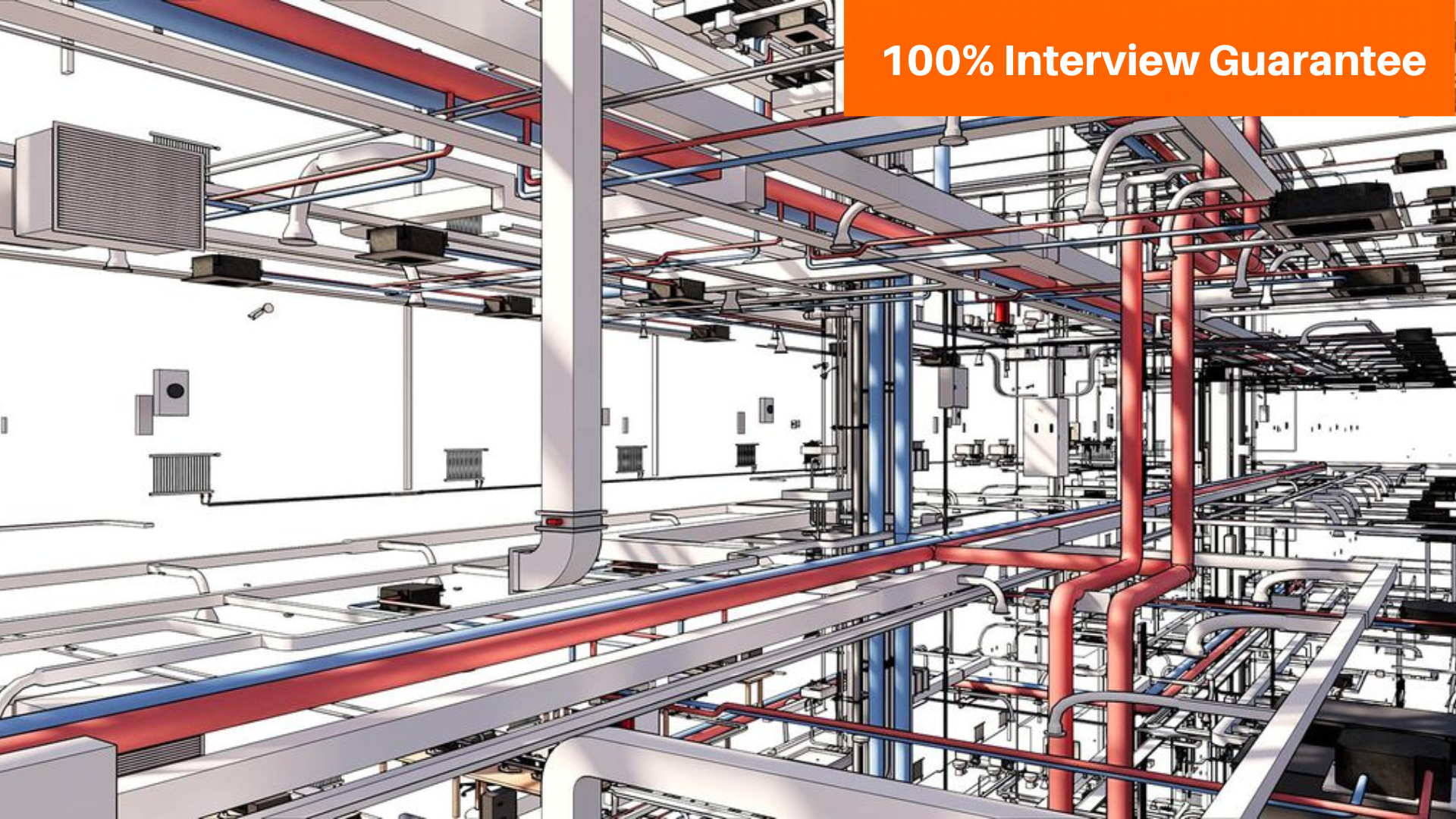
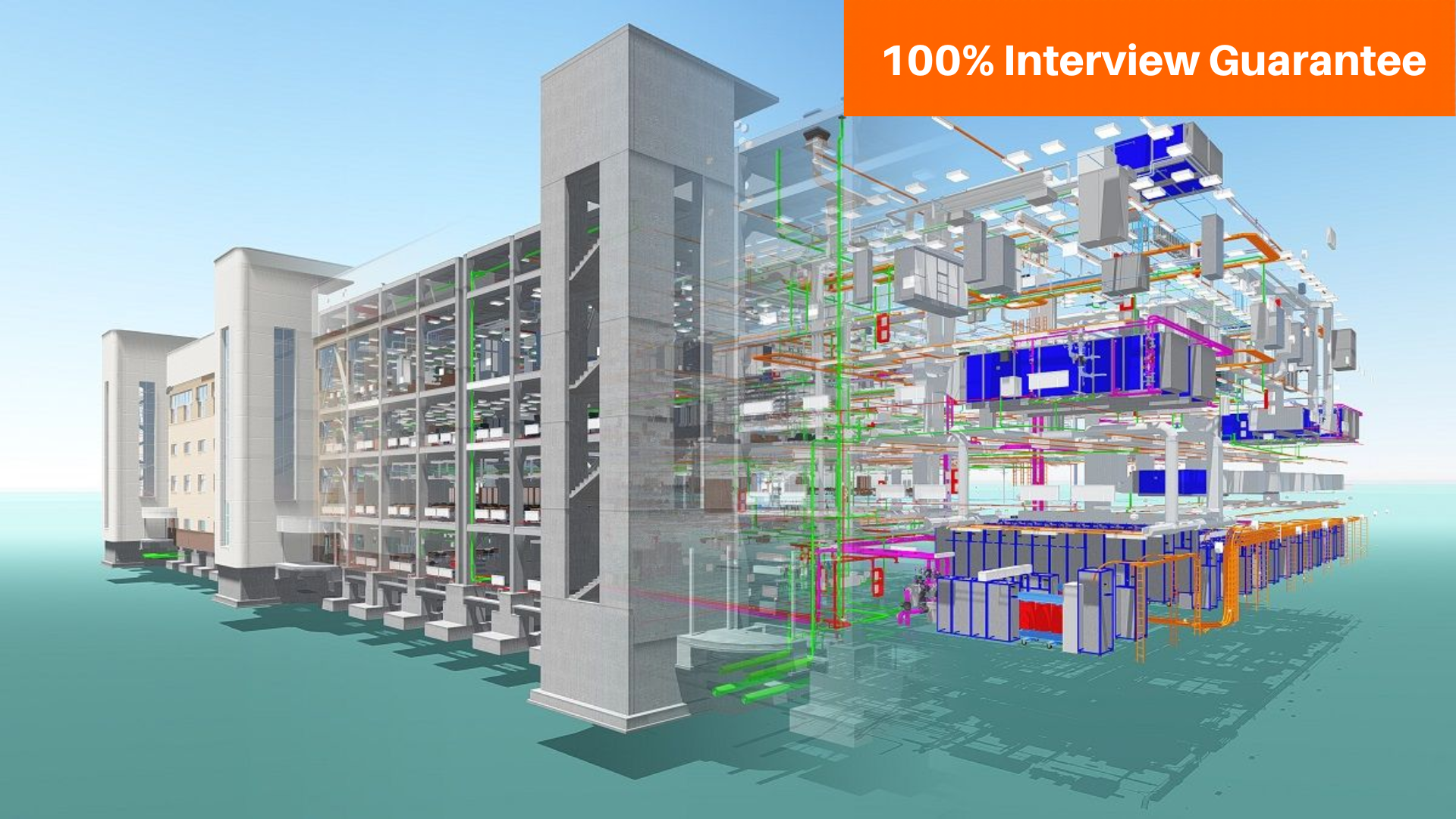
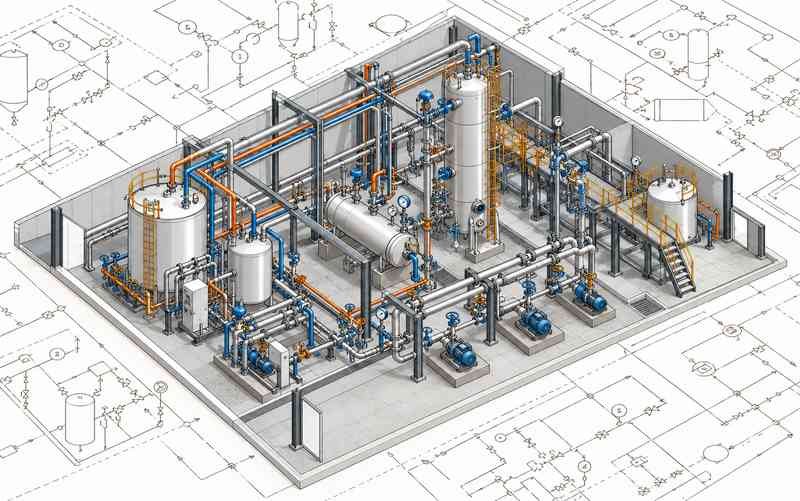
AutoCAD Plant 3D is specialised engineering design software used to create 3D models of industrial plants and piping systems. It supports workflows for arranging equipment, routing pipes, managing piping components and preparing engineering drawings.

The AutoCAD Plant 3D course at CADDESK Hyderabad can introduce learners to plant modelling concepts, equipment placement, piping specifications, pipe routing and drawing generation. Students can explore how three-dimensional plant models support design coordination and technical documentation.

The course may be suitable for mechanical engineering students, graduates, piping design aspirants and working professionals who want to develop industrial plant design software skills.

Contact CADDESK Hyderabad to confirm the current syllabus, software version, practical projects, course duration and batch availability.

Google-colorCreated with Sketch.

2300+

★★★★★ 4.8 Rating

10000+

Students Trained

100%

Placement Assistance

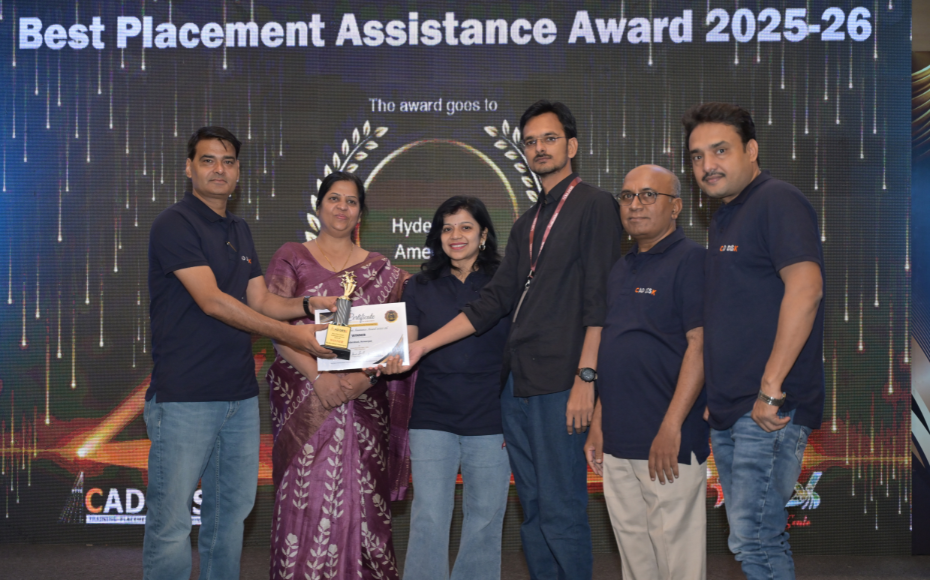
Six people on stage at an awards ceremony; a woman in a purple saree hands a trophy and certificate to a man while others pose nearby

WHY CHOOSE CADDESK

Build Your Design Career with Industry-Focused CAD Training

Student Login
ISO Certification + Autodesk Certification
Course materials
Placement Training
Life Time Technical Support

Advantages of AutoCAD Plant 3D Course

AutoCAD Plant 3D supports specialised workflows for modelling industrial plants and piping systems. Learning the software can help learners understand how equipment, piping layouts and engineering drawings are developed in a coordinated design environment.

Industry Standard Software

Plant 3D is used in industrial design workflows involving piping, process equipment and plant layouts. Learning its tools can help learners understand common plant design processes.

Faster Design Workflow

Explore how equipment placement, pipe routing and drawing generation work together in a 3D plant model.

High-Demand Career Skill

Develop foundational knowledge relevant to piping design, plant layout and engineering drafting opportunities.

Foundation for Advanced Tools

Build a strong base for learning Revit, BIM, SketchUp, 3ds Max, STAAD Pro, and other industry software.

AutoCAD P&ID Course Content

  • Introduction to AutoCAD Plant 3D
  • Software interface and workspace
  • Plant design concepts and terminology
  • Project environment and navigation
  • Creating and managing projects
  • Understanding project structure
  • Drawing organisation
  • Introduction to project settings and specifications
  • Creating and placing equipment
  • Equipment arrangement and positioning
  • Editing equipment properties
  • Working with equipment connections
  • Understanding plant layout requirements
  • Introduction to piping systems
  • Pipe routing and layout
  • Pipes, fittings and valves
  • Piping specifications
  • Component selection and placement
  • Routing considerations around equipment
  • Understanding P&ID drawings
  • Working with process equipment and line data
  • Connecting P&ID information with 3D workflows
  • Reviewing piping and equipment consistency
  • Equipment and piping arrangement
  • Working with pipe routes
  • Understanding clearances and accessibility
  • Reviewing model coordination
  • Basic plant layout practices
  • Introduction to piping isometrics
  • Generating isometric drawings
  • Understanding dimensions and annotations
  • Reviewing piping components and connections
  • Isometric drawing documentation
  • Creating plan and elevation views
  • Generating orthographic drawings
  • Adding dimensions and annotations
  • Preparing plant layout documentation
  • Understanding piping specifications
  • Component properties and data
  • Working with project information
  • Basic drawing and model checks
  • Developing a sample 3D plant model
  • Placing equipment and routing piping
  • Reviewing model arrangement
  • Generating relevant engineering drawings
  • Organising project deliverables
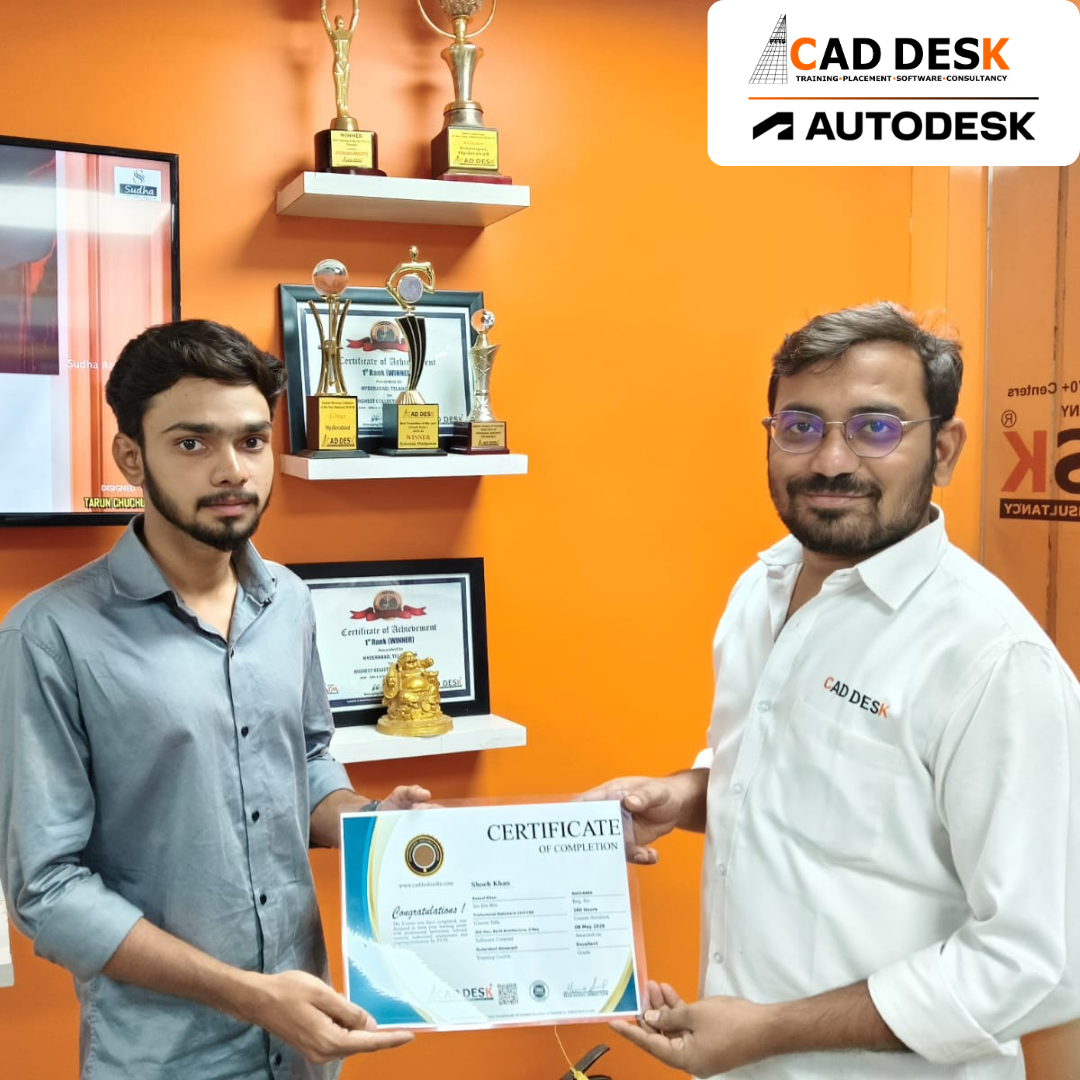
Two men exchange a certificate of completion in a bright orange office with trophy shelves; CAD DESK and Autodesk logos visible in the corner.

Course Includes

New Batches

Course NameStart DateTimingEnroll
Autocad22/10/202611:00 AMBook Slot
Solidworks22/10/202612:00 PMBook Slot
Sketchup22/10/202604:00 PMBook Slot
Ansys22/10/202604:00 PMBook Slot
StaadPro22/10/202610:00 AMBook Slot
Catia22/10/202606:00 PMBook Slot
Vray ( sketchup )22/10/202611:00 AMBook Slot
Quantity survey22/10/202604:00 PMBook Slot
AutoCAD22/10/202607:00 AMBook Slot

Online AutoCAD Plant 3D Course

If you want to develop your plant design skills from your preferred location, online AutoCAD Plant 3D training may offer a convenient learning option. The course can introduce learners to 3D equipment modelling, piping layout, pipe routing and engineering drawing workflows.

With suitable software access and guided practice, learners can explore how industrial plant components are arranged in a three-dimensional model. Online learning may suit students, graduates and working professionals who need flexibility with their schedules.

Contact CADDESK Hyderabad to confirm online batch availability, instructor-led sessions, software requirements, practical assignments and recorded-session access.


Classroom AutoCAD Plant 3D Course

Develop your plant design software knowledge through classroom-based AutoCAD Plant 3D training at CADDESK Hyderabad. Explore equipment modelling, piping routing, plant layouts and engineering drawing generation through guided learning and practical exercises.

Classroom training may be suitable for mechanical engineering students, piping design aspirants and working professionals who prefer in-person instruction and direct interaction during lessons.

Contact CADDESK Hyderabad for current classroom schedules, lab availability, course fees, syllabus details and the practical work included.

Earn Industry-Recognized AutoCAD Plant 3D Certification With Dual Certificate Benefits

Gain industry-recognized AutoCAD Plant 3D certification from CADDESK Hyderabad, an Autodesk Authorized Training Center, with dual certification benefits for better career opportunities.

Certificate of completion featuring a blue header, gold seal on the left, the word 'Congratulations', and multiple logos at the bottom (branding and seals).
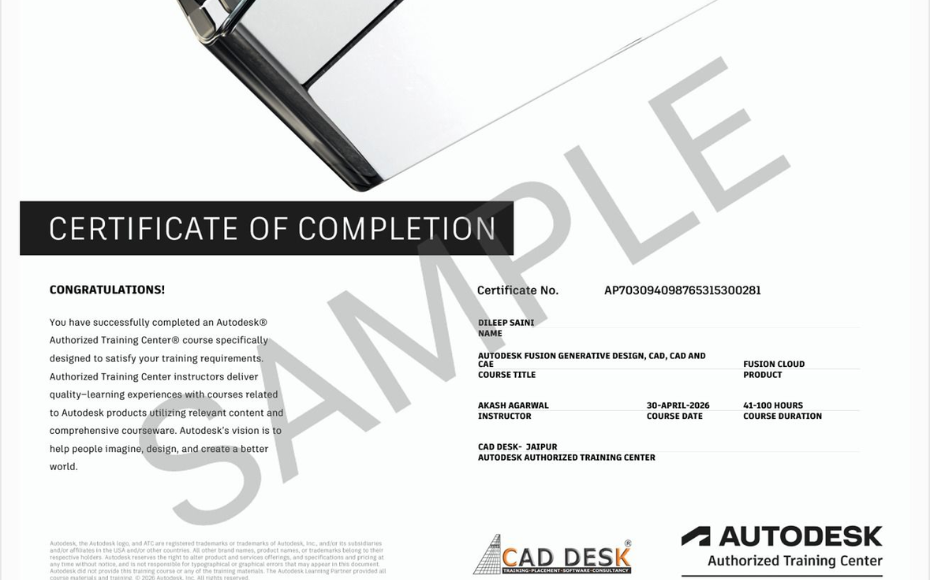
Certificate of Completion with a bold black label and watermark sample across the page; includes logos of CAD Desk and Autodesk at the bottom (informational image).

Career Opportunities After AutoCAD Plant 3D Course In CADDESK Ameerpet Hyderabad

The demand for skilled AutoCAD Plant 3D professionals is rapidly growing across architecture, construction, interior design, civil engineering, and manufacturing industries.

Plant 3D Designer

₹2.5L - ₹4L/yr

Piping Design Drafter

₹3L - ₹6L/yr

Junior Piping Designer

₹3L - ₹5.5L/yr

Plant Layout Designer

₹2.5L - ₹5L/yr

CAD Design Technician

₹3L - ₹6L/yr

Industrial Plant Modelling Technician

₹3L - ₹5.5L/yr

Our Hiring Clients

QUESTIONS & ANSWERS

Frequently Asked Questions

AutoCAD Plant 3D is used to model industrial plants in 3D, including equipment, piping systems and associated engineering components. It also supports engineering drawing generation

AutoCAD is a general-purpose CAD application. Plant 3D provides specialised tools for industrial plant modelling, piping design, specifications and related engineering deliverables.

Mechanical and chemical engineering students, graduates, piping design aspirants and related professionals may find the course useful.

Yes. Plant 3D supports piping layout, pipe routing, component selection and related drawing workflows.

Yes. Plant 3D supports the generation of piping isometric drawings from suitable 3D piping models.

Both are used for industrial plant design. Plant 3D belongs to Autodesk’s design ecosystem, while SP3D is an intelligent plant design application associated with Hexagon. Their tools and project workflows differ.

Depending on qualifications and experience, learners may explore piping design, plant modelling, plant layout drafting and related CAD roles.

Contact CADDESK Hyderabad for the latest fee structure, course duration, batch timings and syllabus.

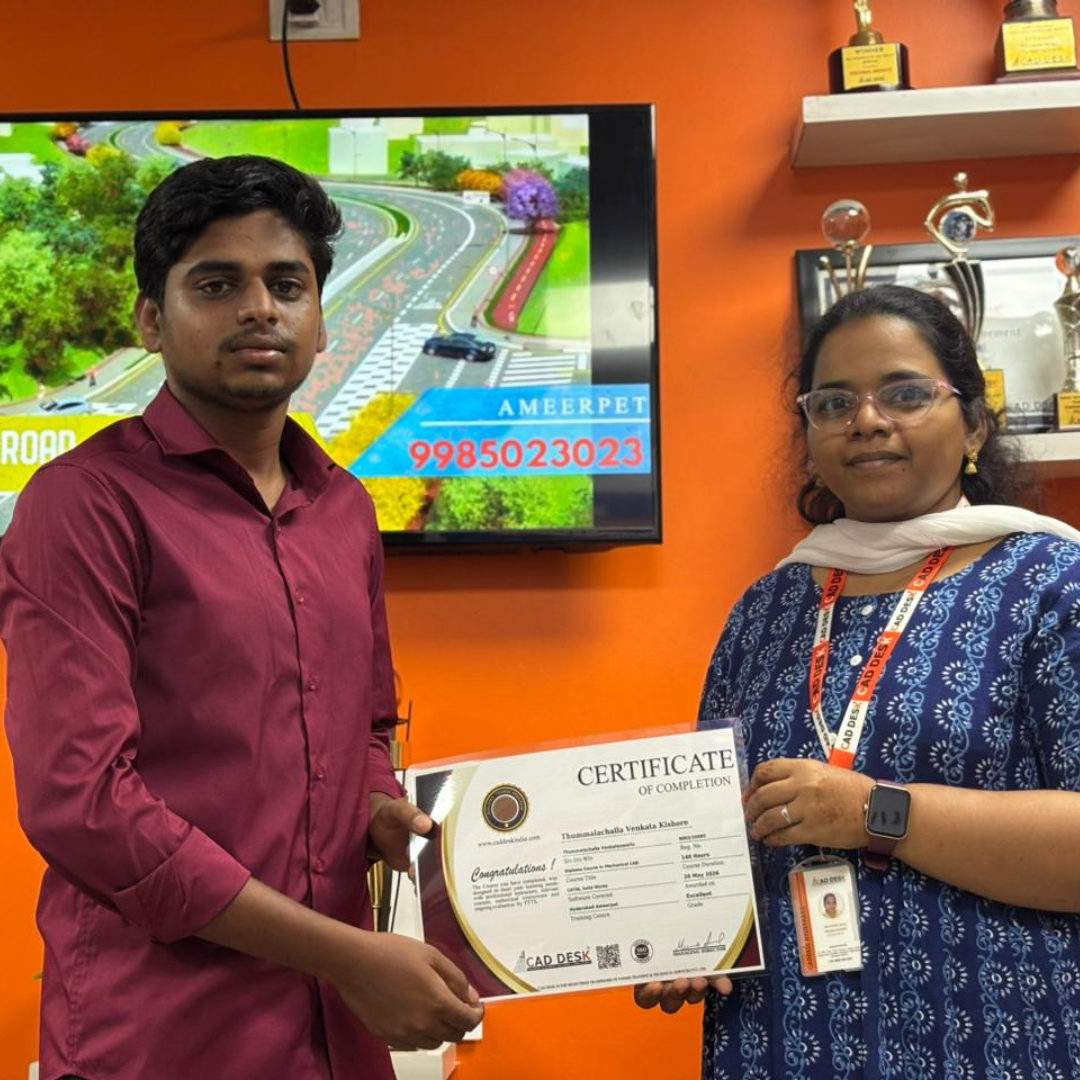
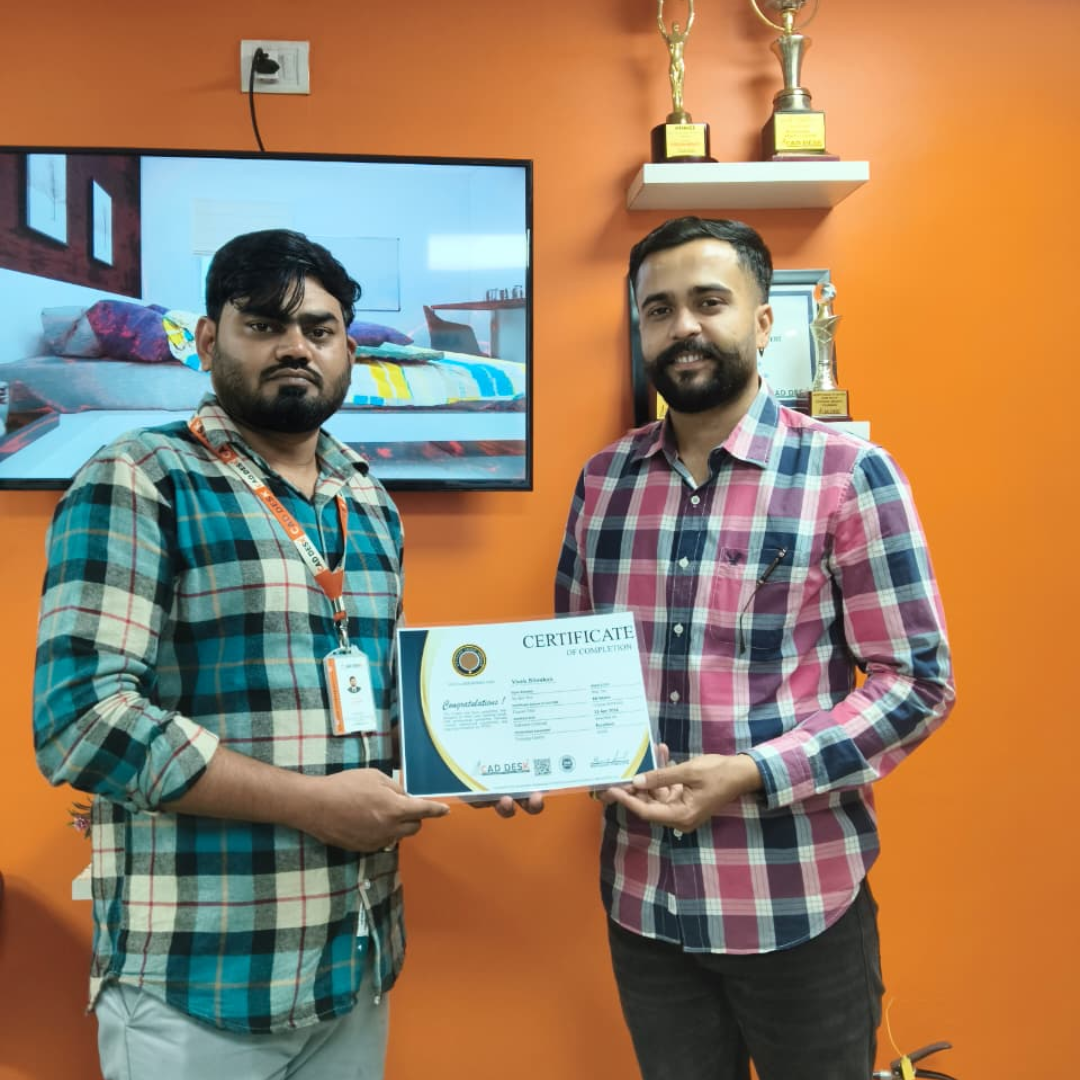
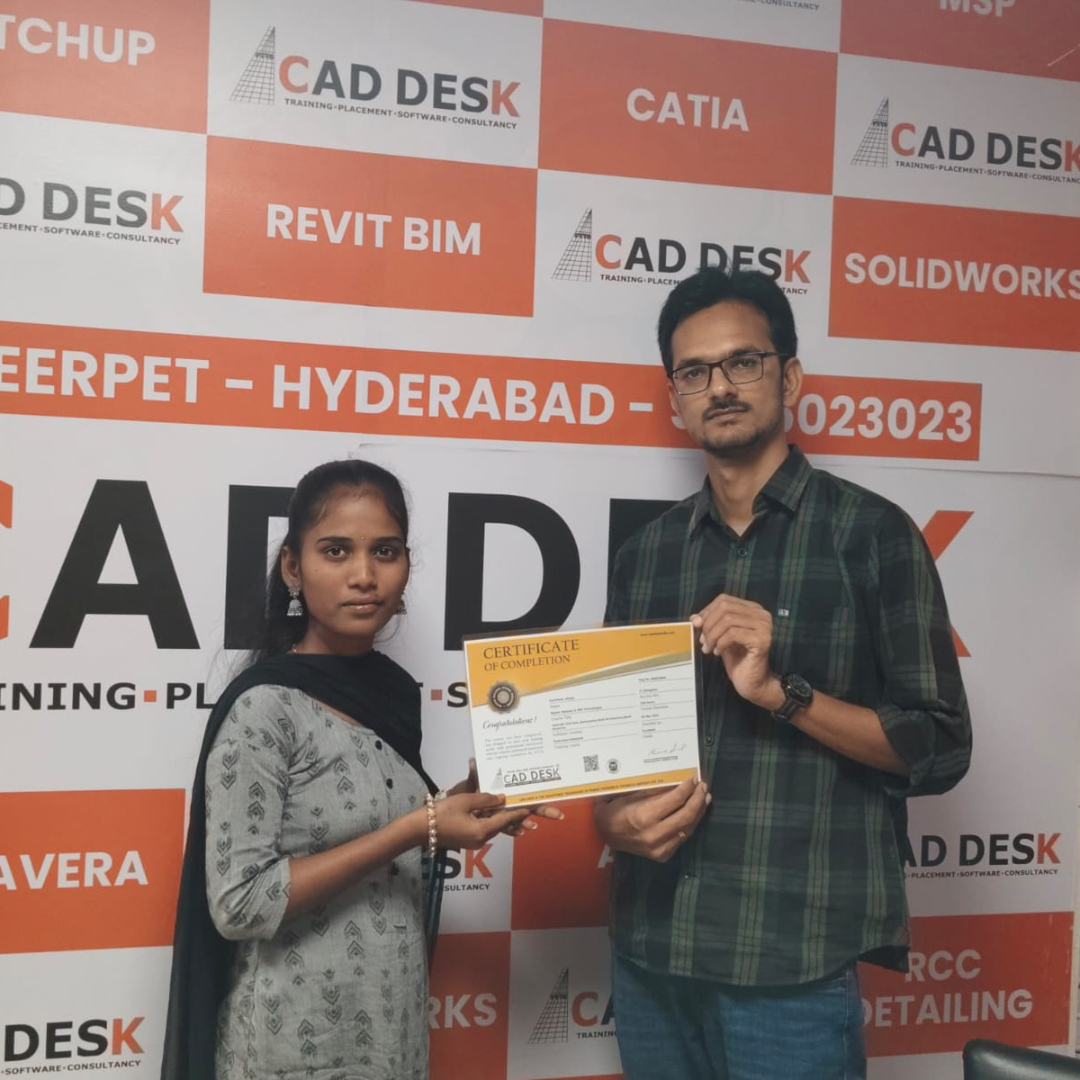
Our Certified Students

Our Student Testimonials

Google-colorCreated with Sketch.

2300+

★★★★★ 4.8 Rating

Rahul
I joined the AutoCAD Course in Ameerpet at Caddesk Hyderabad to improve my drafting skills. The trainers explained every concept clearly, and the practical sessions helped me gain confidence. Highly recommended for AutoCAD training in Hyderabad.
Priya
Caddesk Hyderabad is one of the best places for an AutoCAD Course in Ameerpet Hyderabad. The faculty members are experienced, and the course covers both 2D and 3D concepts in detail.
Sandeep
After searching for a good AutoCAD Training Institute in Ameerpet, I joined Caddesk Hyderabad. The trainers are supportive, and the real-time projects improved my technical knowledge.
Sneha
The AutoCAD training in Ameerpet at Caddesk Hyderabad exceeded my expectations. The classes are interactive, and the trainers clarify every doubt patiently.
Arjun
I am very happy with the AutoCAD Course in Ameerpet offered by Caddesk Hyderabad. The institute provides practical exposure and placement assistance for students.
Kavya
Caddesk Hyderabad is the best AutoCAD Coaching Centre in Ameerpet. The trainers are knowledgeable, and the course structure is easy to understand for beginners.
Naveen
The AutoCAD Training Institute in Hyderabad provided excellent learning support. I learned drafting standards and advanced AutoCAD tools through hands-on practice.
Divya
Joining the AutoCAD Course in Ameerpet Hyderabad was a great decision. The faculty members are friendly, and the flexible timings helped me manage my studies.
Kiran
I recommend Caddesk Hyderabad to anyone looking for quality AutoCAD training in Ameerpet. The practical assignments and project work are very useful for career growth.
Anjali
The AutoCAD Course in Ameerpet at Caddesk Hyderabad helped me build a strong foundation in design and drafting. The trainers and learning environment are excellent, making it one of the best AutoCAD institutes in Hyderabad.

Explore Related Courses