


















Industry Focused Training

Lumion Training Institute In Hyderabad

Design Your Skills Draft Your Future

Learn Lumion From Industry Experts With Practical Projects And Placement Focused Training, Build The Skills That Companies are Hiring For.

Google-colorCreated with Sketch.

4.9/5 ⭐

2.6k+ Reviews Google Rating

10000+

Students Trained

97%

Placement Rate

Get A Free Consultation

Fill the Form Our Counselor will Contact you within 24Hours

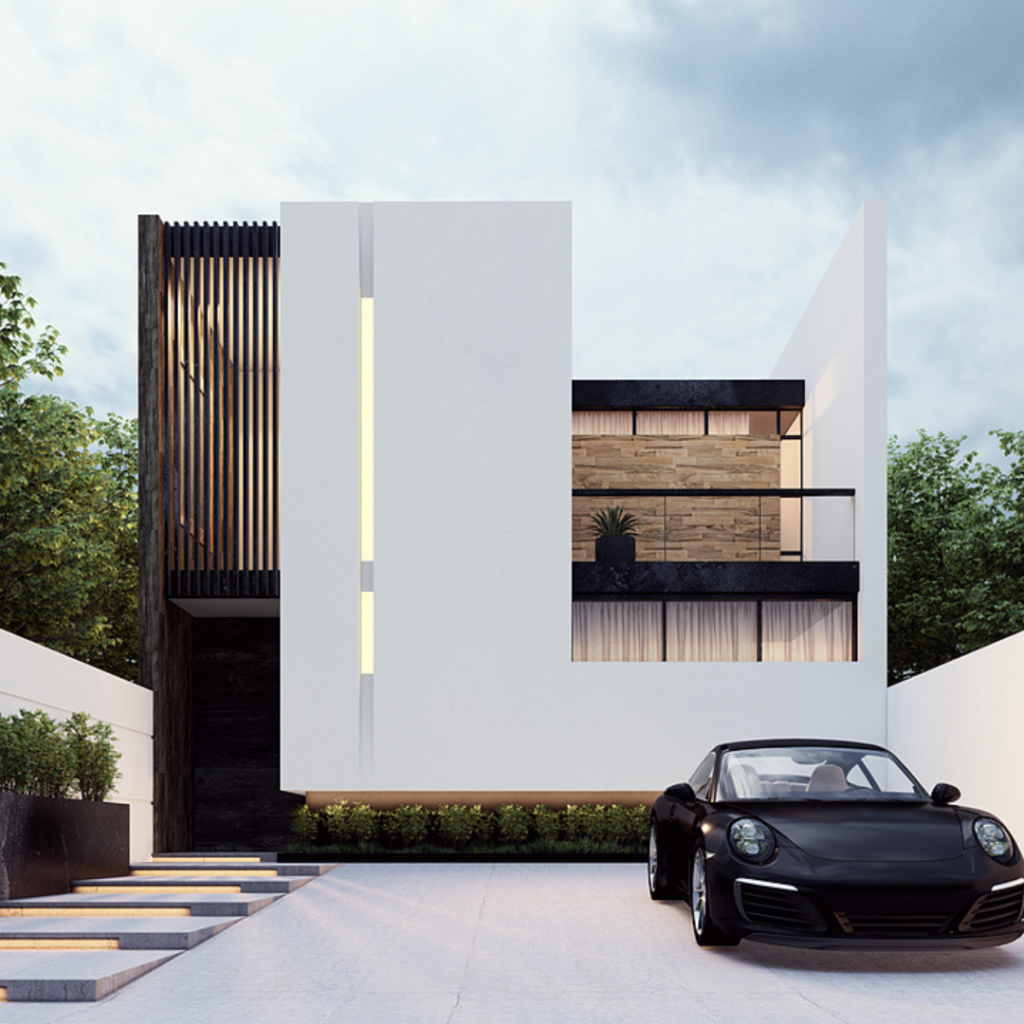
Modern white house with geometric façade and a black sports car parked in the driveway.

About Lumion Course

Lumion is a 3D rendering software that is ideal for architects, urban planners, interior designers and other professionals who want to create highly realistic visualizations of their designs. The Lumion course is designed to teach students how to use this software to bring their designs to life, by teaching them how to create realistic lighting, materials, and textures. The course also covers how to create animations and walkthroughs, which can be used to showcase designs to clients and other stakeholders. Whether you are new to Lumion or want to enhance your existing Lumion skills, this course will equip you with the knowledge you need to create stunning 3D visualizations.

Google-colorCreated with Sketch.

2300+

★★★★★ 4.8 Rating

10000+

Students Trained

100%

Placement Assistance

Six people on stage at an awards ceremony; a woman in a purple saree hands a trophy and certificate to a man while others pose nearby

WHY CHOOSE CADDESK

Build Your Design Career with Industry-Focused CAD Training

Student Login
ISO Certification + Autodesk Certification
Course materials
Placement Training
Life Time Technical Support

Advantages Of Lumion Course:

Lumion is a powerful software used for architectural visualization and 3D modeling. Here are some advantages of taking a Lumion course, Improved visualization skills: Lumion courses provide you with the ability to create high-quality architectural visuals and animations.

Real-Time Architectural Visualization

Master Lumion to create stunning, real-time visualizations that transform architectural and interior designs into immersive presentations.

Create Photorealistic Renders & Animations

Learn to produce high-quality images, walkthroughs, flythroughs, and animated videos using advanced lighting, materials, landscapes, and visual effects.

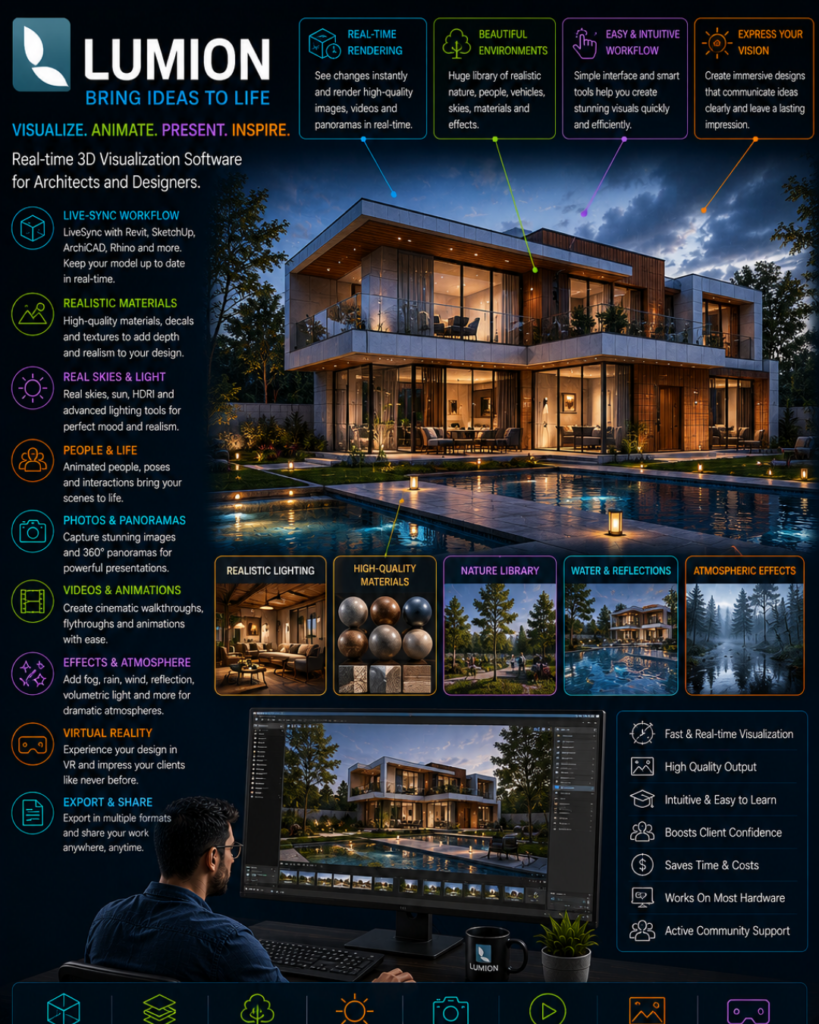
Lumion promotional infographic showing a luxury house with labeled feature panels and icons detailing real-time rendering, materials, lighting, workflow, and outputs around the scene.

In-Demand Visualization Skill

Gain expertise sought by architectural firms, interior design studios, real estate companies, and visualization professionals for project presentations and marketing.

Fast & Efficient Design Presentation

Enhance project communication with realistic environments, weather effects, vegetation, and cinematic animations that help clients visualize designs with confidence.

Lumion Course Content

  • Understanding the Lumion interface and workspace
  • Importing 3D models and scene setup
  • Navigation and camera controls
  • Utilising the Lumion library: objects, materials, and environments
  • Exploring various lighting techniques for different moods
  • Using the sun and sky system for natural lighting
  • Adding artificial lights and adjusting their properties
  • Setting up global illumination and reflections
  • Applying materials to surfaces
  • Utilising Lumion’s material library and customization options
  • Importing custom textures and materials
  • Fine-tuning material properties for realistic results
  • Adding terrain and landscape elements
  • Placing vegetation and trees
  • Incorporating water features and effects
  • Enhancing outdoor scenes with weather and atmosphere effects
  • Designing and furnishing interior spaces
  • Working with interior lighting and artificial light sources
  • Adding decor and props to enhance realism
  • Showcasing interior scenes with camera angles and composition
  • Creating animation and camera paths for dynamic scenes
  • Utilising effects for cinematic storytelling
  • Integrating people and crowds into your scenes
  • Working with day-to-night transitions
  • Setting up high-resolution renders for print and presentations
  • Composing still images for marketing materials
  • Capturing video animations and walkthroughs
  • Post-production tips and techniques for polished results
  • Using Lumion LiveSync to work with 3D modelling software
  • Collaborating with team members and clients
  • Exporting and sharing Lumion projects for review
  • Understanding hardware and system requirements
  • Efficient use of memory and textures
  • Tips for speeding up rendering times
  • Troubleshooting common performance issues
  • Architectural visualisation: Rendering a residential property
  • Interior design showcase: Visualising a modern living space
  • Landscape design: Creating an outdoor leisure area
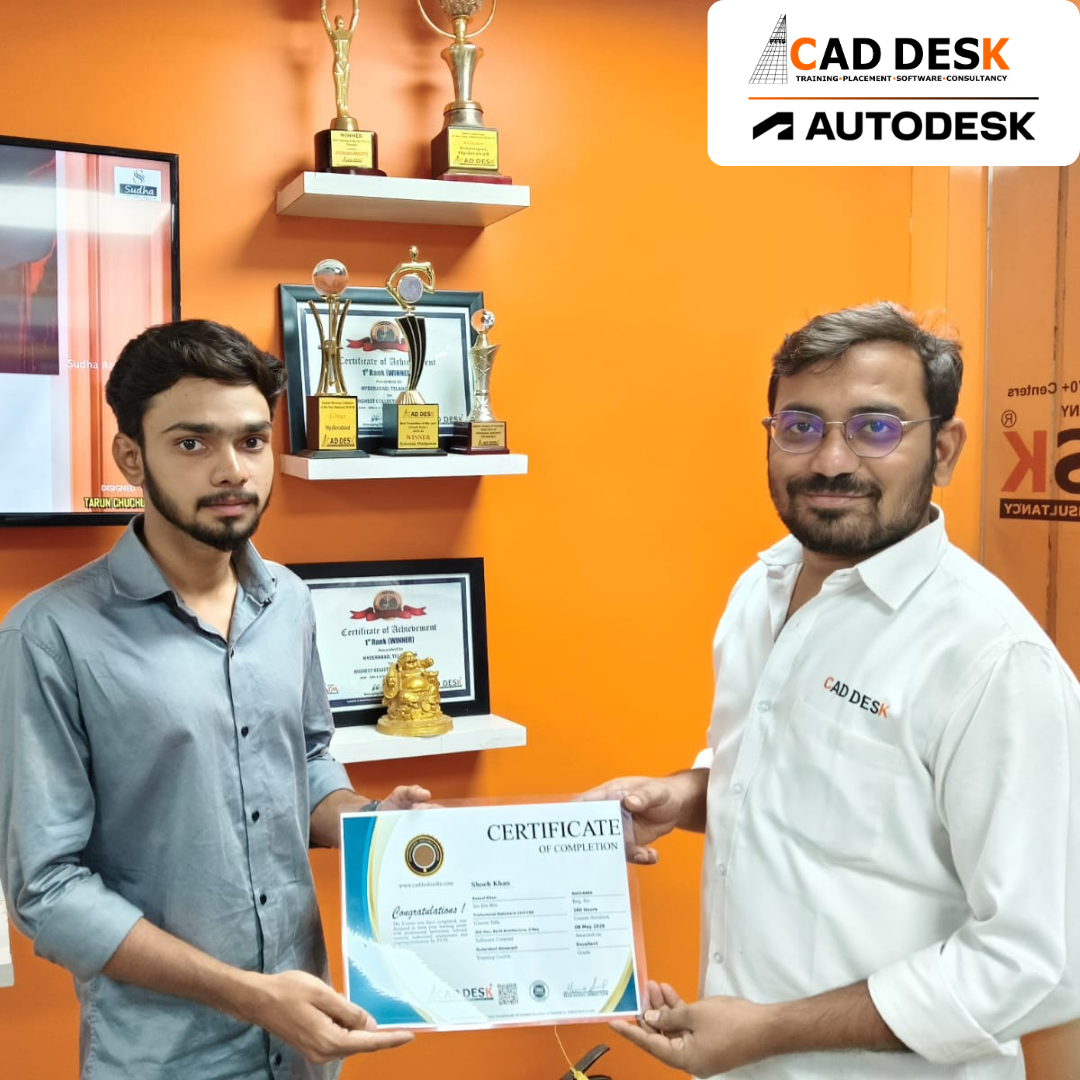
Two men exchange a certificate of completion in a bright orange office with trophy shelves; CAD DESK and Autodesk logos visible in the corner.

Course Includes

New Batches

Course Name Start DateModeTiming Enroll
Autocad08/06/2026Online/Offline 09:00 AMBook Slot
Autocad08/06/2026Online/Offline 05:00 PMBook Slot
StaadPro08/06/2026Online/Offline11:00 AMBook Slot
Sketchup 08/06/2026Online/Offline10:00 AMBook Slot
V-Ray Sketchup 08/06/2026Online/Offline11:00 AMBook Slot
Solidworks 08/06/2026Online/Offline04:00 PMBook Slot
Nx- CAD08/06/2026Online/Offline05:00 PMBook Slot
HVAC08/06/2026Online/Offline04:00 PMBook Slot
AutoCAD 08/06/2026Online 07:00 AMBook Slot
Primavera 08/06/2026Online 07:00 AMBook Slot

Online Lumion Course:

Bring your architectural and interior designs to life with the Online Lumion Course at Caddesk Hyderabad. Designed for architects, civil engineers, interior designers, and students, our Online Lumion Training helps learners master real-time rendering and visualization techniques from the comfort of their homes. The course covers materials, lighting, landscapes, effects, animation, and photorealistic rendering workflows used in modern architectural projects. Through live online sessions, practical assignments, and real-time projects, students gain hands-on experience in creating high-quality visual presentations. If you are searching for the best Online Lumion Course, Lumion Online Training, or professional Lumion Classes, Caddesk Hyderabad provides industry-oriented training with certification and placement assistance.

Classroom Lumion Course:

Develop professional rendering and animation skills with the Classroom Lumion Course at Caddesk Hyderabad. Our instructor-led Classroom Lumion Training is specially designed for architecture students, civil engineers, interior designers, and working professionals who prefer practical classroom learning. Students learn advanced rendering techniques, lighting effects, landscaping, animations, and walkthrough creation through hands-on sessions and real-world projects. With experienced faculty, modern lab facilities, and personalized guidance, learners acquire the skills needed to create stunning architectural visualizations. If you are looking for the best Lumion Course in Hyderabad, Lumion Training Institute, or professional Lumion Classes, Caddesk Hyderabad offers comprehensive training with certification and placement support.

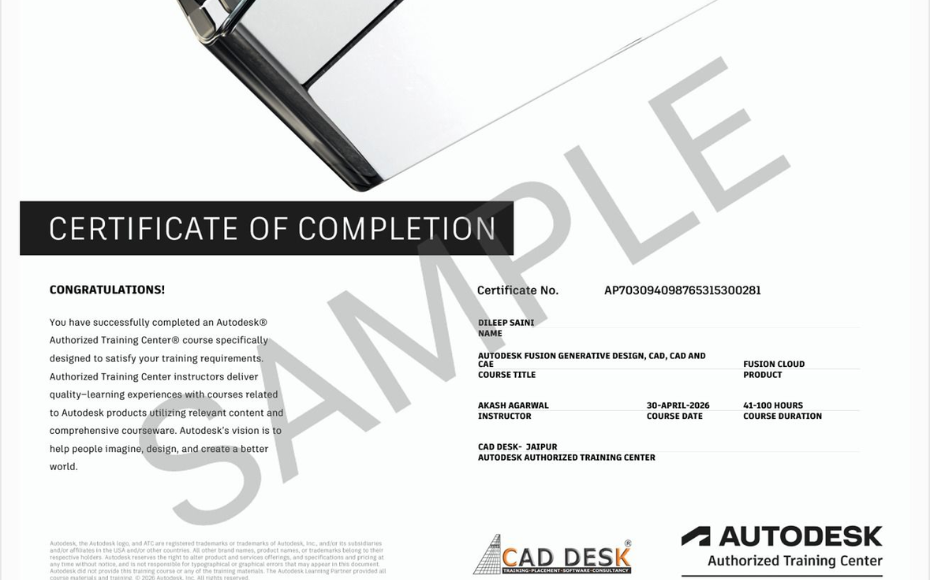
Earn Industry-Recognized Lumion Certification With Dual Certificate Benefits

Gain industry-recognized Lumion certification from CADDESK Hyderabad, an Autodesk Authorized Training Center, with dual certification benefits for better career opportunities.

Certificate of completion featuring a blue header, gold seal on the left, the word 'Congratulations', and multiple logos at the bottom (branding and seals).
Certificate of Completion with a bold black label and watermark sample across the page; includes logos of CAD Desk and Autodesk at the bottom (informational image).

Career Opportunities After Lumion Course In CADDESK Ameerpet Hyderabad

The demand for skilled Lumion professionals is rapidly growing across architecture, construction, interior design, civil engineering, and manufacturing industries.

Lumion Visualization Artist

₹2.5L – ₹5L

Architectural Visualizer

₹3L – ₹6L

Interior Design Visualizer

₹2.5L – ₹5.5L

3D Rendering Artist

₹3L – ₹6L

Walkthrough Animation Designer

₹3L – ₹5.5L

Landscape Visualization Artist

₹2.5L – ₹5L

Our Hiring Clients

QUESTIONS & ANSWERS

Frequently Asked Questions

Lumion is a powerful 3D architectural visualization software used to create realistic renders, animations, walkthroughs, and presentations for architectural and interior design projects.

The Lumion course is suitable for Architecture students, Interior Designers, Civil Engineers, Landscape Designers, 3D Visualization Artists, and professionals working in the construction industry.

Basic knowledge of 3D modeling software such as AutoCAD, SketchUp, Revit, or 3ds Max is helpful, but beginners can also learn Lumion with proper guidance.

The course covers interface navigation, materials, lighting, landscapes, weather effects, rendering, animation, walkthrough creation, video presentation, and project visualization techniques.

After completing the course, you can work as a 3D Visualizer, Architectural Visualizer, Interior Design Visualizer, Rendering Specialist, or Architectural Presentation Designer.

Yes, Lumion is widely used by architects, interior designers, urban planners, and construction professionals for creating high-quality project presentations and visualizations.

Yes, Lumion works seamlessly with AutoCAD, SketchUp, Revit, ArchiCAD, and several other 3D modeling applications.


Yes, most professional Lumion training programs include real-time architectural and interior design projects to provide practical experience.

Yes, students typically receive a course completion certificate that can be added to their resume and professional portfolio.

Lumion helps professionals create stunning visual presentations quickly, improves project communication with clients, and enhances career opportunities in architecture, interior design, and construction industries.

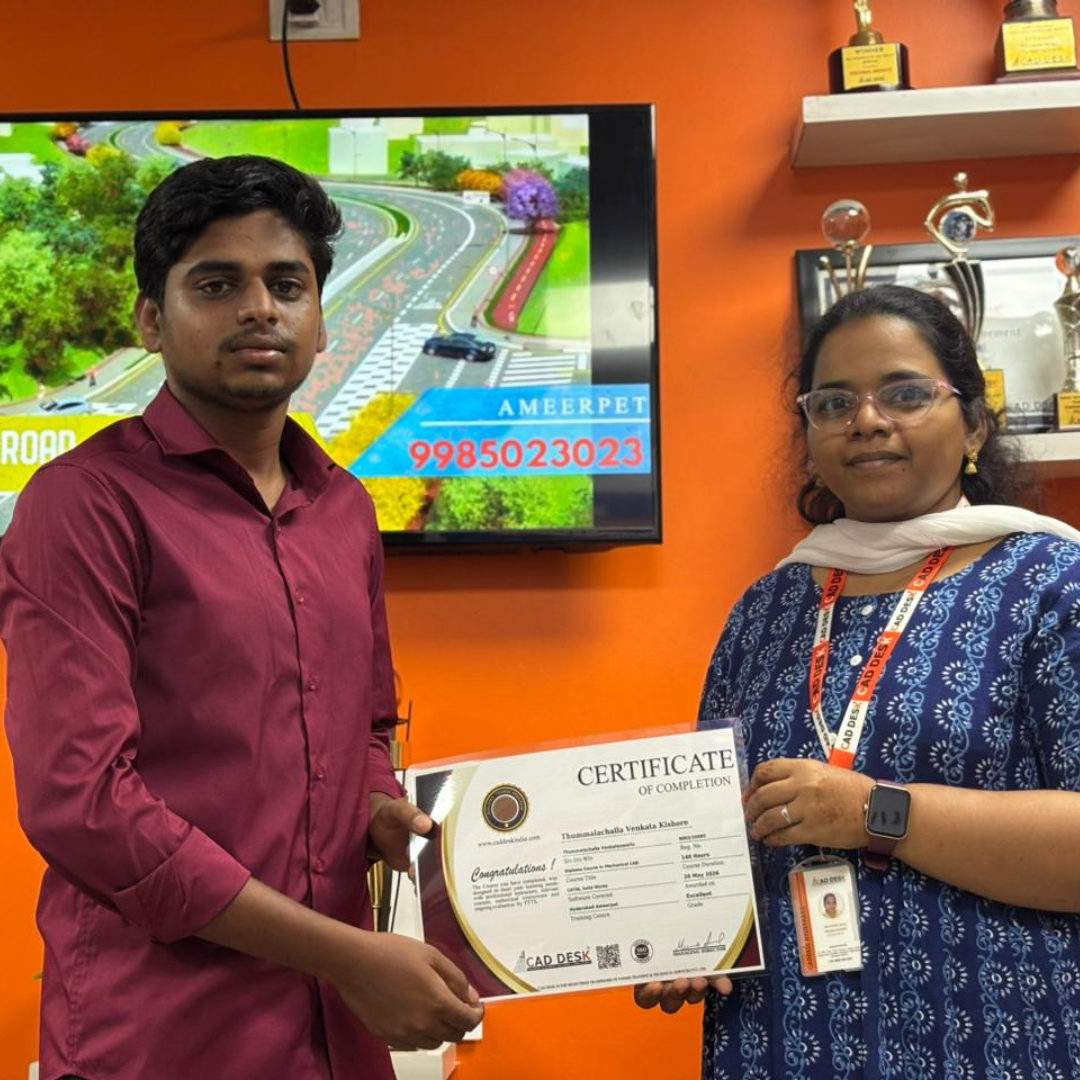
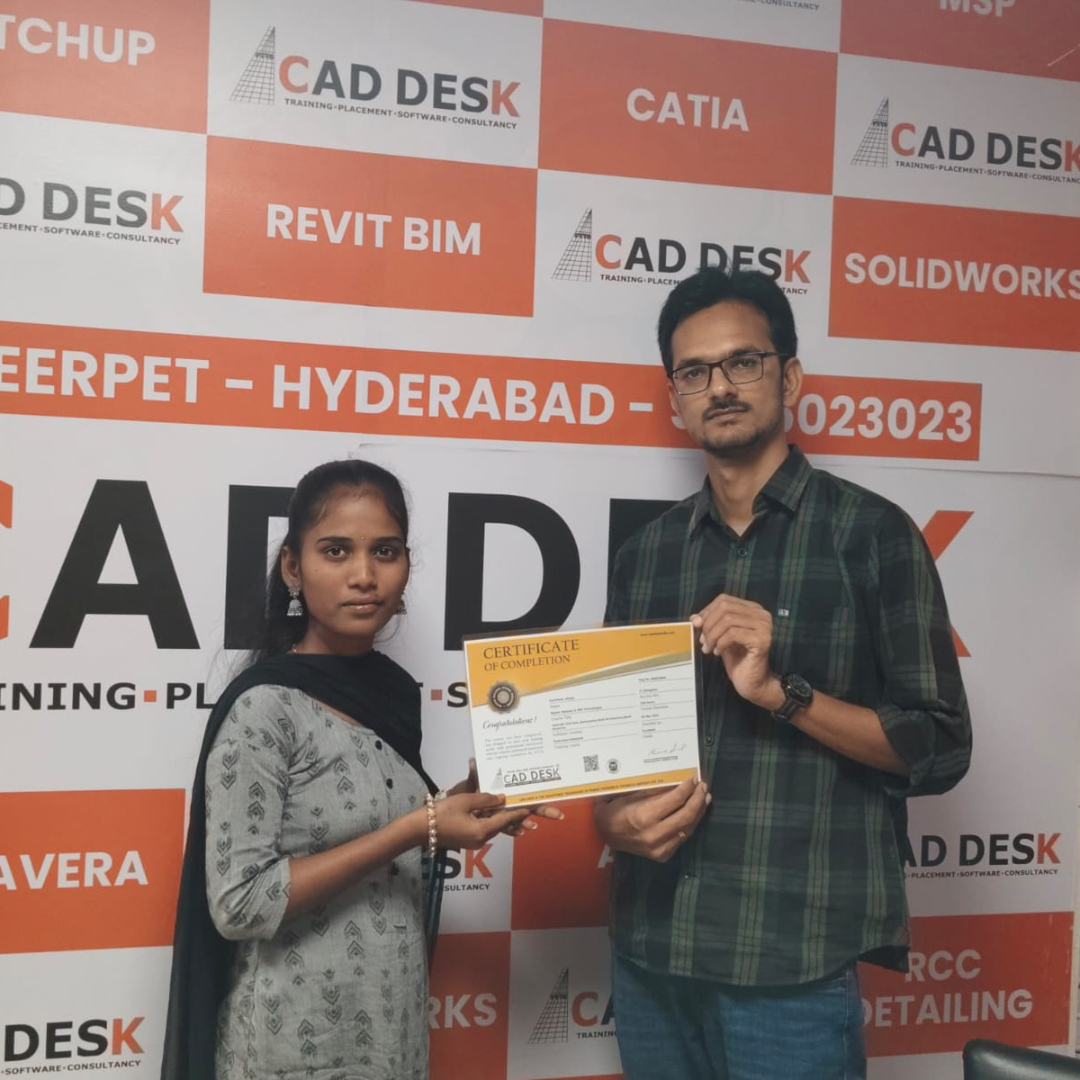
Our Certified Students

Our Student Testimonials

Google-colorCreated with Sketch.

2300+

★★★★★ 4.8 Rating

Banner announcing students placed in campus drive, showing five student headshots with colored blocks and logos for CAD DESK and JWIL.

Confused about choosing a course? Fill the form and get a free counselling session.