

















Industry Focused Training

3DS MAX Training Institute In Hyderabad

Design Your Skills Draft Your Future

Learn 3DS MAX From Industry Experts With Practical Projects And Placement Focused Training, Build The Skills That Companies are Hiring For.

Google-colorCreated with Sketch.

4.9/5 ⭐

2.6k+ Reviews Google Rating

10000+

Students Trained

97%

Placement Rate

Get A Free Consultation

Fill the Form Our Counselor will Contact you within 24Hours

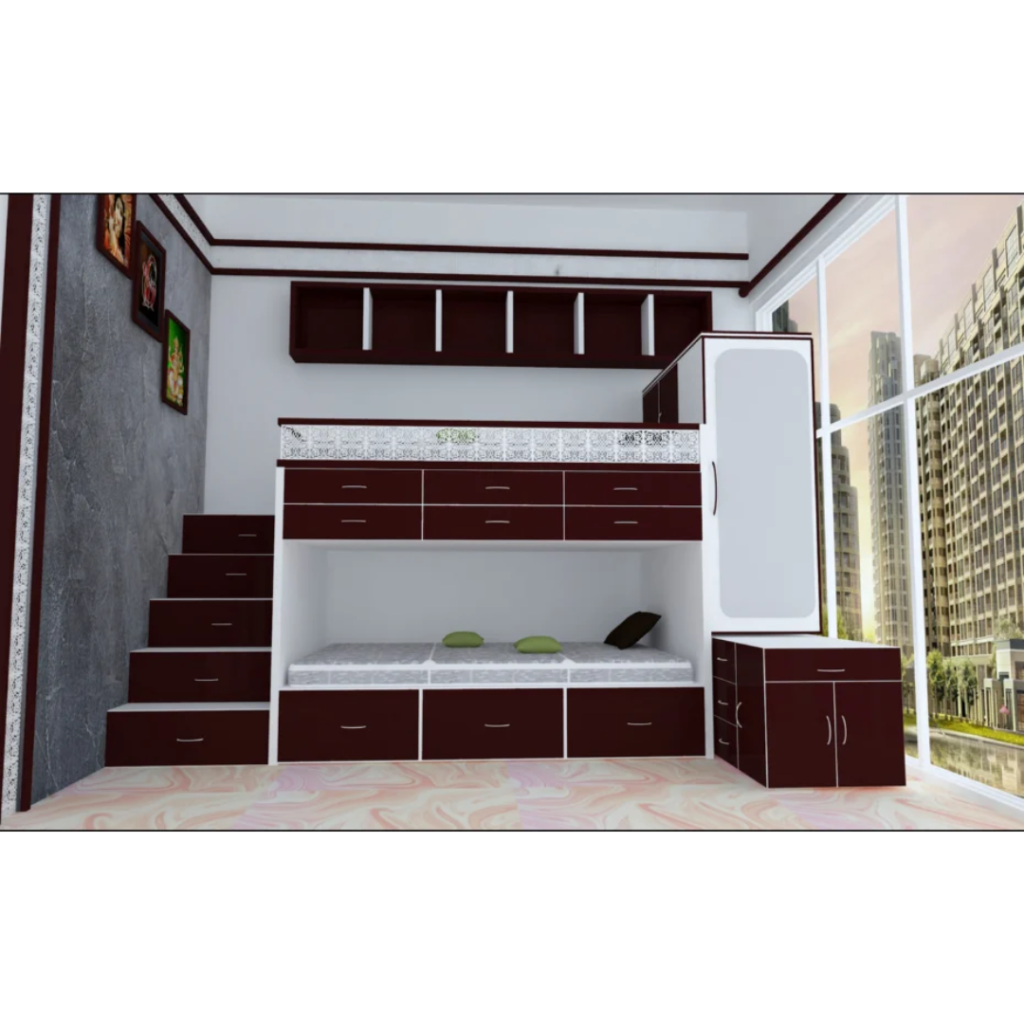
Modern loft bed with built-in stairs, drawers, and wardrobe in a white and burgundy color scheme.

About 3DS MAX Course

Caddesk Hyderabad offers a 3ds max course that covers topics such as modeling, texturing, lighting and animation using the software. The course is designed to equip students with the knowledge and skills needed to create high-quality 3D graphics and visualizations. With the help of experienced trainers, students will learn how to use 3dsmax software to create stunning visual effects, such as explosions, water and smoke. The 3dsmax course includes hands-on training and real-world projects, helping students to gain practical experience using the industry-standard software. Upon completion of the course, students will have the necessary skills to pursue careers in industries such as advertising, film, gaming and architecture.

Google-colorCreated with Sketch.

2300+

★★★★★ 4.8 Rating

10000+

Students Trained

100%

Placement Assistance

Six people on stage at an awards ceremony; a woman in a purple saree hands a trophy and certificate to a man while others pose nearby

WHY CHOOSE CADDESK

Build Your Design Career with Industry-Focused CAD Training

Student Login
ISO Certification + Autodesk Certification
Course materials
Placement Training
Life Time Technical Support

Advantages Of 3DS MAX Course:

The 3dsmax course can provide several advantages for aspiring animators, game developers, architects, and designers. Some key benefits of taking a 3dsmax course include:

Industry-Standard 3D Design Software

3DS Max is widely used by architects, interior designers, game developers, and visualization professionals worldwide for creating high-quality 3D models, animations, and realistic renders.

Faster Visualization Workflow

Create detailed 3D models, realistic interiors and exteriors, apply materials, and generate photorealistic renders efficiently to improve project presentations and productivity.

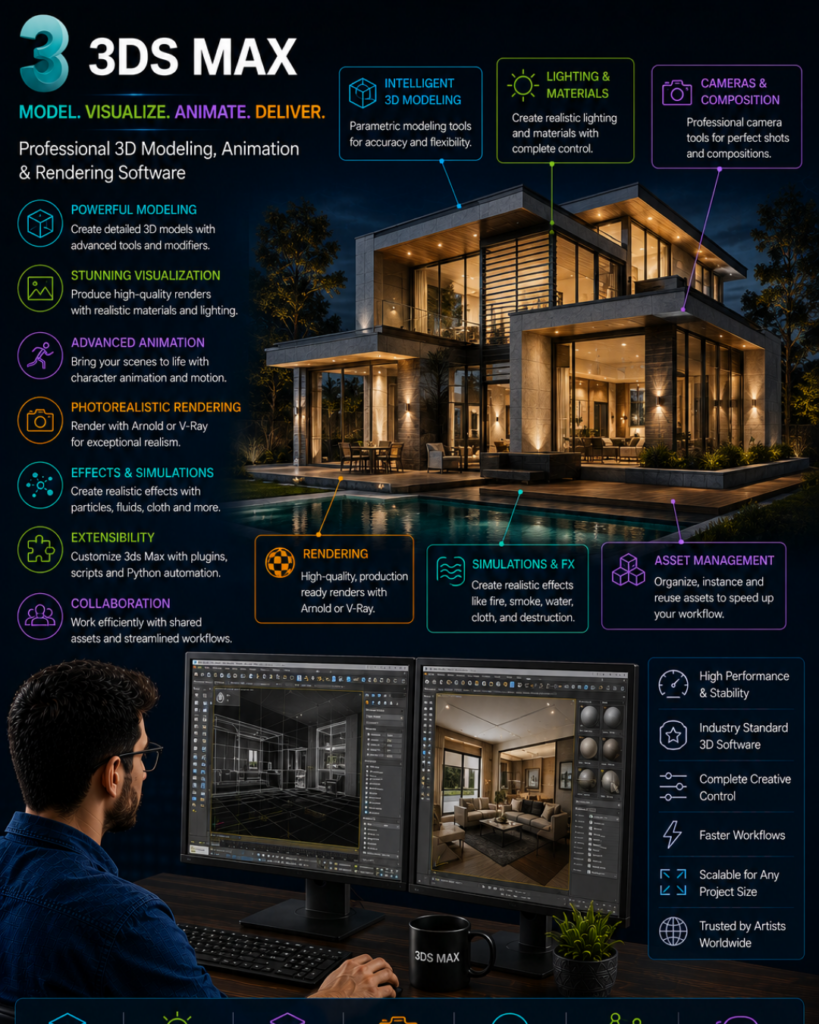
Overview of 3DS Max features—modeling, visualization, animation, rendering—around a modern glass house at night with a designer at a dual-monitor workstation.

High-Demand Career Skill

3DS Max expertise opens career opportunities in architecture, interior design, animation, gaming, VFX, product visualization, and multimedia industries.

Foundation for Advanced Visualization Tools

Build a strong foundation for advanced rendering and visualization tools such as V-Ray, Corona Renderer, Unreal Engine, Lumion, and other industry-leading software.

3DS MAX Course Content

  • Overview of 3ds Max
  • Applications in Architecture and Interior Design
  • Industry Scope and Career Opportunities
  • Project Workflow Fundamentals
  • Graphical User Interface (GUI)
  • Viewports and Navigation
  • Toolbars and Command Panel
  • Workspace Customization
  • Unit Setup and Preferences
  • Standard Primitives
  • Extended Primitives
  • Object Properties
  • Naming and Color Assignment
  • File Management Basics
  • Bend
  • Ripple
  • Wave
  • Lattice
  • Push
  • Relax
  • Affect Region Tools
  • Slice
  • Shell
  • Stretch
  • Squeeze
  • Taper
  • Twist
  • Noise
  • FFD
  • Displace
  • Selection Techniques
  • Layers Management
  • Hide and Freeze Tools
  • Move, Rotate and Scale
  • Copy, Instance and Reference
  • Sofa Modeling
  • Chair Modeling
  • Bed Modeling
  • Table Modeling
  • Lamps and Decorative Objects
  • Gazebo Design
  • Hut Modeling
  • Pergolas
  • Terrace Garden Elements
  • Curtains, Cushions and Interior Accessories
  • AutoCAD Import
  • Wall Creation
  • Doors and Windows
  • Boolean Operations
  • Stairs and Railings
  • AEC Elements
  • Basic and Extended Splines
  • Fillet and Chamfer
  • Weld and Refine
  • Attach and Detach
  • Boolean Operations with Splines
  • Extrude
  • Sweep
  • Lathe
  • Bevel
  • Path Deform
  • Furniture and Decorative Modeling
  • Poly Components
  • Inset
  • Extrude
  • Bevel
  • Bridge
  • Cut and Connect
  • Advanced Interior Modeling
  • Exterior Project Modeling
  • 3D Floor Plans
  • Kitchen Modeling
  • Living Room Design
  • Bedroom Design
  • Bathroom Concepts
  • Camera Setup and Navigation
  • Walkthrough Animation
  • Keyframe Animation
  • Material Creation
  • PBR Materials
  • UVW Mapping
  • Render Setup
  • Image and Animation Rendering
  • Final Project and Portfolio Development
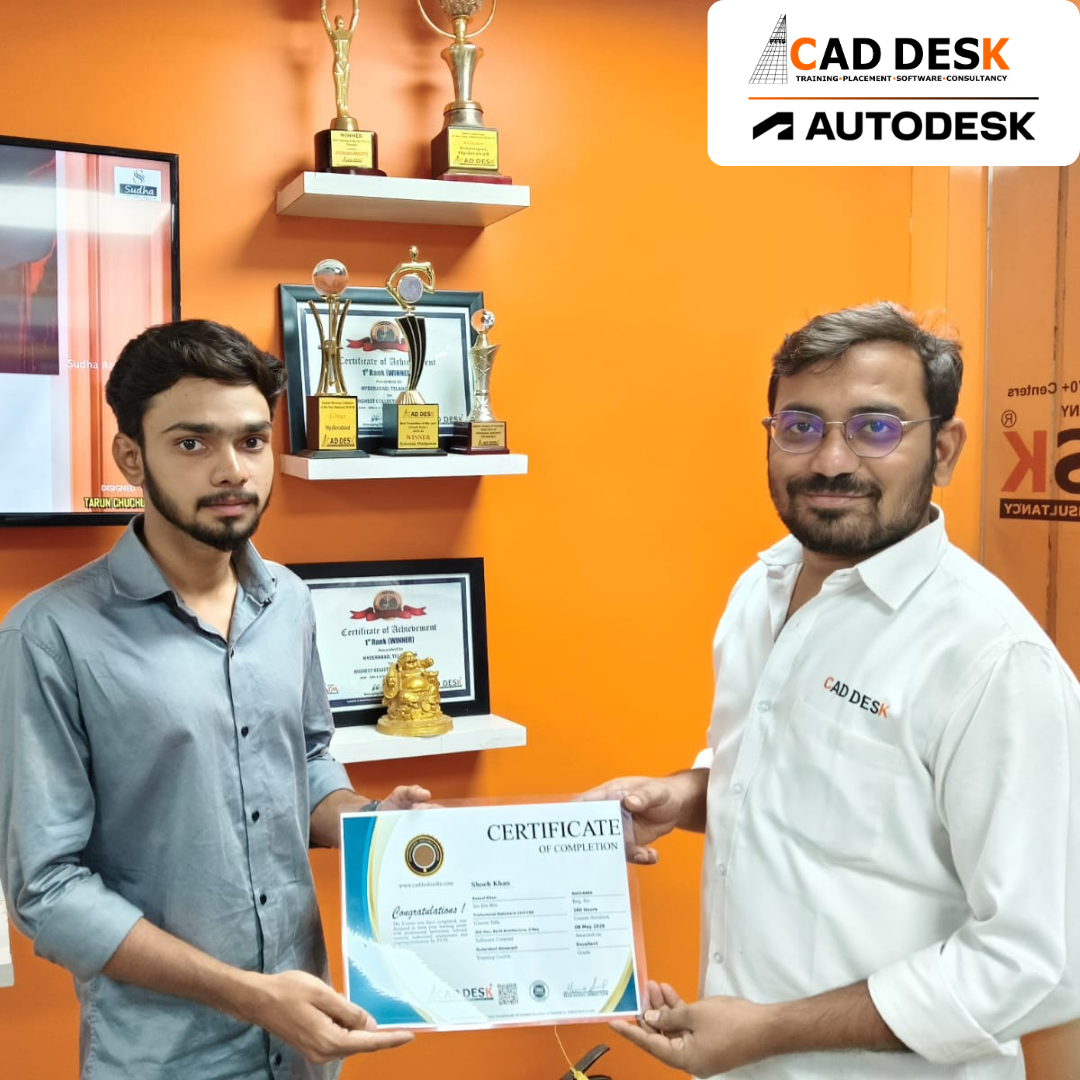
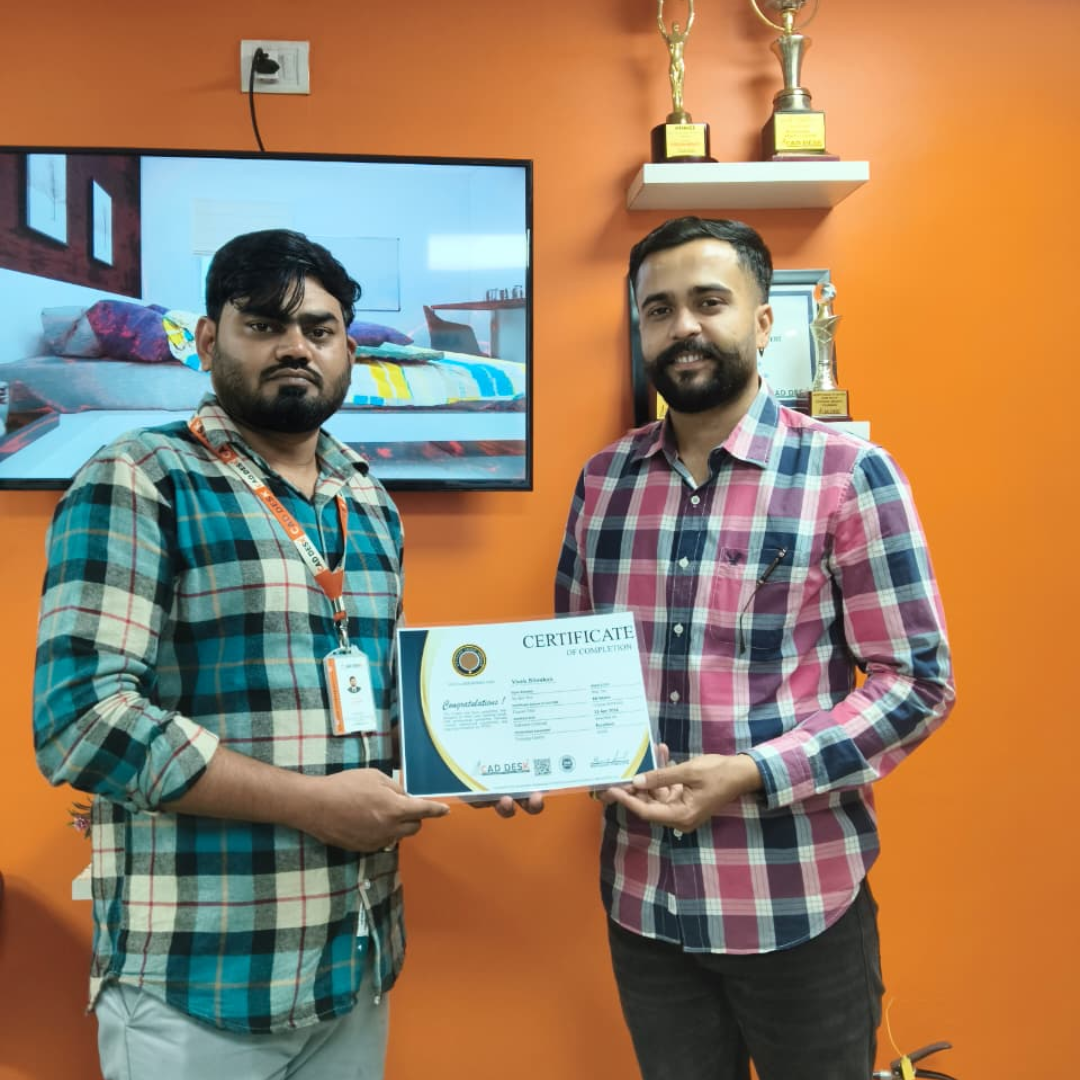
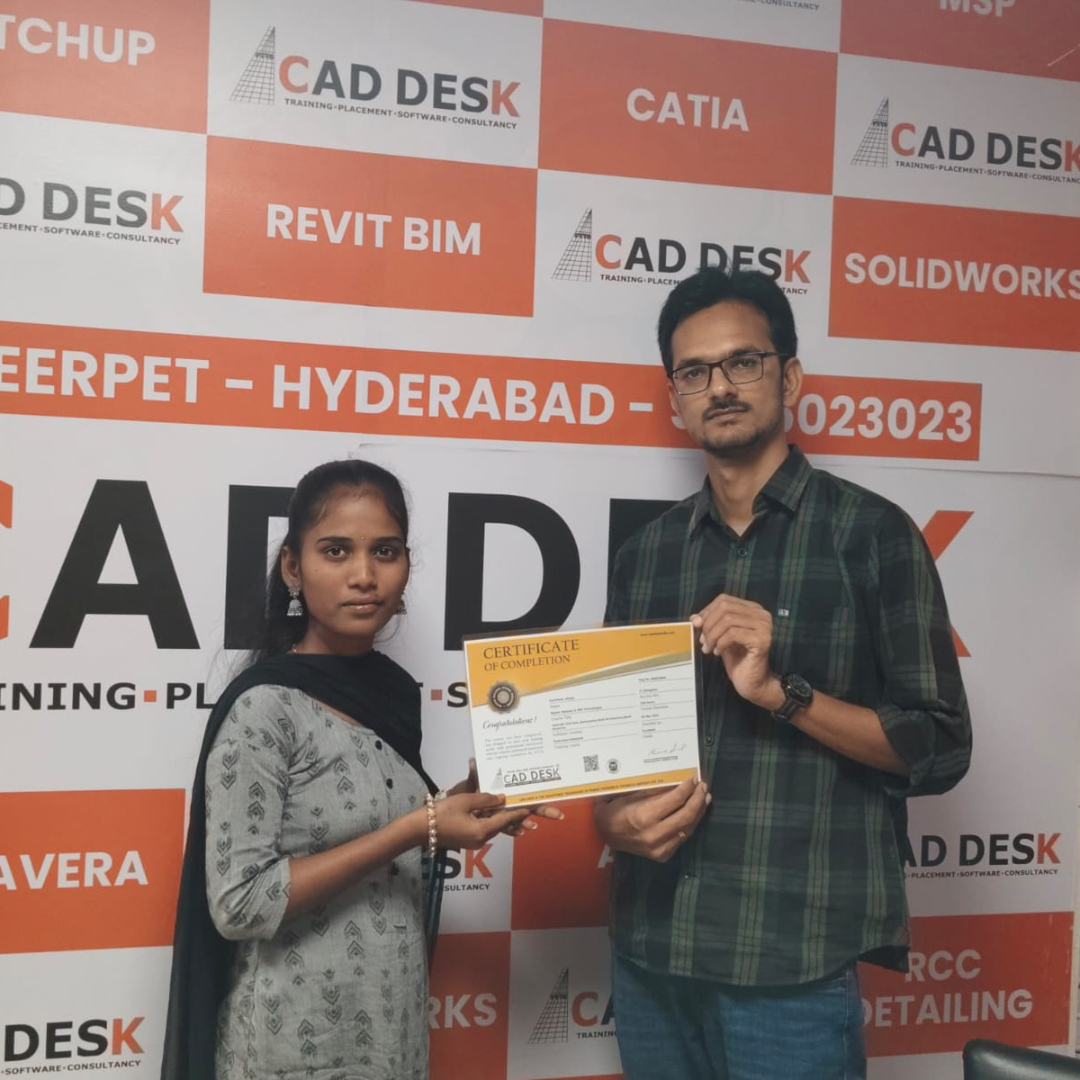
Two men exchange a certificate of completion in a bright orange office with trophy shelves; CAD DESK and Autodesk logos visible in the corner.

Course Includes

New Batches

Course Name Start DateTiming Enroll
Autocad08/06/202609:00 AMBook Slot
Autocad08/06/202605:00 PMBook Slot
StaadPro08/06/202611:00 AMBook Slot
Sketchup 08/06/202610:00 AMBook Slot
V-Ray Sketchup 08/06/202611:00 AMBook Slot
Solidworks 08/06/202604:00 PMBook Slot
Nx- CAD08/06/202605:00 PMBook Slot
HVAC08/06/202604:00 PMBook Slot
AutoCAD 08/06/202607:00 AMBook Slot
Primavera 08/06/202607:00 AMBook Slot

Online 3DS MAX Course:

Master professional 3D modeling and visualization skills with the Online 3ds Max Course at Caddesk Hyderabad. Designed for architects, interior designers, civil engineers, students, and working professionals, our Online 3ds Max Training provides live interactive sessions, practical assignments, and real-time projects to help you learn from anywhere. The course covers modeling, materials, lighting, rendering, and animation techniques used in architectural and interior visualization. Whether you are a beginner or an experienced professional, our 3ds Max Online Classes offer the flexibility and industry-oriented training needed to build a successful career. If you are looking for the best Online 3ds Max Course, 3ds Max Online Training, or professional 3ds Max Classes, Caddesk Hyderabad provides expert faculty, certification, and placement assistance.

Classroom 3DS MAX Course:

Develop advanced visualization and rendering skills with the Classroom 3ds Max Course at Caddesk Hyderabad. Our instructor-led Classroom 3ds Max Training is designed for students, architects, interior designers, and professionals who prefer practical learning in a classroom environment. Through hands-on exercises and real-time projects, students gain expertise in 3D modeling, texturing, lighting, rendering, and animation using industry-standard techniques. With experienced trainers, modern lab facilities, and personalized guidance, learners acquire the skills required for careers in architecture, interior design, and 3D visualization. If you are searching for the best Classroom 3ds Max Course, 3ds Max Classroom Training, or a trusted 3ds Max Training Institute, Caddesk Hyderabad offers comprehensive training with certification and placement support.

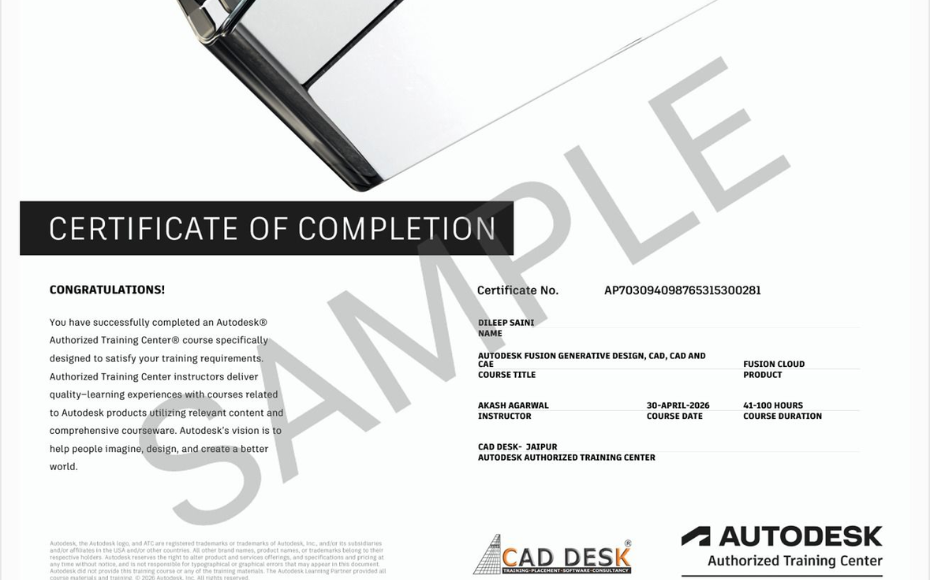
Earn Industry-Recognized 3DS MAX Certification With Dual Certificate Benefits

Gain industry-recognized 3DSMAX certification from CADDESK Hyderabad, an Autodesk Authorized Training Center, with dual certification benefits for better career opportunities.

Certificate of completion featuring a blue header, gold seal on the left, the word 'Congratulations', and multiple logos at the bottom (branding and seals).
Certificate of Completion with a bold black label and watermark sample across the page; includes logos of CAD Desk and Autodesk at the bottom (informational image).

Career Opportunities After 3DS MAX Course In CADDESK Ameerpet Hyderabad

The demand for skilled 3DSMAX professionals is rapidly growing across architecture, construction, interior design, civil engineering, and manufacturing industries.

3D Visualizer (Architecture / Exterior)

₹3 LPA – ₹5.5 LPA

Interior / Exterior Rendering Artist

₹2.8 LPA – ₹5 LPA

Interior CAD Designer

₹3 LPA – ₹6 LPA

Architectural Visualizer

₹3 LPA – ₹5.5 LPA

Landscape Visualization Artist

₹3 LPA – ₹5 LPA

Visualization Executive

₹3.5 LPA – ₹6 LPA

Our Hiring Clients

QUESTIONS & ANSWERS

Frequently Asked Questions

3ds Max is a professional 3D modeling, rendering, and animation software widely used in architecture, interior design, product visualization, gaming, and entertainment industries.

The course is ideal for architecture students, interior designers, civil engineers, visualization artists, freelancers, and anyone interested in creating realistic 3D designs and renders.

You will learn 3D modeling, material creation, lighting setup, camera techniques, rendering, scene composition, and photorealistic visualization workflows.

Basic AutoCAD knowledge can be helpful, but it is not mandatory. The course is designed to guide beginners step by step.

Yes. The training includes both interior and exterior modeling, texturing, lighting, and rendering techniques used in real-world projects.

Students learn professional rendering workflows to create high-quality architectural and product visualizations suitable for client presentations and portfolios.

Yes. The course starts with the fundamentals of the software and gradually progresses to advanced visualization techniques.

Yes. Students complete practical assignments and industry-relevant projects to gain hands-on experience and build confidence.

Yes. Weekend and weekday batches are available to accommodate students, professionals, and business owners.

Caddesk Hyderabad offers practical training, experienced mentors, project-based learning, portfolio development support, and career guidance to help students succeed in the industry.

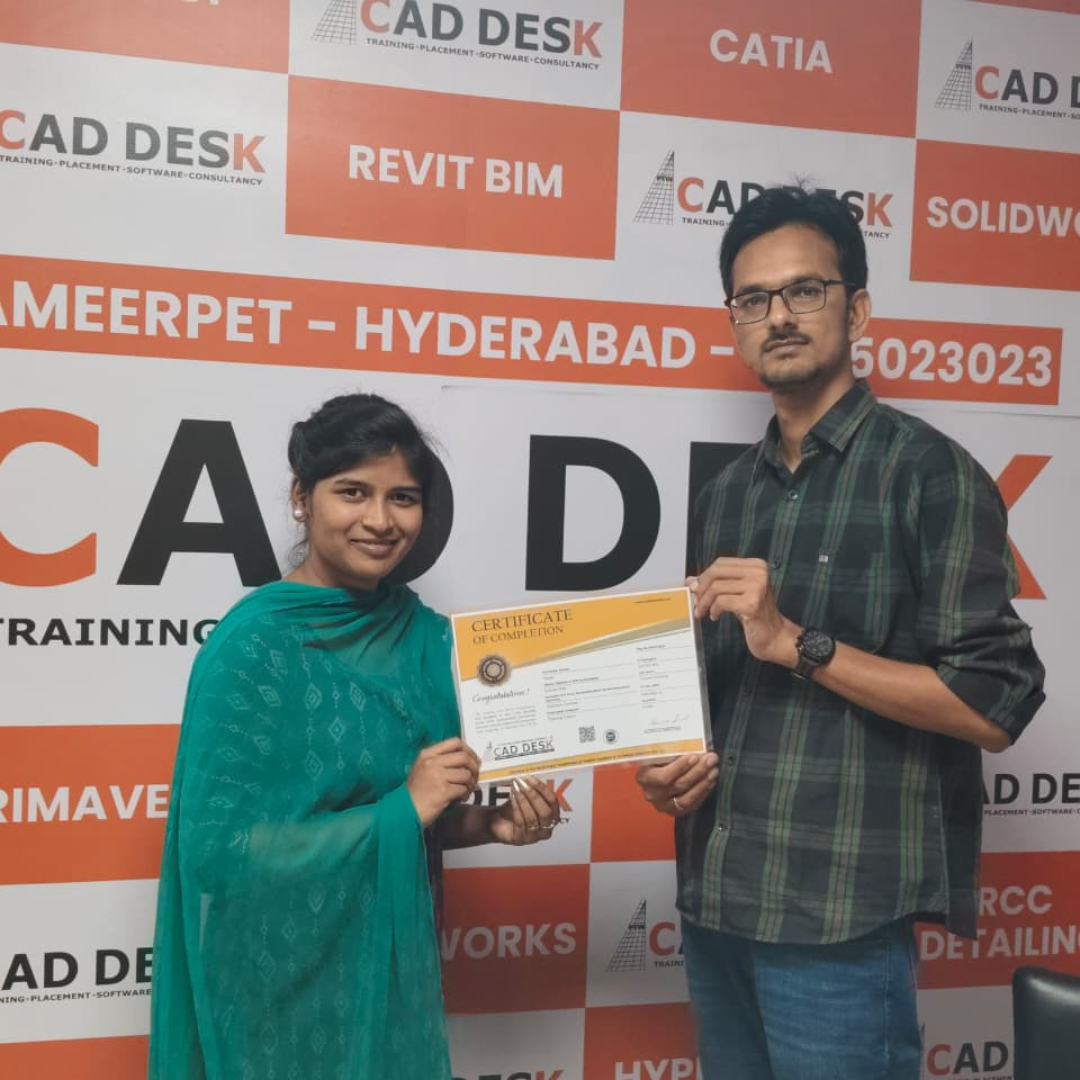
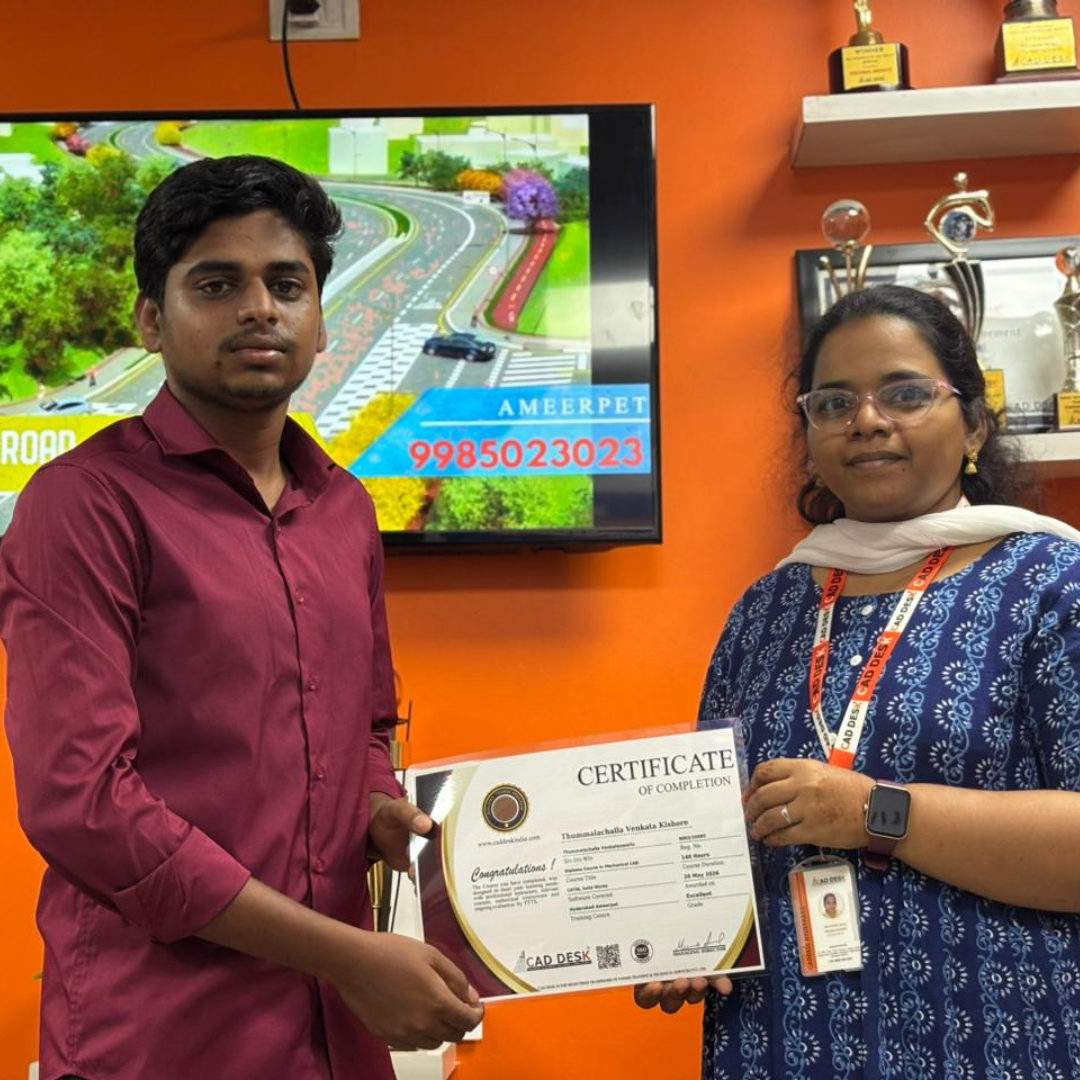
Our Certified Students

Our Student Testimonials

Google-colorCreated with Sketch.

2300+

★★★★★ 4.8 Rating

Explore Related Courses

Banner announcing students placed in campus drive, showing five student headshots with colored blocks and logos for CAD DESK and JWIL.

Confused about choosing a course? Fill the form and get a free counselling session.