🇮🇳 Independence Day Special: Up To 35% OFF on all Civil, Mech & Arch CAD Master Programs! Offer ends Aug 15th. 🇮🇳
🇮🇳 Independence Day Special: Up To 35% OFF on all Civil, Mech & Arch CAD Master Programs! Offer ends Aug 15th. 🇮🇳
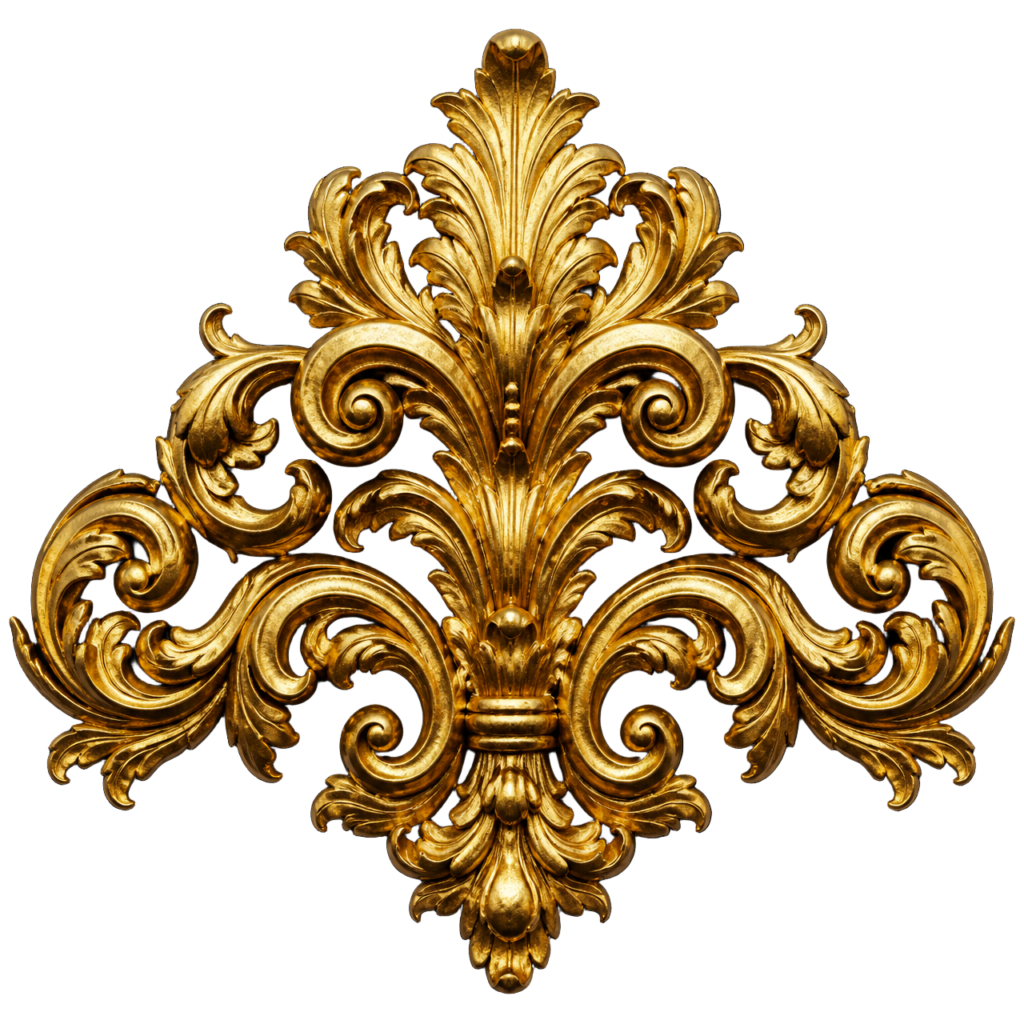

Discover how detailed decorative forms can be developed using 3ds Max and displacement techniques — without manually modelling every tiny surface detail.
INSPIRED BY THE INSTAGRAM REEL • 3DS MAX + DISPLACE MAPS
02 → From the reel
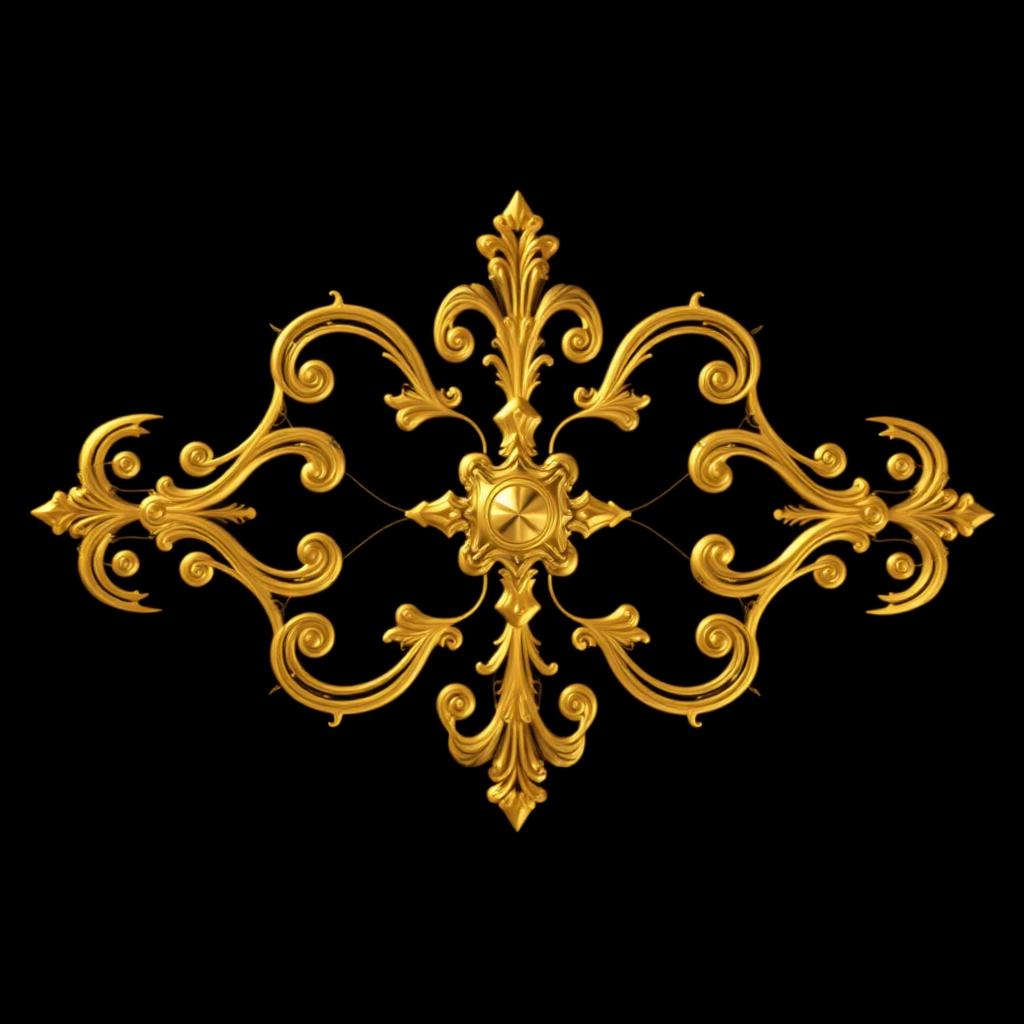
BASE FORM→ DISPLACE MAP→ SURFACE DETAIL→ REFINED ORNAMENT
The Reel shows the finished ornament. This page breaks down the workflow behind it — the map, the depth, the geometry and the presentation.
03 → Free resource
Want to experiment with detailed ornament design yourself? Access the resource and explore the technique used to create intricate decorative surfaces in 3ds Max.
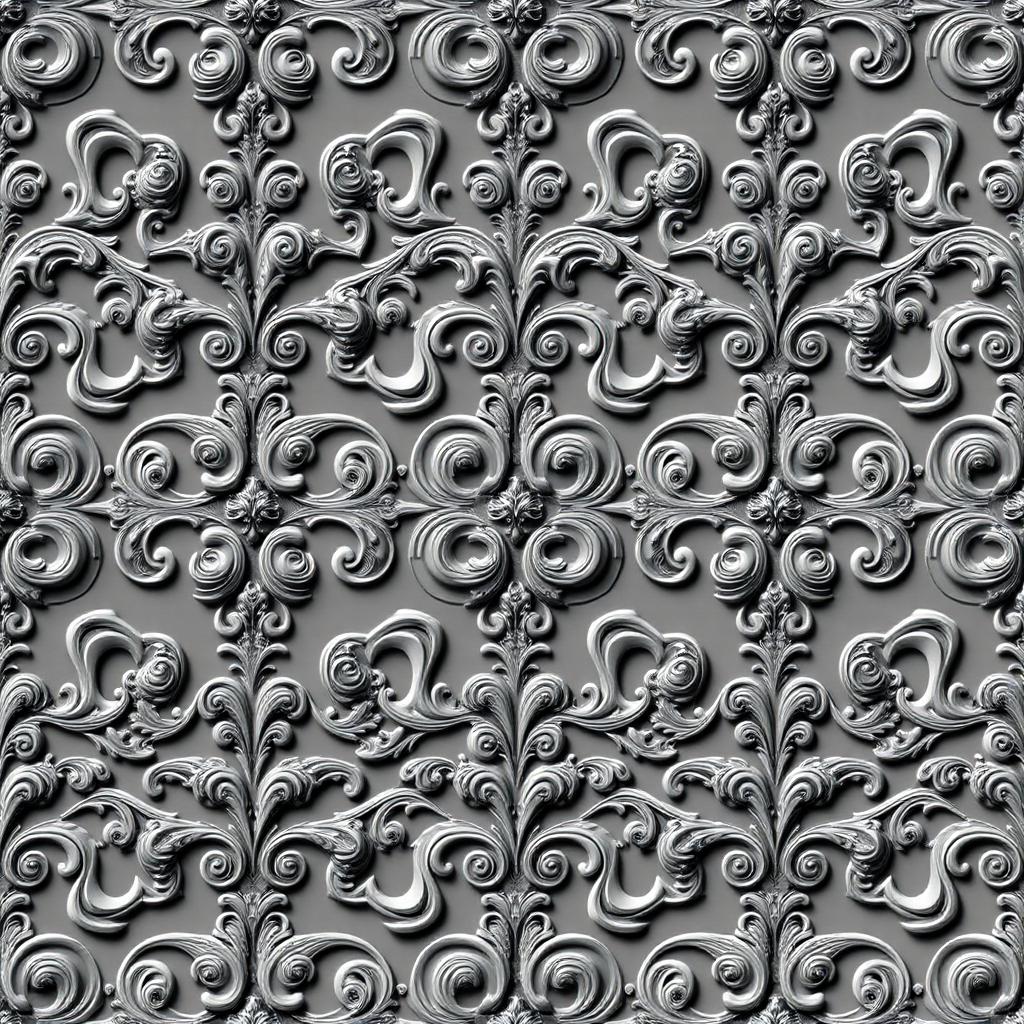
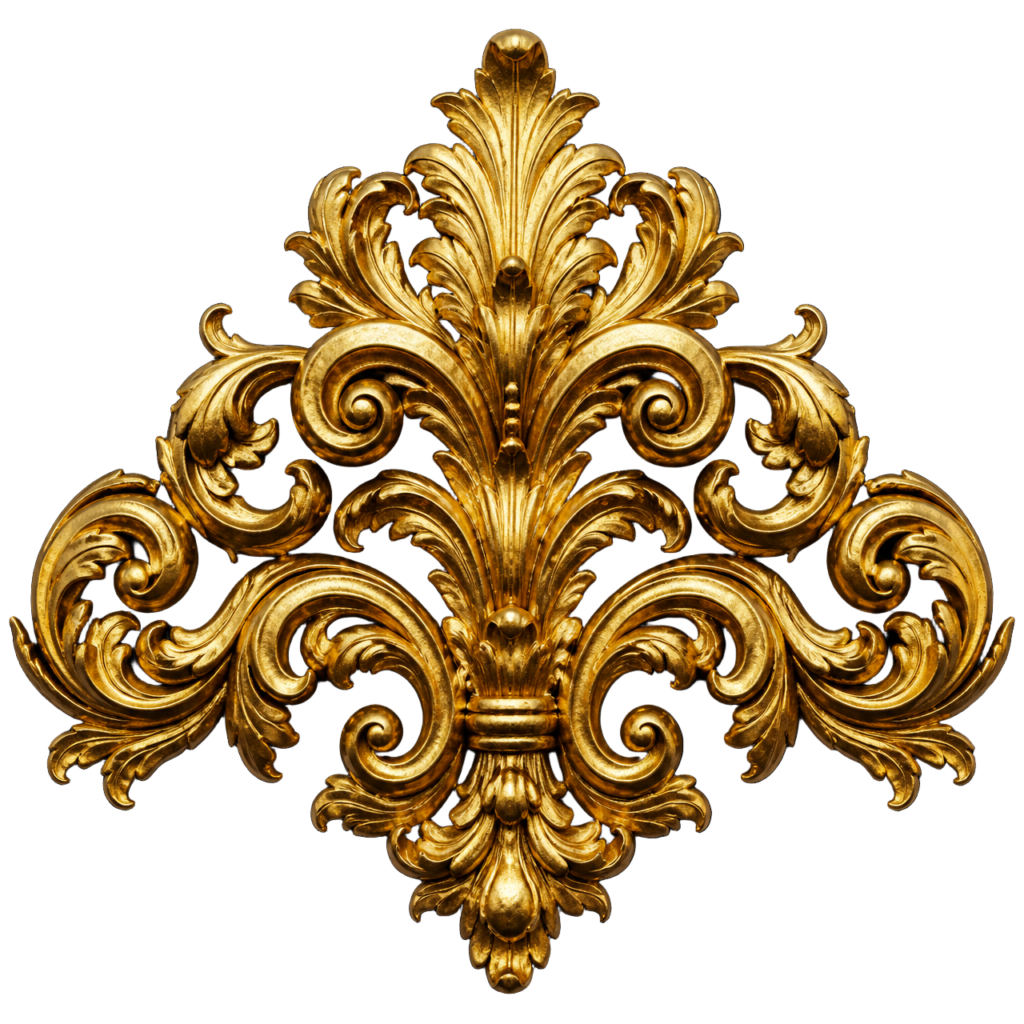
Used in this workflow
A grayscale ornament displacement map plus the reference render — drop it into a Displace modifier and start pushing surface detail immediately.