















Industry Focused Training

Revit Architecture Training Institute In Hyderabad

Learn Revit Architecture From Industry Experts With Practical Projects And Placement Focused Training, Build The Skills That Companies are Hiring For.

Google-colorCreated with Sketch.

4.9/5 ⭐

2.6k+ Reviews Google Rating

10000+

Students Trained

97%

Placement Rate

Get A Free Consultation

Fill the Form Our Counselor will Contact you within 24Hours

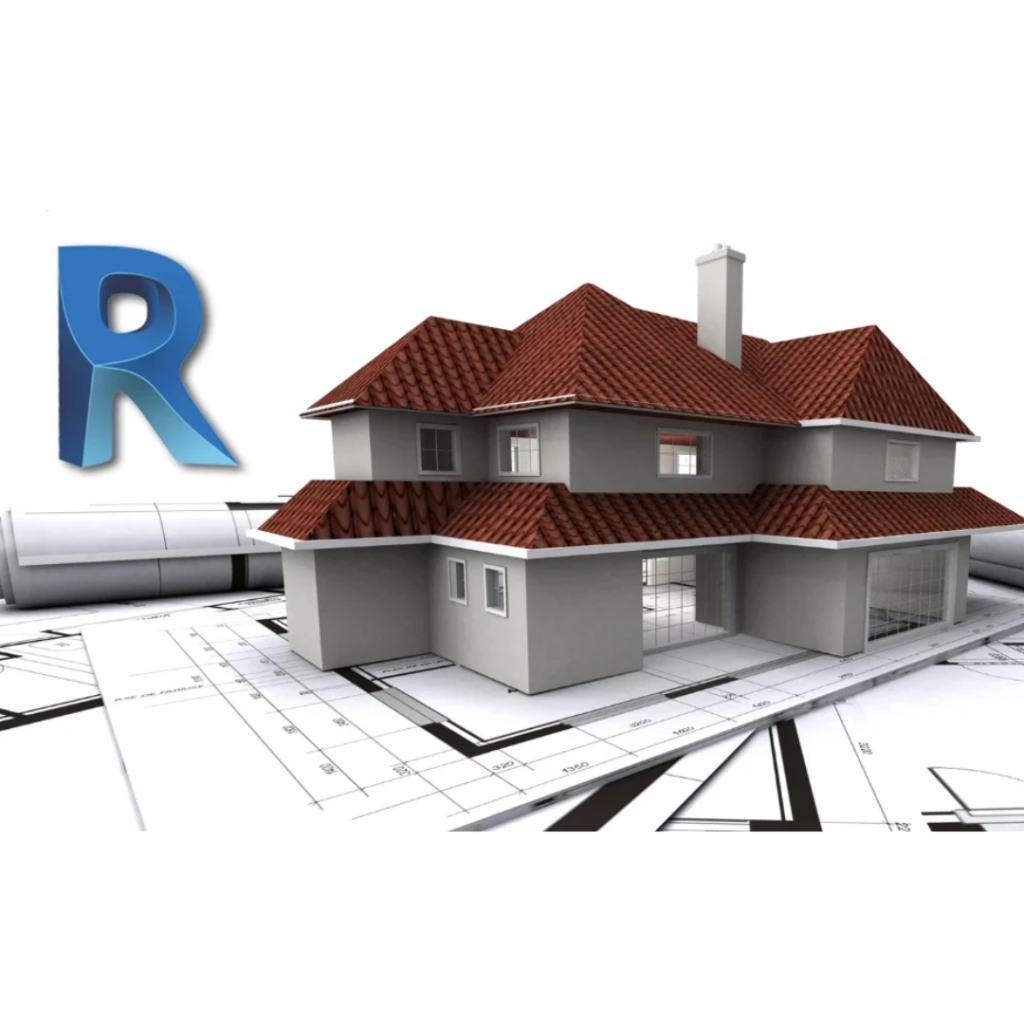
3D model of a two-story grey house with red tile roof sitting on architectural blueprints, with a large blue R logo in the background.

About Revit Architecture Course

Revit Architecture is a software package used by architects, engineers and building designers for architectural, engineering and construction projects. With the help of Revit, the users can create 2D and 3D models, and carry out various analysis of the building to evaluate its feasibility. The software is widely used in the construction industry to plan, design, construct and manage buildings more efficiently. The course will provide an introduction to the software, its interface, and features. The students will learn how to create different types of building elements, annotation and dimensions, and apply materials and finishes. They will also be able to generate schedules and produce documentation for the building, and collaborate with other design professionals. The course will enable students to develop a comprehensive understanding of Revit Architecture and use it effectively for their design projects.

Google-colorCreated with Sketch.

2300+

★★★★★ 4.8 Rating

10000+

Students Trained

100%

Placement Assistance

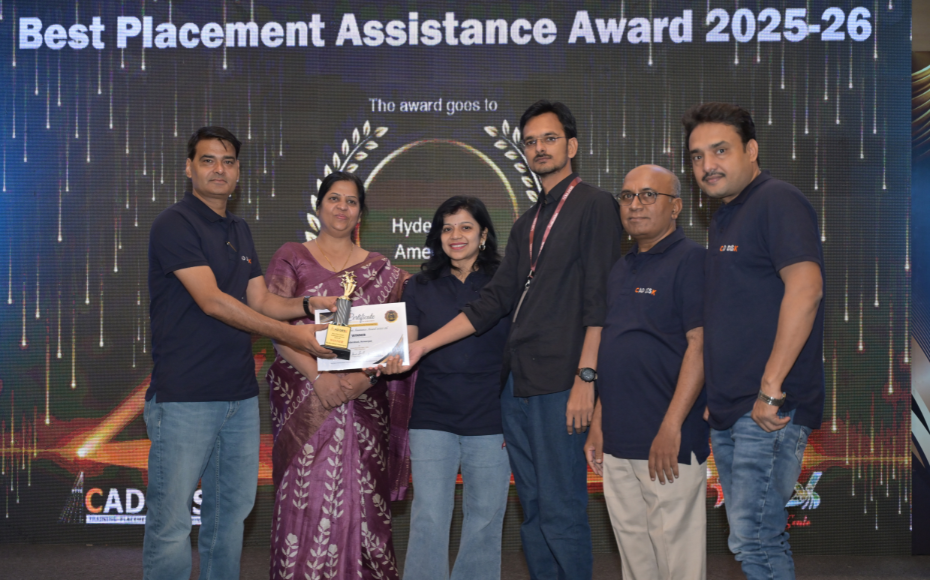
Six people on stage at an awards ceremony; a woman in a purple saree hands a trophy and certificate to a man while others pose nearby

WHY CHOOSE CADDESK

Build Your Design Career with Industry-Focused CAD Training

Student Login
ISO Certification + Autodesk Certification
Course materials
Placement Training
Life Time Technical Support

Advantages Of Revit Architecture Course:

Revit Architecture is a popular software used in the field of building and construction design. Here are some key advantages of taking a Revit Architecture course

Building Information Modeling (BIM) Expertise

Learn Revit Architecture, the industry-standard BIM software used by architects, engineers, and construction professionals to design, document, and manage building projects efficiently.

Smart & Efficient Building Design

Create intelligent 3D building models, generate accurate floor plans, elevations, sections, and construction documentation from a single integrated model.

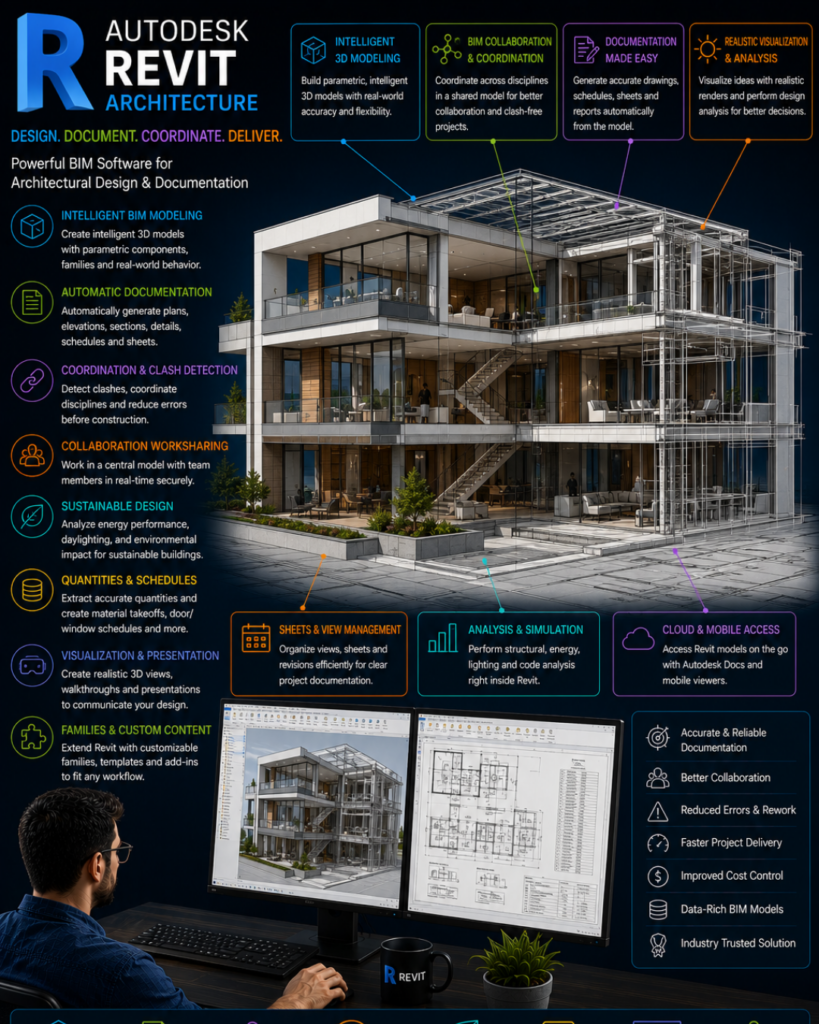
Infographic promoting Autodesk Revit Architecture; a modern building with colorful feature panels describing BIM modeling, documentation, coordination, collaboration, and cloud access.

High-Demand Career Skill

Revit Architecture skills are highly sought after in architectural firms, construction companies, BIM consultancies, and infrastructure development projects worldwide.

Foundation for Advanced BIM Workflows

Build expertise in BIM collaboration, project coordination, clash detection, quantity take-offs, and integration with tools such as Navisworks, BIM 360, and Autodesk Construction Cloud.

Revit Architecture Course Content

  • Overview of BIM & Revit
  • User Interface
  • Project Templates
  • Tool Palettes
  • Starting a New Project
  • Project Setup
  • Project Units
  • Dimensions
  • Levels Creation & Modification
  • Grids Creation & Editing
  • Building Layout Setup
  • Wall Creation
  • Wall Properties
  • Wall Types
  • Wall Shapes
  • Profile Editing
  • Wall Joins
  • Floor Plan Development
  • Move
  • Copy
  • Rotate
  • Mirror
  • Array
  • Scale
  • Trim/Extend
  • Offset
  • Align
  • Split & Split Face
  • Create Similar
  • Door Placement & Properties
  • Window Placement & Properties
  • Load Families
  • Components Placement
  • Component Management
  • Visibility Graphics
  • Floor Plans
  • Elevations
  • Sections
  • 3D Views
  • Section Box
  • Dimensions
  • Text & Model Text
  • Model Lines
  • Floor Creation
  • Sloped Floors
  • Floor Materials
  • Roof by Footprint
  • Roof by Extrusion
  • Roof Editing
  • Openings
  • Shaft Openings
  • Wall Openings
  • Ceiling Creation & Editing
  • Interior Lighting
  • Exterior Lighting
  • Curtain Walls
  • Curtain Grids
  • Mullions
  • Curtain Panels
  • Curtain Doors
  • Stair Creation
  • Stair Editing
  • Stair Properties
  • Ramp Creation
  • Ramp Modification
  • Railings
  • Railing Customization
  • Room Creation
  • Room Tags
  • Area Plans
  • Area Boundaries
  • Color Fill Legends
  • Keynotes
  • Door Schedules
  • Window Schedules
  • Material Take-Offs
  • Callout Views
  • Drafting Views
  • Detail Components
  • Repeating Details
  • Sheet Creation
  • Title Blocks
  • View Placement on Sheets
  • Printing Setup
  • In-Place Masses
  • Forms Creation
  • Walls by Face
  • Floors by Face
  • Roofs by Face
  • In-Place Families
  • Family Editor
  • Door Family Creation
  • Toposurface Creation
  • Site Components
  • Parking Components
  • Building Pads
  • Legends
  • Line Styles
  • Line Weights
  • Groups
  • Project Presentation Standards
  •  
  • Visibility & Graphics
  • Camera Setup
  • Walkthrough Creation
  • Rendering
  • Image Export
  • Conceptual Massing
  • Shape Creation & Modification
  • Materials & Symbols
  • Complete Architectural Project
  •  
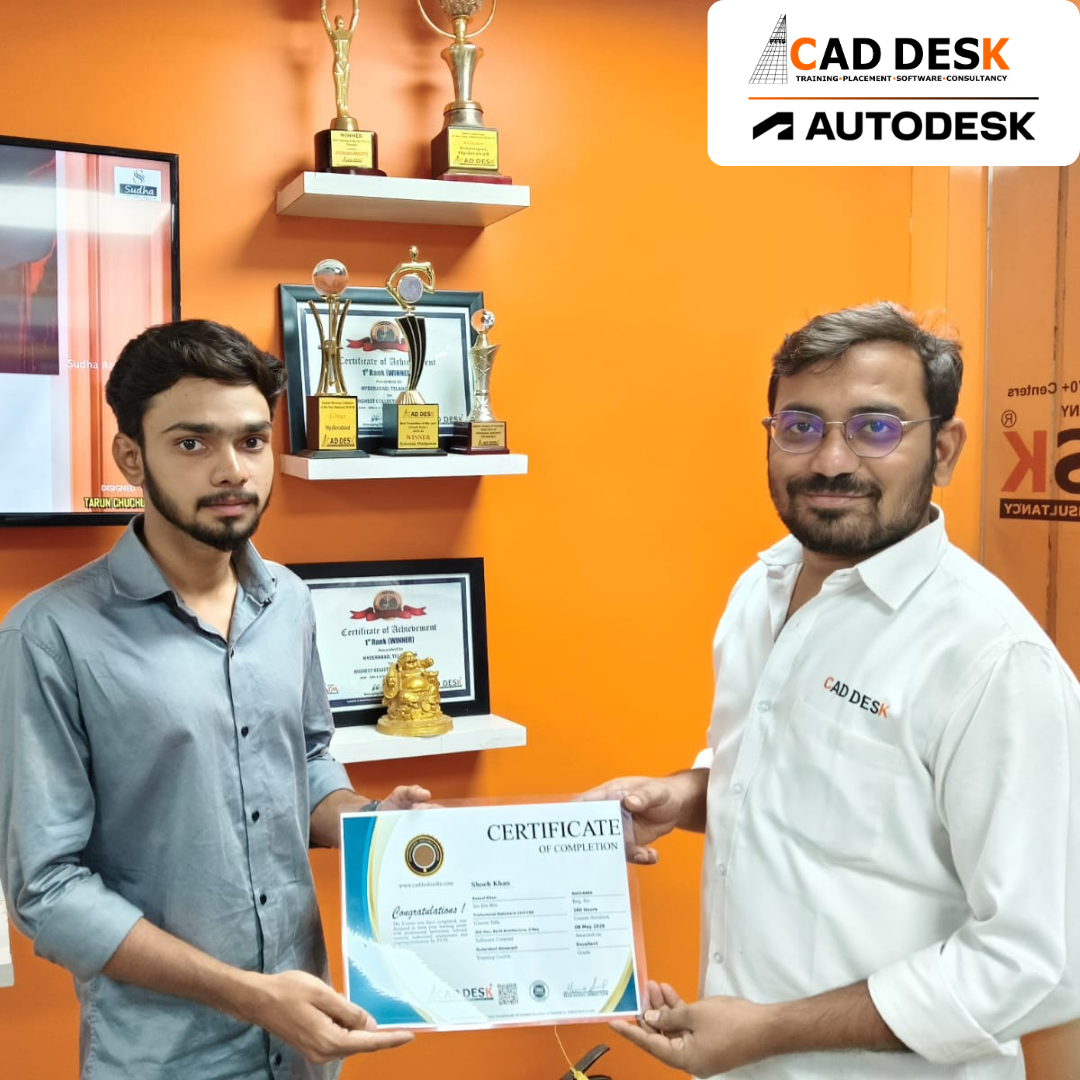
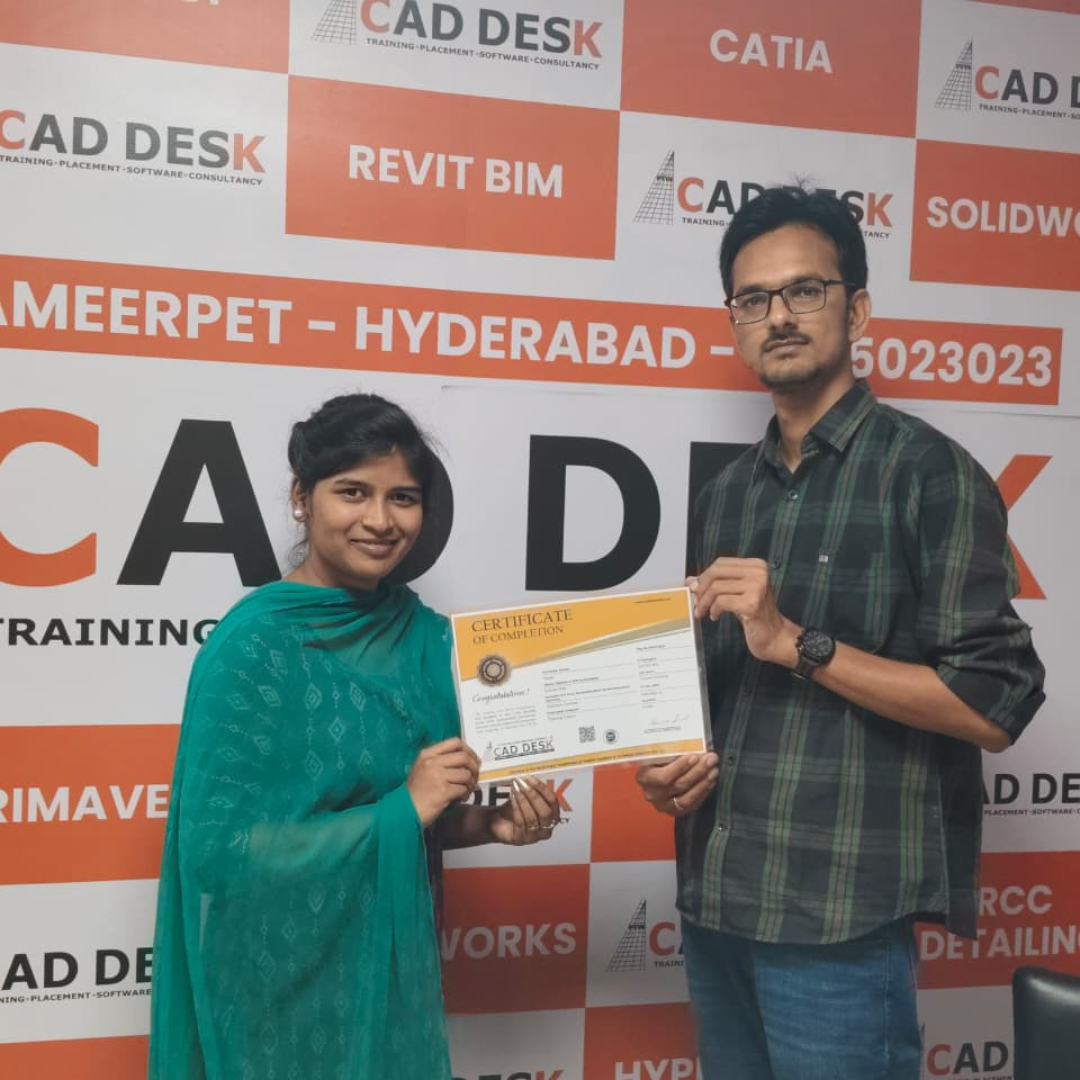
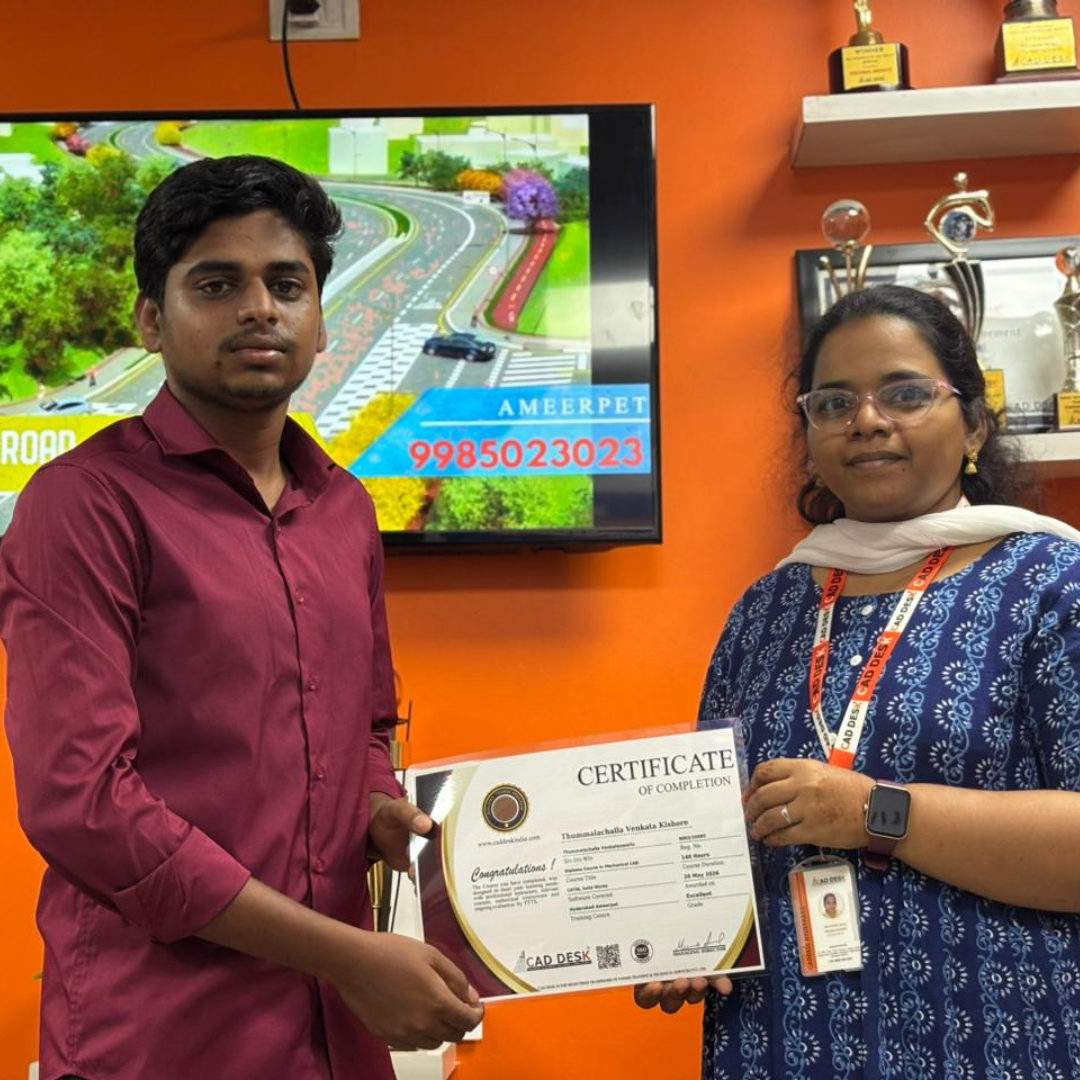
Two men exchange a certificate of completion in a bright orange office with trophy shelves; CAD DESK and Autodesk logos visible in the corner.

Course Includes

New Batches

Course NameStart DateTimingEnroll
Autocad22/06/202610:00 AMBook Slot
Autocad22/06/202605:00 PMBook Slot
Catia22/06/202610:00 AMBook Slot
Primavera22/06/202610:00 AMBook Slot
Revit structure22/06/202604:00 PMBook Slot
Ansys22/06/202605:00 PMBook Slot
Etabs22/06/202602:00 PMBook Slot
Creo22/06/202602:00 PMBook Slot
Nx - Cad22/06/202602:00 PMBook Slot
Quantity survey22/06/202611:00 AMBook Slot
Microsoft Project22/06/202602:00 PMBook Slot
Autocad22/06/202607:00 PMBook Slot
Autodesk inventor22/06/202608:00 PMBook Slot

Online Revit Architecture Course:

Advance your BIM and architectural design skills with the Online Revit Architecture Course at Caddesk Hyderabad. Designed for architecture students, civil engineers, architects, and working professionals, our Online Revit Architecture Training provides live instructor-led sessions, practical assignments, and real-time projects to help you master Building Information Modeling (BIM) concepts from anywhere. The course covers architectural modeling, families, schedules, annotations, views, sheets, and project documentation using industry-standard workflows. If you are searching for the best Online Revit Architecture Course, Revit Architecture Online Training, or professional Revit Architecture Classes, Caddesk Hyderabad offers expert guidance, certification, and placement assistance to help you build a successful career in architecture and BIM.

Classroom Revit Architecture Course:

Build industry-ready BIM skills with the Classroom Revit Architecture Course at Caddesk Hyderabad. Our instructor-led Classroom Revit Architecture Training is ideal for architecture students, architects, civil engineers, and design professionals seeking practical, hands-on learning. Through real-time projects and interactive classroom sessions, students gain expertise in architectural modeling, family creation, schedules, detailing, sheets, and project documentation. With experienced faculty, modern lab facilities, and personalized attention, learners develop the technical knowledge required for careers in architecture, construction, and BIM. If you are looking for the best Revit Architecture Course in Hyderabad, Revit Architecture Training Institute, or professional Revit Architecture Classes, Caddesk Hyderabad provides comprehensive training with certification and placement support.

Earn Industry-Recognized Revit Architecture Certification With Dual Certificate Benefits

Gain industry-recognized Revit Architecture certification from CADDESK Hyderabad, an Autodesk Authorized Training Center, with dual certification benefits for better career opportunities.

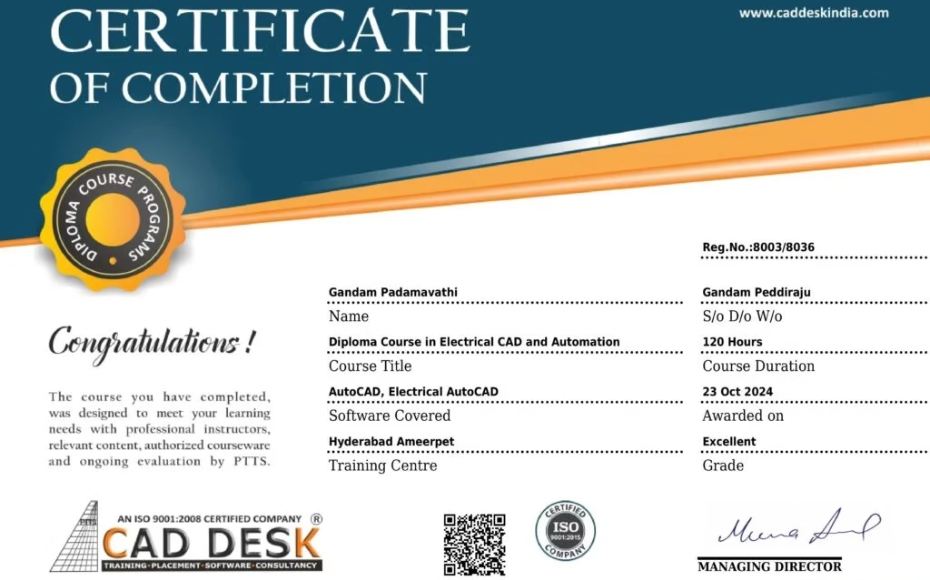
Certificate of completion featuring a blue header, gold seal on the left, the word 'Congratulations', and multiple logos at the bottom (branding and seals).
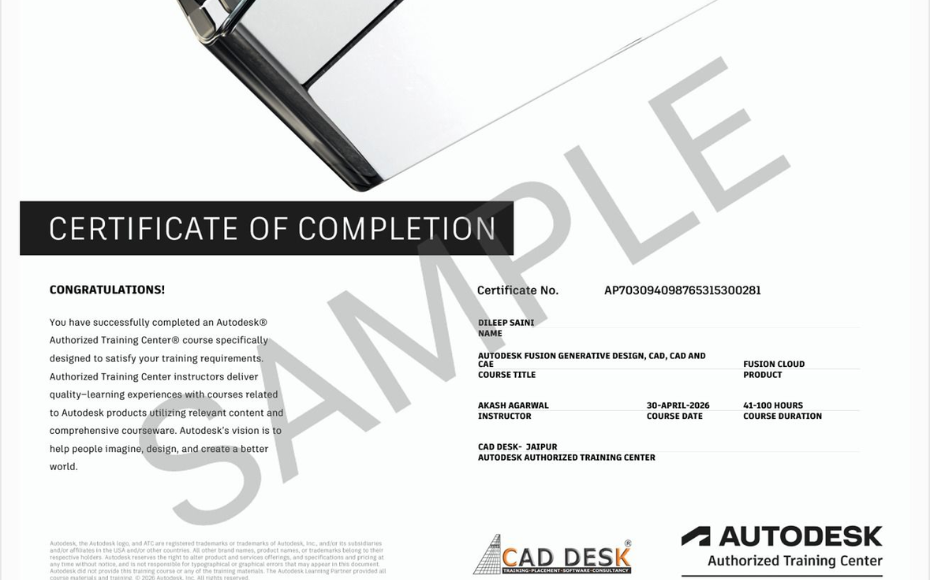
Certificate of Completion with a bold black label and watermark sample across the page; includes logos of CAD Desk and Autodesk at the bottom (informational image).

Career Opportunities After Revit Architecture Course In CADDESK Ameerpet Hyderabad

The demand for skilled Revit Architecture professionals is rapidly growing across architecture, construction, interior design, civil engineering, and manufacturing industries.

Revit Architecture Modeler

₹3L – ₹6L

BIM Modeler

₹3.5L – ₹7L

BIM Coordinator

₹4L – ₹8L

Architectural Designer

₹3L – ₹6.5L

Revit Drafting Engineer

₹3L – ₹5.5L

BIM Engineer

₹4L – ₹9L

Our Hiring Clients

QUESTIONS & ANSWERS

Frequently Asked Questions

Revit Architecture is a Building Information Modeling (BIM) software used for designing, planning, documenting, and managing architectural projects in a single intelligent model.

The course is suitable for architecture students, civil engineers, architects, construction professionals, and design enthusiasts looking to master BIM technology.

Building Information Modeling (BIM) is a digital process that helps professionals create accurate building designs, improve collaboration, and reduce project errors before construction begins.

The course covers architectural modeling, walls, floors, roofs, families, schedules, elevations, sections, detailing, documentation, and project management.

Unlike traditional CAD software, Revit creates intelligent 3D building models where every design element is interconnected and automatically updated throughout the project.

Yes. Students learn to develop complete residential and commercial building models using industry-standard BIM workflows.

Yes. Revit improves project coordination, documentation accuracy, quantity estimation, and collaboration between different project teams.

Yes. The training starts with Revit fundamentals and gradually progresses to advanced architectural modeling techniques.

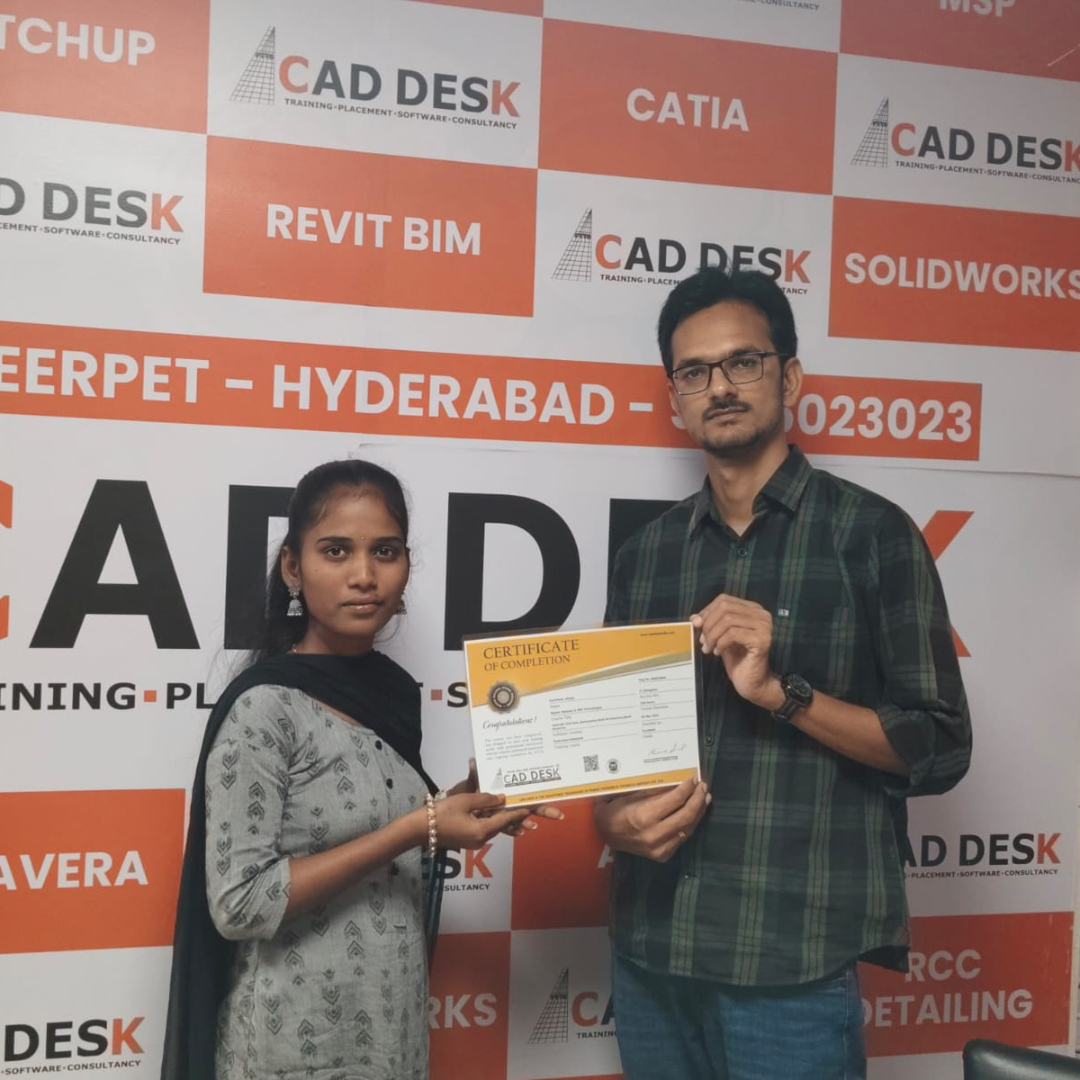
Our Certified Students

Our Student Testimonials

Google-colorCreated with Sketch.

2300+

★★★★★ 4.8 Rating

Abhishek
I joined the Revit Architecture Course in Hyderabad at Caddesk Hyderabad to learn BIM concepts and architectural modeling. The trainers are highly experienced, making it one of the best Revit Architecture training institutes in Ameerpet Hyderabad.
Sneha
Caddesk Hyderabad provides excellent Revit Architecture training in Ameerpet Hyderabad. The practical sessions and real-time projects helped me understand BIM workflows effectively.
Vamsi
After completing the Revit Architecture Course in Hyderabad, I gained confidence in creating architectural plans, elevations, and 3D models. The faculty members are very supportive.
Priyanka
I was looking for a good Revit Architecture Training Institute in Ameerpet Hyderabad, and Caddesk Hyderabad exceeded my expectations. The course structure is well-organized and easy to follow.
Rohit
The Revit Architecture Course in Hyderabad at Caddesk Hyderabad helped me improve my BIM and architectural design skills. The trainers focus on practical learning and industry standards.
Keerthana
Caddesk Hyderabad is one of the best places for Revit Architecture training in Hyderabad. The classes are interactive, and every topic is explained with hands-on exercises.
Arjun
I highly recommend Caddesk Hyderabad to anyone searching for a Revit Architecture Coaching Centre in Ameerpet. The real-time projects and assignments provided valuable experience.
Meghana
The trainers at Caddesk Hyderabad explained all the concepts clearly during the Revit Architecture Course in Hyderabad. I learned families, schedules, and advanced modeling techniques.
Teja
Joining this Revit Architecture Training Institute in Ameerpet Hyderabad was one of the best decisions for my career. The flexible timings and practical approach made learning easy.
Bhavana
Caddesk Hyderabad offers excellent Revit Architecture training in Ameerpet Hyderabad. The faculty members are knowledgeable, and the course helped me develop professional BIM and architectural design skills.

Explore Related Courses

Banner announcing students placed in campus drive, showing five student headshots with colored blocks and logos for CAD DESK and JWIL.

Confused about choosing a course? Fill the form and get a free counselling session.