













Industry Focused Training

Microsoft Project Training Institute In Hyderabad

Design Your Skills Draft Your Future

Learn AutoCad From Industry Experts With Practical Projects And Placement Focused Training, Build The Skills That Companies are Hiring For.

Google-colorCreated with Sketch.

4.9/5 ⭐

2.6k+ Reviews Google Rating

10000+

Students Trained

97%

Placement Rate

Get A Free Consultation

Fill the Form Our Counselor will Contact you within 24Hours

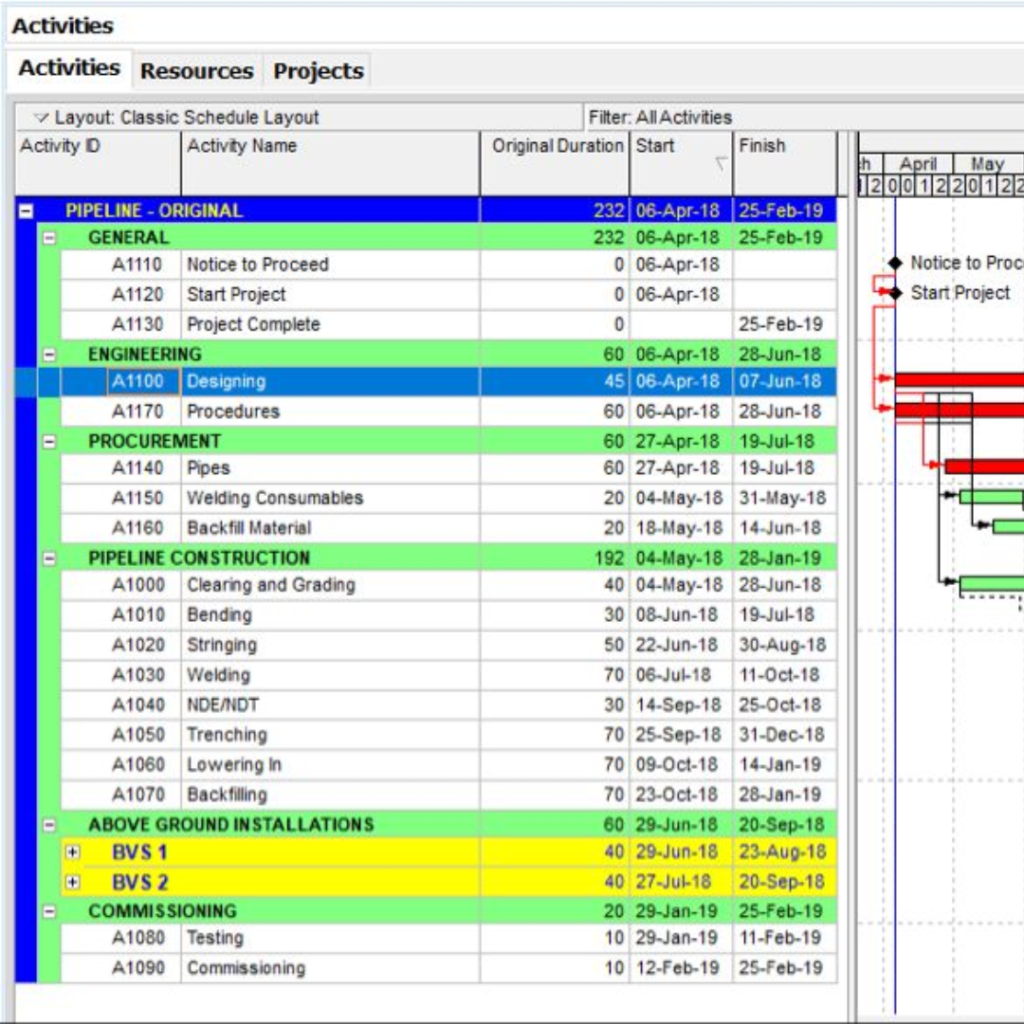
Gantt-chart style project schedule for a pipeline project with grouped activities (General, Engineering, Procurement, Construction, Above Ground Installations, Commissioning) showing start and finish dates

About Microsoft Project Course

Microsoft Project is one of the leading project management software tools in the market. The course is designed to help individuals and teams manage projects proficiently. The course features lessons on project planning, scheduling, resource allocation, progress tracking, budget management, and reporting. Through the course, participants will learn how to optimize the use of the software and manage projects efficiently. The classes include hands-on exercises, quizzes, and assignments to ensure that participants can apply what they have learned and gain practical experience in using the software. This course is suitable for anyone who needs to manage a project, regardless of their skill level, and will help to improve efficiency, productivity, and profitability. With the knowledge and skills gained in this course, you will be able to manage projects more effectively, deliver successful projects on time and within budget

Google-colorCreated with Sketch.

2300+

★★★★★ 4.8 Rating

10000+

Students Trained

100%

Placement Assistance

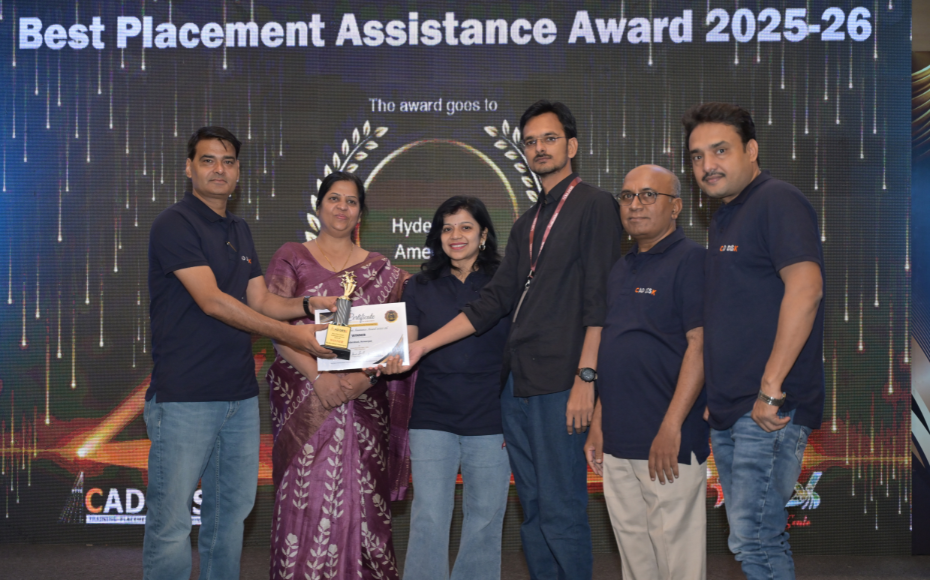
Six people on stage at an awards ceremony; a woman in a purple saree hands a trophy and certificate to a man while others pose nearby

WHY CHOOSE CADDESK

Build Your Design Career with Industry-Focused CAD Training

Student Login
ISO Certification + Autodesk Certification
Course materials
Placement Training
Life Time Technical Support

Advantages Of Microsoft Project Course:

Microsoft Project is a powerful project management tool that can help organizations achieve their business goals by effectively managing resources, timelines, budgets, and tasks. There are several advantages of taking a Microsoft Project course, including

Professional Project Planning & Management

Master Microsoft Project, one of the most widely used project management tools for planning, scheduling, tracking, and managing projects across various industries.

Efficient Scheduling & Resource Management

Learn to create project schedules, assign resources, track task progress, manage dependencies, and optimize project timelines for successful delivery.

AutoCAD advertisement: a designer at a desk working on a bluebuilding CAD model with blueprints and feature icons for 2D drafting, 3D modeling, architectural design, customization, and documentation on screen and bottom panel.

High-Demand Project Management Skill

Develop expertise valued by construction companies, IT organizations, manufacturing industries, engineering firms, and project management professionals worldwide.

Industry-Ready Project Control Techniques

Gain practical knowledge in project planning, Gantt charts, resource allocation, cost tracking, progress monitoring, reporting, and risk management to ensure project success.

Microsoft Project Course Content

  • Introduction to MS Project
  • Project Management Basics
  • Exploring the MS Project Interface
  • Creating Project Calendars
  • Creating a New Project
  • Setting Working & Non-Working Time
  • Project Details & Titles
  • Entering Tasks
  • Start & Finish Dates
  • Duration, Milestones, and Summary Tasks
  • Linking Tasks
  • Predecessors & Successors
  • Task Scheduling
  • Manual vs Automatic Scheduling
  • Adding Columns
  • Defining WBS Codes
  • Renumbering WBS Codes
  • Project Organization
  • General Task Settings
  • Predecessor Settings
  • Advanced Task Settings
  • Notes Management
  • Critical & Non-Critical Tasks
  • Slack Analysis
  • Task Formatting
  • Gantt Chart Layout
  • Drawing Tools
  • Outline Numbering
  • Resource Types
  • Resource Details Entry
  • Cost Rates & Availability
  • Resource Allocation
  • Resource Views
  • Gantt Chart Views
  • Split Views
  • Timeline & Detail Views
  • Sorting & Filtering
  • Cost Tables
  • Task Constraints
  • Deadlines
  • Fixed Duration
  • Fixed Units
  • Fixed Work
  • Effort-Driven Tasks
  • Overtime Rates & Work
  • Multiple Resource Rates
  • Resource Usage Profiles
  • Resource Assignments
  • Creating Timelines
  • Customizing Timelines
  • Timeline Reporting
  • Project Presentation
  • Default Reports
  • Custom Reports
  • Print Preview
  • Publishing Reports
  • Activity Tracking Layouts
  • Progress Monitoring
  • Creating & Maintaining Baselines
  • Project Comparison
  • Variance Analysis
  • Project Monitoring & Control
  • Major Project Work
  • Doubt Clarification Session
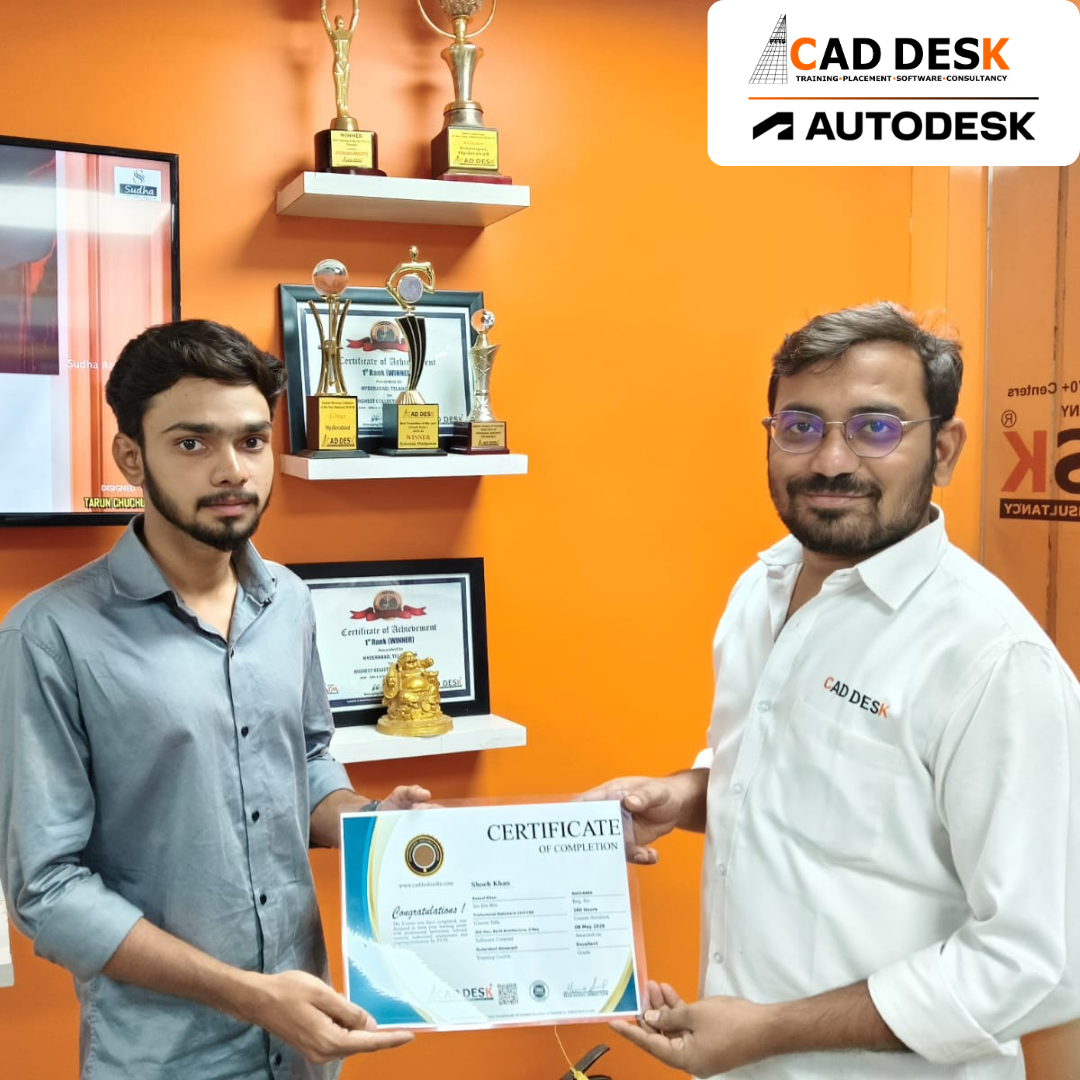
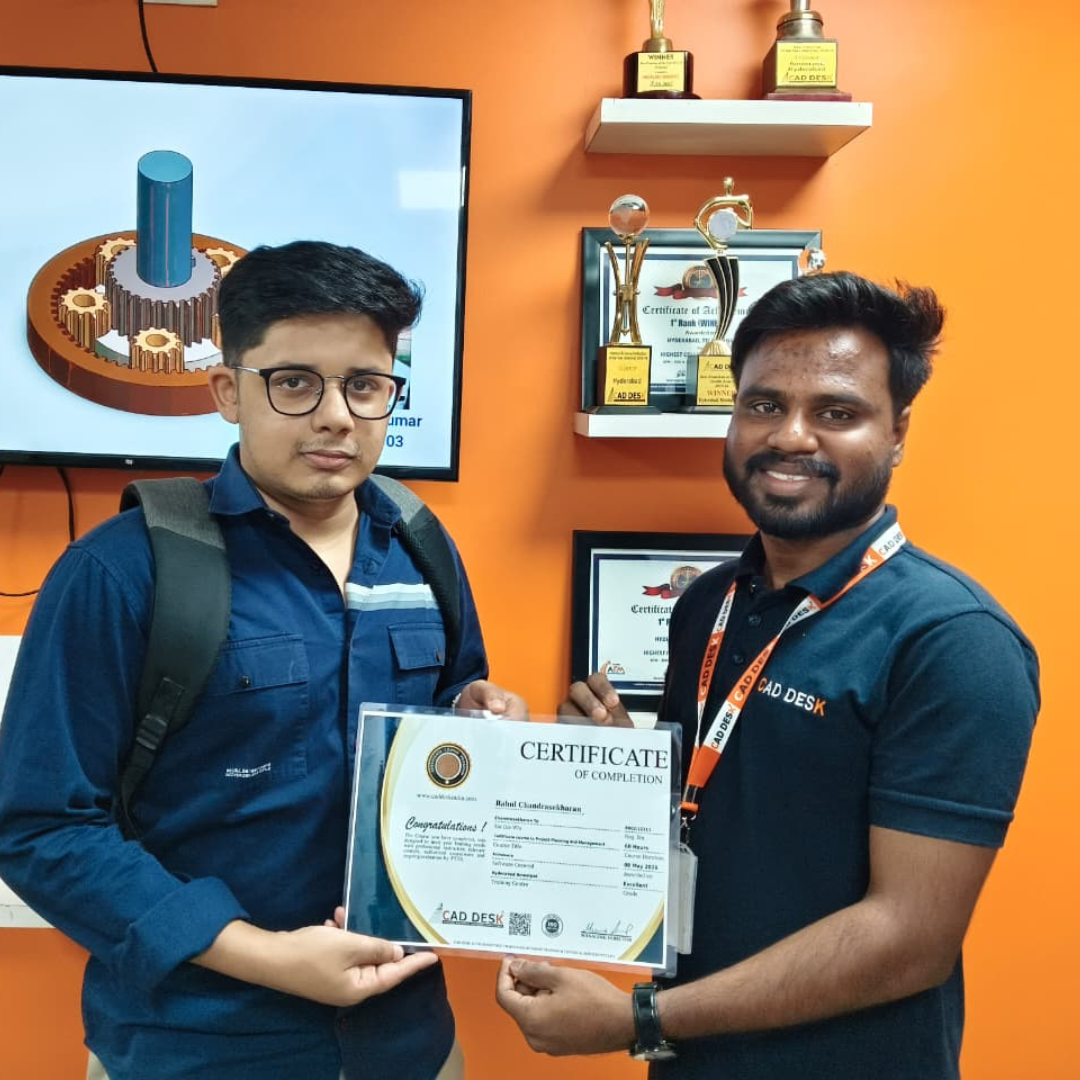
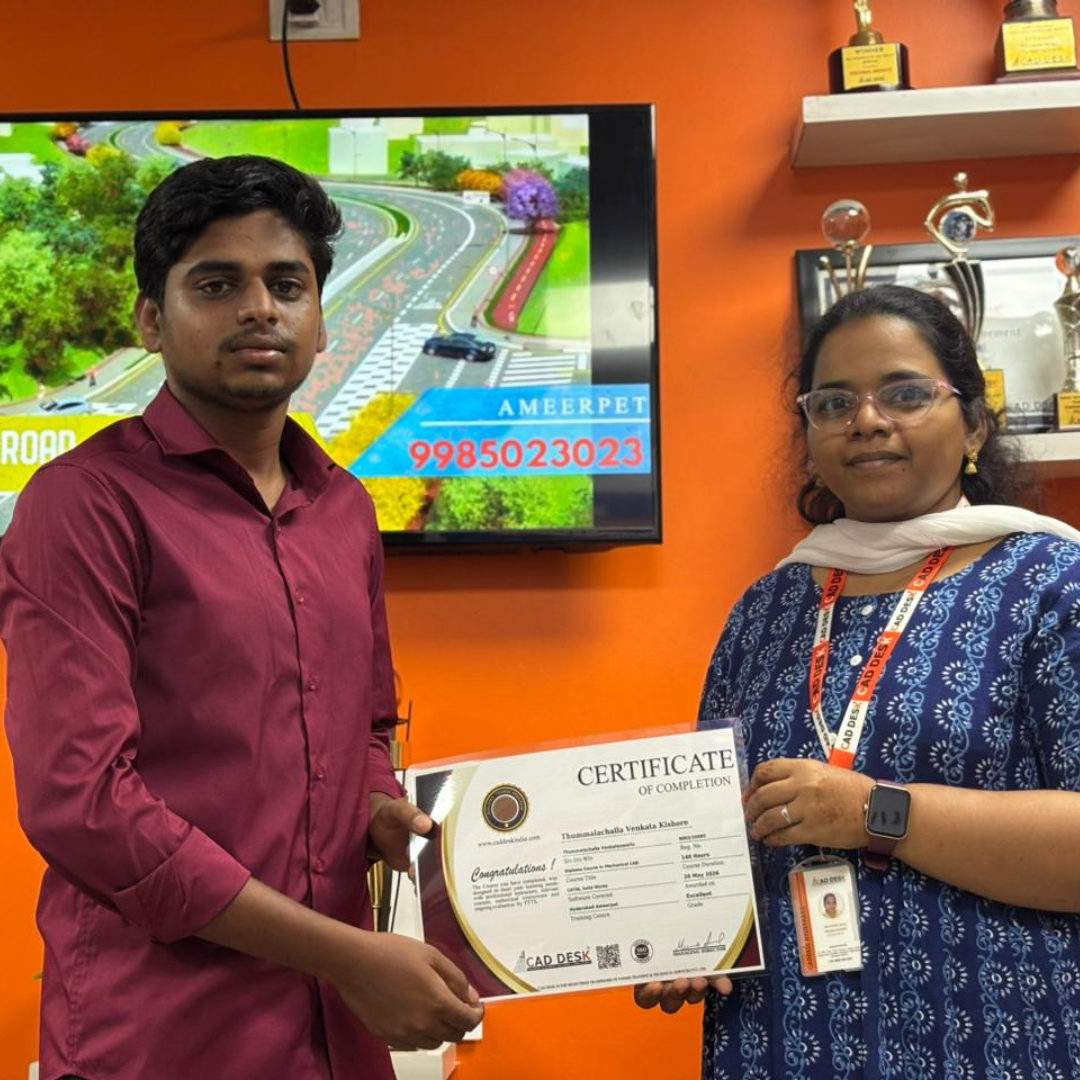
Two men exchange a certificate of completion in a bright orange office with trophy shelves; CAD DESK and Autodesk logos visible in the corner.

Course Includes

New Batches

Course Name Start DateModeTiming Enroll
Autocad08/06/2026Online/Offline 09:00 AMBook Slot
Autocad08/06/2026Online/Offline 05:00 PMBook Slot
StaadPro08/06/2026Online/Offline11:00 AMBook Slot
Sketchup 08/06/2026Online/Offline10:00 AMBook Slot
V-Ray Sketchup 08/06/2026Online/Offline11:00 AMBook Slot
Solidworks 08/06/2026Online/Offline04:00 PMBook Slot
Nx- CAD08/06/2026Online/Offline05:00 PMBook Slot
HVAC08/06/2026Online/Offline04:00 PMBook Slot
AutoCAD 08/06/2026Online 07:00 AMBook Slot
Primavera 08/06/2026Online 07:00 AMBook Slot

Online Microsoft Project Course:

Enhance your project planning and management skills with the Online Microsoft Project Course at Caddesk Hyderabad. Designed for civil engineers, project managers, planners, and working professionals, our Online Microsoft Project Training provides comprehensive knowledge of project scheduling, task management, resource allocation, cost tracking, and progress monitoring using industry-standard techniques. Through live online sessions, practical assignments, and real-time projects, students gain hands-on experience in managing construction and engineering projects efficiently. If you are searching for the best Online Microsoft Project Course, Microsoft Project Online Training, or professional Microsoft Project Classes, Caddesk Hyderabad offers expert faculty, certification, and placement assistance to help you build a successful career in project management.

Classroom Microsoft Project Course:

Master project scheduling and execution with the Classroom Microsoft Project Course at Caddesk Hyderabad. Our instructor-led Classroom Microsoft Project Training is specially designed for civil engineering students, project engineers, planners, and professionals seeking practical classroom learning. The course covers task scheduling, work breakdown structures, resource management, cost control, tracking, and reporting through hands-on sessions and real-world projects. With experienced trainers, advanced lab facilities, and personalized guidance, students develop the skills required to manage projects effectively across construction and engineering industries. If you are looking for the best Microsoft Project Course in Hyderabad, Microsoft Project Training Institute, or professional Microsoft Project Classes, Caddesk Hyderabad provides comprehensive training with certification and placement support.

Earn Industry-Recognized Microsoft Project Certification With Dual Certificate Benefits

Gain industry-recognized AutoCAD certification from CADDESK Hyderabad, an Autodesk Authorized Training Center, with dual certification benefits for better career opportunities.

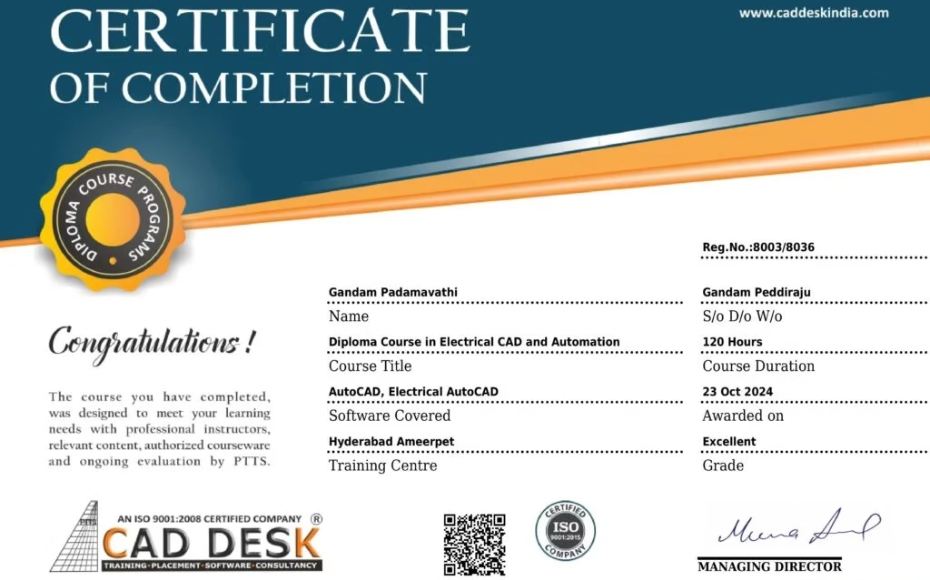
Certificate of completion featuring a blue header, gold seal on the left, the word 'Congratulations', and multiple logos at the bottom (branding and seals).
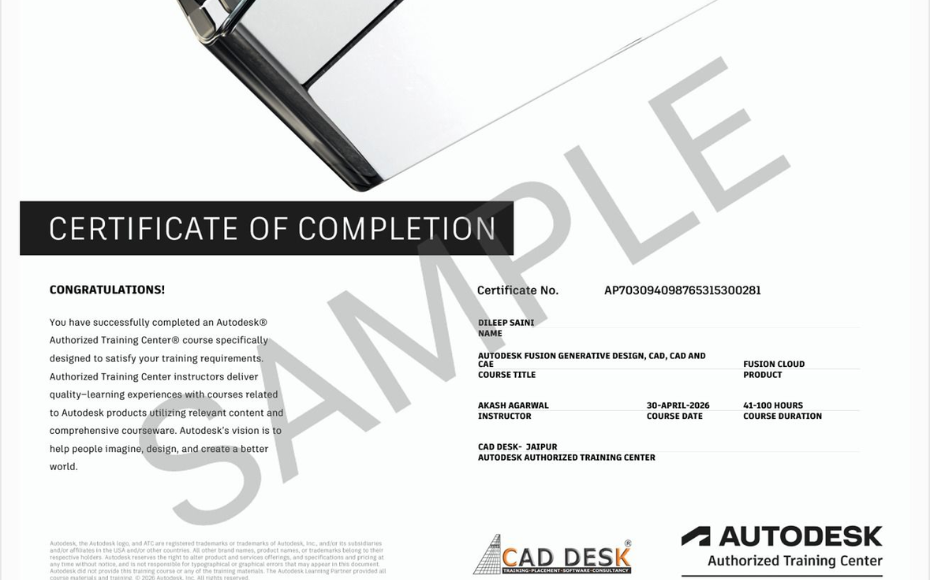
Certificate of Completion with a bold black label and watermark sample across the page; includes logos of CAD Desk and Autodesk at the bottom (informational image).

Career Opportunities After Microsoft Project Course In CADDESK Ameerpet Hyderabad

The demand for skilled Microsoft Project professionals is rapidly growing across architecture, construction, interior design, civil engineering, and manufacturing industries.

Microsoft Project Planner

₹2.5L – ₹5L

Project Planning Engineer

₹3L – ₹5.5L

Project Scheduler

₹3L – ₹5L

Project Coordinator

₹2.5L – ₹5L

Project Control Engineer

₹3L – ₹6L

Planning & Monitoring Engineer

₹3L – ₹5.5L

Our Hiring Clients

QUESTIONS & ANSWERS

Frequently Asked Questions

The Microsoft Project Course helps professionals plan, schedule, track, and manage projects effectively using one of the world’s most popular project management software tools.

Through Microsoft Project Training, you will learn project scheduling, task management, resource allocation, timeline creation, project tracking, reporting, and project performance analysis.

Yes. A Microsoft Project Course is designed for both beginners and professionals, covering project management fundamentals and advanced scheduling techniques.

Microsoft Project Software allows users to create project schedules, define task dependencies, assign resources, set milestones, and monitor project progress efficiently.

Microsoft Project Training is beneficial for professionals working in construction, IT, manufacturing, engineering, healthcare, infrastructure, and business management sectors.

Yes. A professional Microsoft Project Course includes creating and managing Gantt Charts for visual project planning and progress tracking.

Yes. Microsoft Project Software provides tools for resource planning, workload management, resource allocation, and performance monitoring.

Microsoft Project Training helps project managers improve planning accuracy, monitor project timelines, manage budgets, and ensure timely project delivery.

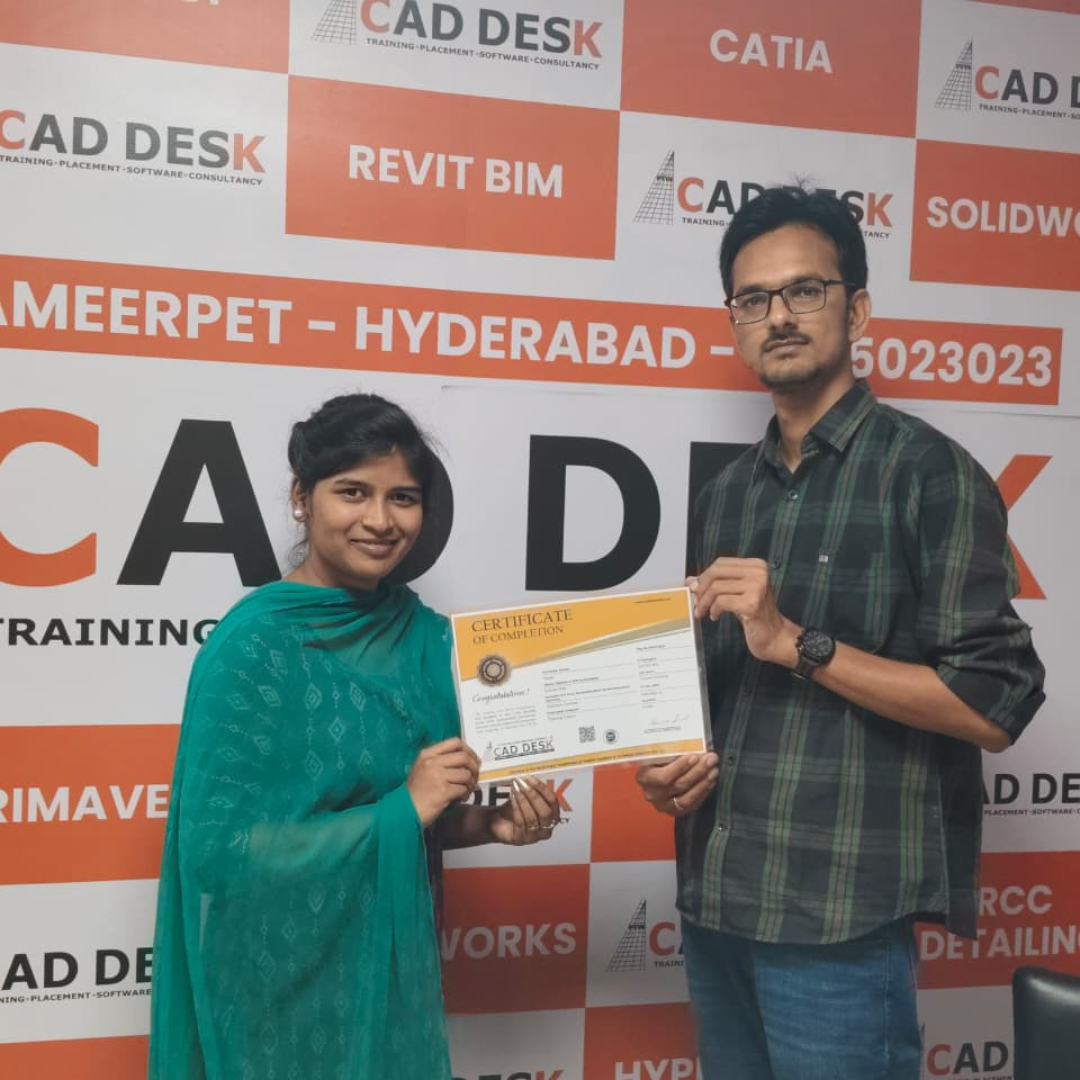
Our Certified Students

Our Student Testimonials

Google-colorCreated with Sketch.

2300+

★★★★★ 4.8 Rating

Banner announcing students placed in campus drive, showing five student headshots with colored blocks and logos for CAD DESK and JWIL.

Confused about choosing a course? Fill the form and get a free counselling session.