


















Industry Focused Training

Google SketchUP Training Institute In Hyderabad

Learn Google SketchUP From Industry Experts With Practical Projects And Placement Focused Training, Build The Skills That Companies are Hiring For.

Google-colorCreated with Sketch.

4.9/5 ⭐

2.6k+ Reviews Google Rating

10000+

Students Trained

97%

Placement Rate

Get A Free Consultation

Fill the Form Our Counselor will Contact you within 24Hours

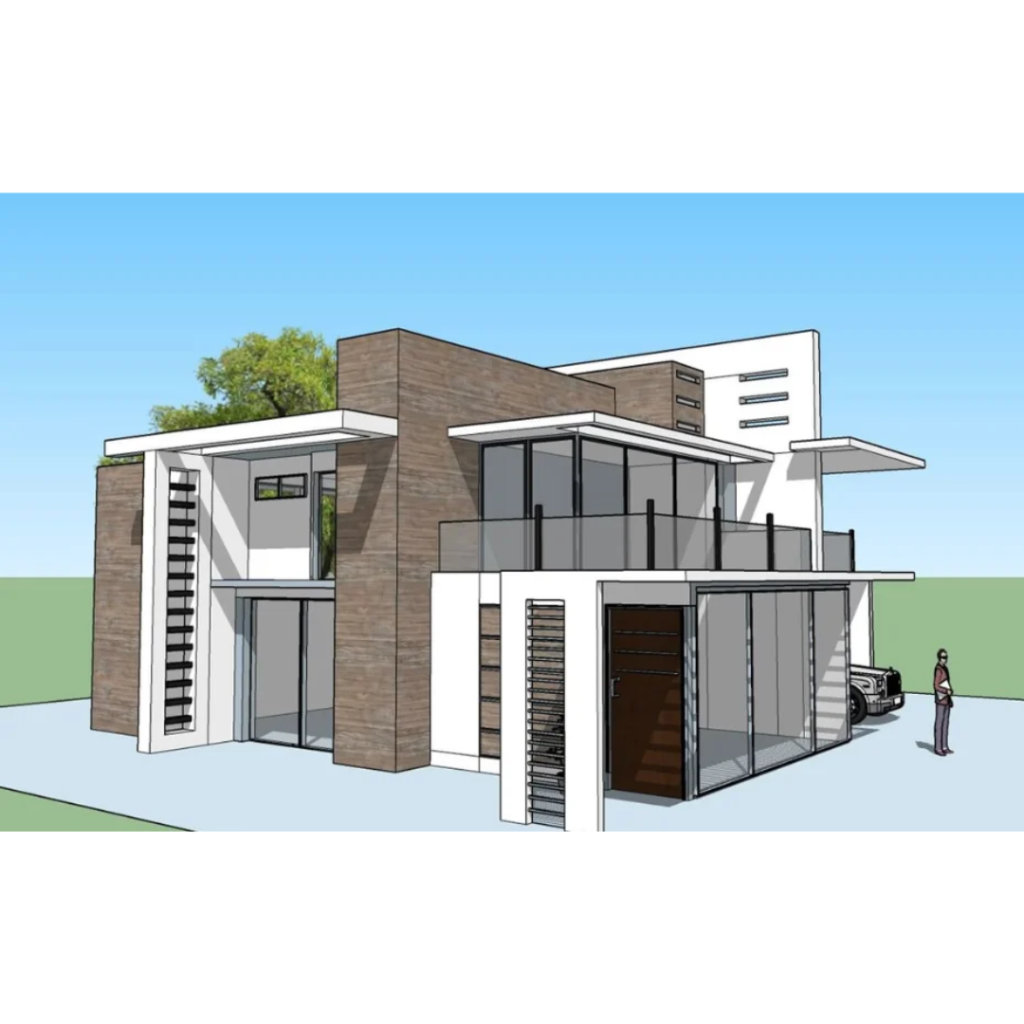
Modern two-story house with glass walls, wood paneling, and a spacious balcony under a blue sky; a driveway and a person standing beside a car on the right.

About Google SketchUP Course

Google SketchUp is a popular and easy-to-use 3D modeling software widely used in architecture, interior design, construction, landscape design, and product design. The SketchUp Course in Hyderabad at Caddesk Hyderabad helps students and professionals learn the fundamentals of 3D modeling, create realistic designs, and develop industry-relevant visualization skills. Our SketchUp Training Course covers essential topics such as 3D modeling, design development, materials, textures, scene creation, and presentation techniques. Students gain hands-on experience through real-world projects and learn industry-standard workflows used in architecture and interior design. The course also introduces advanced SketchUp tools and techniques that help learners create detailed and professional-quality models. Through our SketchUp Classes in Hyderabad, students receive practical training, project-based learning, and personalized guidance from experienced trainers. Learners also have opportunities to collaborate on assignments and build a professional portfolio. Our supportive learning environment helps improve creativity, technical skills, and design visualization capabilities. At our SketchUp Training Institute in Hyderabad, students benefit from structured course materials, industry-recognized certification, and placement assistance. Whether you are a student, architect, interior designer, civil engineer, diploma holder, or working professional, this course provides the knowledge and practical experience needed to build a successful career in 3D Modeling, Architectural Design, Interior Design Visualization, Landscape Design, and Construction Planning.

Google-colorCreated with Sketch.

2300+

★★★★★ 4.8 Rating

10000+

Students Trained

100%

Placement Assistance

Six people on stage at an awards ceremony; a woman in a purple saree hands a trophy and certificate to a man while others pose nearby

WHY CHOOSE CADDESK

Build Your Design Career with Industry-Focused CAD Training

Student Login
ISO Certification + Autodesk Certification
Course materials
Placement Training
Life Time Technical Support

Advantages Of Google SketchUP Course:

Google Sketchup is a powerful 3D modeling tool widely used in architecture, engineering and interior designing industries. A Google Sketchup course by caddesk Hyderabad offers hands-on experience in modeling, designing and improving 3D models.

Easy-to-Learn 3D Modeling Software

SketchUp offers an intuitive interface that helps beginners quickly create professional 3D models for architectural, interior, and landscape design projects.

Create Realistic Design Presentations

Transform ideas into detailed 3D visualizations, walkthroughs, and presentations that help clients understand designs before execution.

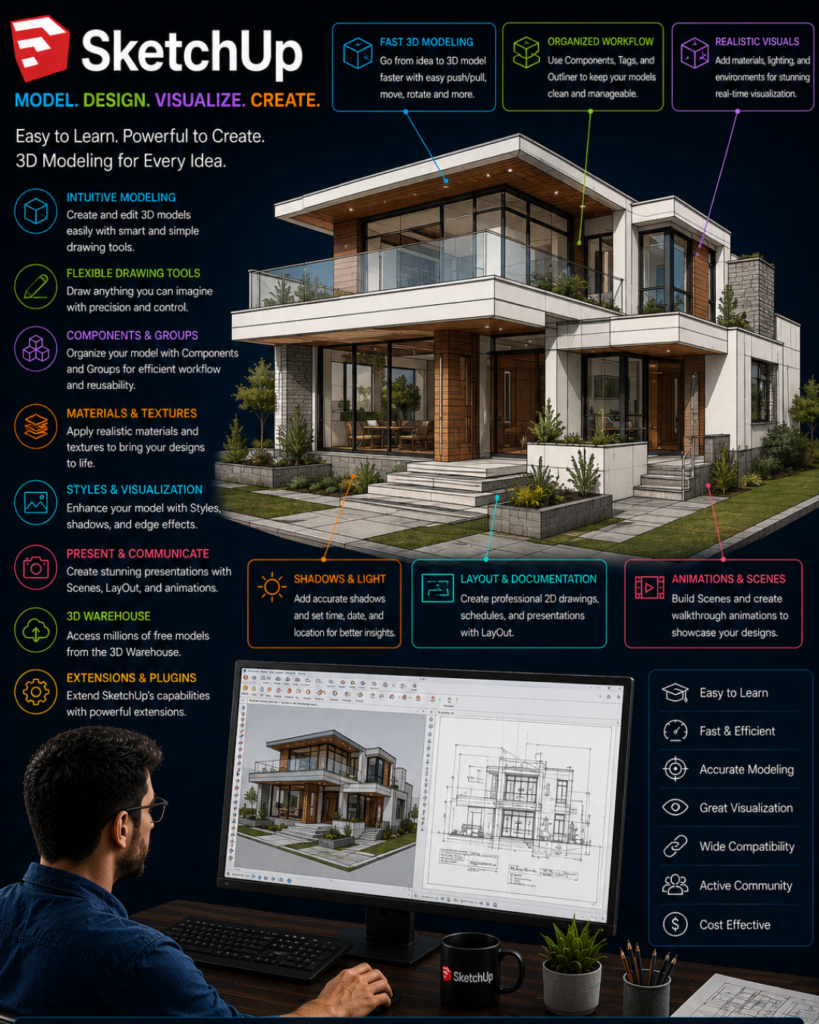
Promotional infographic for SketchUp: a modern, multi‑level house rendered in 3D with colorful feature callouts (fast modeling, organized workflow, realistic visuals) and a designer seated at a computer reviewing drawings.

Career Opportunities Across Industries

Gain skills valued in architecture, interior design, construction, furniture design, urban planning, and 3D visualization sectors.

Industry-Relevant Design & Rendering Skills

Learn essential modeling techniques and prepare to work with advanced visualization tools like V-Ray, Enscape, Lumion, and Twinmotion for professional project delivery.

Google SketchUP Course Content

Faculty/student interaction, introduction to SketchUp, purpose, fields of application, overview, graphical user interface, SketchUp templates, file format and versions

Preferences and Model Info, navigation, orbit, pan, zoom, selection, Line, Free Hand, Rectangle, Rotated Rectangle, Circle, Polygon, Arc, 2 Point Arc, 3 Point Arc, Pie, examples for drawing tools

Move, Copy, Divide, Multiply, Stretch, Groups, Rotate, Entity Info, Push Pull, Flip, Follow Me, Scale, Offset, Axes, Tape Measure, Dimension, Protractor, Text, 3D Text

Import AutoCAD file, creating walls, intersecting geometry, creating doors and windows, multiple ceiling designs, Principal Tools, Groups and Components, saving/reloading components, materials, selection, eraser

Furniture modelling, tables, cabinets, TV unit, Solid Tools, Dynamic Component, 3D Warehouse, adding doors, windows and furniture, Living Room modelling, Bedroom design including bed, TV unit, wardrobe and ceiling

Entity Info, Materials, importing Asian Paint materials, texture positioning, Styles, Shadows, Tags, Scenes, Instructor, Soften Edges, Kitchen modelling, Pool and Elevation design

Position Camera, Scenes, Previous Camera, Look Around, Walk, Section, Field View, Standard Views, Styles, Parallel Projection, Perspective, Two Point Perspective, Zoom tools, Sandbox Tool, Exterior Modelling, Geolocation, Export 3D Model, 2D Graphic, Section Slice, Animation

1001Bit Pro, Helix Along the Curve, JHS Powerbar, Shape Bender, True Bend, Light Beans, Architecture tools

Curic Studio tools, Curic Face Array, Curic Mirror, Curic Face Knife, Curic DIO 2, Curic Extend, Curic Make 2D, Curic OI, Curic Stretch, FaceUP, Bevel, Memory Copy, Paste from AutoCAD, Profile Builder, Split Tools, Edge Tools 2, Fix 101, Solid Inspector, Sketchy FFD, Soap Skin Bubble, Joint Push Pull, Curvi Loft, Thru Paint, Tools on Surfaces, Round Corner, Fredo Scale, S4U Tools

SketchUp Layout introduction, types of templates, export from SketchUp, import SketchUp file to Layout, document setup, preferences, Main Toolbar, Default Tray, Colors, Shape Style, Pattern Fill, SketchUp Model, Scaled Drawing, Dimension Style, Text Style, Pages, Layers, Scrapbooks, Instructor

Simple project, export, final project

Style Builder, technical quiz

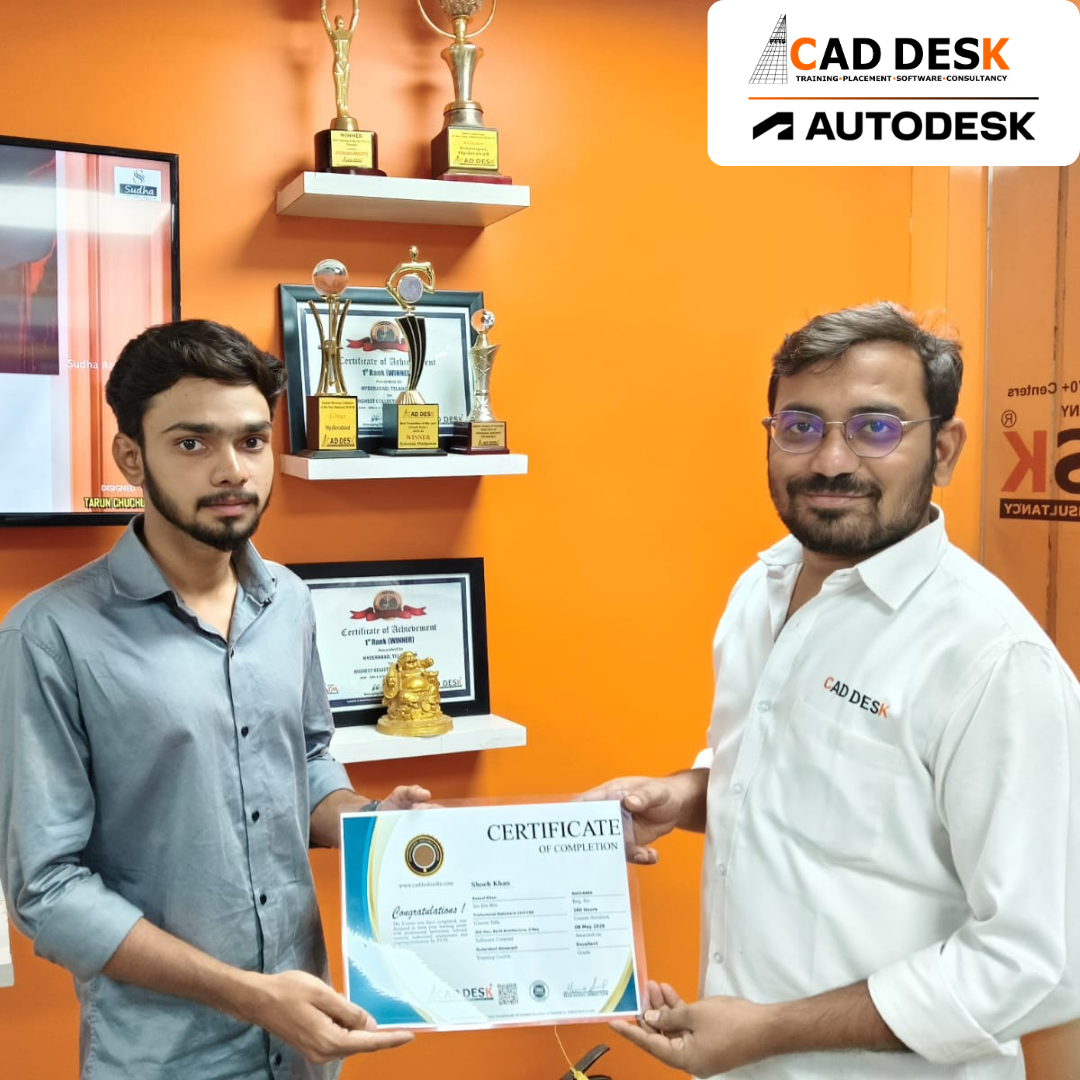
Two men exchange a certificate of completion in a bright orange office with trophy shelves; CAD DESK and Autodesk logos visible in the corner.

Course Includes

New Batches

Course NameStart DateModeTimingEnroll
Autocad29/06/2026Online/Offline09:00 AMBook Slot
Sketchup29/06/2026Online/Offline05:00 PMBook Slot
Tekla Structures29/06/2026Online/Offline04:00 PMBook Slot
Revit Architecture29/06/2026Online/Offline02:00 PMBook Slot
Solidworks29/06/2026Online/Offline11:00 AMBook Slot
GD&T29/06/2026Online/Offline03:00 PMBook Slot
ECAD29/06/2026Online/Offline03:00 PMBook Slot
Photoshop29/06/2026Online/Offline12:00 PMBook Slot
Autocad29/06/2026Online04:00 PMBook Slot

Online Google SketchUP Course:

You can learn professional 3D modeling and visualization from anywhere with the Online SketchUp Course in Hyderabad at Caddesk Hyderabad. This flexible training program is designed for architects, interior designers, civil engineers, students, diploma holders, and working professionals who want to improve their design and visualization skills through online learning. In our Online SketchUp Classes in Hyderabad, students learn essential topics such as 3D modeling, components, materials, textures, layouts, scene creation, presentation techniques, and rendering. Learners participate in live interactive sessions, complete practical assignments, and work on real-world projects under the guidance of experienced trainers. Our Online SketchUp Training in Hyderabad provides hands-on experience with industry-standard workflows used in architecture, interior design, construction, landscape design, and product design. At Caddesk Hyderabad, learners benefit from flexible batch schedules, industry-recognized certification, portfolio development, and placement assistance. 

Classroom Google SketchUP Course:

Boost your 3D design and visualization skills with the Classroom SketchUp Course in Hyderabad at Caddesk Hyderabad. This practical training program is ideal for students, architects, interior designers, civil engineers, diploma holders, and working professionals who want to learn SketchUp through classroom-based training.

In our SketchUp Classes in Hyderabad, students learn through real-world assignments, industry projects, and hands-on training sessions. At our SketchUp Training Institute in Hyderabad, experienced trainers provide personalized guidance and practical support throughout the learning journey. Students benefit from modern computer labs, structured course materials, project-based learning, portfolio development, and industry-recognized certification.With expert faculty, hands-on training, certification, and placement assistance, Caddesk Hyderabad is a trusted choice for SketchUp Training in Hyderabad and career opportunities in Architectural Visualization, Interior Design Visualization, 3D Modeling, Landscape Design, Construction Planning, and Design Visualization.

Earn Industry-Recognized Google SketchUP Certification With Dual Certificate Benefits

Gain industry-recognized Google SketchUP certification from CADDESK Hyderabad, an Autodesk Authorized Training Center, with dual certification benefits for better career opportunities.

Certificate of completion featuring a blue header, gold seal on the left, the word 'Congratulations', and multiple logos at the bottom (branding and seals).
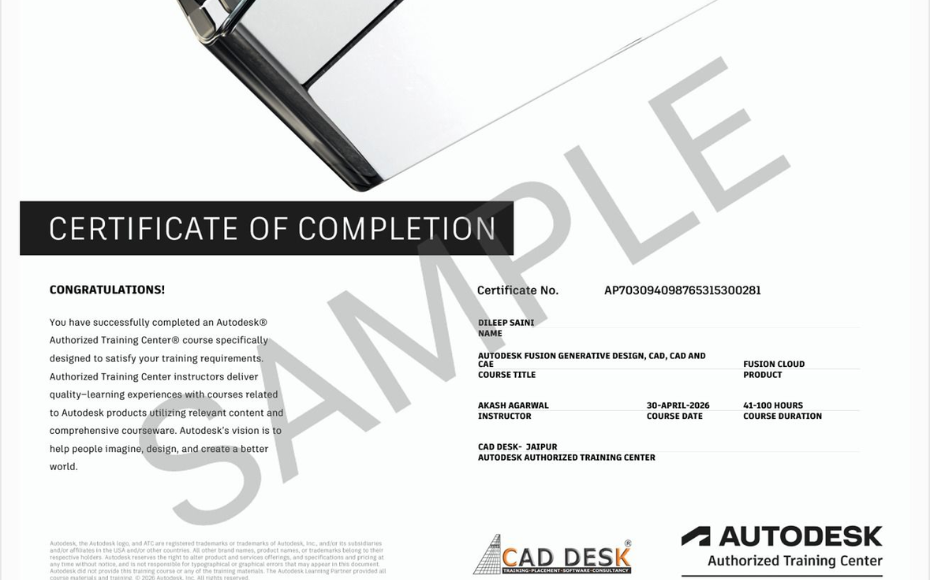
Certificate of Completion with a bold black label and watermark sample across the page; includes logos of CAD Desk and Autodesk at the bottom (informational image).

Career Opportunities After Google Sketchup Course In CADDESK Ameerpet Hyderabad

The demand for skilled Google SketchUP professionals is rapidly growing across architecture, construction, interior design, civil engineering, and manufacturing industries.

SketchUp Designer

₹2.4 LPA – ₹5 LPA

3D Visualizer

₹2.5 LPA – ₹6 LPA

Architectural Visualizer

₹3 LPA – ₹6 LPA

Interior & Exterior Designer

₹2.8 LPA – ₹5.5 LPA

Junior Architectural Designer

₹1.8 LPA – ₹3.5 LPA

Landscape Visualization Artist

₹3 LPA – ₹5 LPA

Our Hiring Clients

QUESTIONS & ANSWERS

Frequently Asked Questions

SketchUp is known for its easy-to-use interface and powerful 3D modeling tools, making it ideal for architectural, interior, and landscape design projects.

Yes. The course is beginner-friendly and teaches everything from basic navigation to advanced 3D modeling techniques.

You can create residential buildings, commercial spaces, interior layouts, furniture designs, landscapes, and conceptual 3D models.

AutoCAD is primarily used for technical drafting, while SketchUp focuses on fast and intuitive 3D modeling and visualization.

Yes. The course covers model creation, scene setup, materials, textures, and presentation techniques for professional project visualization.

Absolutely. SketchUp is one of the most widely used tools for creating interior layouts, furniture placement, and client presentations.

Yes. Students work on hands-on projects to develop real-world modeling and visualization skills.

Yes. SketchUp is commonly used for designing custom furniture, cabinetry, and detailed interior elements.

You will learn 3D modeling, component creation, materials, textures, scene management, layouts, and project presentation workflows.

Yes. It is widely used by civil engineering and architecture students for academic and professional projects.

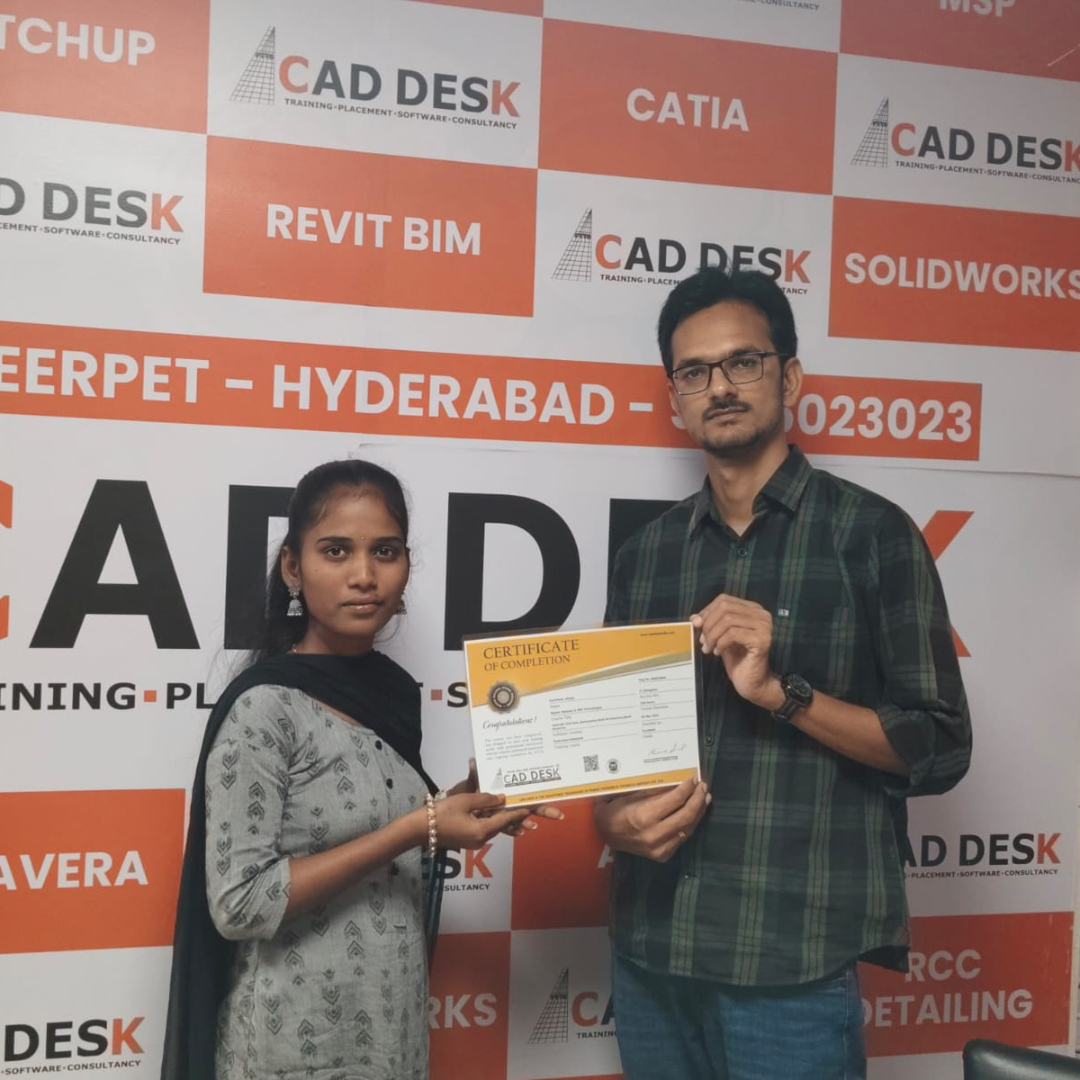
Our Certified Students

Our Student Testimonials

Google-colorCreated with Sketch.

2300+

★★★★★ 4.8 Rating

Ajay
I joined the SketchUp Course in Ameerpet at Caddesk Hyderabad to enhance my interior design skills. The trainers explained every concept clearly, and the practical sessions were very useful.
Sravani
Caddesk Hyderabad is one of the best institutes for SketchUp training in Ameerpet Hyderabad. The faculty members are highly experienced, and the course content is industry-oriented.
Nikhil
After searching for a good SketchUp Training Institute in Ameerpet, I joined Caddesk Hyderabad. The hands-on projects helped me understand 3D modeling and visualization effectively.
Deepika
The SketchUp Course in Ameerpet Hyderabad is excellent for beginners. The trainers are supportive and provide detailed explanations for every topic.
Rakesh
I highly recommend Caddesk Hyderabad for anyone looking for SketchUp training in Ameerpet. The practical assignments and real-time projects helped me improve my design skills.
Anusha
Caddesk Hyderabad is the best SketchUp Coaching Centre in Ameerpet. The learning environment is excellent, and the trainers provide individual attention to students.
Vinay
The SketchUp Course in Ameerpet at Caddesk Hyderabad helped me learn advanced modeling techniques and improve my presentation skills. The faculty members are very knowledgeable.
Keerthana
I had a wonderful experience at this SketchUp Training Institute in Hyderabad. The course structure and practical approach made learning easy and enjoyable.
Tarun
Joining the SketchUp Course in Ameerpet Hyderabad was one of the best decisions for my career. The trainers focused on practical knowledge and project-based learning.
Madhuri
Caddesk Hyderabad offers excellent SketchUp training in Hyderabad . The course covered all the important tools and techniques required for interior and architectural design projects.

Explore Related Courses