
Master Mechanical Design with Industry-Ready AutoCAD Training
Learn real-world mechanical drafting, 2D & 3D modeling, and design workflows used in industries like manufacturing, automotive, and production.
1000+
5.0 ★ Rating
What is AutoCAD Mechanical Desiging
Mechanical AutoCAD Design is the process of creating precise technical drawings and 3D models of mechanical components using software like AutoCAD, SolidWorks, and CATIA. It’s the backbone of modern manufacturing and product design.
Course Curriculum Overview
- This module will cover the basics of AutoCAD Mechanical, including the user interface, drawing tools, and commands.
- You will learn how to navigate the AutoCAD Mechanical user interface, how to create and edit drawings, and how to use the drawing tools and commands.
- Creating 2D sketches.
- Using drawing and editing tools.
- Adding dimensions and constraints to sketches.
- Extruding, revolving, and sweeping to create 3D features.
- Editing and modifying 3D models.
- Creating assemblies of multiple components.
- Understanding parametric modeling principles.
- Using parameters and equations to drive designs.
- Creating relationships between different parts.
- Applying geometric and dimensional constraints.
- Understanding how constraints impact design.
- Creating complex surfaces for specialized components.
- Blending and extending surfaces.
- Building assemblies with multiple parts.
- Managing relationships between components.
- Understanding assembly constraints and motion.
- Generating 2D drawings from 3D models.
- Adding dimensions, annotations, and symbols.
- Creating bill of materials (BOM) and parts lists.
- Creating sheet metal parts.
- Unfolding and flattening sheet metal designs.
- Simulating mechanical movements and interactions.
- Understanding kinematics and dynamics.
- Incorporating advanced features like configurations and design tables.
- Using design automation tools.
- Introduction to finite element analysis (FEA).
- Analyzing and optimizing designs for strength and performance.
- Basics of CAM software integration for manufacturing.
- Generating toolpaths for CNC machining.
- Applying learned skills to real-world projects.
- Developing a complete design project from concept to documentation.
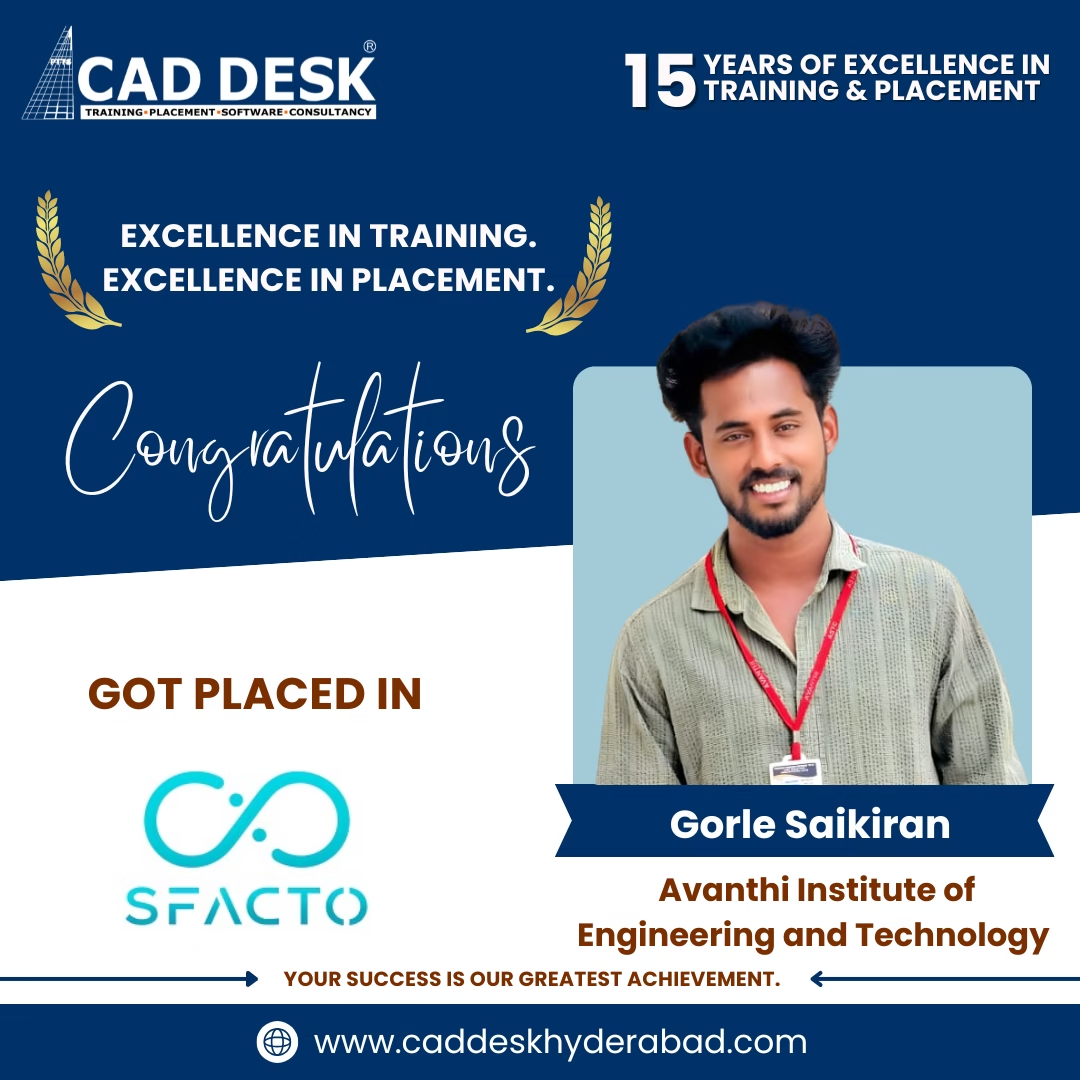




Career Opportunities After Mechanical AutoCAD
High demand for skilled mechanical CAD professionals across manufacturing, automotive, and design industries.
Mechanical CAD Designer
₹3L – ₹5.5L /yr
Product Design Engineer
₹3.5L – ₹6.5L /yr
Machine Design Engineer
₹3L – ₹6L /yr
CAD Draftsman (Mechanical)
₹2.5L – ₹4L /yr
Tool & Die Designer
₹3L – ₹6L /yr
Earn Dual Certification After Course Completion
Validate your drafting and design skills with industry-recognized certifications that enhance your professional profile and improve career opportunities in Architecture, Engineering, Construction, and Interior Design.
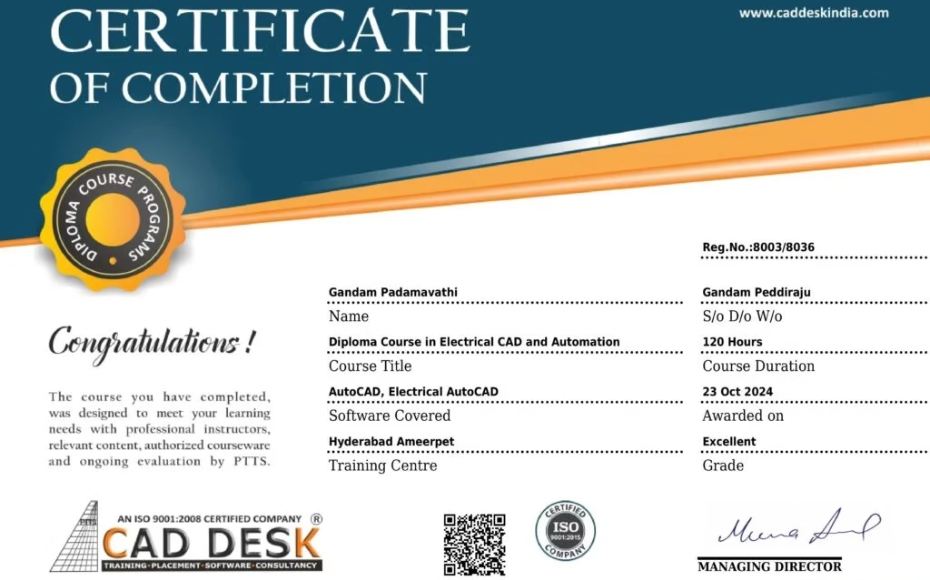
CADDESK Hyderabad Certification
Successfully awarded upon completing practical training, assignments, and industry-based projects.
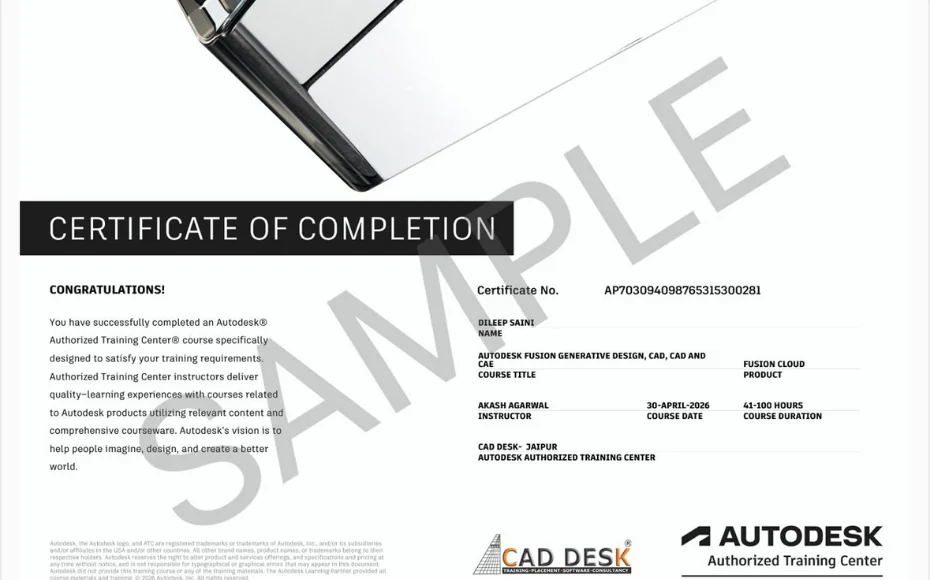
Autodesk Certification Preparation
Prepare for Autodesk certification standards and gain knowledge aligned with global workflows used by design and engineering professionals.










Our Placed Students
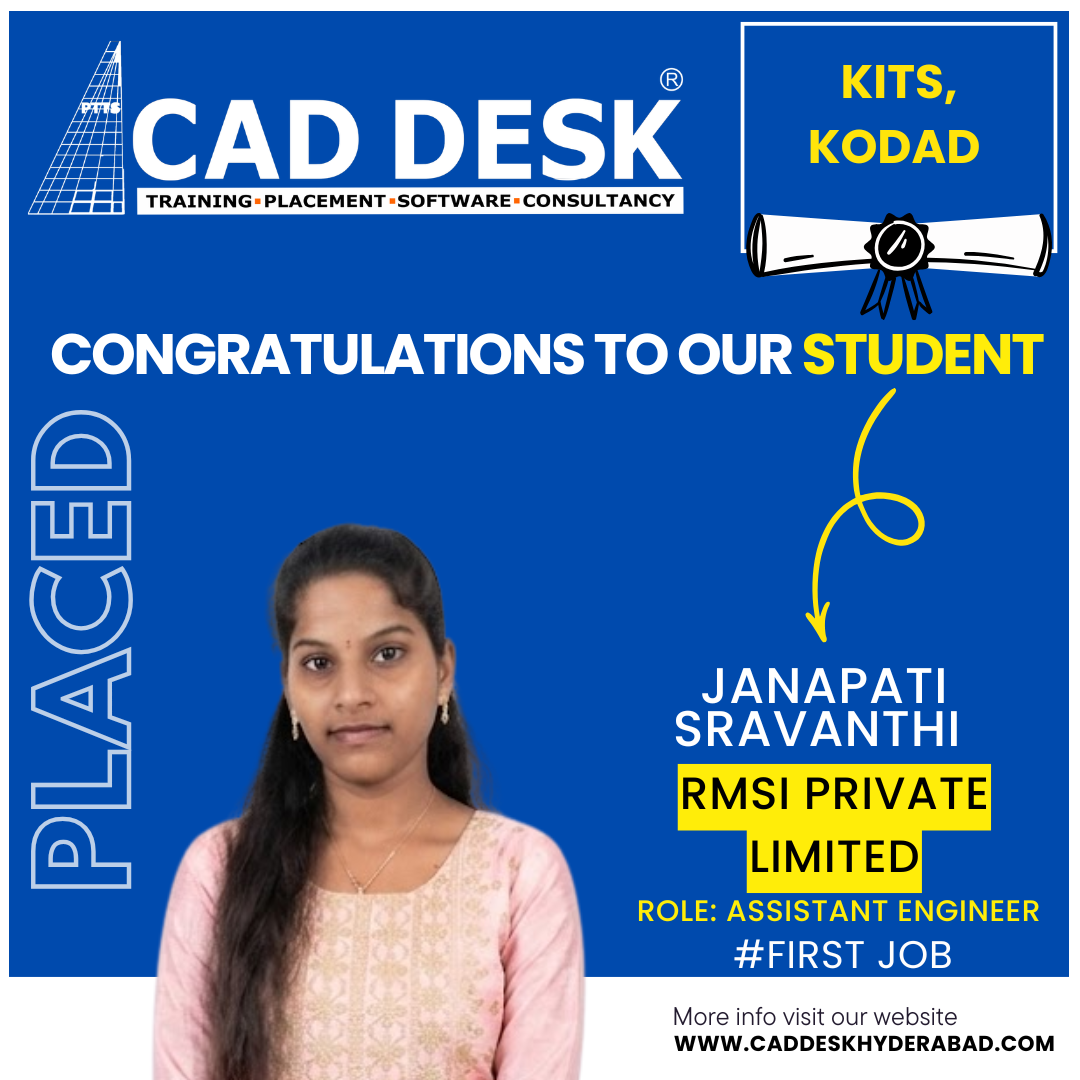

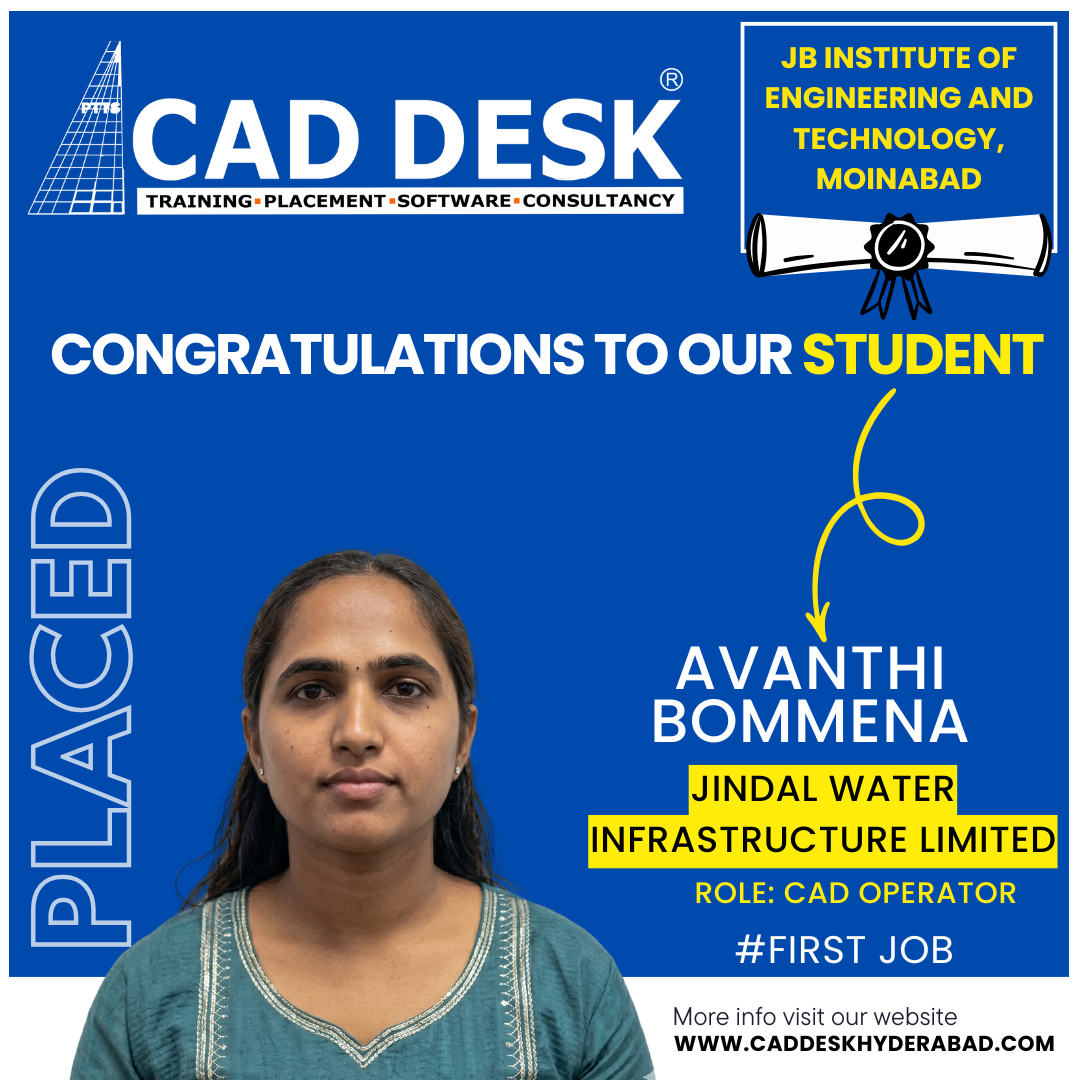
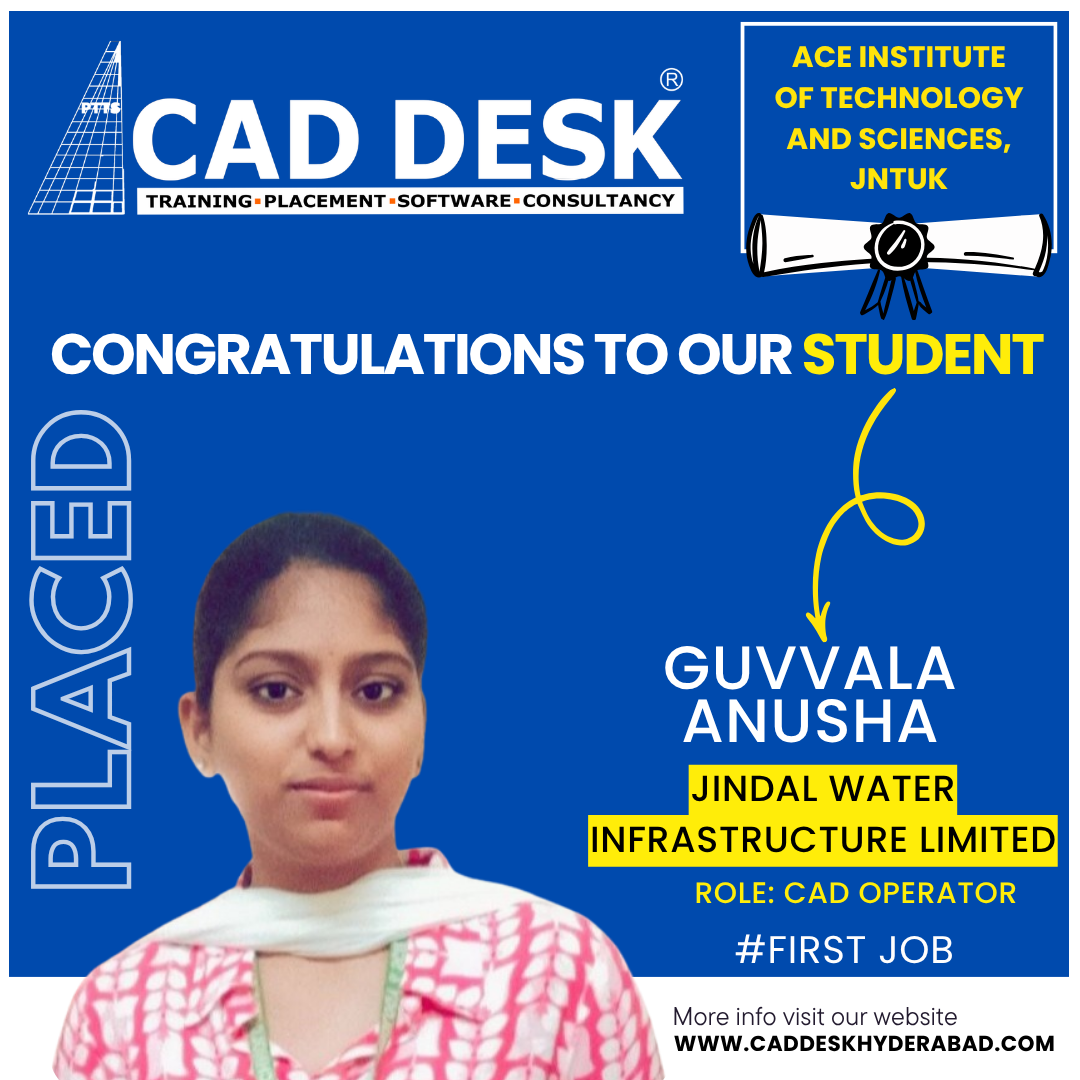
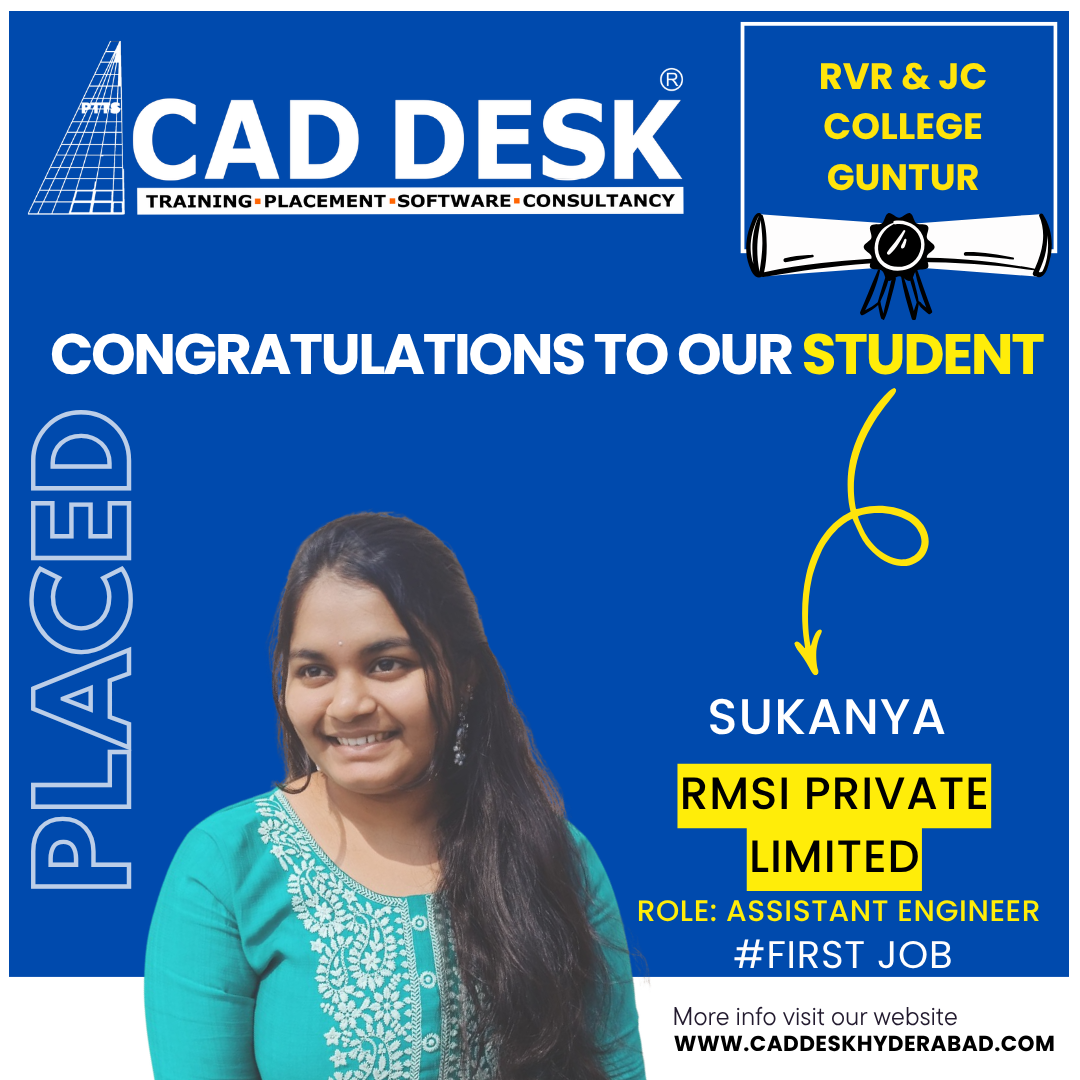
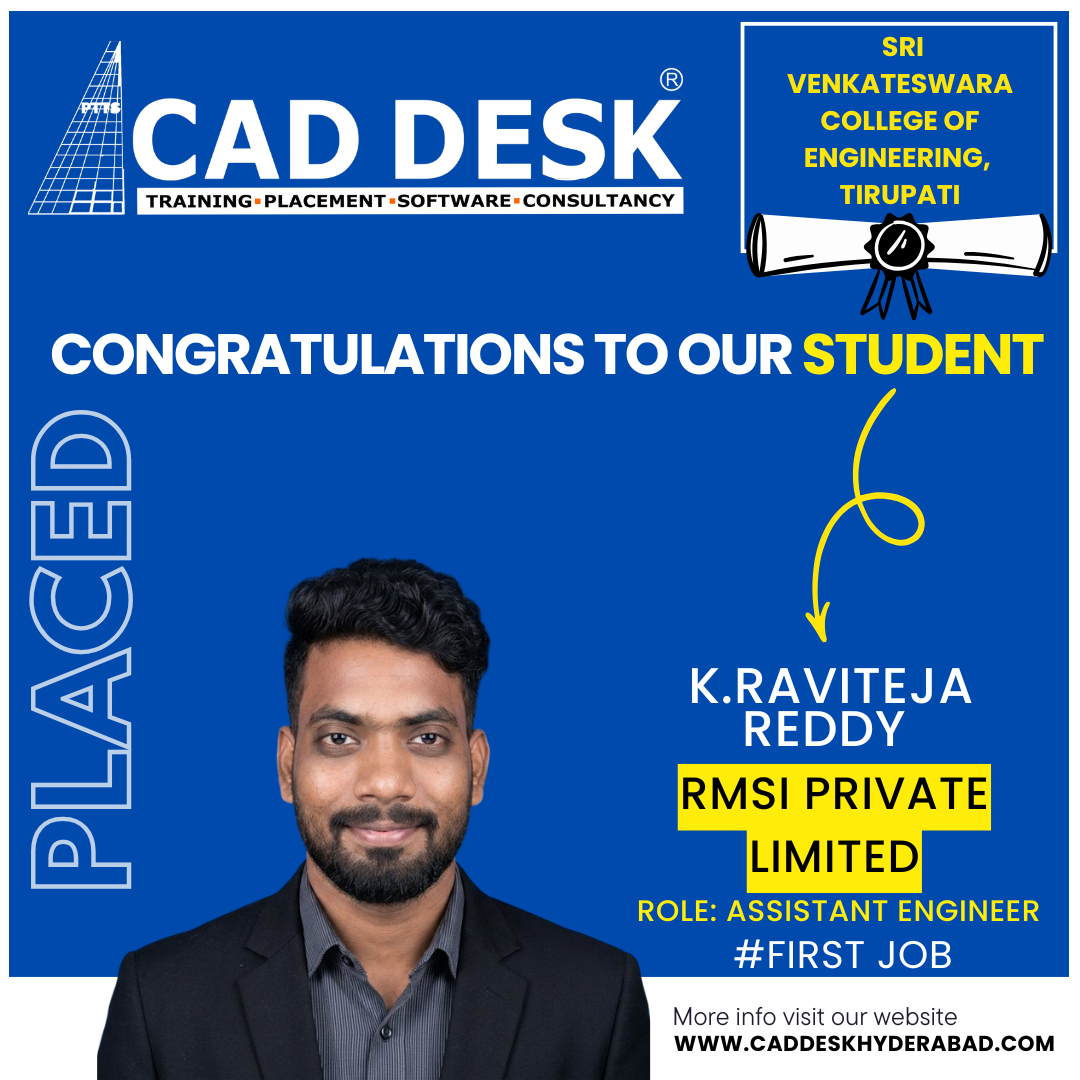
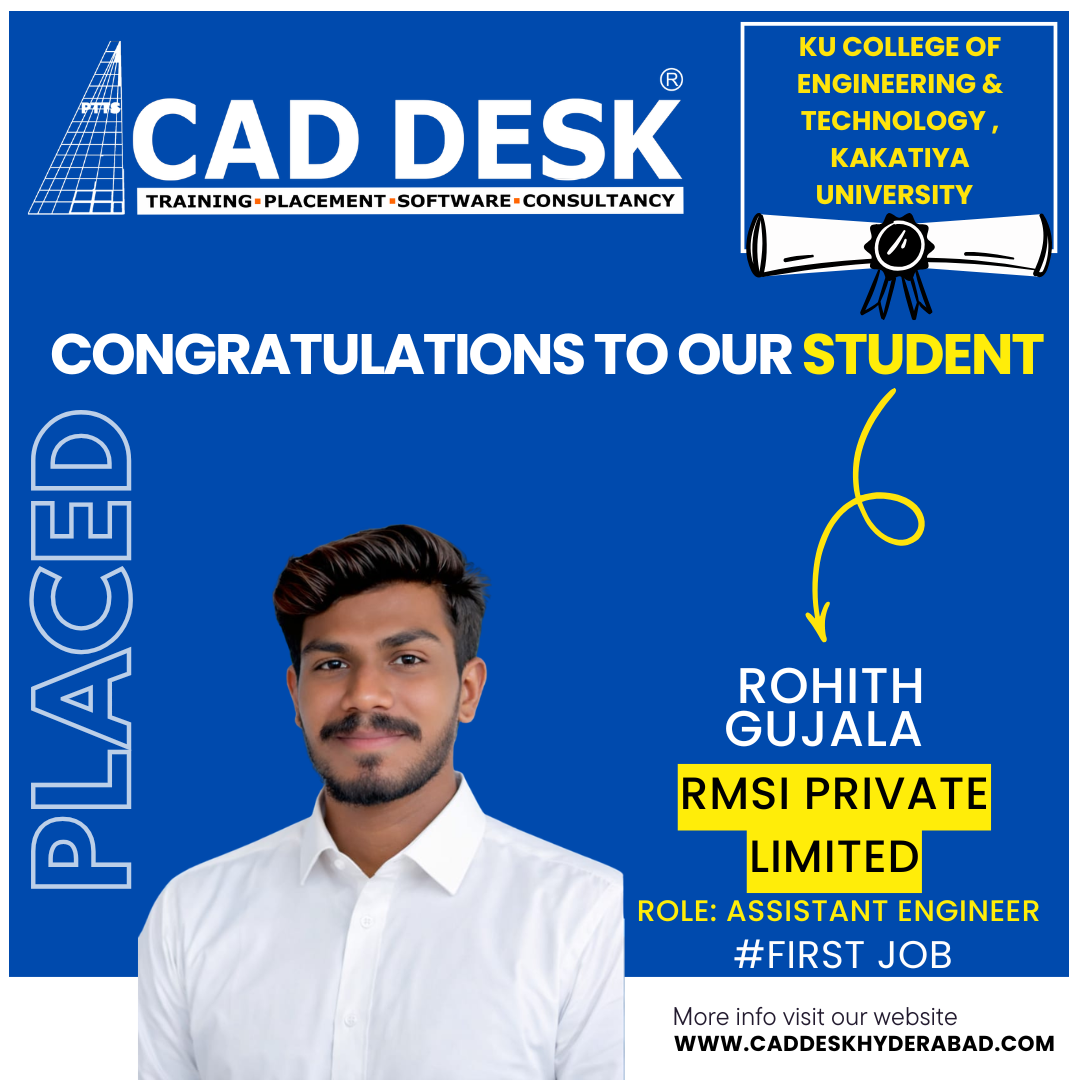
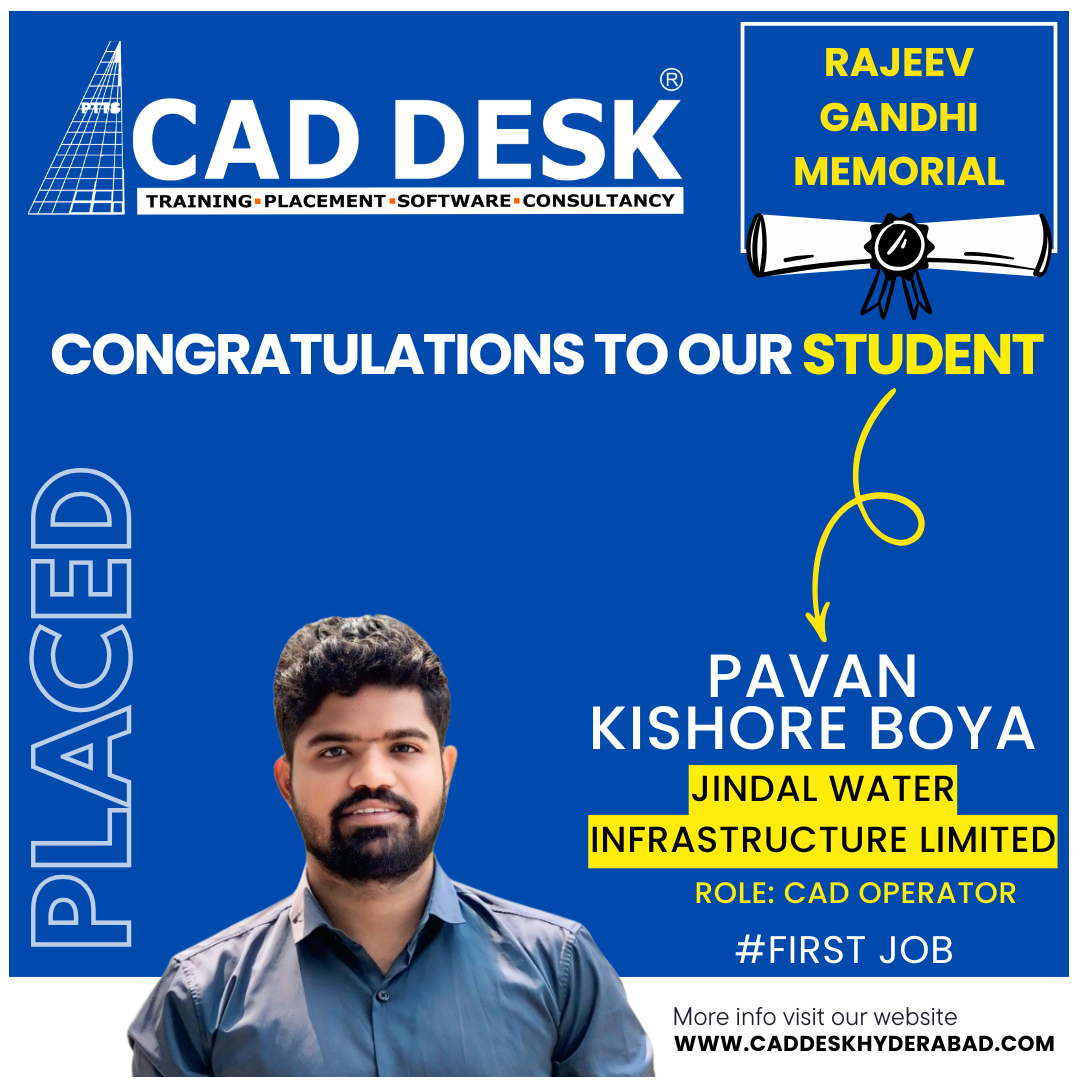
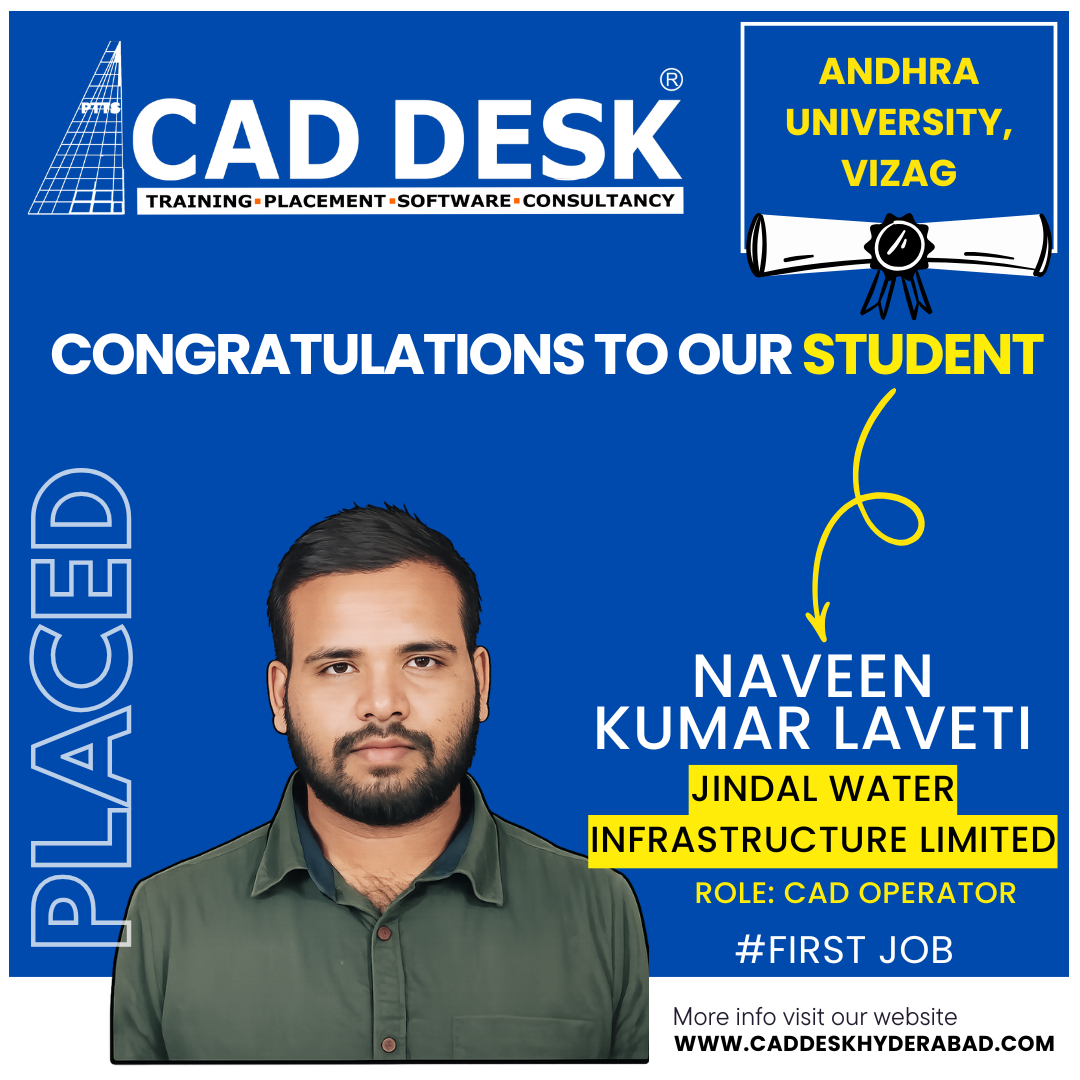

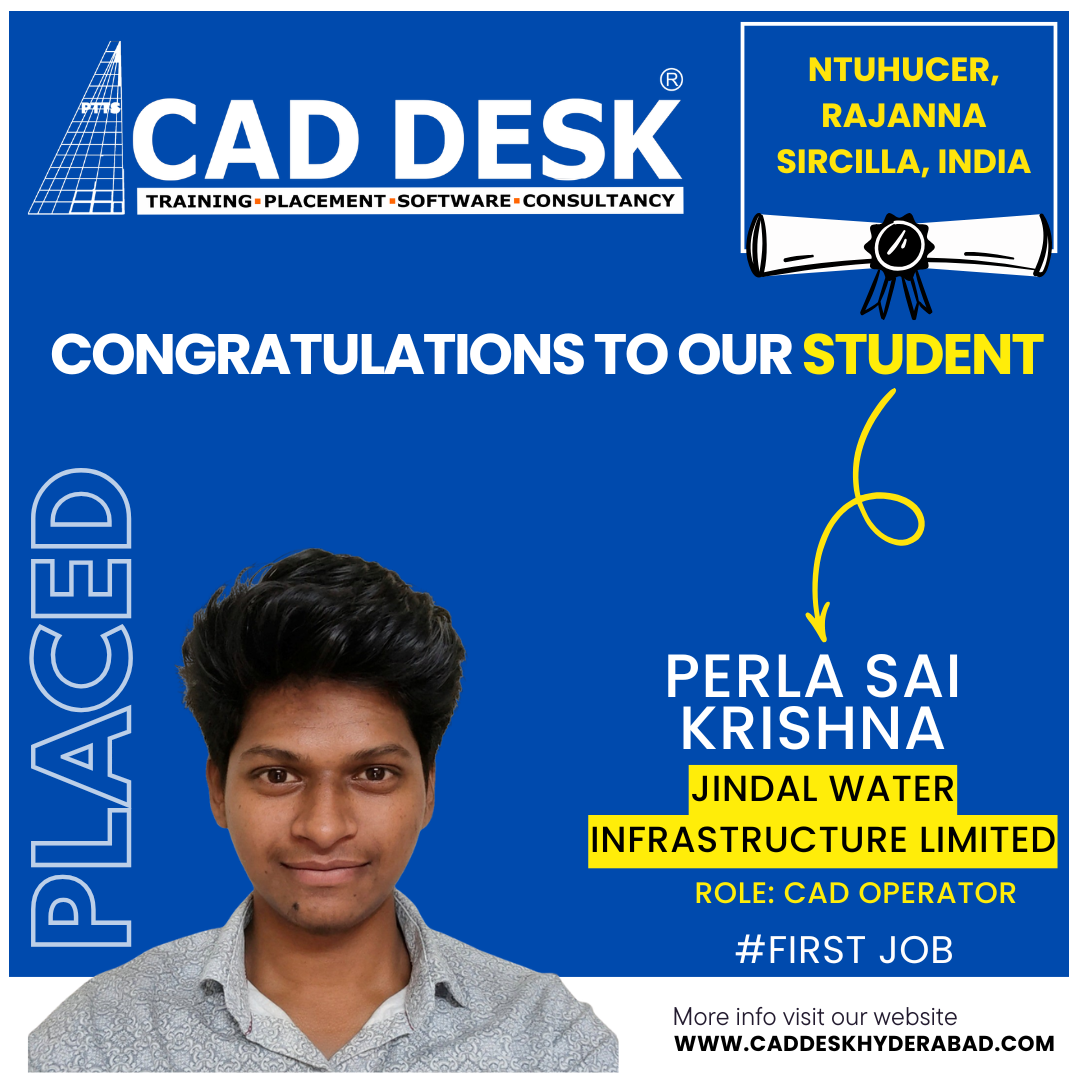
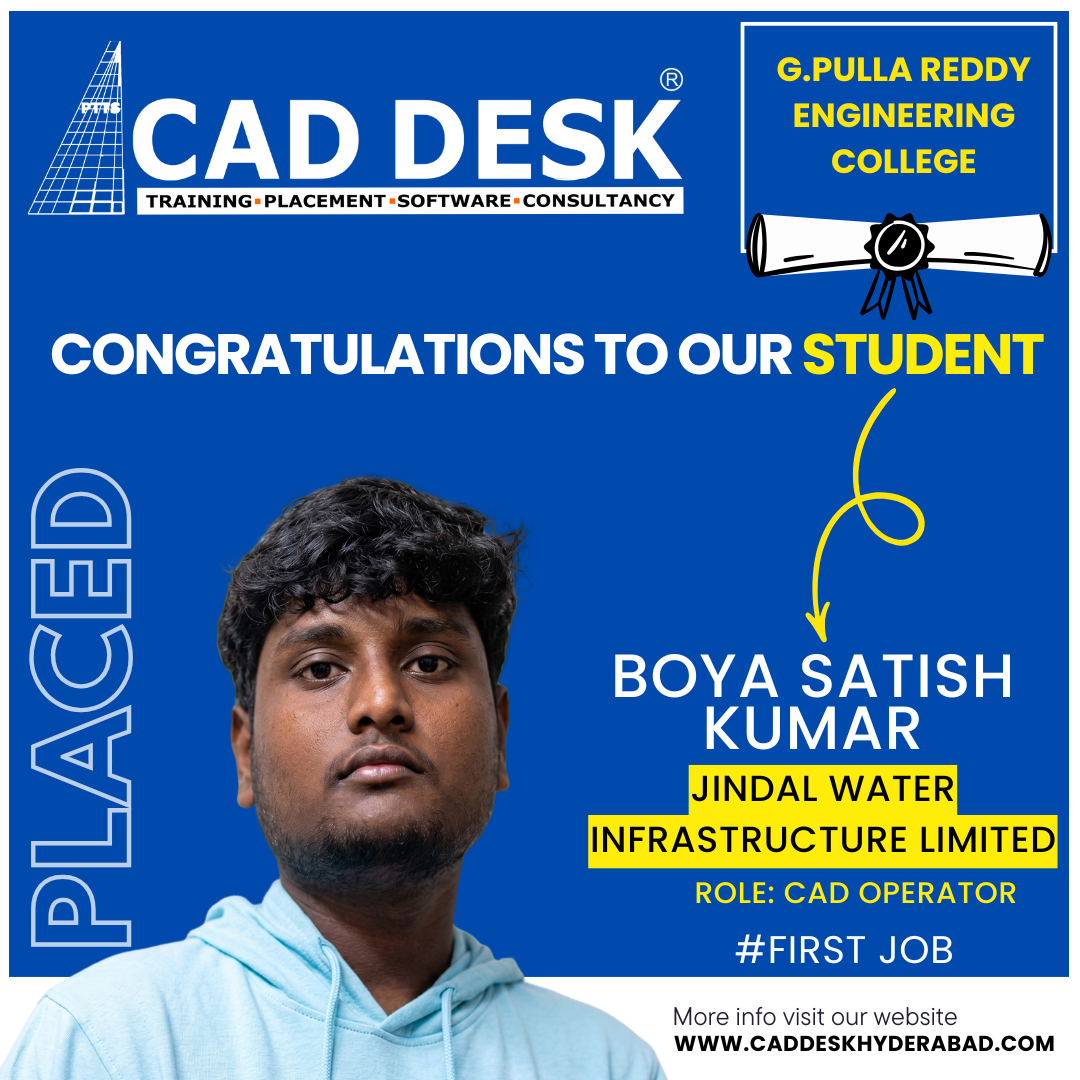
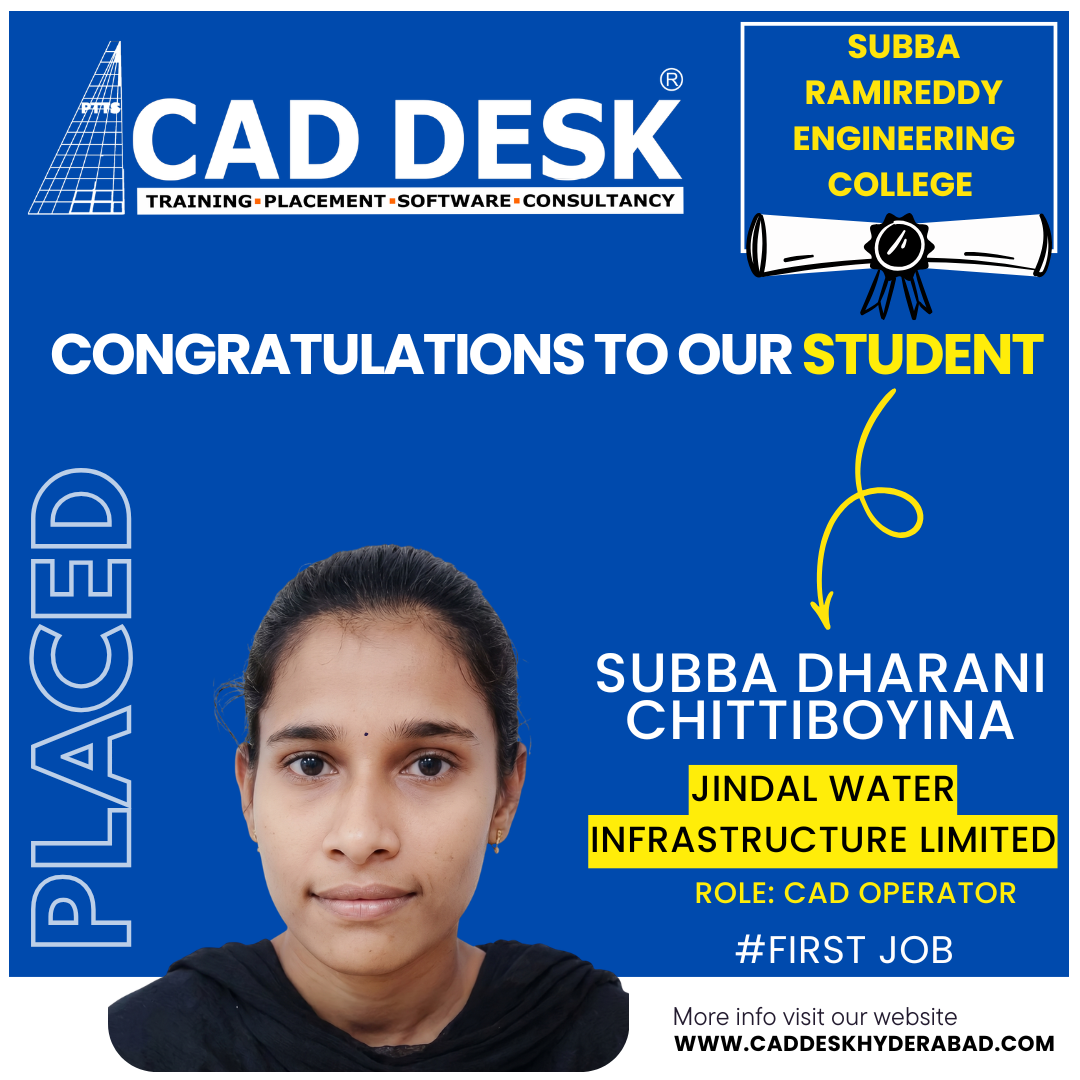
CADDESK Ameerpet
Get Your Mechanical CAD Course Details Now
Access full course details, real-time projects, and placement support information. Take the first step toward a high-demand engineering career.

Why Caddesk Ameerpet
World-Class Learning Experience
Expert Instructors
15+ years of industry experience
Live Feedback
Real-time project reviews and guidance
Career Support
Job placement and networking
Certification
Industry-recognized credentials
What Our Students Say
Real experiences from learners who transformed their skills and careers with us.
- Flat.No.A3 3RD Floor, KVR Enclave, above Bata Showroom, beside Asian Satyam Mall, Caddesk, Ameerpet, Hyderabad, Telangana 500016
- info@caddeskhyderabad.com
- 9985023023