





















































Batch Starts From

15/06/2026

Course Duration

40 Days | 2 Hours Session

100% Placements

Interview Guarantee

6000+

Enrollments

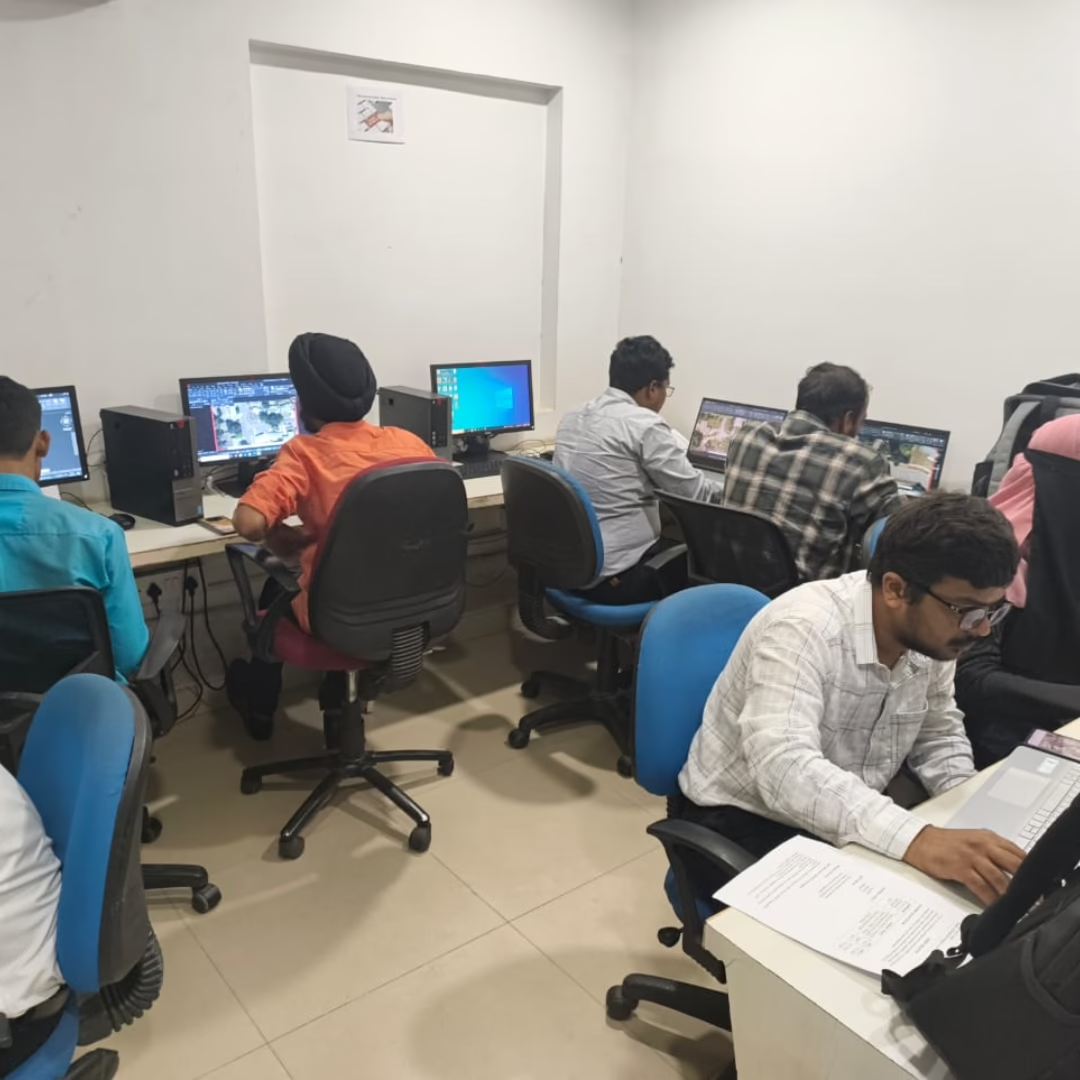
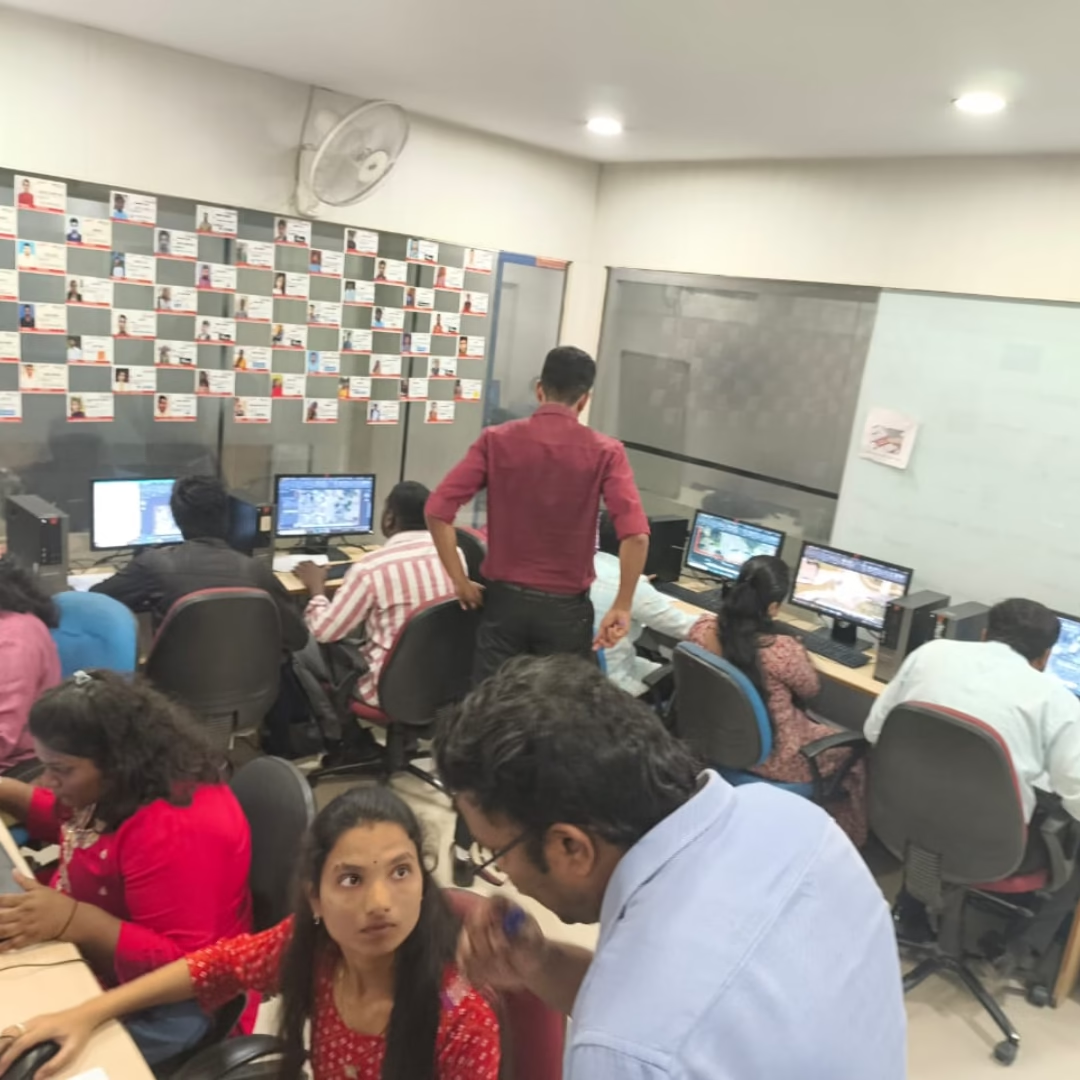
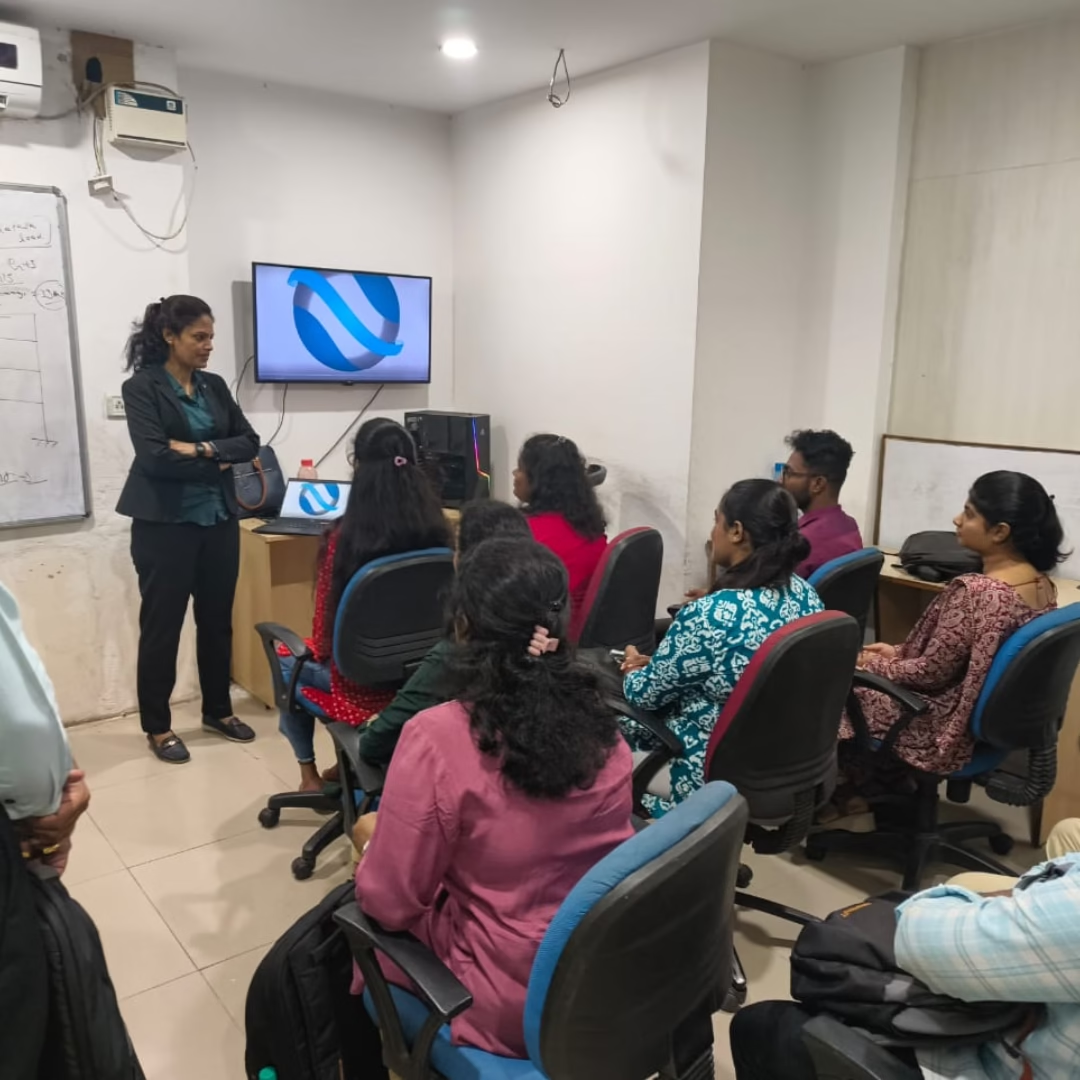
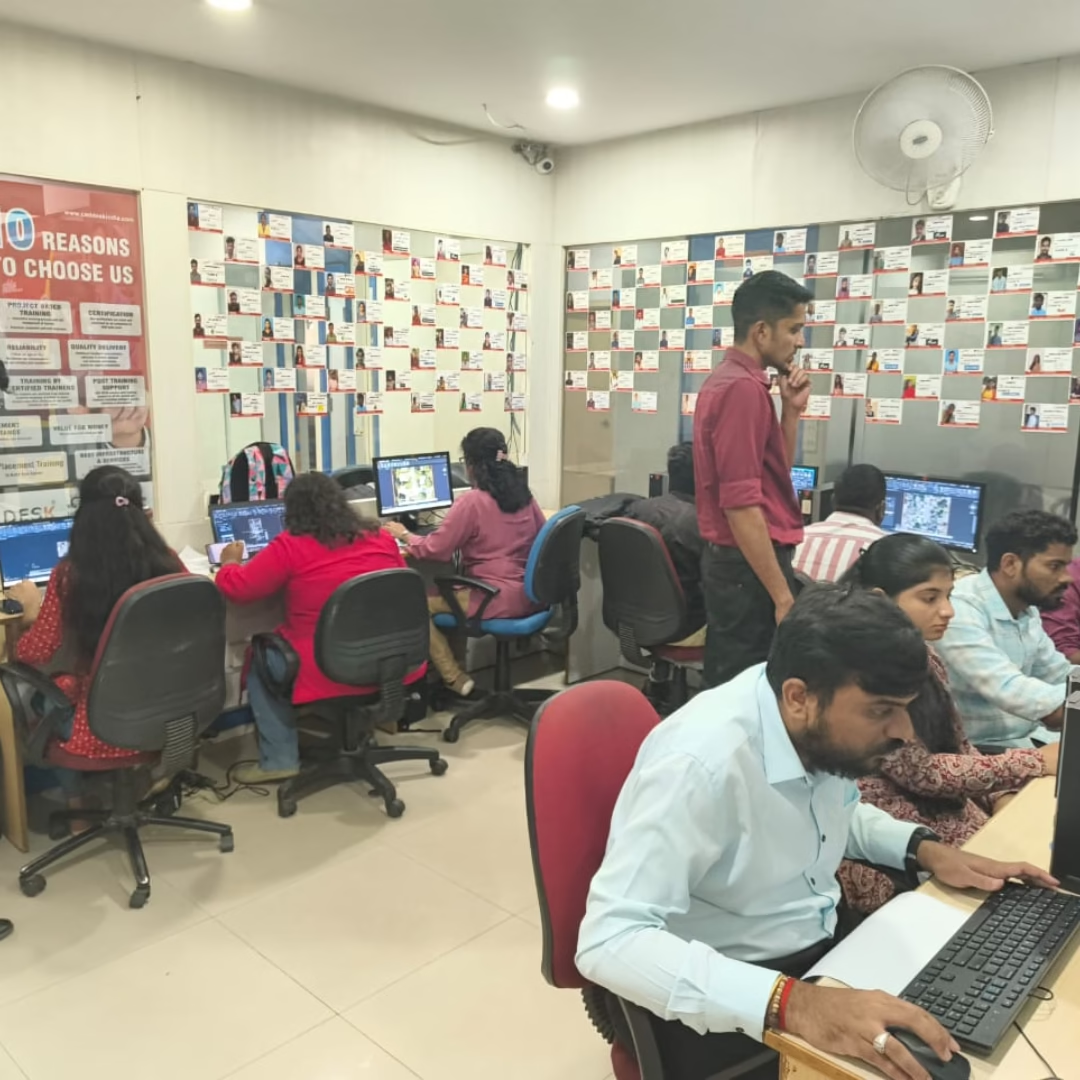
Gallery
Syllabus

Module 1: Introduction to Lumion

  • Overview of Lumion Interface
  • Understanding Rendering Workflow
  • Importing 3D Models

Module 2: Scene Setup

  • Working with Terrain and Environment
  • Adding Sky, Sunlight & Weather Effects
  • Managing Project Settings

Module 3: Material Editing

  • Applying and Customizing Materials
  • Reflective & Transparent Surfaces
  • Using Material Library

Module 4: Lighting Techniques

  • Natural and Artificial Lighting
  • Spotlights, Omni Lights, and Area Lights
  • Night Scene Rendering

Module 5: Camera & Animation

  • Camera Paths and Angles
  • Keyframe Animation Basics
  • Creating Smooth Walkthroughs

Module 6: Object Placement

  • Adding People, Vehicles, and Trees
  • Object Grouping & Layer Management
  • Fine-tuning Realistic Details

Module 7: Special Effects (FX)

  • Rain, Fog, Fire, and Smoke Effects
  • Depth of Field and Motion Blur
  • Realistic Rendering Enhancements

Module 8: Rendering Settings

  • Quality vs Speed Optimization
  • Image & Video Rendering Formats
  • Output Resolutions

Module 9: Post-Production

  • Adding Filters & Effects
  • Color Correction & Sharpening
  • Exporting Final Renders

Module 10: Project Showcase

  • Creating a Professional Presentation
  • Rendering Complete Walkthrough Videos
  • Tips for Real-World Visualization Projects
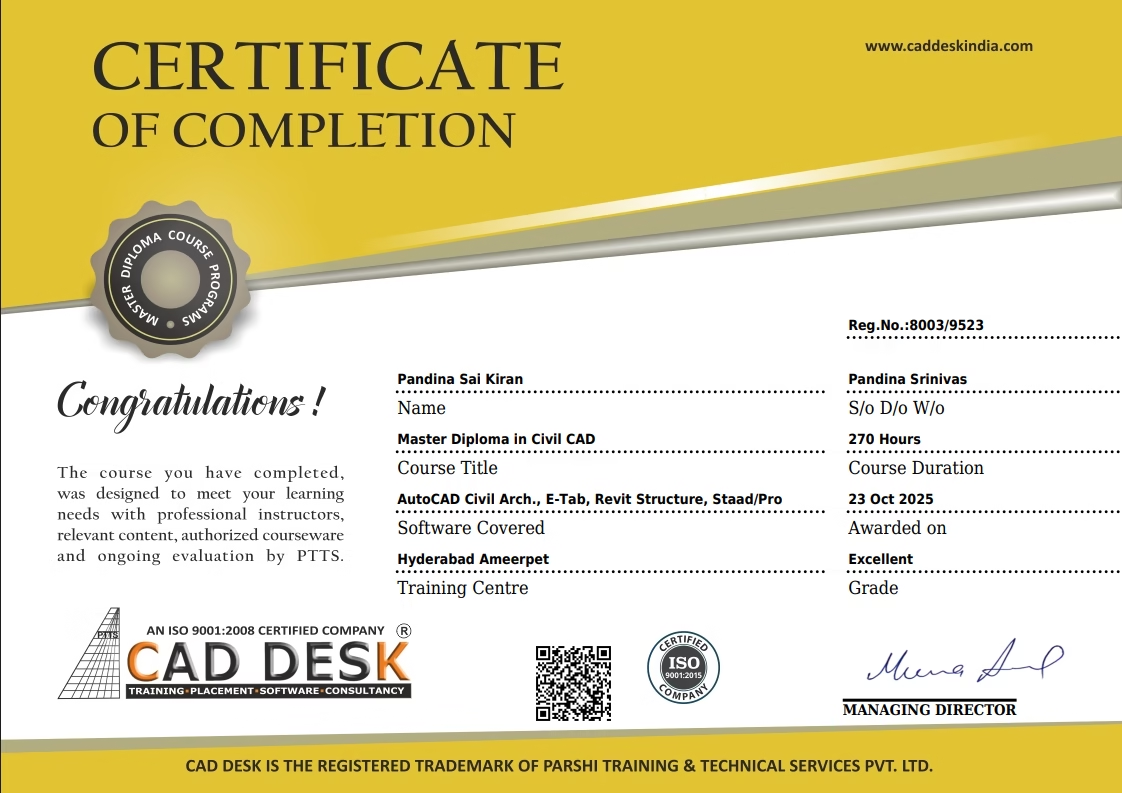
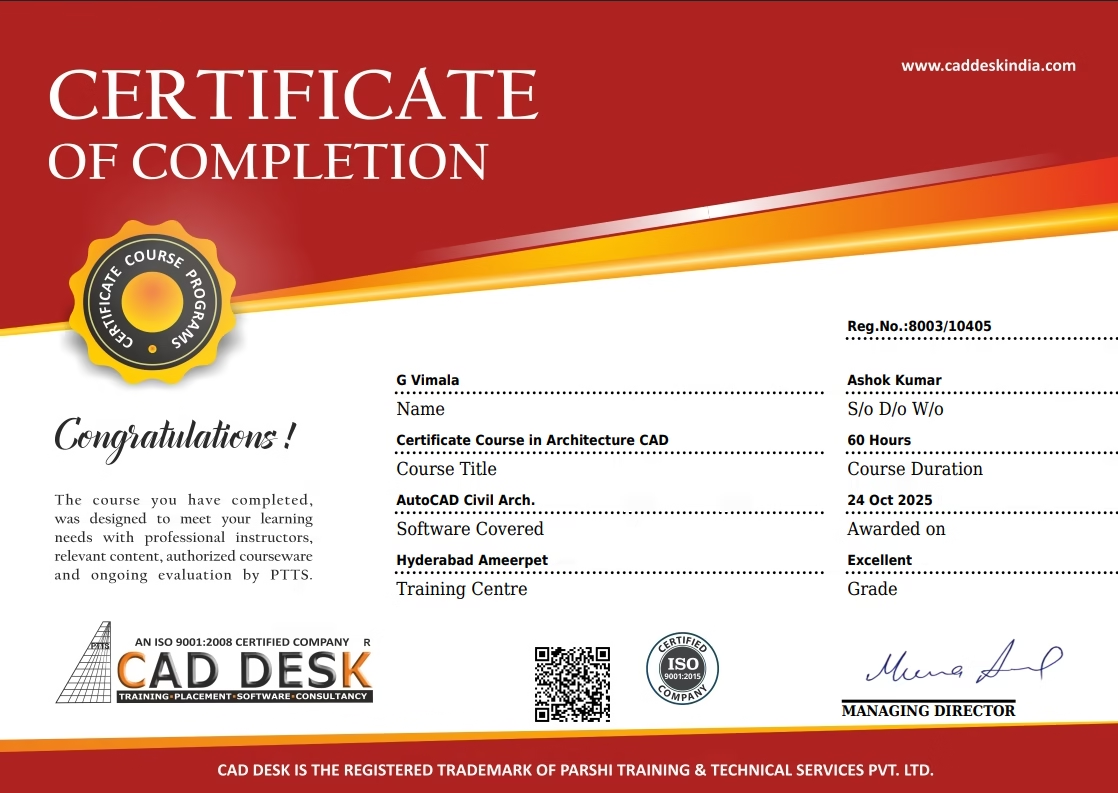
Congratulations
Get
Student Reviews
FREQUNETLY ASKED QUESTIONS

Lumion is real-time 3D rendering software that helps architects and designers create realistic visualizations, animations, and walkthroughs from 3D models.

Learning Lumion helps you enhance your design presentations with lifelike visuals, realistic lighting, and animations — making your architectural projects more impressive and professional.

Students, architects, interior designers, and 3D artists who want to improve their rendering and visualization skills can join our Lumion training institute in Hyderabad.

You’ll learn rendering, lighting, animation, material editing, environment setup, and project presentation using Lumion’s powerful tools.

It’s helpful to have basic knowledge of AutoCAD, SketchUp, or Revit, but not mandatory — beginners can learn easily

CONTACT & REACH US