
Best BIM AutoCAD Revit Architecture Revit Structure Revit MEP Navisworks Enscape Primavera Course in Hyderabad
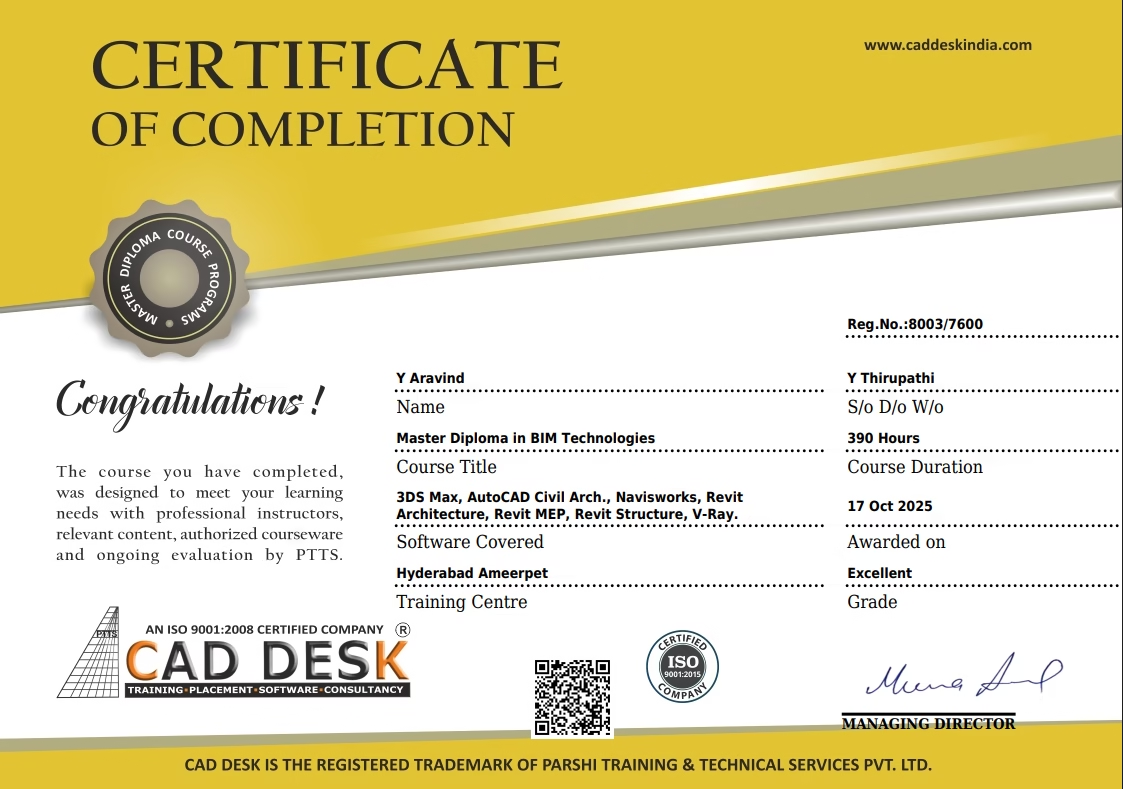
Become a certified BIM professional with our industry-focused BIM Course in Hyderabad covering Revit Architecture, Revit Structure, Revit MEP, Navisworks, clash detection, and real-time project training at Caddesk Hyderabad, the leading BIM Training Institute in Hyderabad.
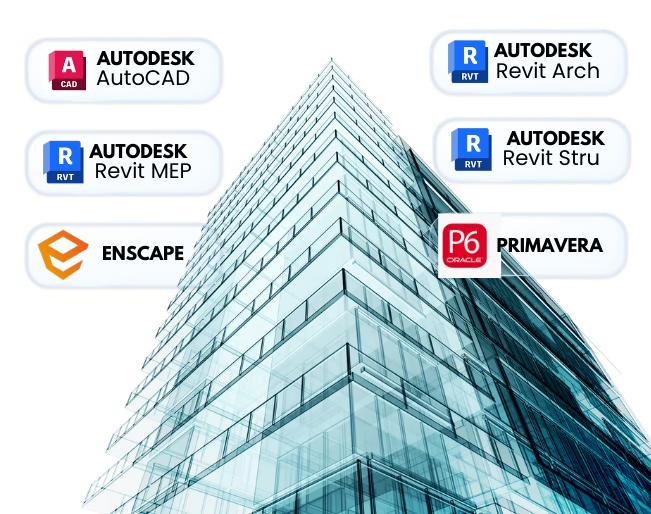
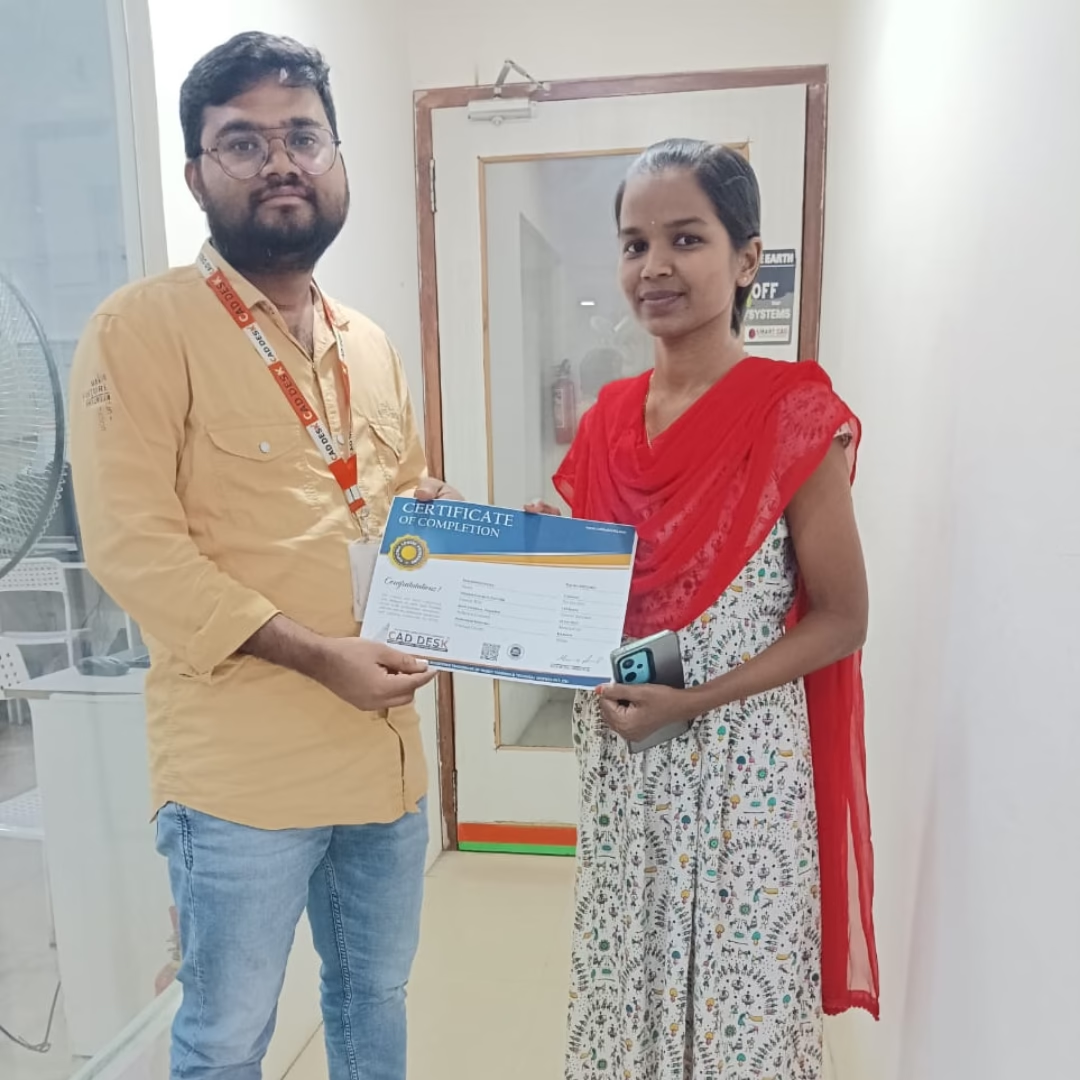
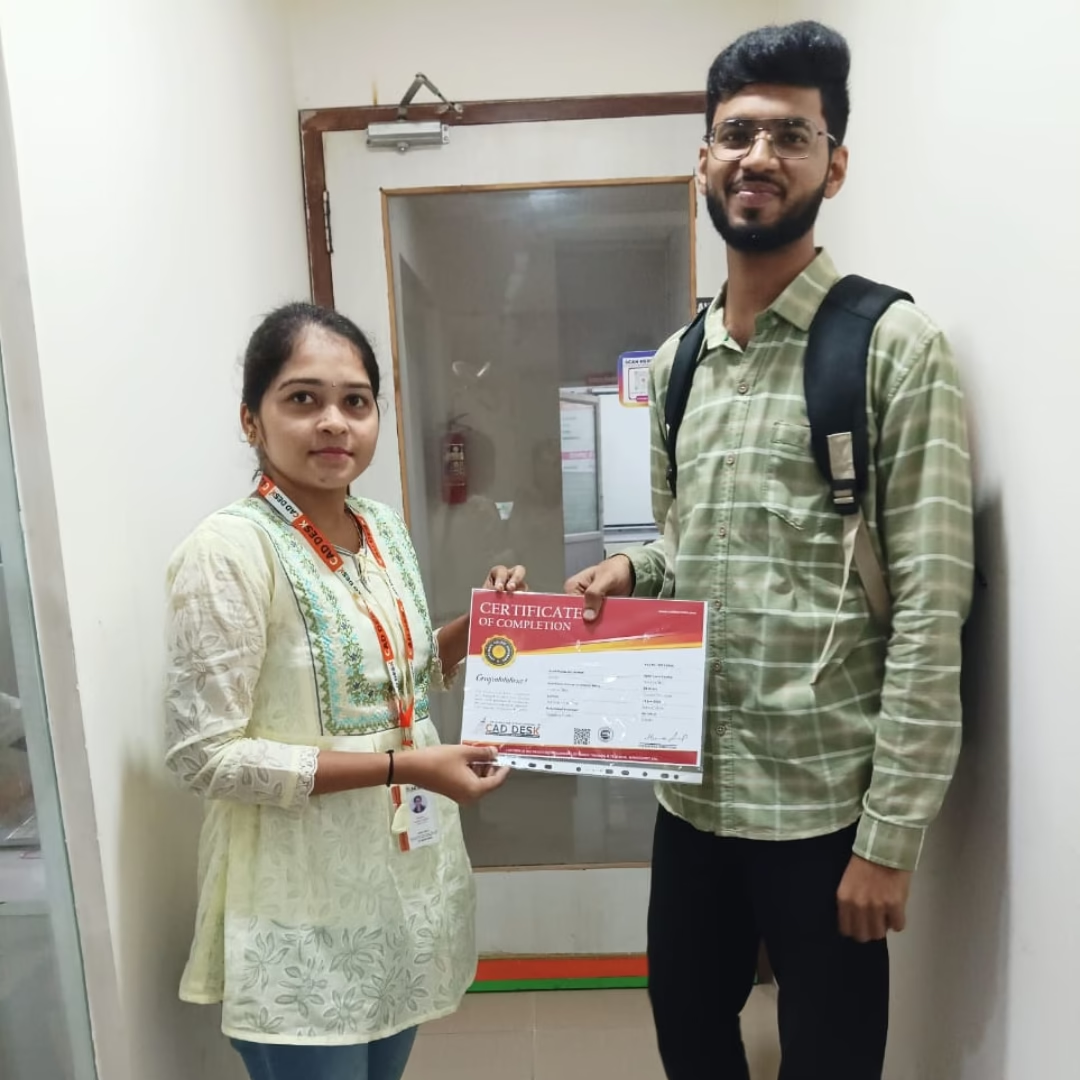
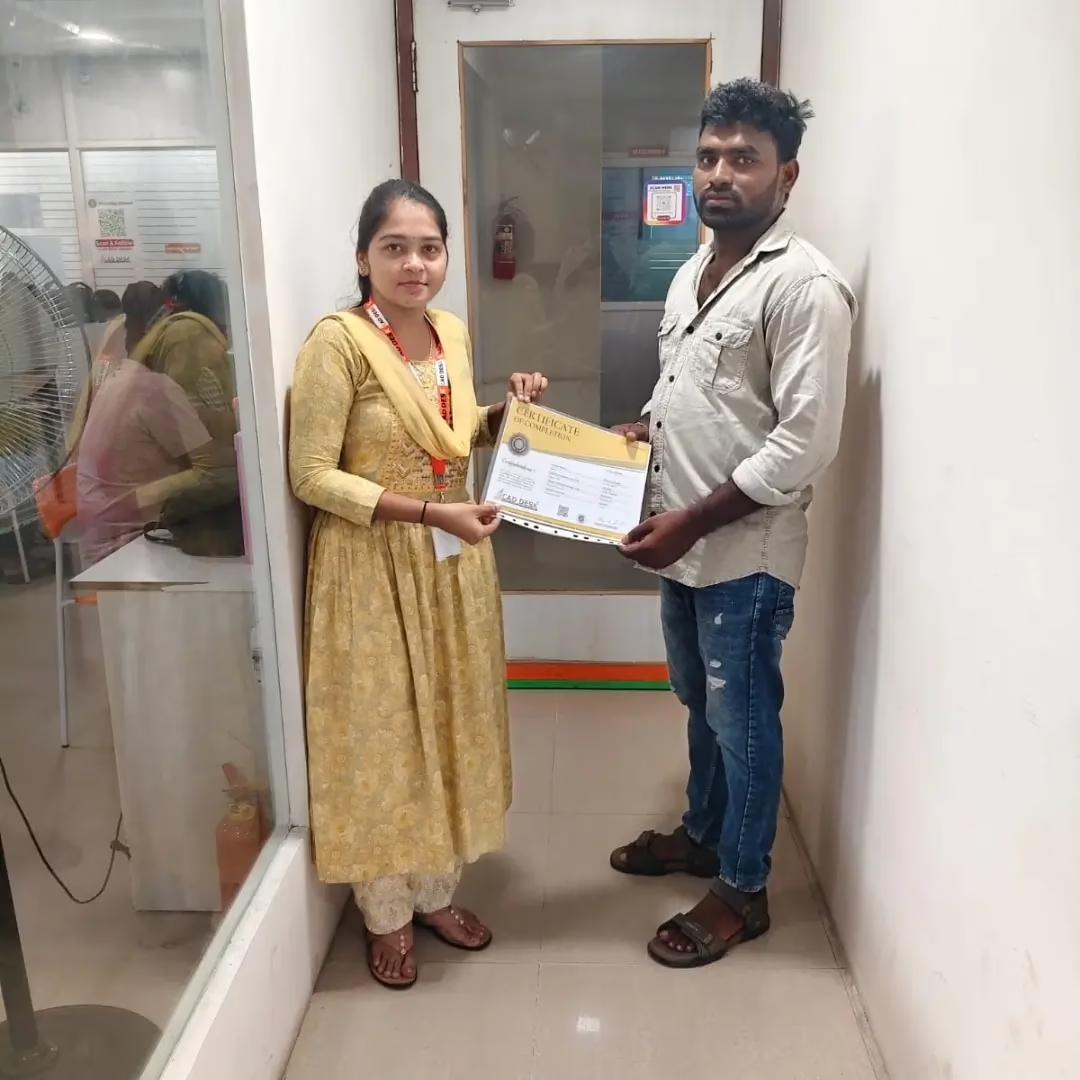
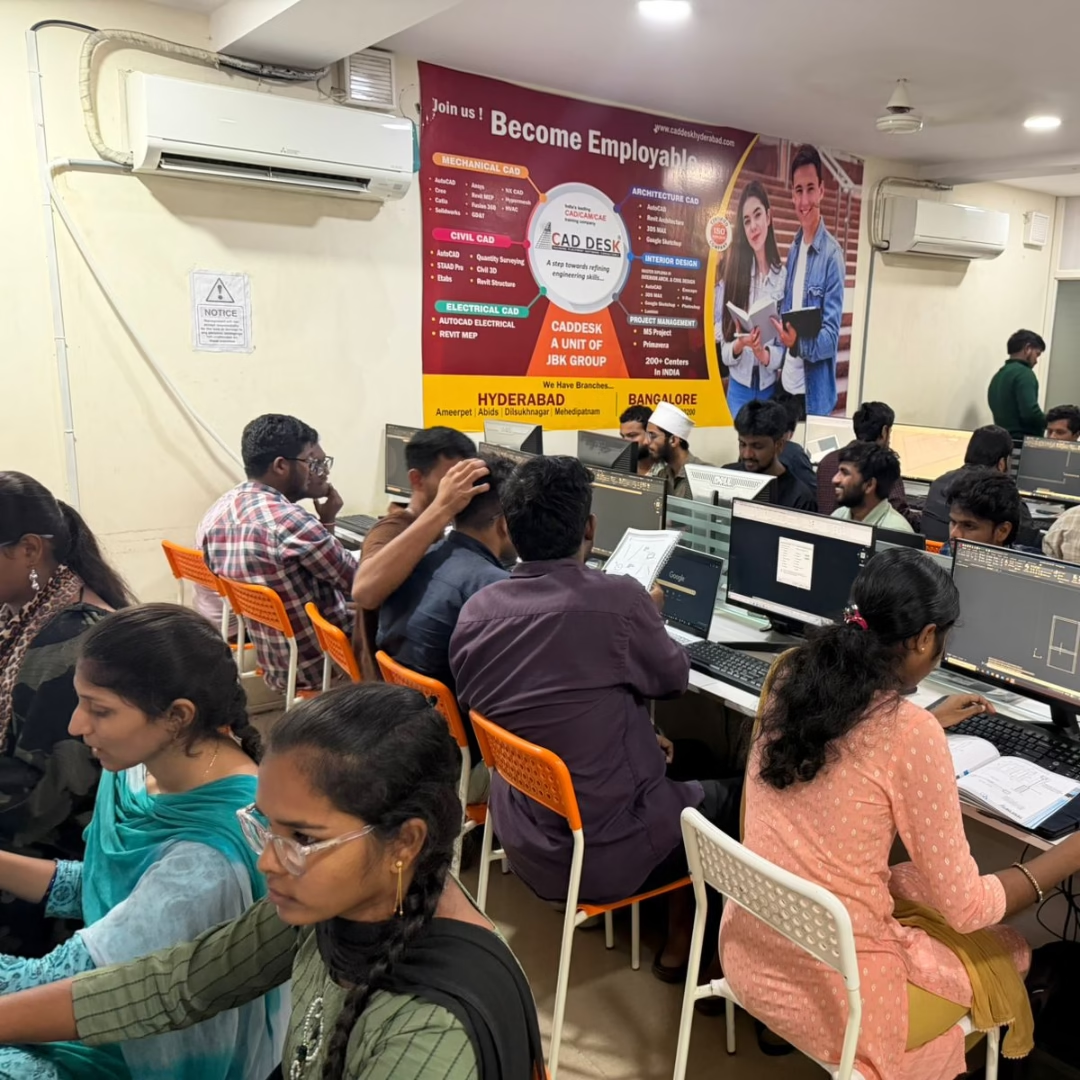
Tools You Will Learn in BIM Course



BIM Course Content
Introduction to AutoCAD & 2D Drafting Essentials
This module introduces the AutoCAD interface, navigation, and basic 2D drafting tools. Students will gain a strong foundation in creating accurate drawings and understanding CAD workflows
Drawing and Modification Tools
Covers essential drawing tools such as lines, circles, arcs, polygons, and advanced modification tools like move, copy, rotate, scale, and mirror for precise design
Layers, Properties, and Annotations
Students will learn to manage layers, object properties, and annotations, including text, dimensions, and hatching, ensuring professional-quality drawings.
Blocks, Attributes, and Advanced Drafting Techniques
This module teaches block creation, attribute management, and advanced techniques to increase drafting efficiency.
Introduction to 3D Modeling & Visualization
Learn the basics of 3D modeling, rendering, and visualization to create realistic representations of designs.
Plotting, Printing, and Real-Time Projects
Focus on plotting, printing, and completing real-time projects such as floor plans, elevations, and layouts to apply learned skills.
Introduction to BIM & Autodesk Revit Essentials
This module introduces BIM concepts and Revit’s interface, providing clarity on workflows and the role of BIM in the AEC industry.
Levels, Grids, and Reference Planes
Students will learn to set up project levels, grids, and reference planes to ensure accurate model development.
Walls, Floors, Ceilings, and Roofs
Covers creation and modification of architectural elements while maintaining design precision.
Doors, Windows, and Curtain Walls
Explores the placement, customization, and detailing of openings and curtain wall systems.
Stairs, Ramps, and Railings
Focus on modeling vertical circulation elements and ensuring design compliance.
Annotation, Schedules, and Documentation
Learn to generate professional annotations, schedules, and documentation for construction-ready models.
Introduction to Revit Structure & BIM Workflow
Explains structural BIM concepts, interface, and coordination with architectural models.
Structural Grids, Levels & Foundations
Covers grids, levels, isolated footings, combined footings, and raft foundations.
Concrete Modeling & Structural Elements
Focuses on columns, beams, slabs, shear walls, and structural framing systems.
Rebar Modeling & Detailing
Introduces rebar placement, reinforcement tools, schedules, and detailing techniques.
Steel Structure Modeling
Covers steel columns, beams, connections, and structural detailing.
Documentation, Coordination & Projects
Focuses on drawings, schedules, coordination, and real-time structural projects.
Introduction to Revit MEP & BIM Coordination
Introduces MEP workflows, system concepts, and integration with architectural and structural models.
HVAC Systems Design
Covers ducts, air terminals, diffusers, equipment placement, and system calculations.
Electrical Systems Design
Focuses on lighting, power circuits, panels, conduits, and electrical schedules.
Plumbing & Firefighting Systems
Includes pipe modeling, fixtures, drainage, water supply, and fire protection systems.
Clash Detection & System Coordination
Teaches coordination between MEP systems and other disciplines.
Documentation & Real-Time Projects
Covers drawings, schedules, BOQs, and complete MEP project execution.
Introduction to SketchUp Interface & Tools
Introduces basic tools, navigation, and 3D modeling concepts.
3D Modeling & Form Creation
Covers push/pull, follow-me, offset, move, rotate, and scale tools.
Groups, Components & Organization
Focuses on clean modeling practices using groups, components, and tags.
Materials, Textures & Styles
Covers material application, texture mapping, styles, and shadows.
Real-Time Interior & Exterior Projects
Hands-on projects including interiors, furniture layouts, and building models.
Primavera P6
Covers project management fundamentals and Primavera P6 interface.
Project Creation & WBS Development
Covers push/pull, follow-me, offset, move, rotate, and scale tools.
Activity Planning & Scheduling
Covers activity creation, sequencing, dependencies, and constraints.
Resource & Cost Management
Introduces resource allocation, cost loading, and budgeting.
Monitoring, Tracking & Reporting
Covers progress tracking, earned value analysis, and reporting tools.
Introduction to Real-Time Rendering with Enscape
Introduces Enscape interface and integration with Revit, SketchUp, and CAD tools
Materials, Lighting & Environment Setup
Covers realistic materials, artificial lighting, HDRI, and environment settings.
Cameras, Views & Composition
Focuses on camera settings, perspectives, and composition techniques.
Walkthroughs, VR & Animation
Learn real-time walkthroughs, VR experiences, and animation creation.
Rendering Output & Presentation
Covers image, video, panorama export, and presentation techniques.
Introduction to Navisworks & Model Aggregation
Introduces Navisworks interface and model integration from multiple disciplines.
Model Review & Navigation Tools
Covers viewpoints, sectioning, navigation, and review tools.
Clash Detection & Coordination
Focuses on clash tests, issue identification, and coordination workflows.
Timeliner & 4D Simulation
Learn construction sequencing and 4D project simulation.
Quantification & Takeoffs
Covers quantity takeoffs and cost estimation tools.
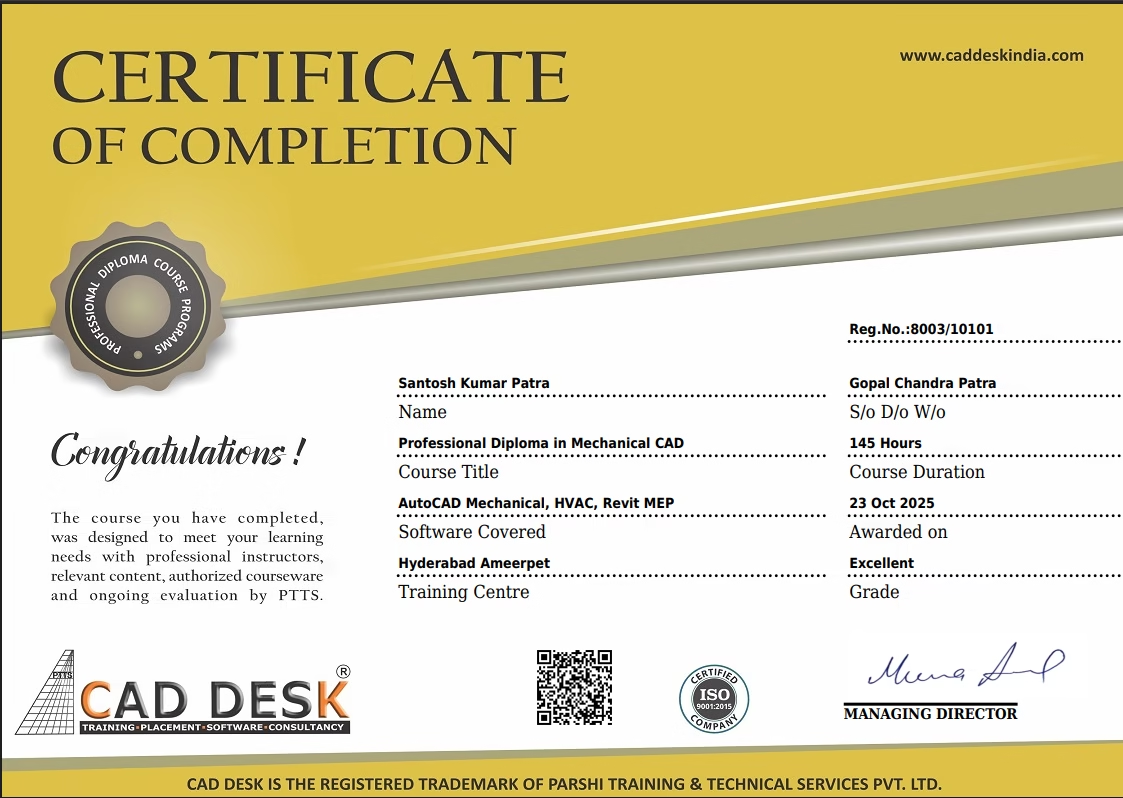
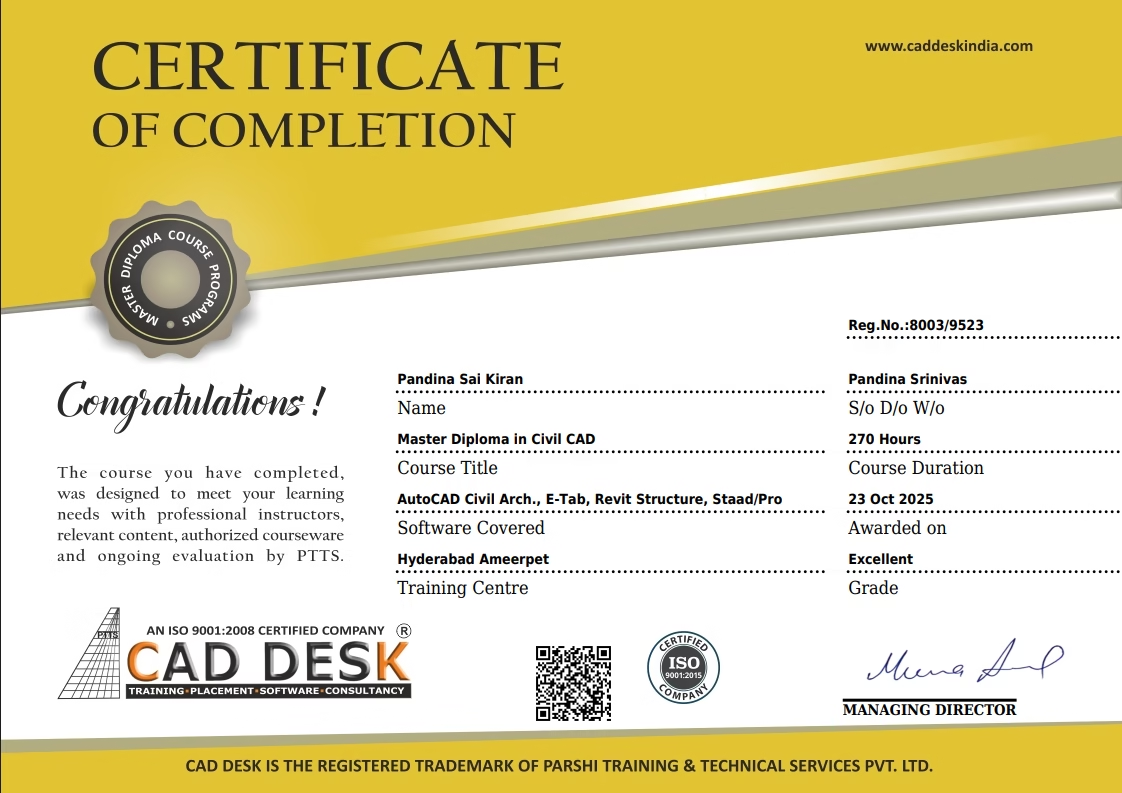
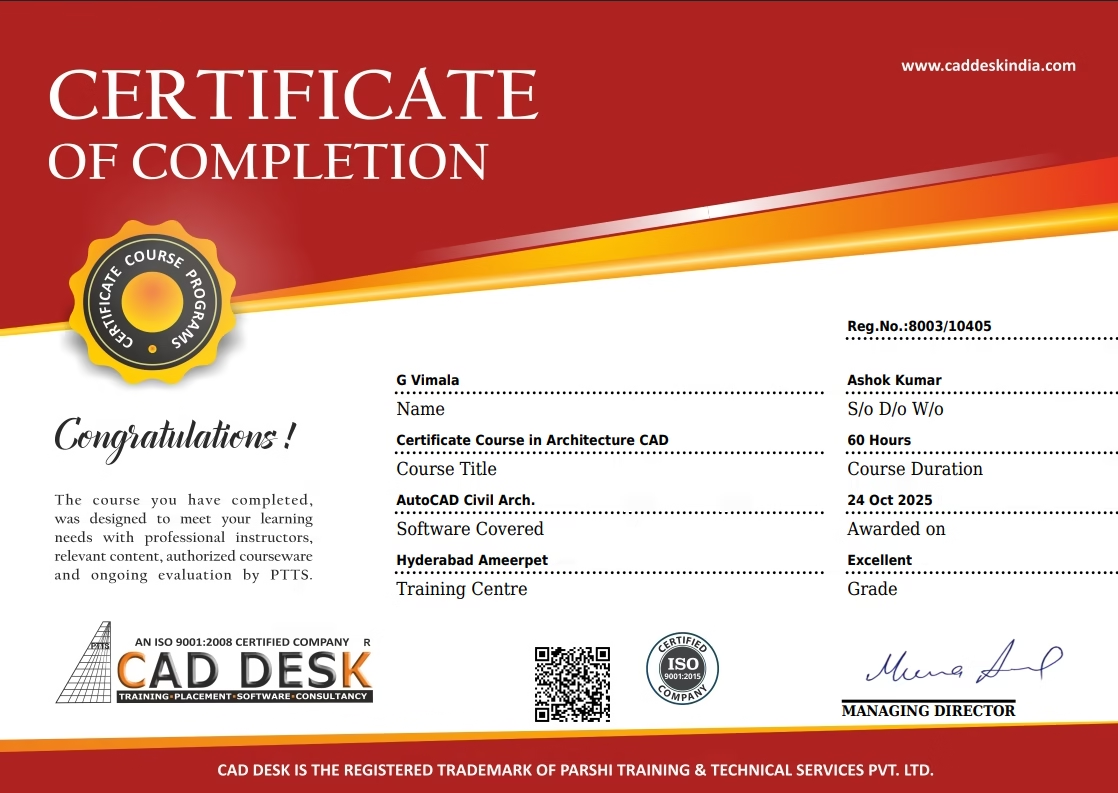
Trusted By Leading Companies









Student Reviews
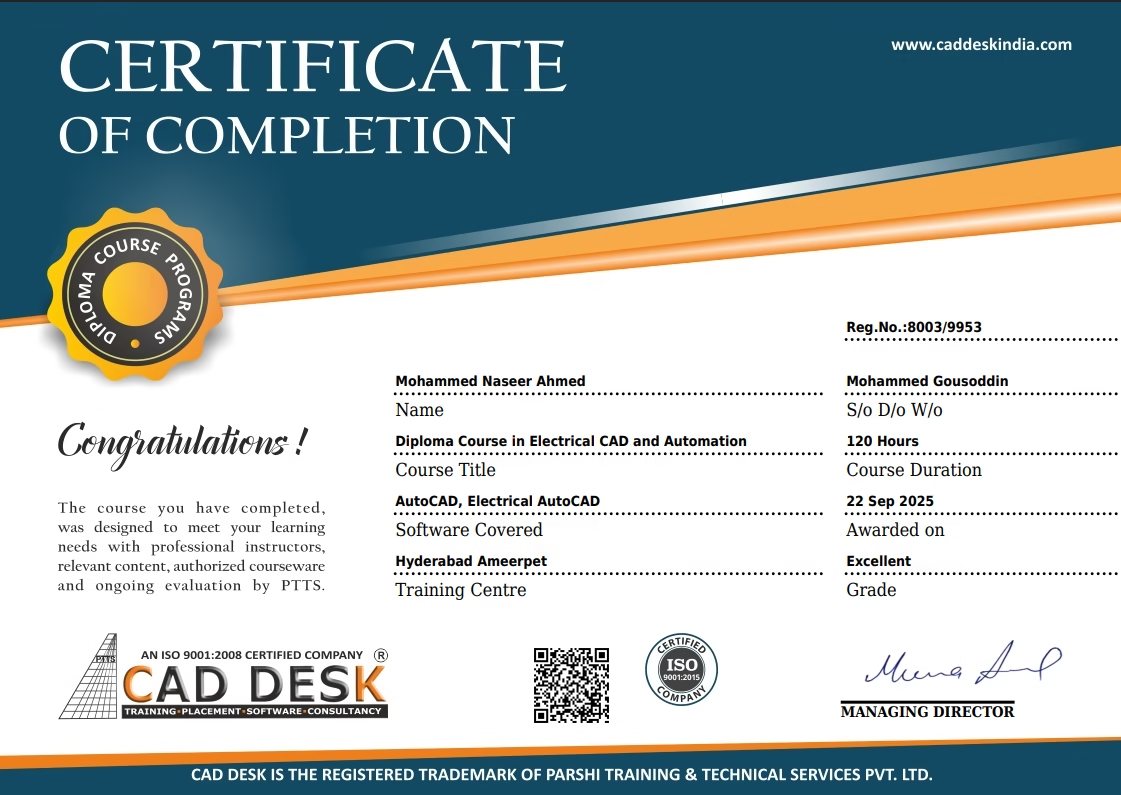
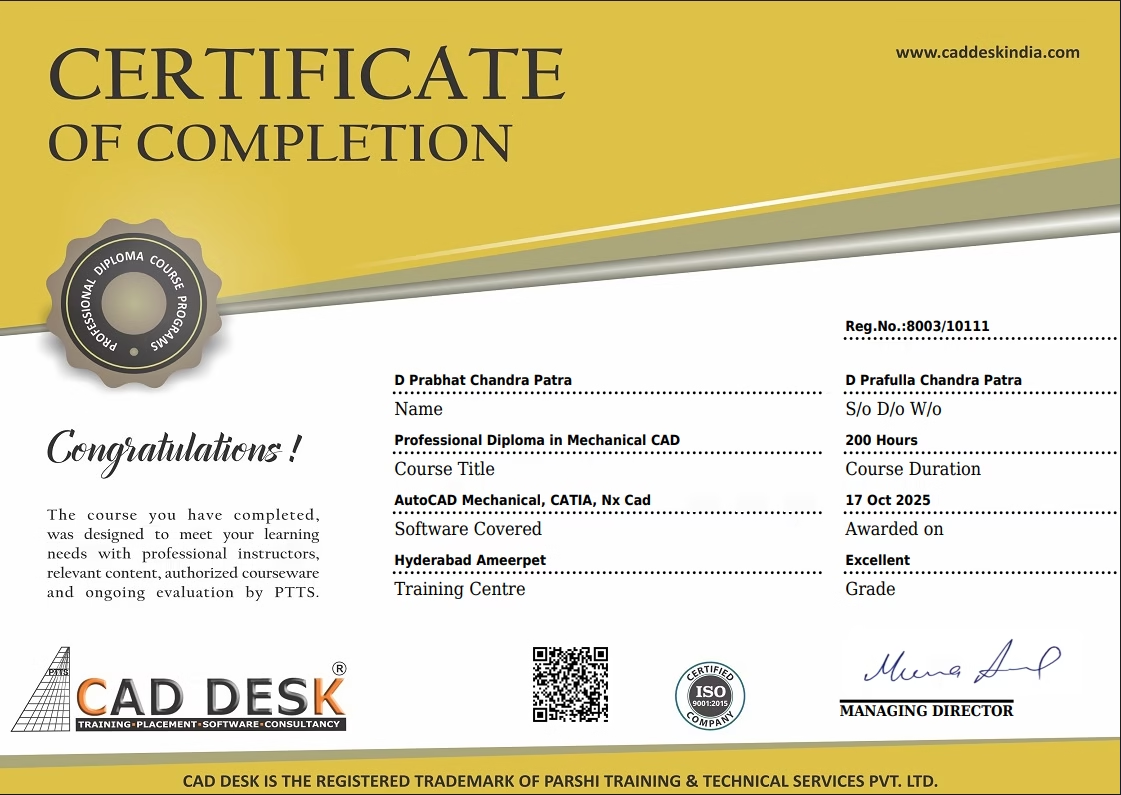
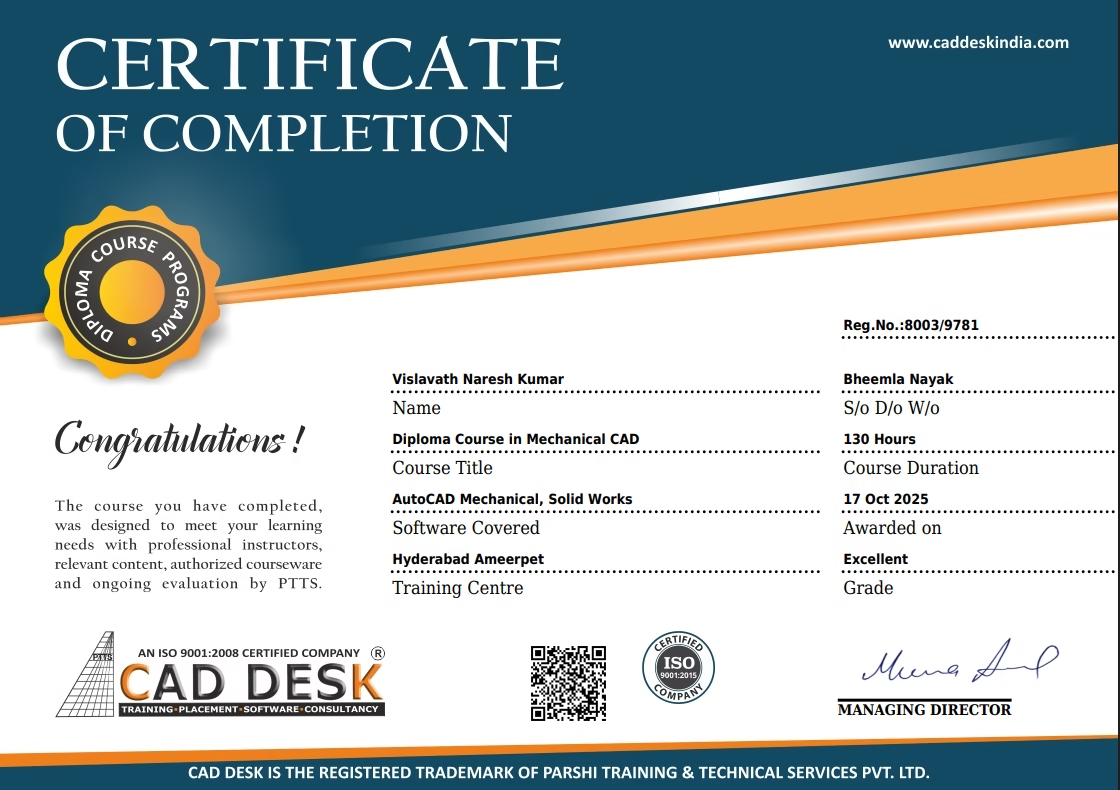
Our students consistently rate Caddesk Hyderabad as the Best BIM training institute in Hyderabad for practical learning, expert faculty, and career support.
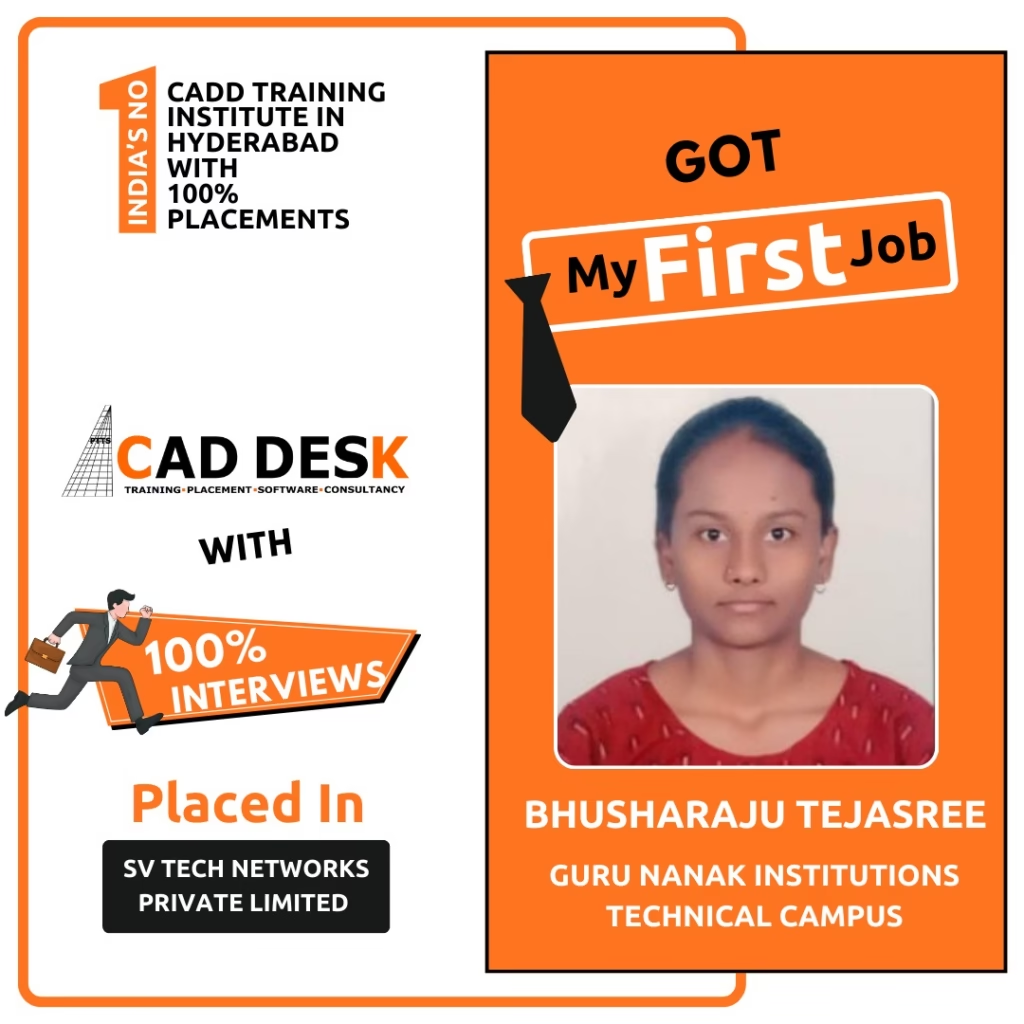
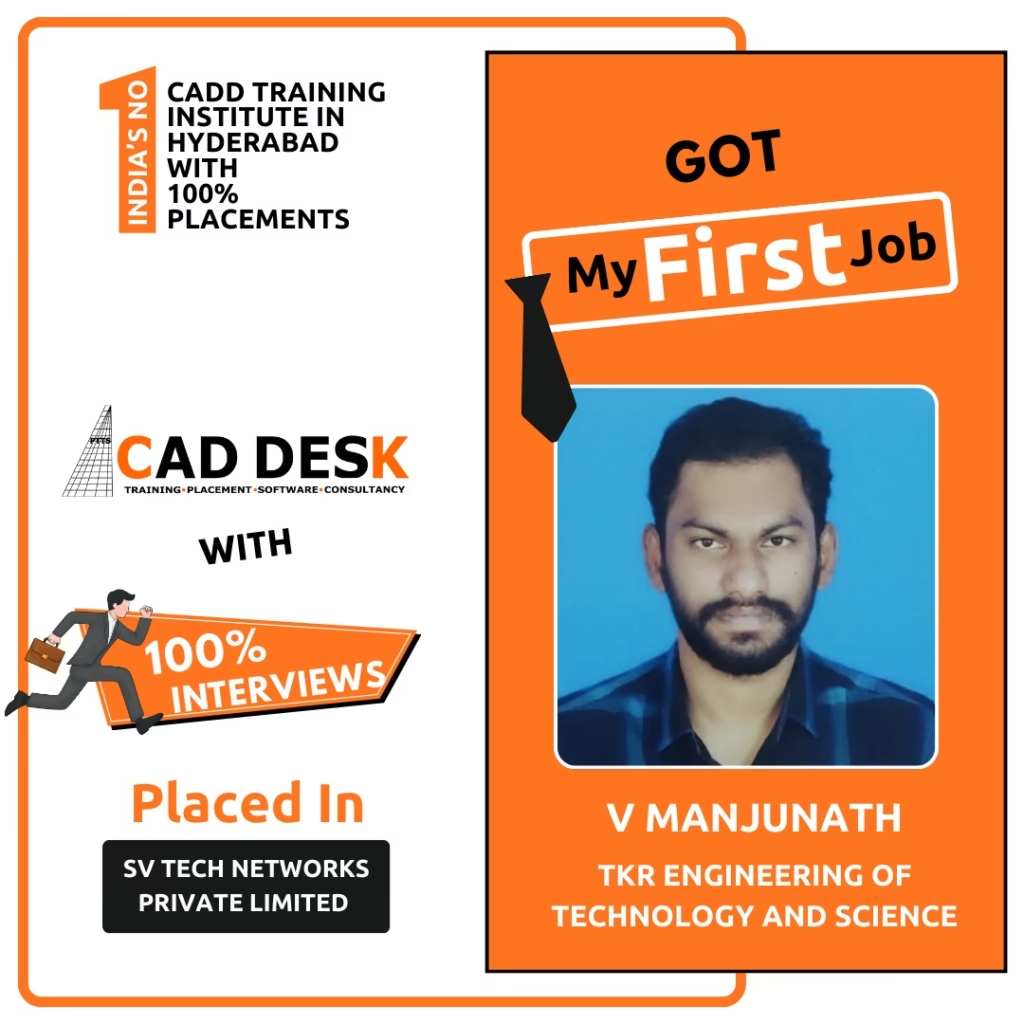
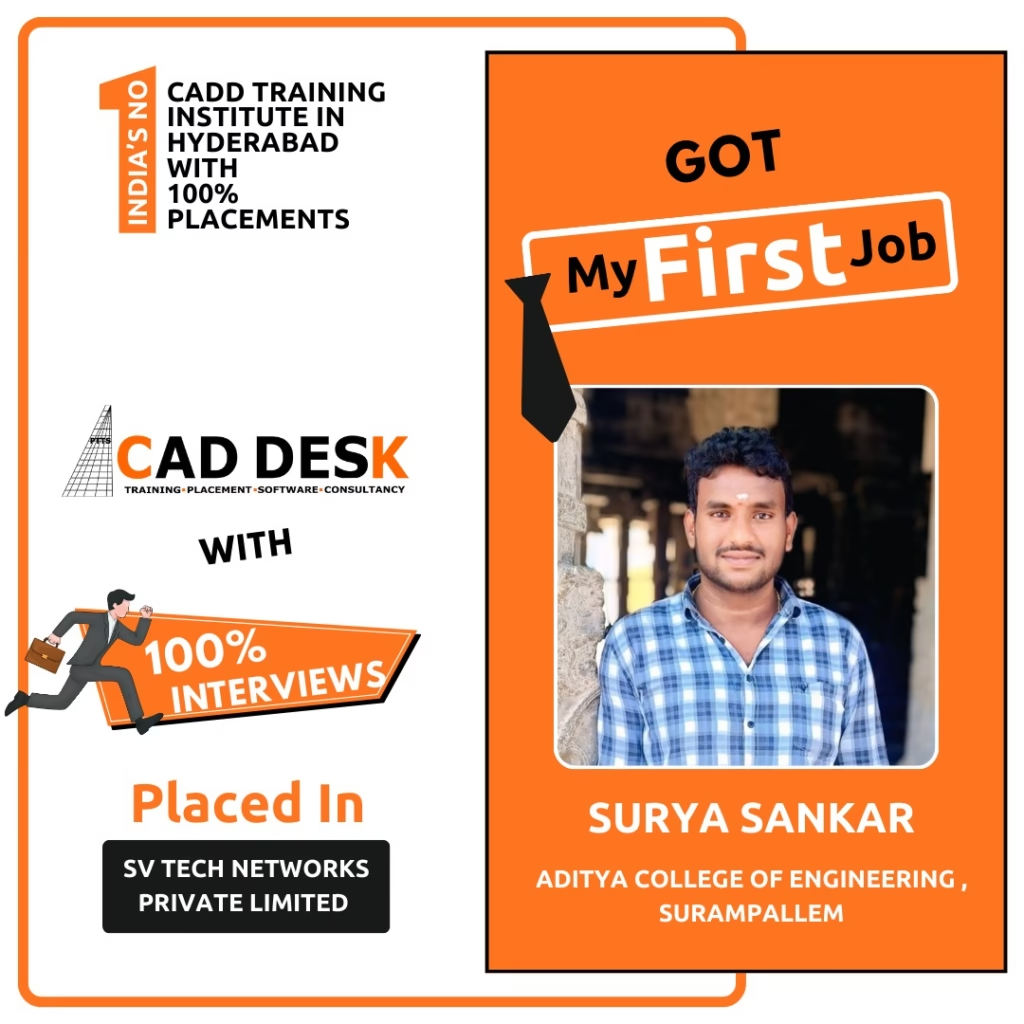
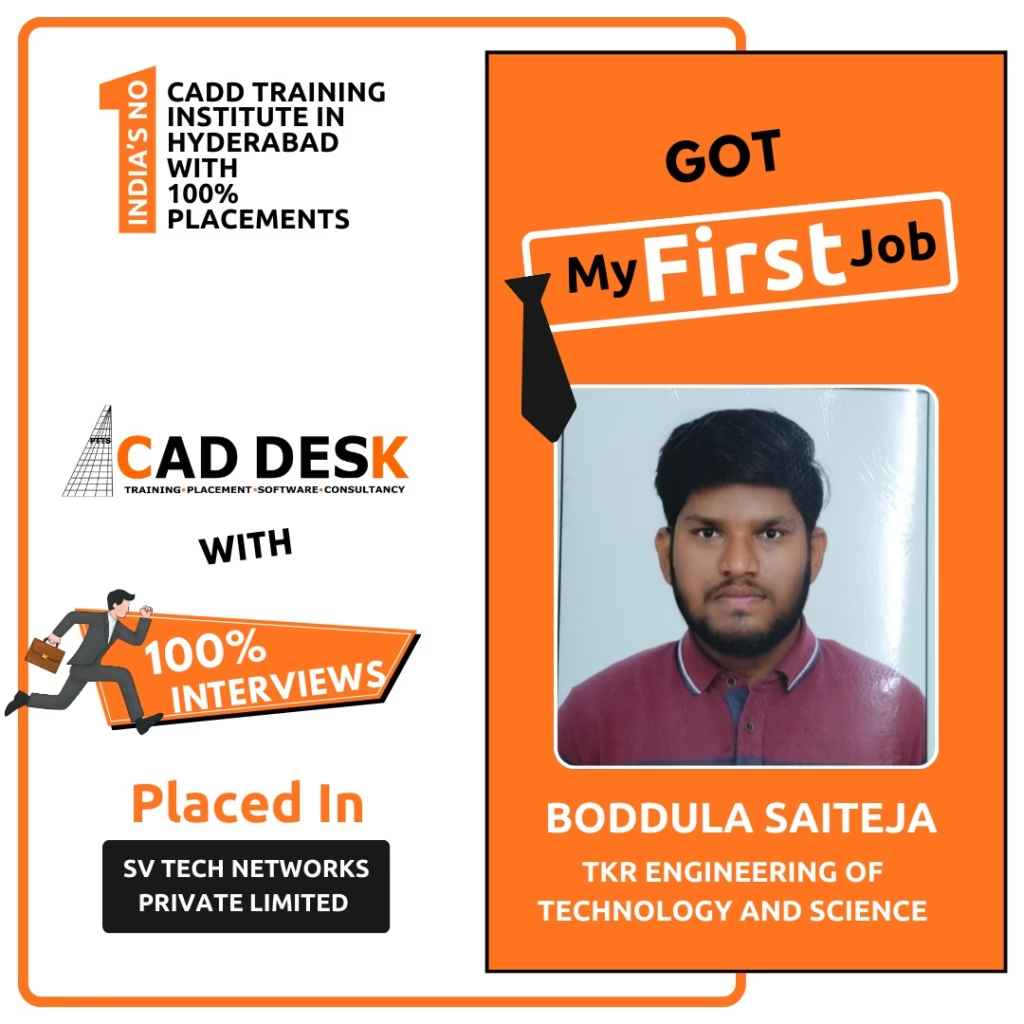
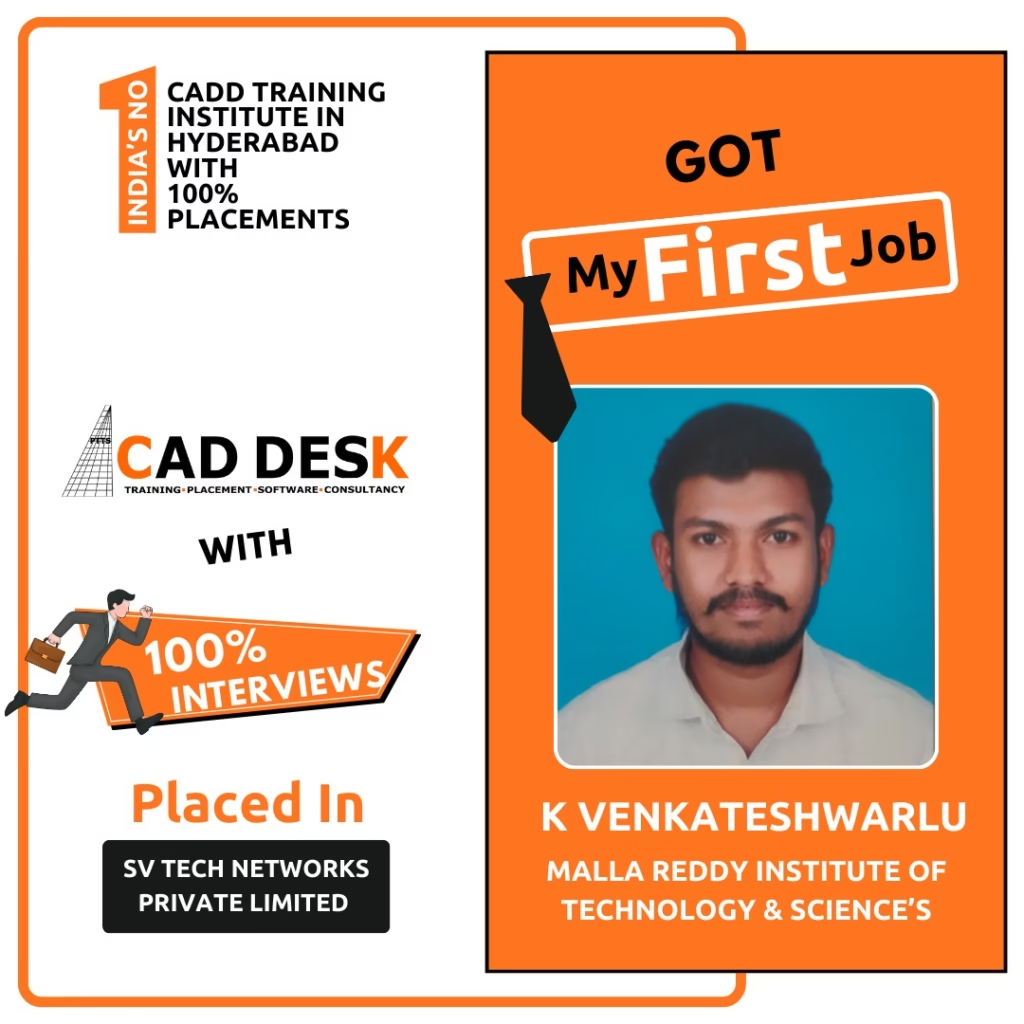
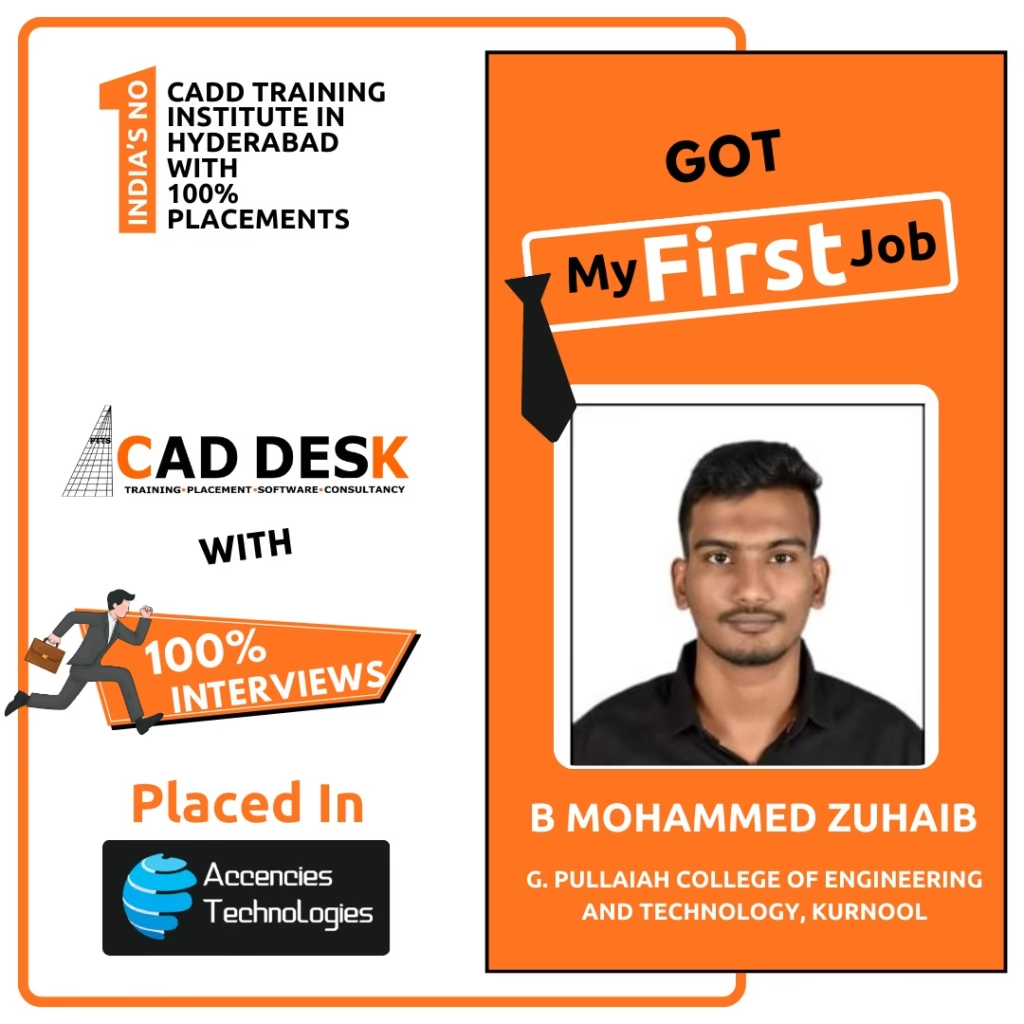
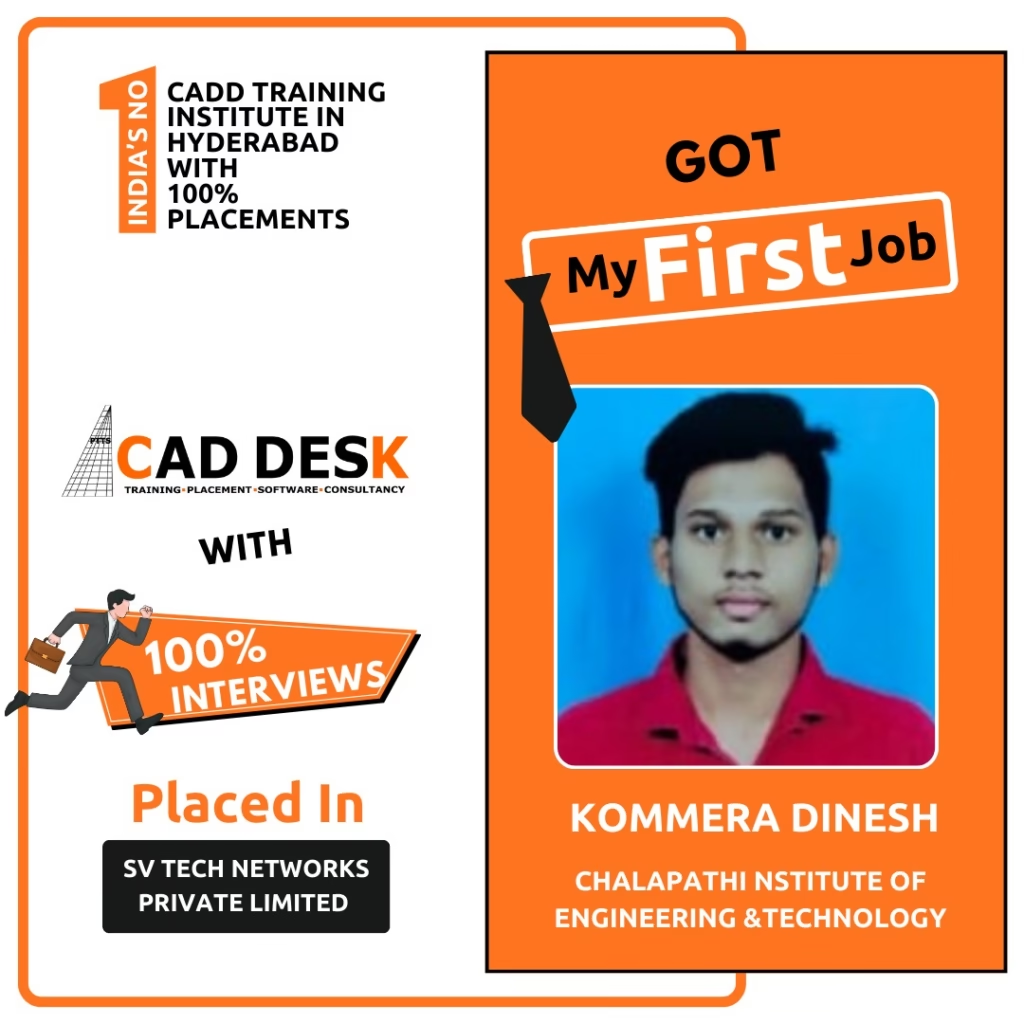
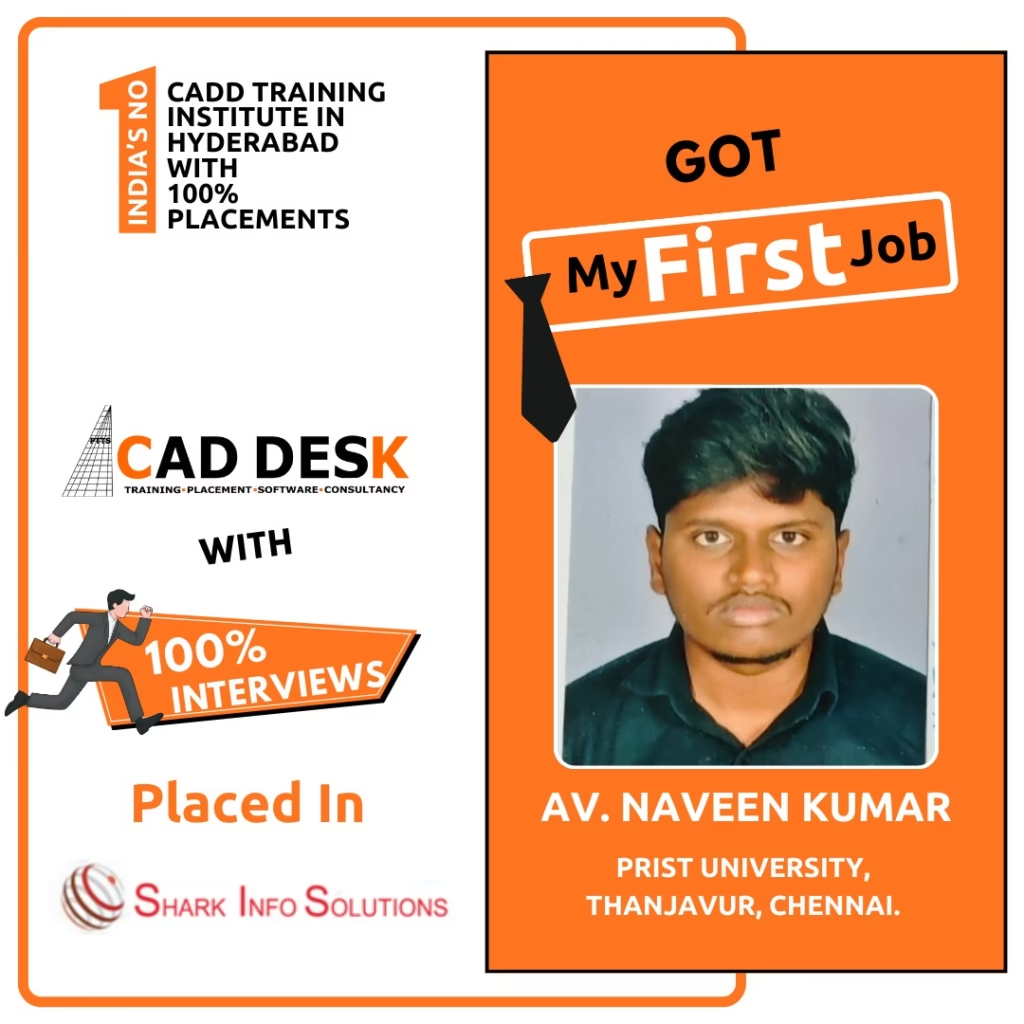
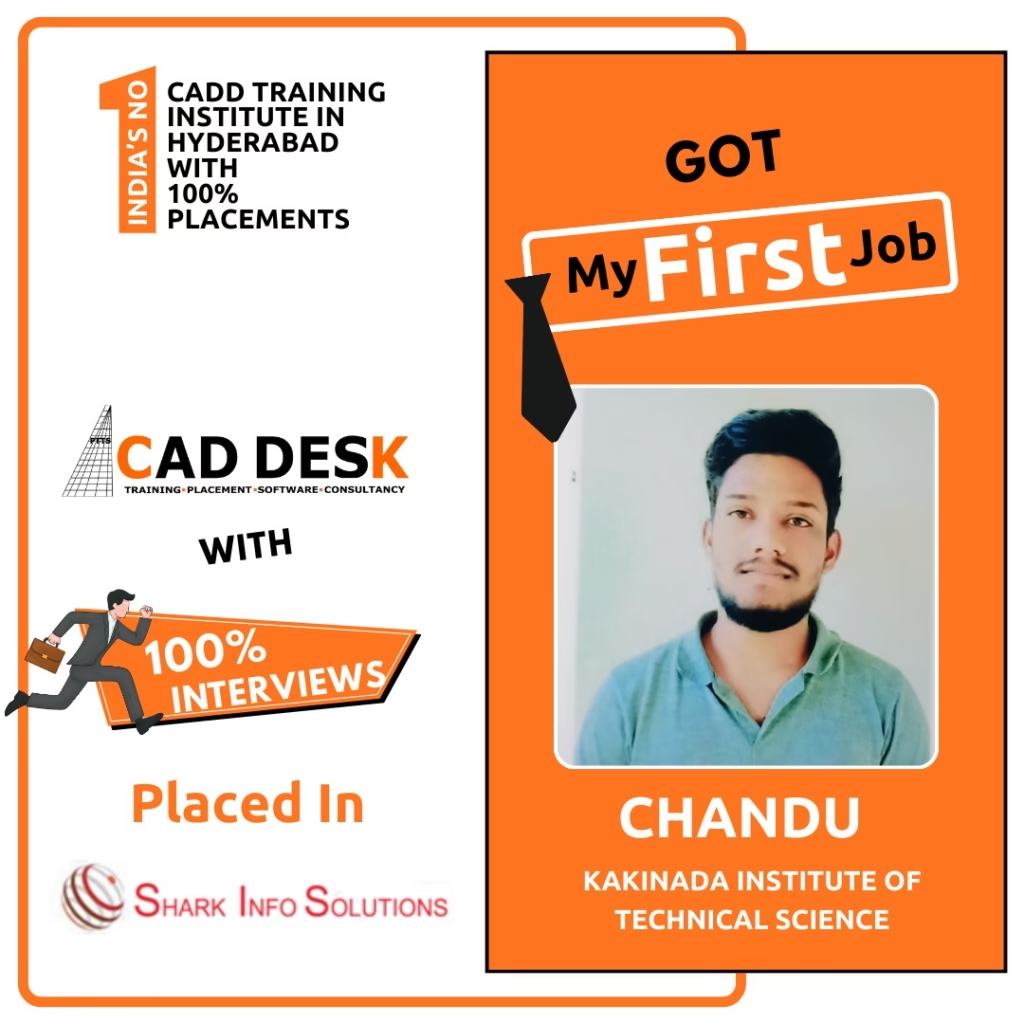
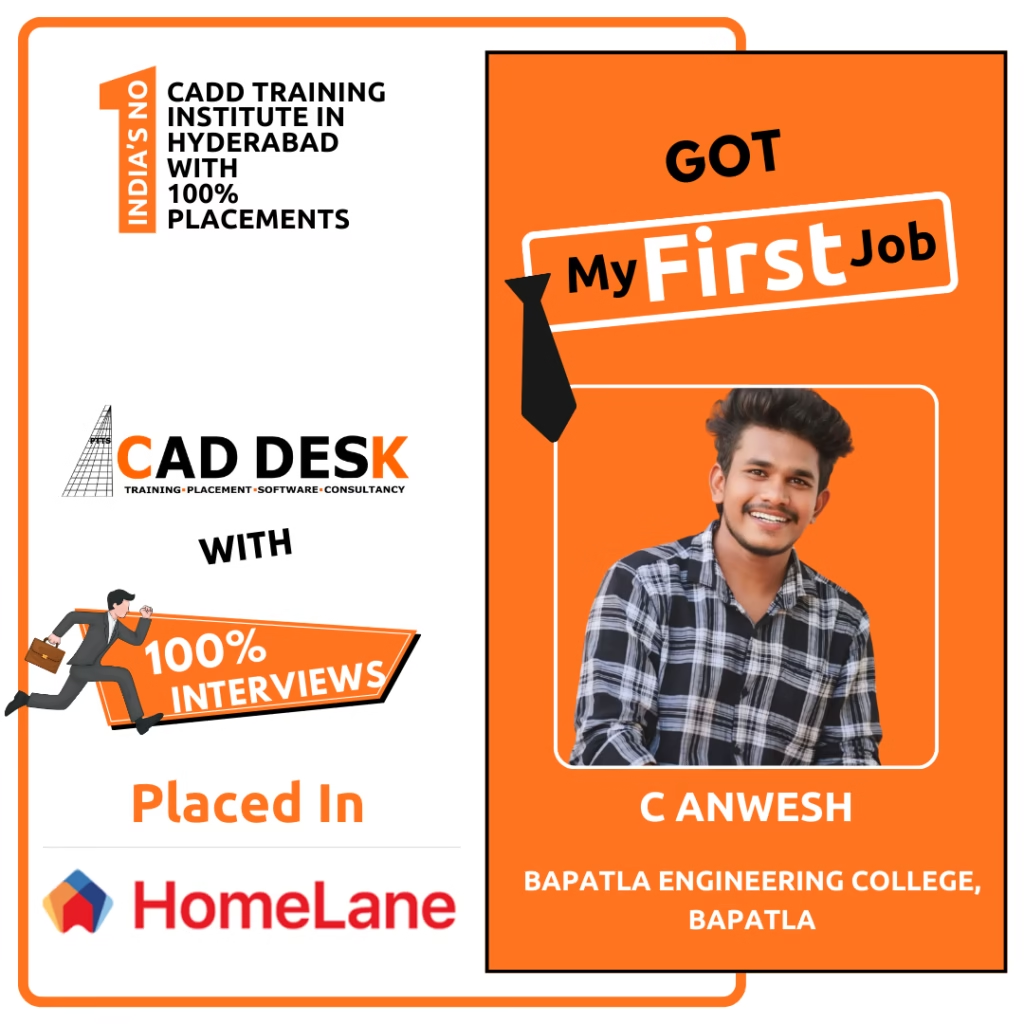
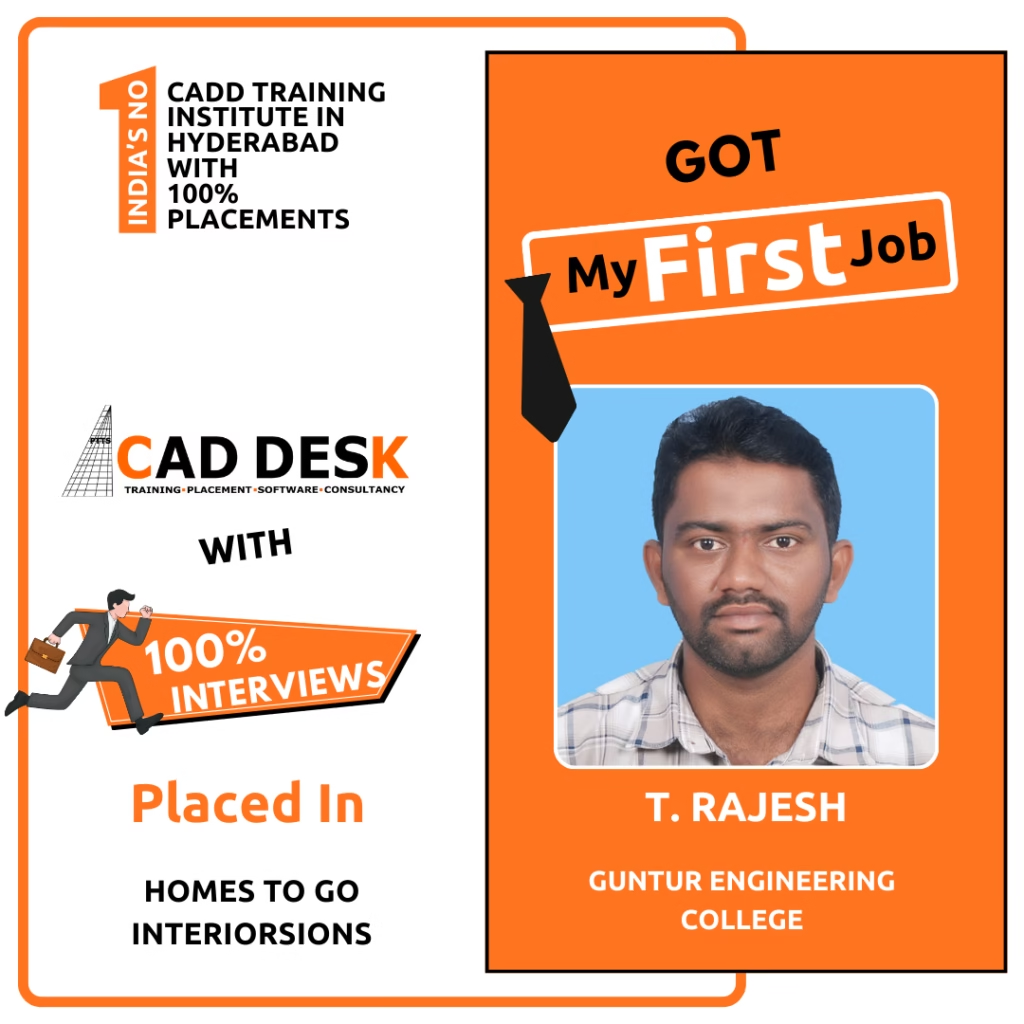
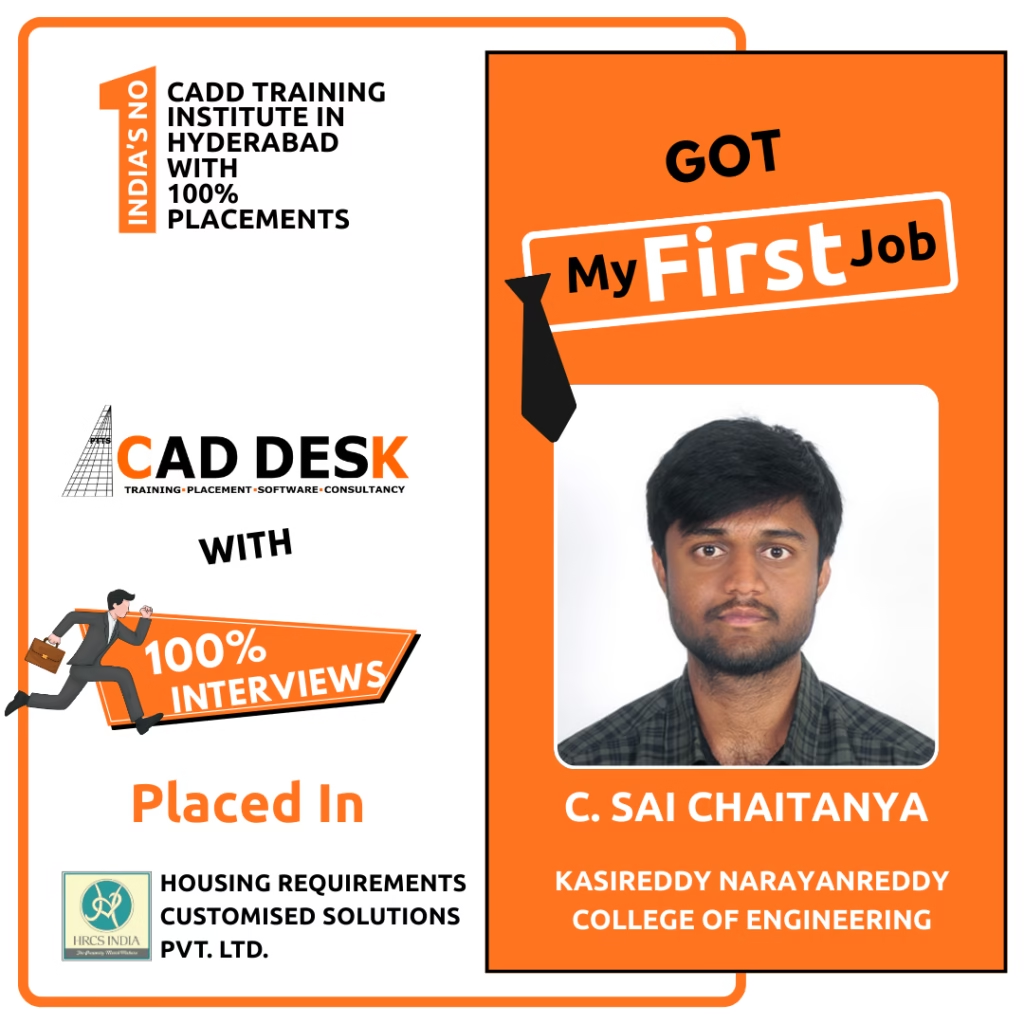
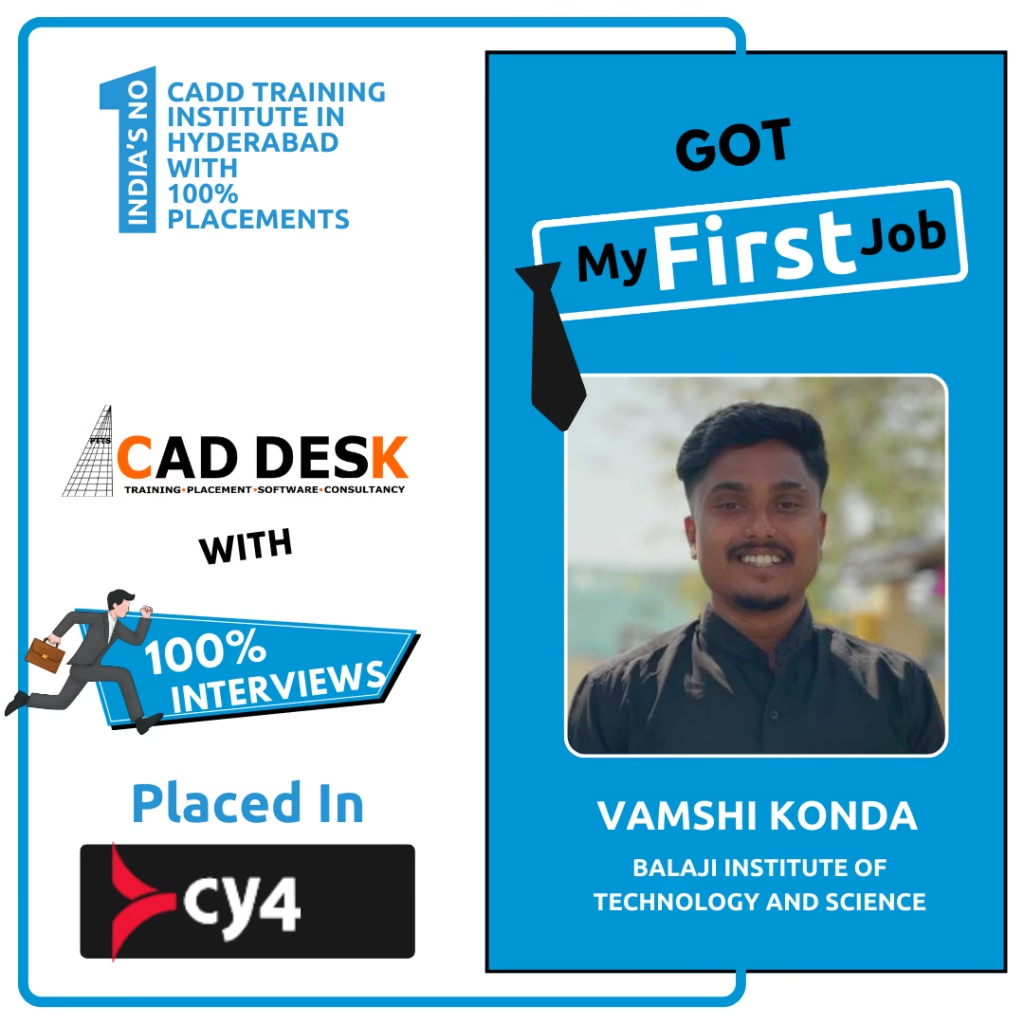
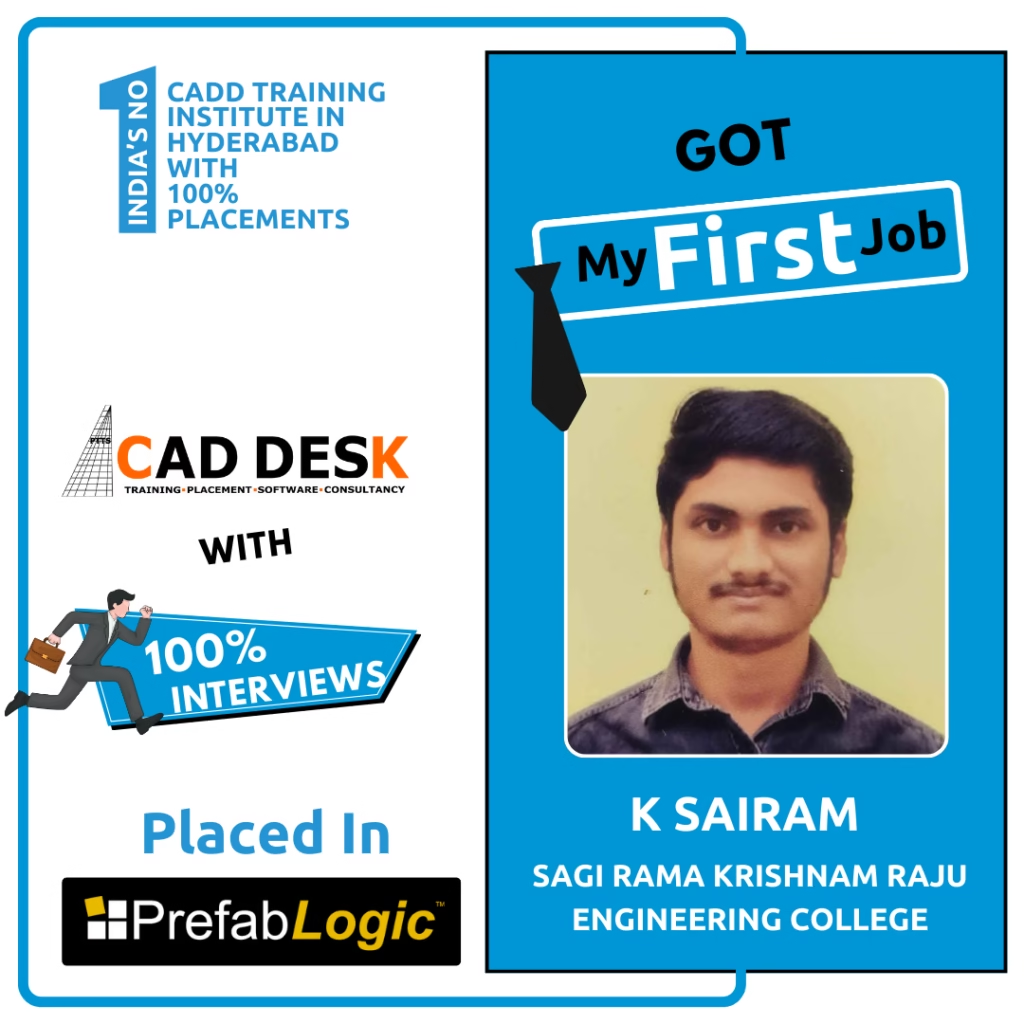
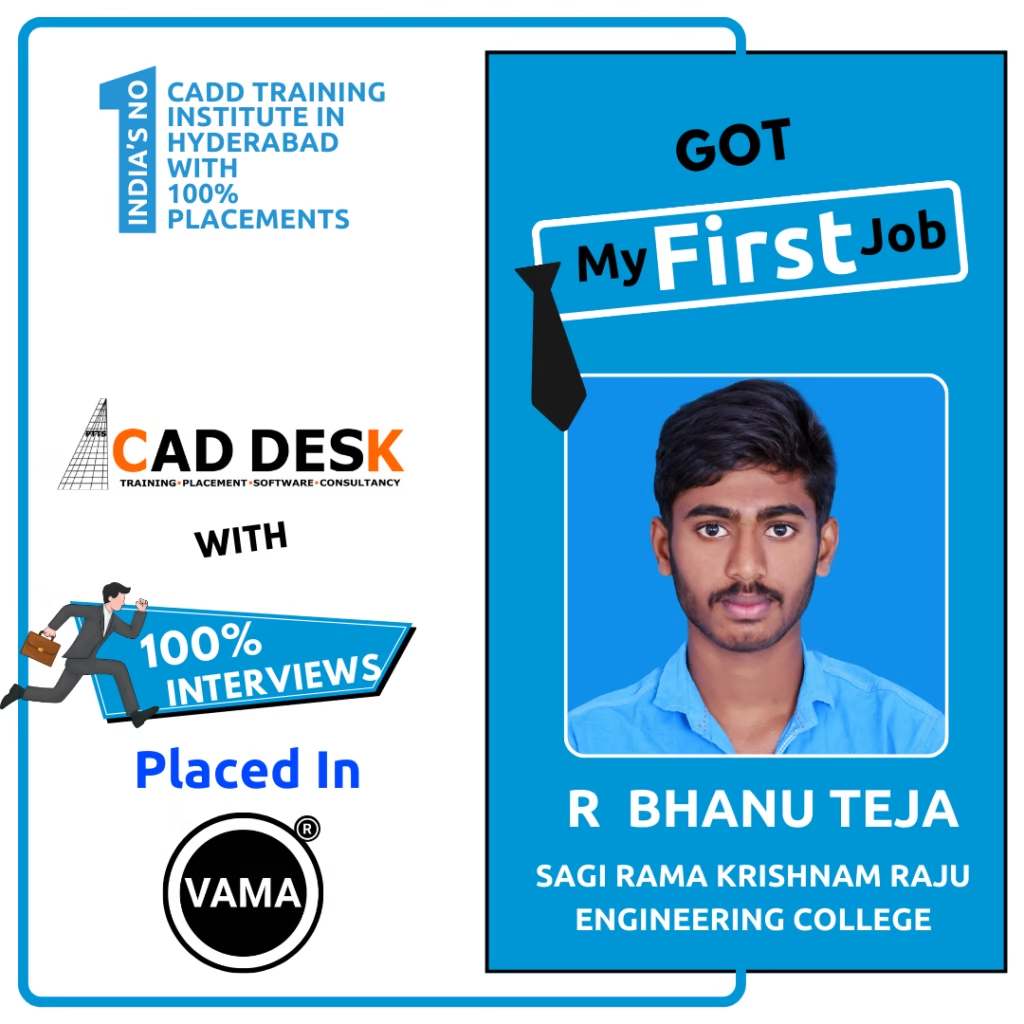
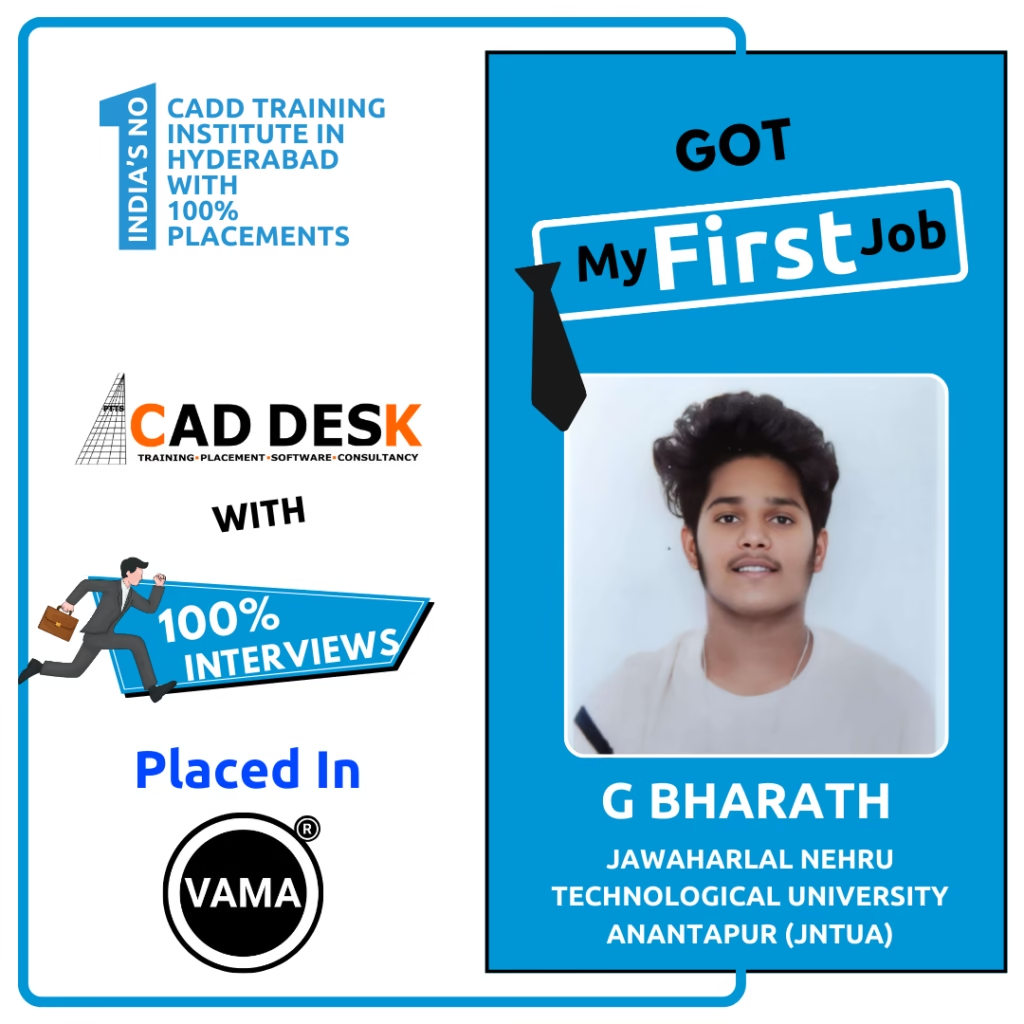
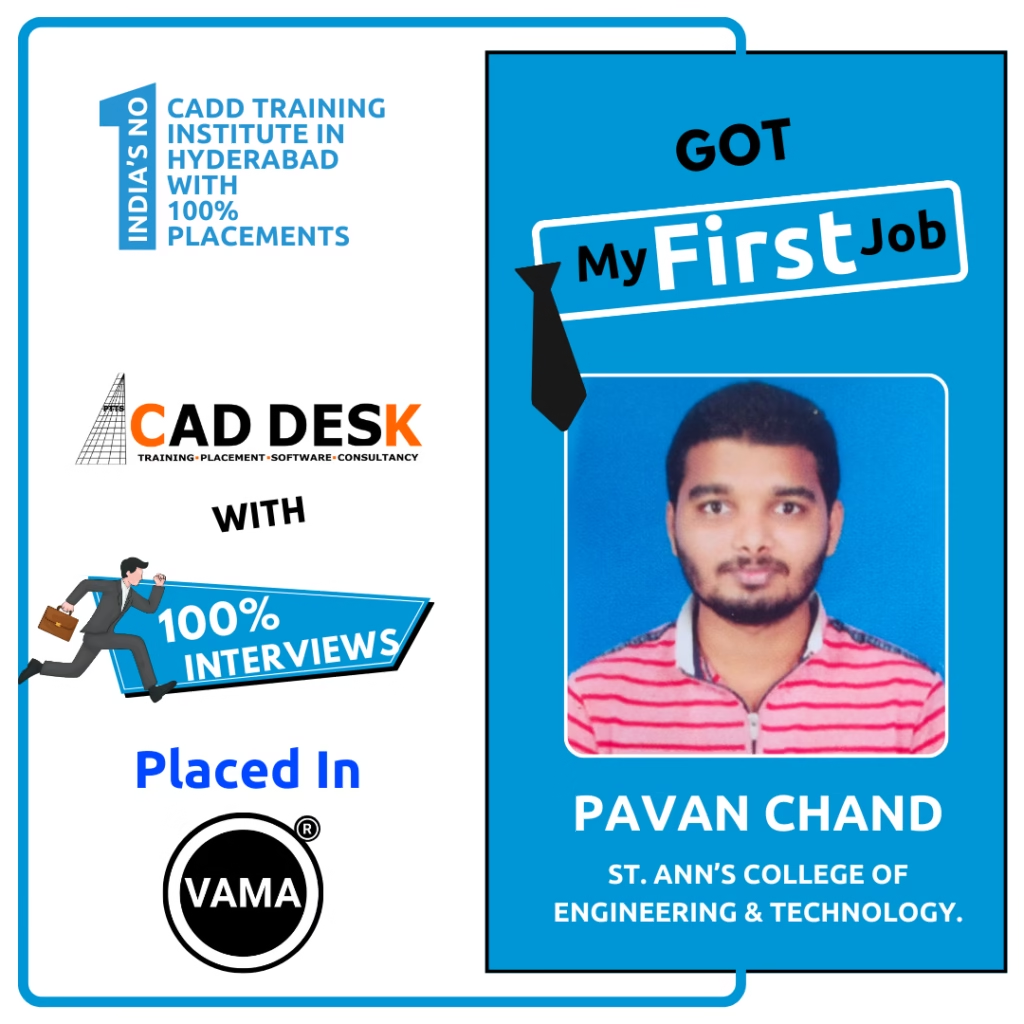
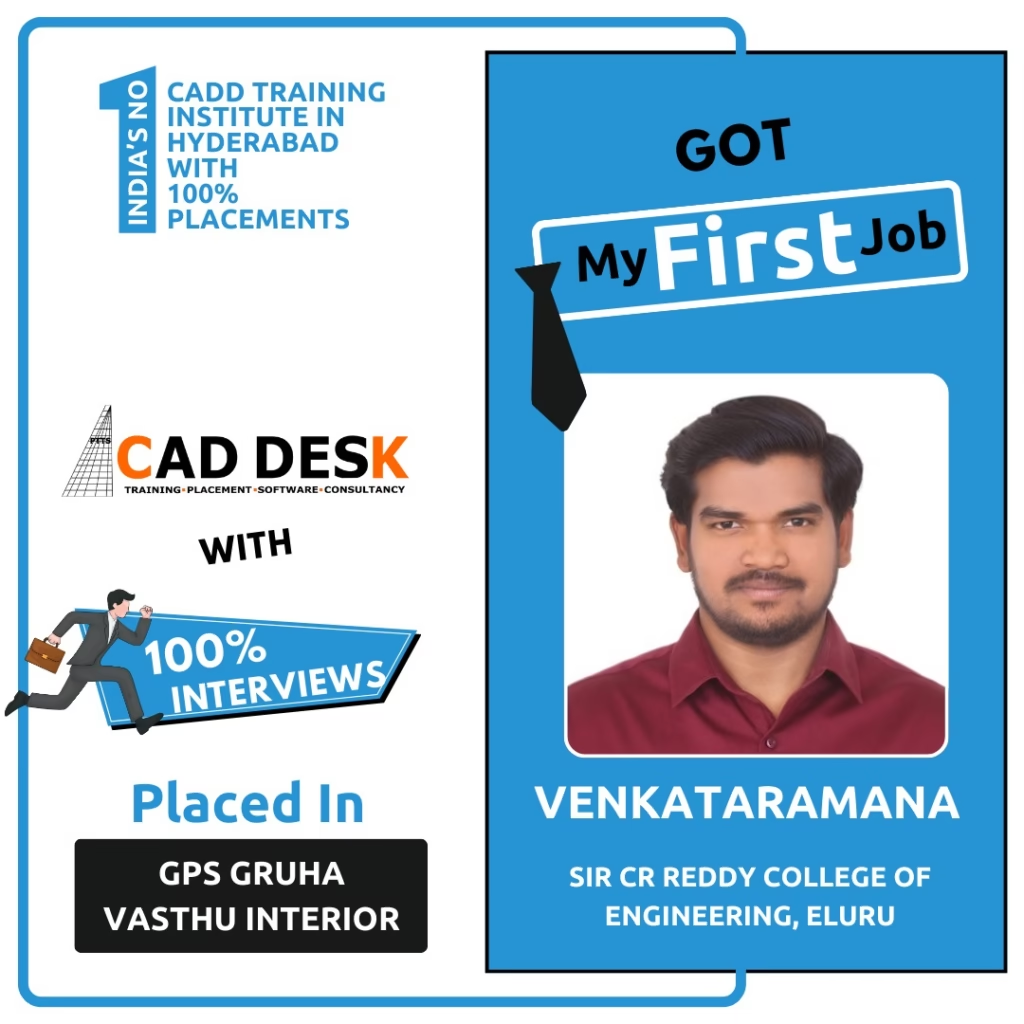
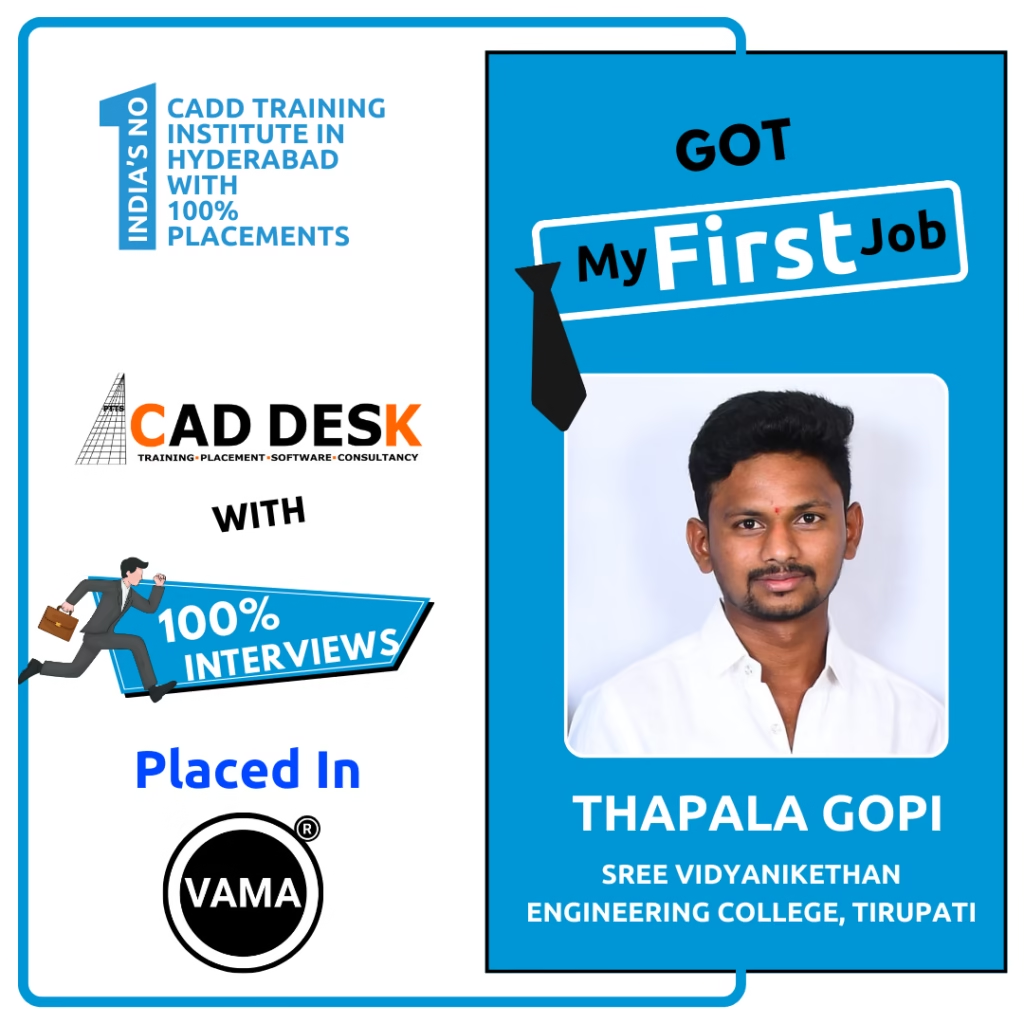
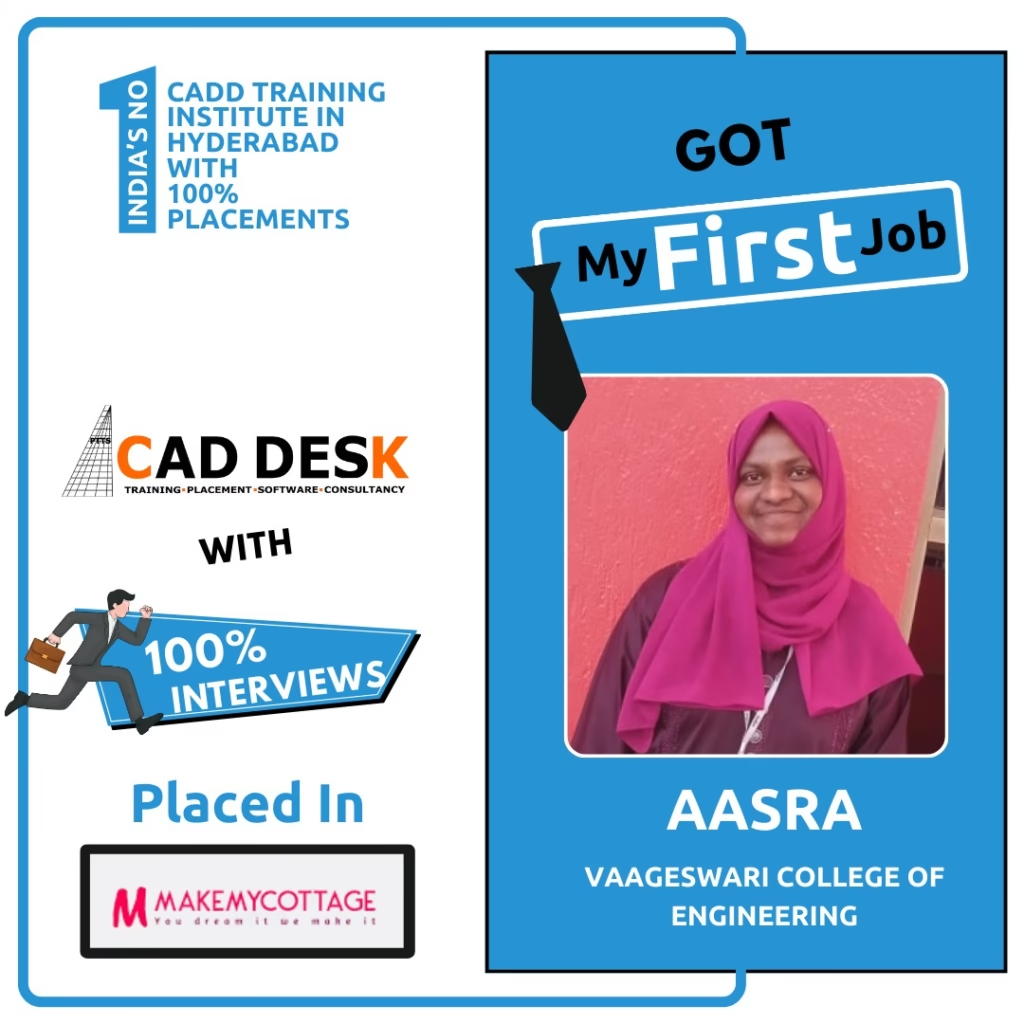
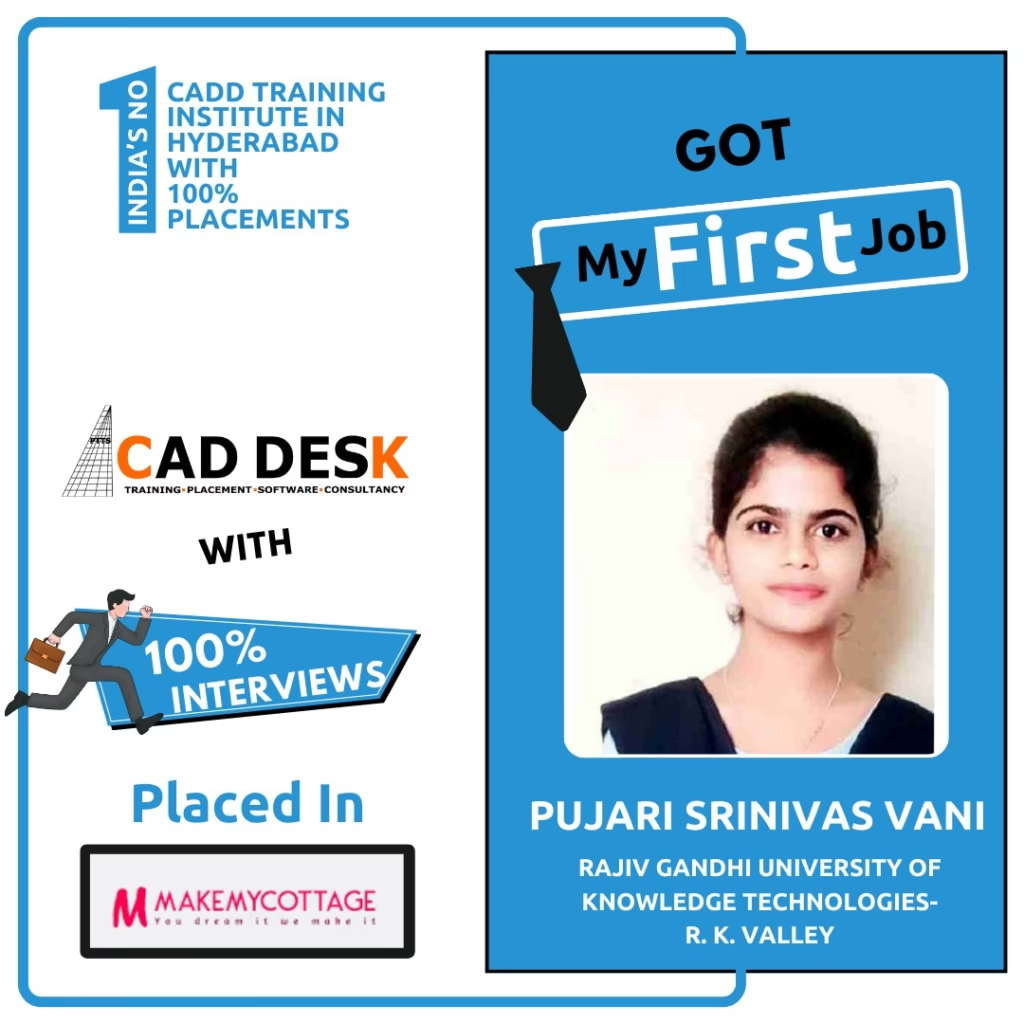
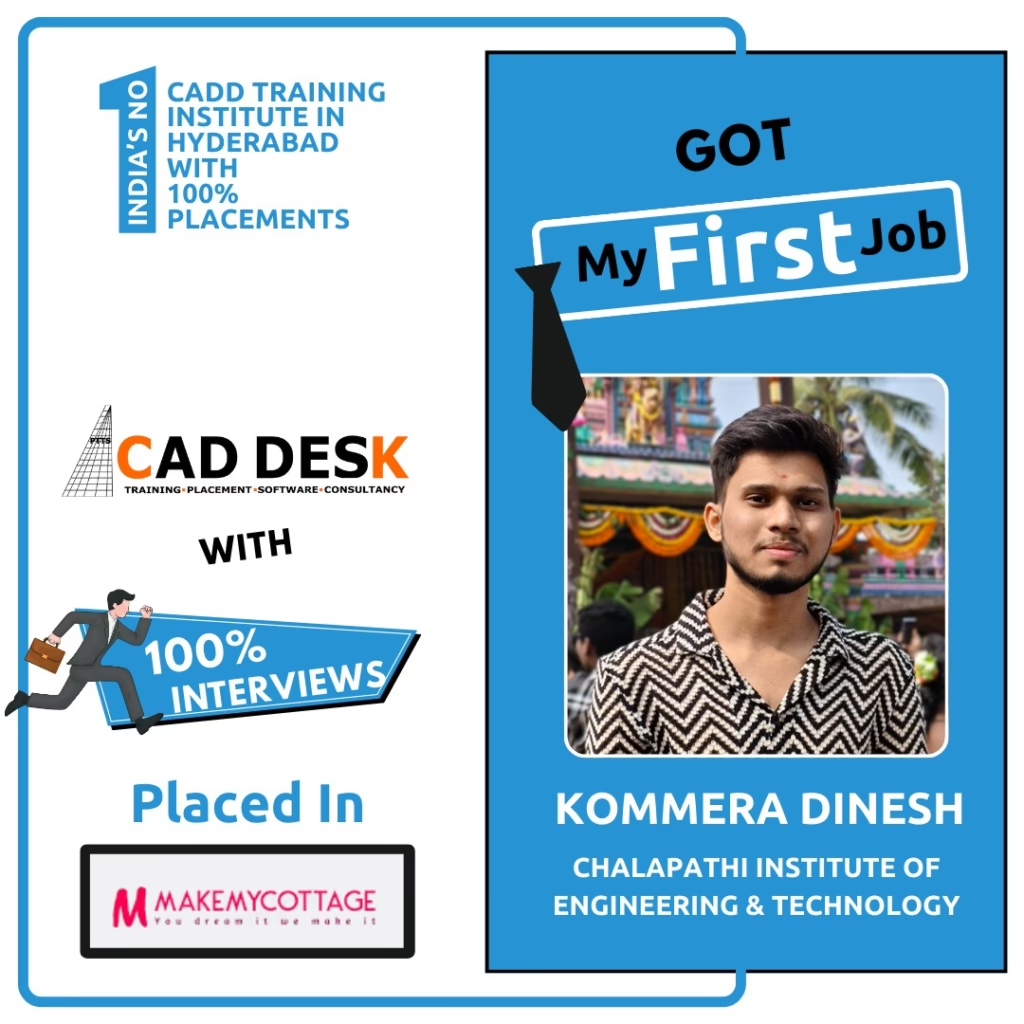
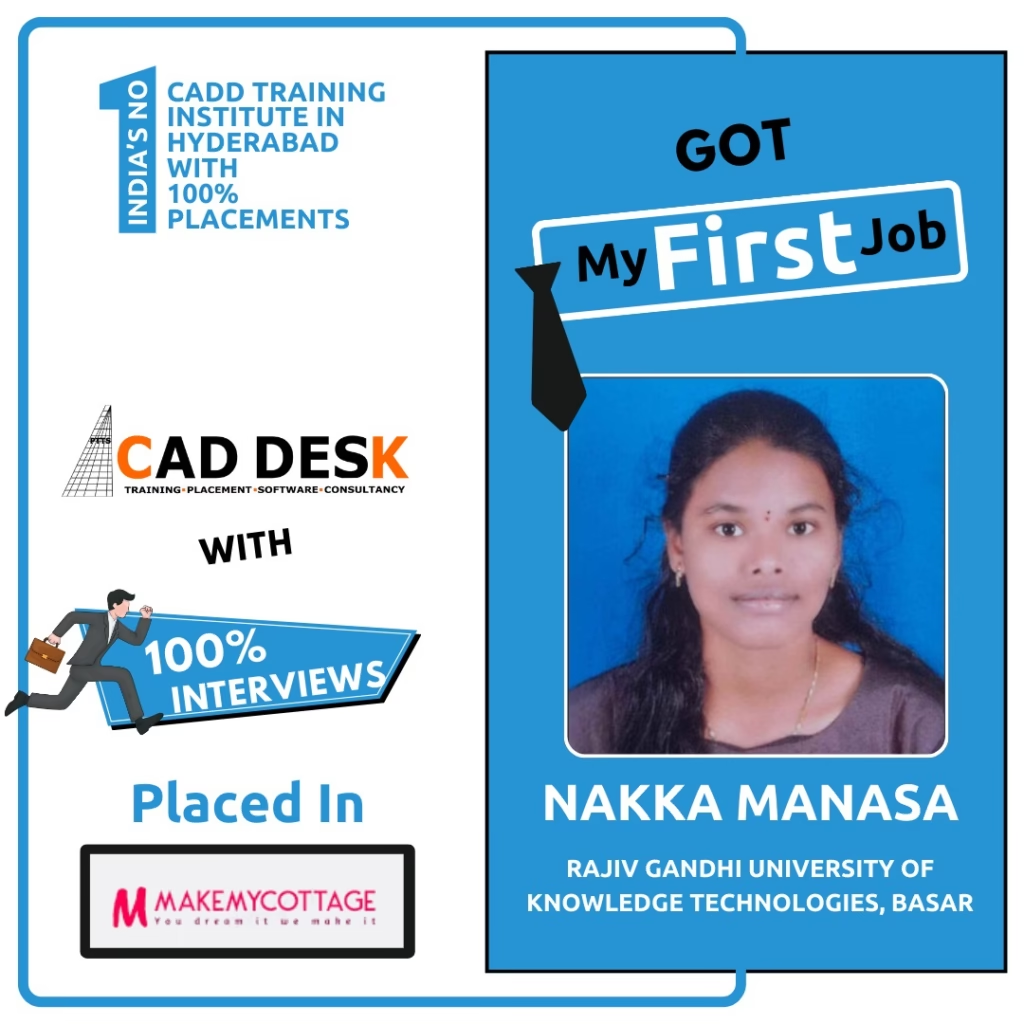
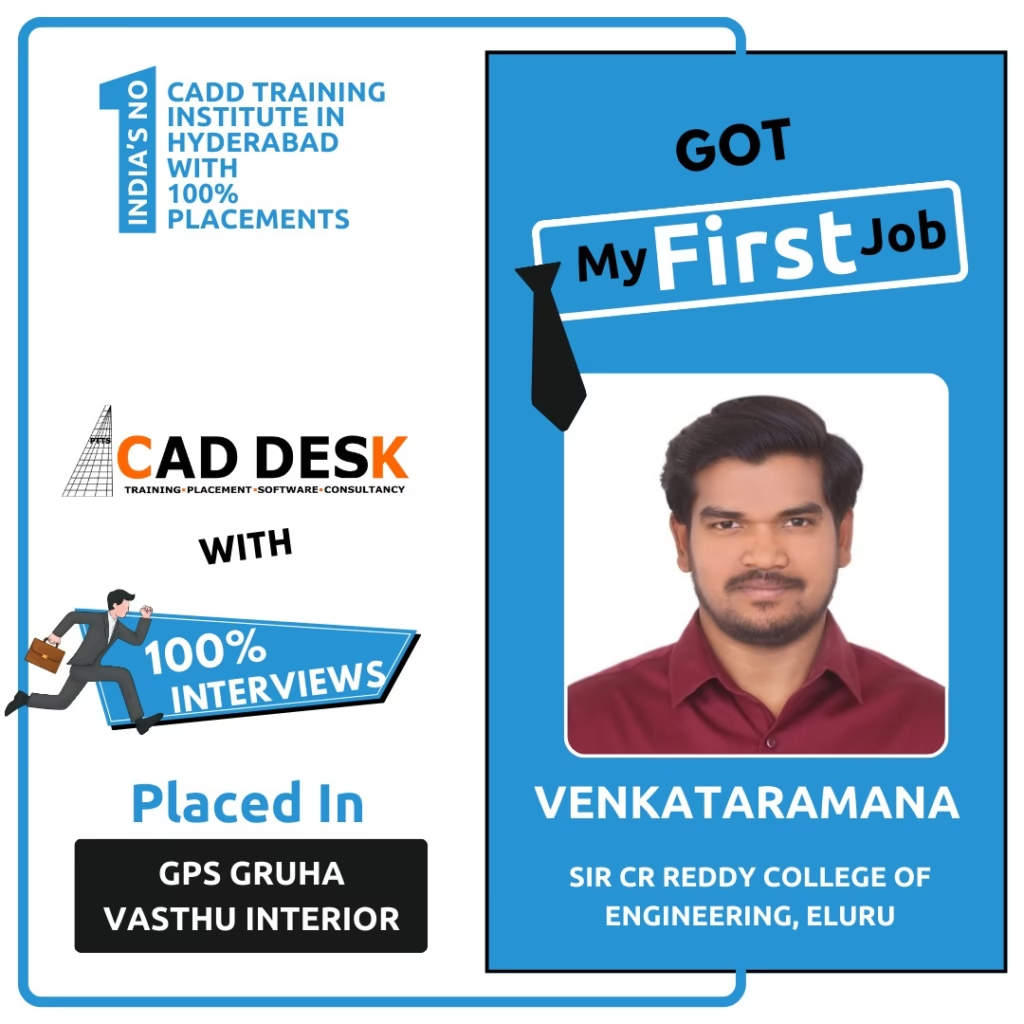
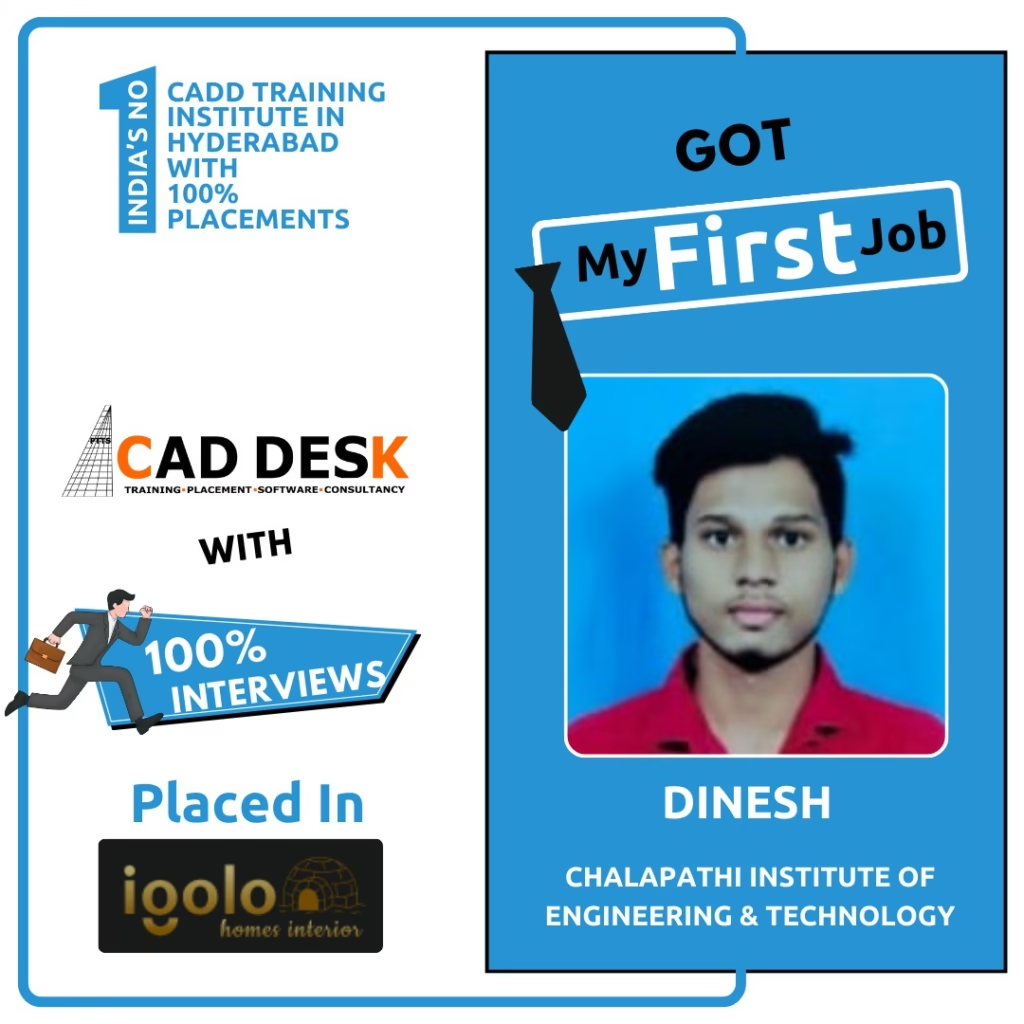
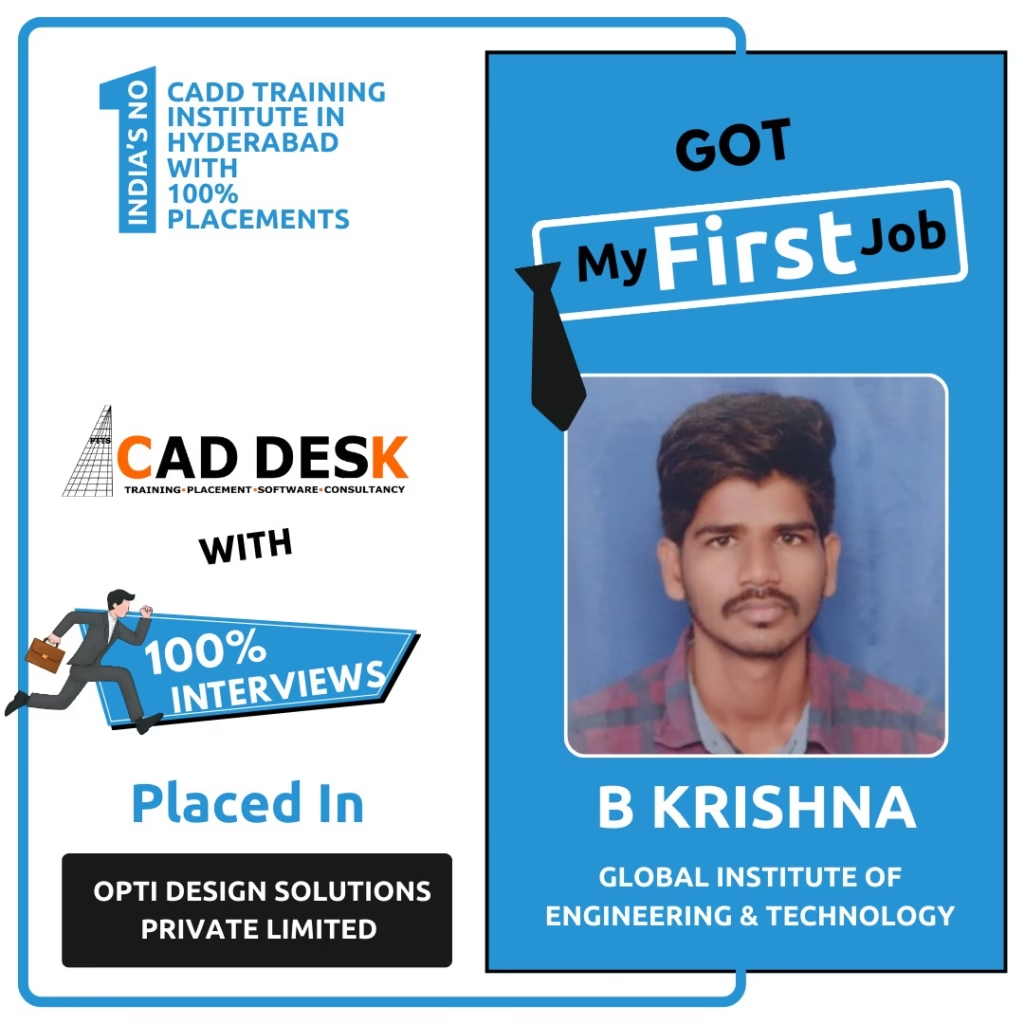
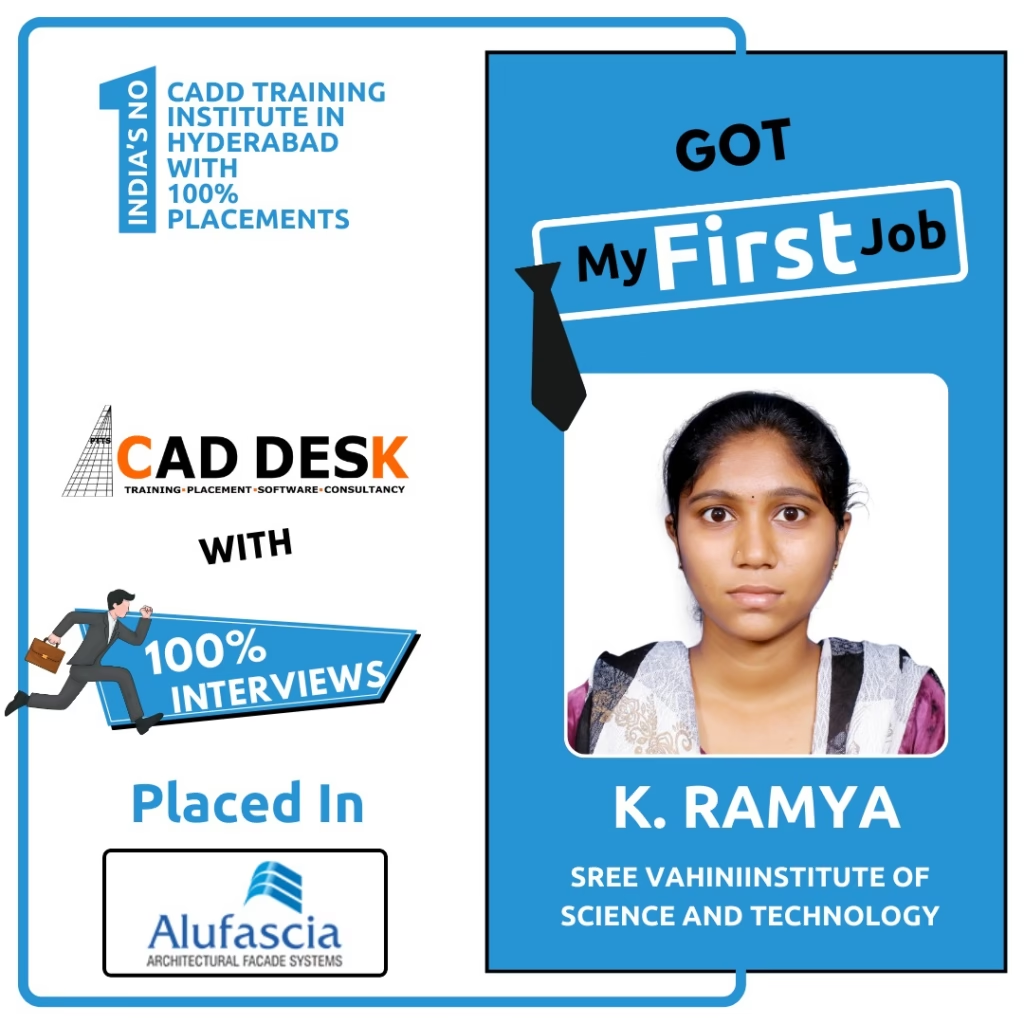
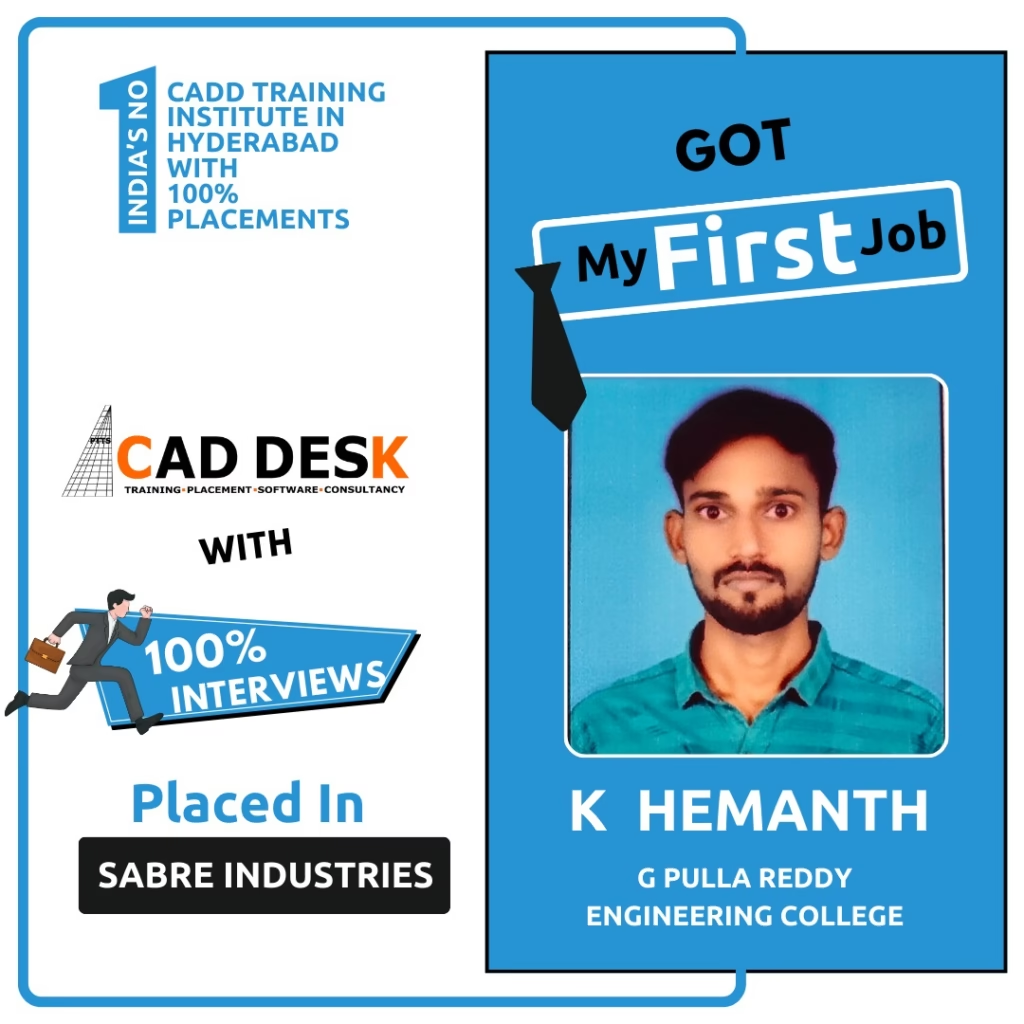
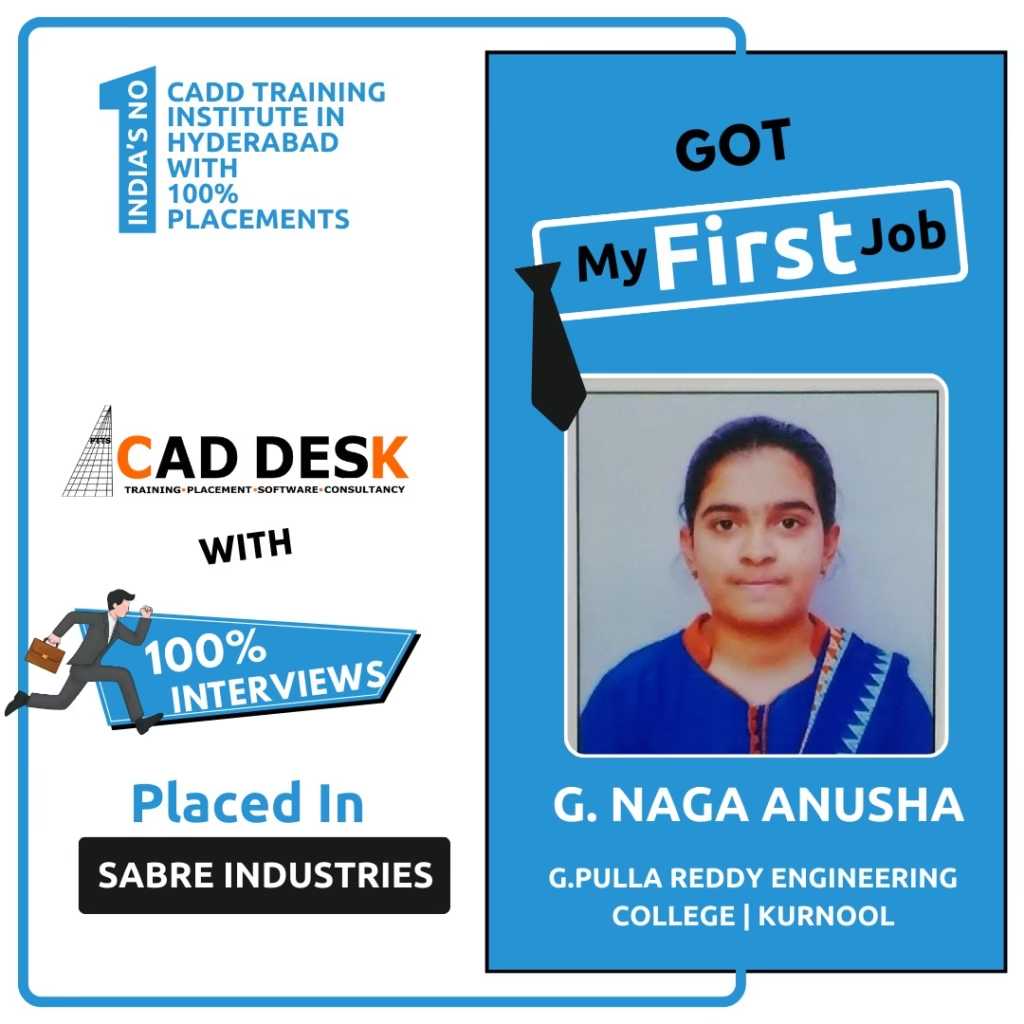
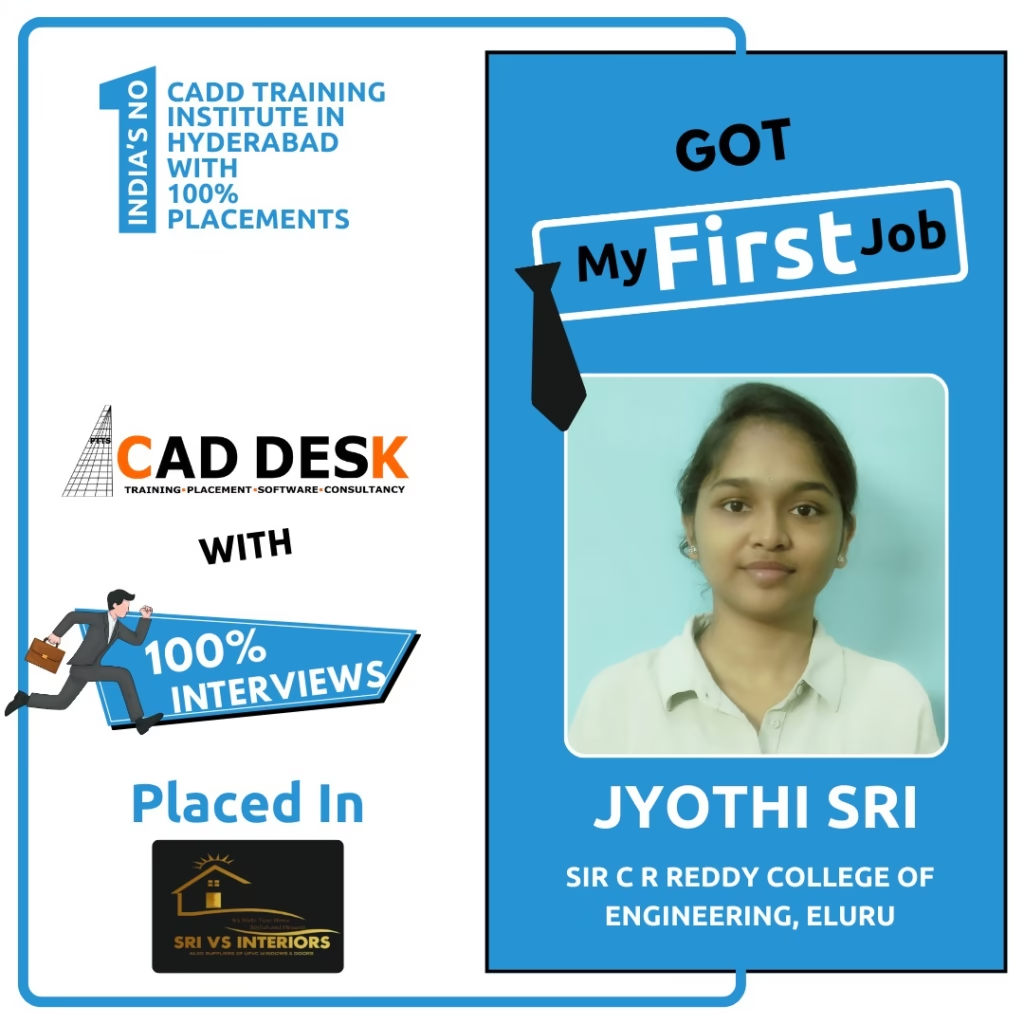
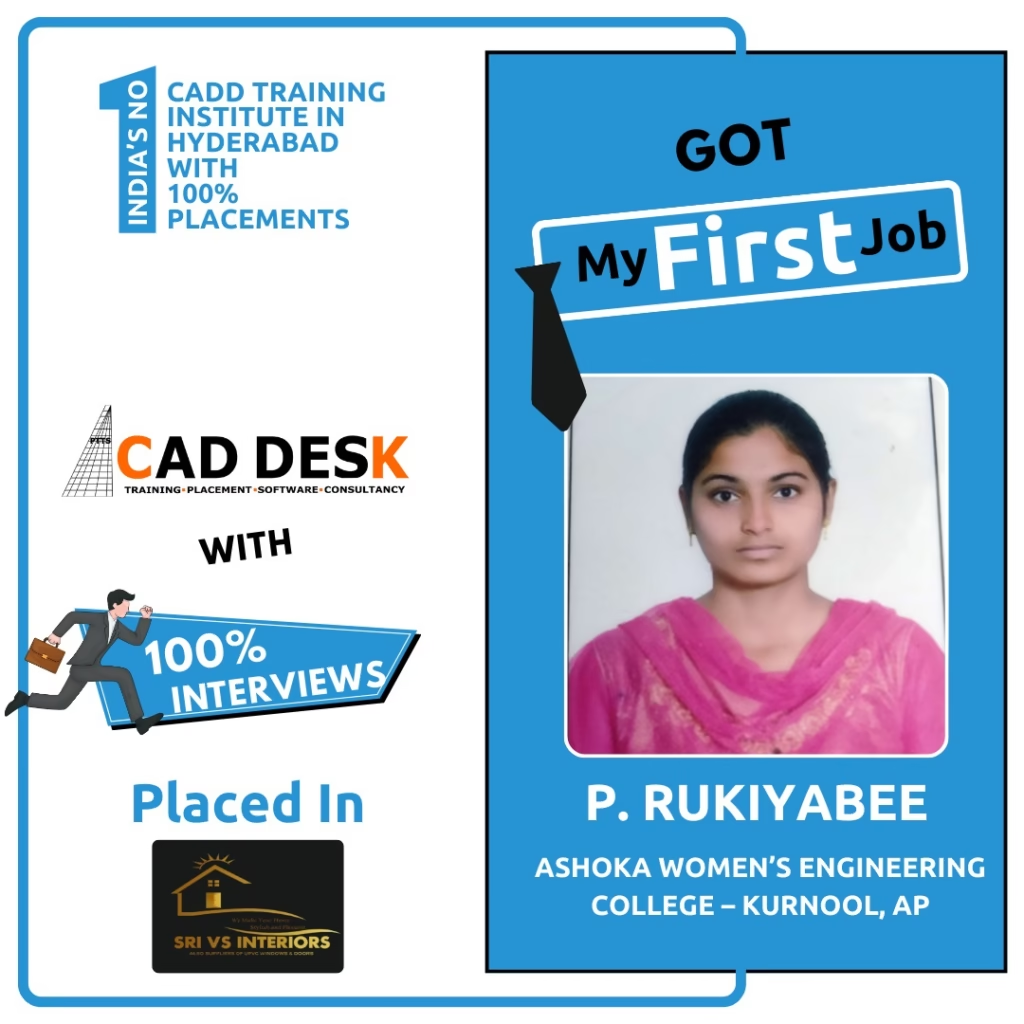
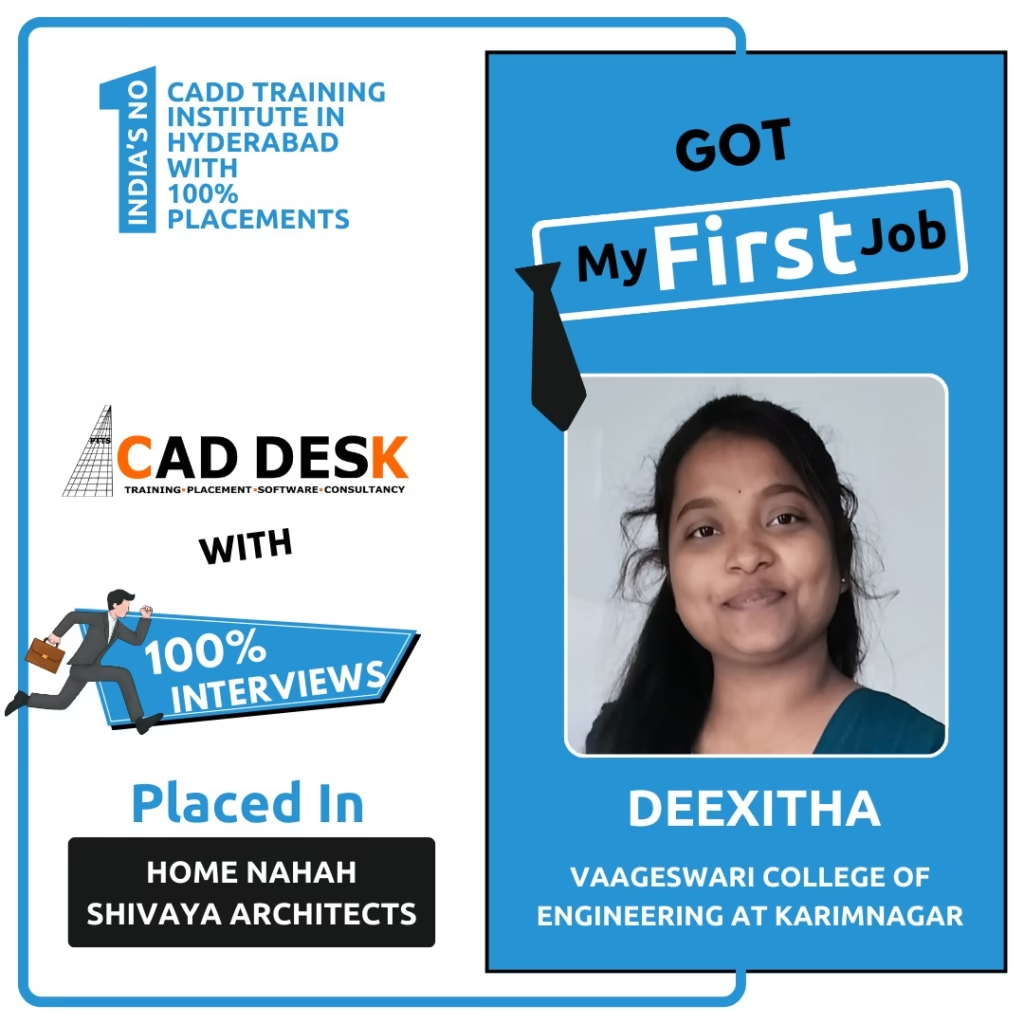
Our Students Are Placed In Top Companies
What is BIM and why is it important?
Building Information Modeling (BIM) is a digital process used to plan, design, construct, and manage buildings efficiently. BIM improves coordination, reduces errors, and is widely adopted in the construction industry.
Who can join the BIM course at Caddesk Hyderabad?
Architecture students, Civil Engineers, MEP professionals, working professionals, and fresh graduates can join this BIM course.
What tools are covered in the BIM course?
The course covers industry-standard BIM tools such as Revit Architecture, Revit Structure, Revit MEP, Navisworks, and BIM coordination workflows.
What is the duration of the BIM course?
Course duration varies based on the module selected. Flexible weekday and weekend batches are available.
Is placement assistance provided?
Yes, Caddesk Hyderabad offers placement assistance, interview preparation, and career guidance to help students secure BIM roles.
Why is Caddesk Hyderabad the best BIM training institute in Hyderabad?
With expert trainers, real-time project exposure, and job-oriented curriculum, Caddesk Hyderabad is recognized as the Best BIM training institute in Hyderabad.