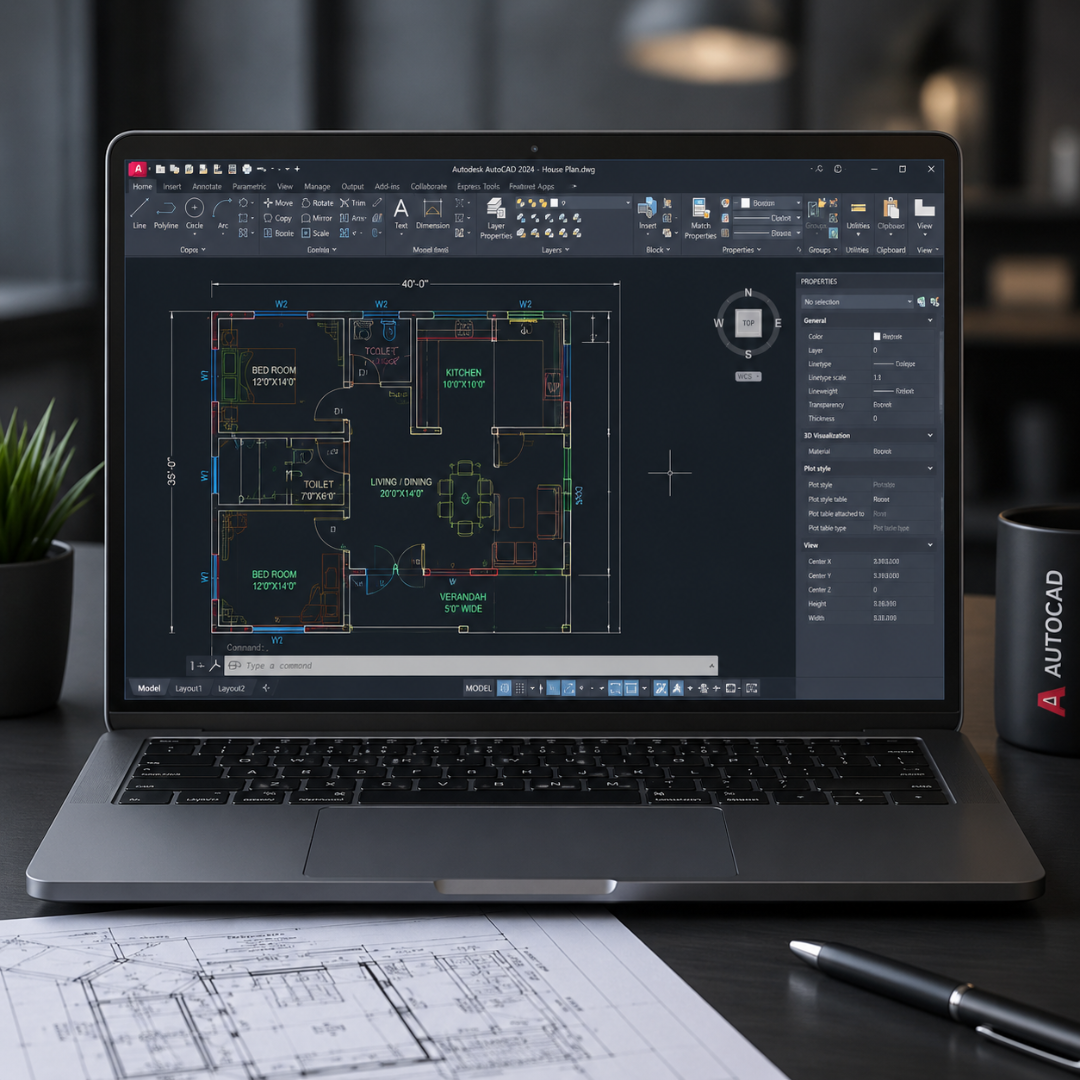
Master AutoCAD Drafting, Floor Planning, Construction Drawings, and 3D Modeling with practical training. Get industry-ready skills for Architecture, Civil Engineering, Interior Design, and Mechanical Design careers.
Next Batch: Every Monday
Course Duration: 40 Days
Mode: Classroom & Online
Projects Included: 5+ Live Industry Projects
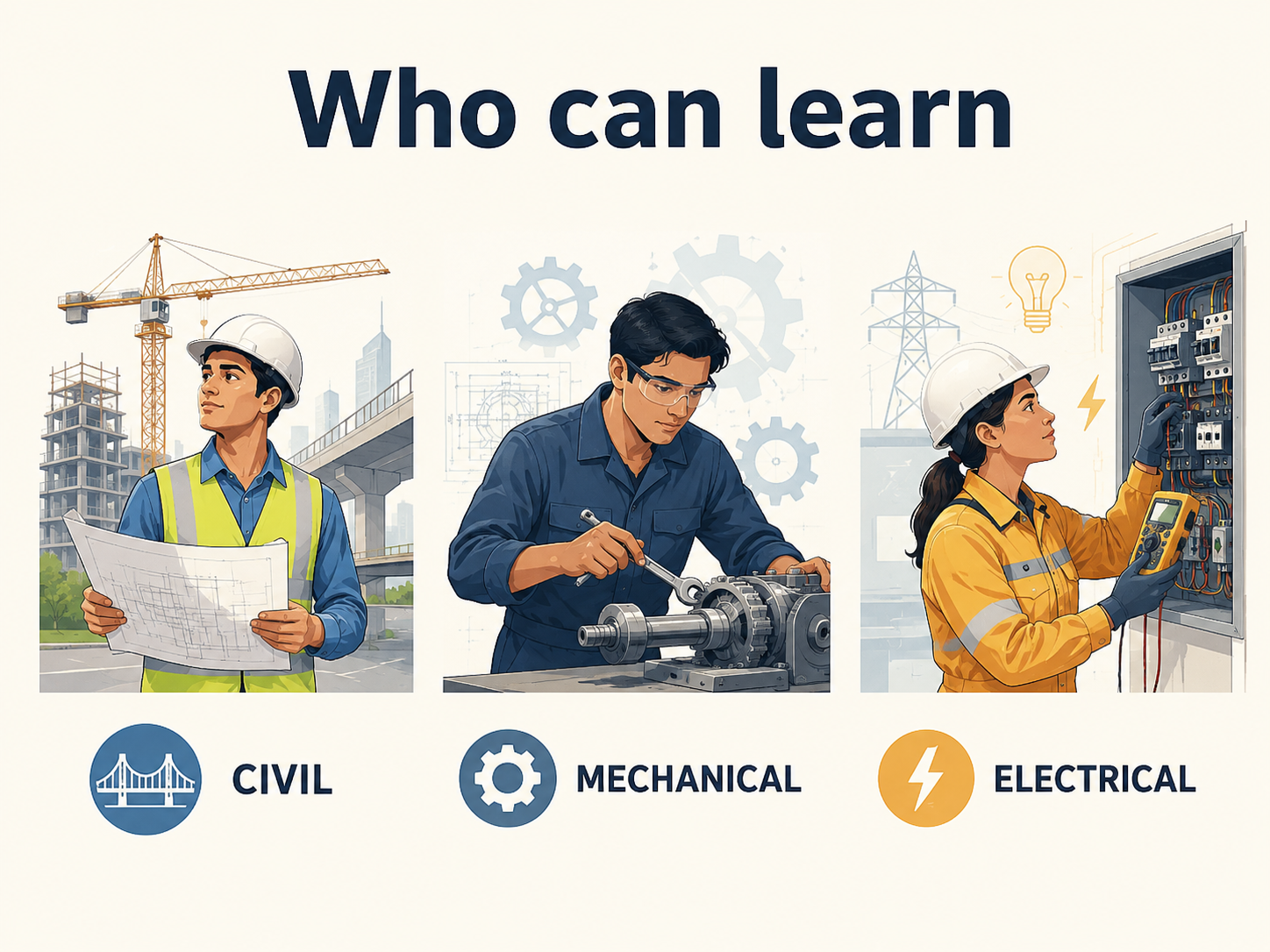
Civil | Mechanical | Electrical | Architecture | Interior Design
Many students and professionals struggle to convert their technical knowledge into practical industry skills. AutoCAD bridges this gap by helping learners create professional drawings, floor plans, layouts, and technical documentation used across Civil Engineering, Mechanical Design, Electrical Systems, Architecture, and Interior Design industries.
✅ Industry-Ready Drafting Skills
✅ Real-Time Project Experience
✅ Professional Portfolio Development
✅ Autodesk-Based Learning
✅ Placement Assistance
AutoCAD Course Modules
- Introduction to AutoCAD
- Graphical User Interface
- File Management (New, Open, Save, Backup)
- AutoCAD Workspace
- Absolute Coordinate System (ACS)
- Relative Coordinate System (RCS)
- Polar Coordinate System (PCS)
- Line Commands & Object Snaps
- Line, Circle, Arc
- Polyline
- Rectangle
- Polygon
- Ellipse
- Spline
- Xline & Ray
- Point Commands
- Divide & Measure
- Donut
- Wipeout
- Revision Cloud
- Region
- Limits Setup
- Function Keys
- Grid & Snap Settings
- Dynamic Input
- Selection Tools
- Object Tracking
- Move
- Copy
- Rotate
- Stretch
- Mirror
- Scale
- Trim & Extend
- Offset
- Fillet
- Chamfer
- Explode
- Align
- Break & Join
- Lengthen
- Array Commands
- Isometric Drawing Techniques
- Isoplane Settings
- Hatch & Gradient
- Draw Order
- Overkill Command
- Staircase Terminology
- Staircase Plan
- Staircase Elevation
- Staircase Section
- Text & MText
- Text Styles
- Dimension Commands
- Dimension Styles
- Leaders & Multileaders
- Tables & Data Extraction
- Object Properties
- Layer Creation & Management
- Layer Controls
- Layer Standards
- Block Creation & Editing
- Dynamic Blocks
- Design Center
- Tool Palettes
- Residential Building Planning
- Vaastu Concepts
- Bedroom Design
- Ceiling & Wardrobe Design
- Door & Window Sections
- Furniture Layout
- Express Tools
- Plotting & Publishing
- Title Blocks
- Layouts & Viewports
- 3D Modeling Basics
- Extrude, Revolve, Loft, Sweep
- Boolean Operations
- 2D to 3D Conversion
- Final Project & Technical Quiz
Earn Dual Certification After AutoCAD Course Completion
Validate your drafting and design skills with industry-recognized certifications that enhance your professional profile and improve career opportunities in Architecture, Engineering, Construction, and Interior Design.
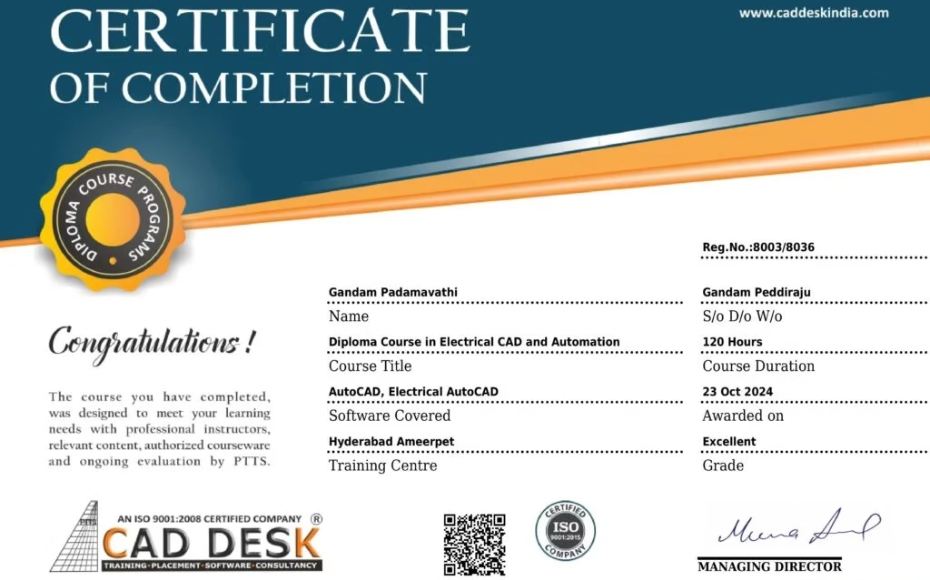
CADDESK Hyderabad AutoCAD Certification
Successfully awarded upon completing practical training, assignments, and industry-based AutoCAD projects.
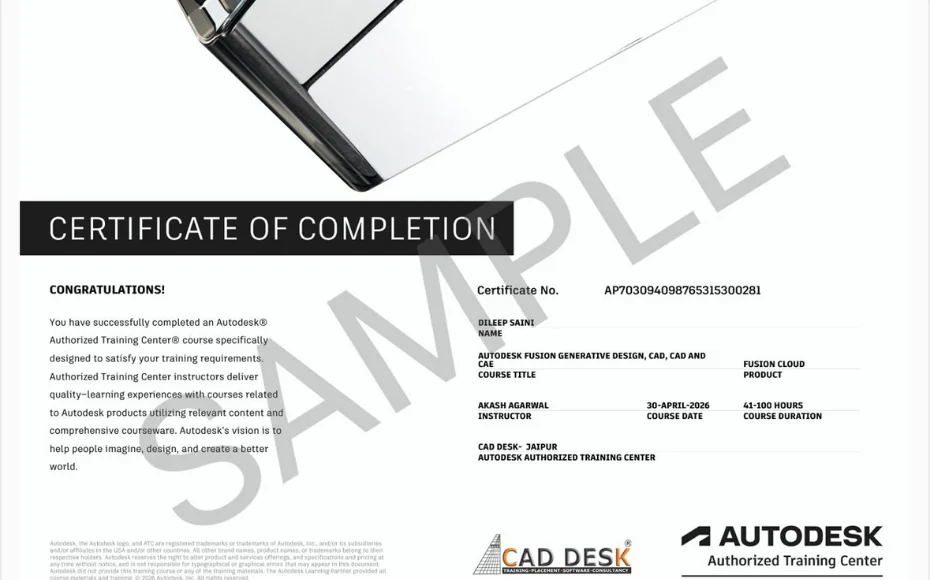
Autodesk AutoCAD Certification Preparation
Prepare for Autodesk certification standards and gain knowledge aligned with global AutoCAD workflows used by design and engineering professionals.
What Our Students Say
I completed my course with AutoCAD and Revit architecture in CADDESK. now I am attending for the interviews which are provided by the institute.. Daily they are providing atleast 5-10 placement companies. The staff are very friendly and quick responsive if we have any issue.. And the teaching staff also well trained…
Hari Prasad
I am Lokesh i competed my training course in autocad, SketchUp and vray SketchUp , 3ds max and vray 3ds max and Photoshop and lumion in caddesk with a better faculty skills.
Caddesk is a good platform to contribute our skills. Thanks for Respected faculty and placement officer
Lokesh
I am Ramya,I completed my course in autocad,SketchUp,sketchup-vray and revit architecture in caddesk with a good skills.facutly is also good .caddesk is best training institute in Hyderabad. I placed in aillo Q interio.thank you caddesk.
Ramya
Why Choose CADDESK Hyderabad For AutoCAD Training?
Web based Portfolio
Create Your Portfolio To Stand Out In The Competition
CCTP Certified Trainers
With 5+ years Of Experience
100% Interview Gaurantee
Access Through Job Portals
20+ Live
Projects
With Real Time Exposure Under Lab trainers
Fill Out the Form Now
Enquire now to get details about course certification, placement support, and fee structure.










At CADDESK Hyderabad, we don’t just teach AutoCAD. We help students build industry-ready skills through practical training, live projects, portfolio development, and placement assistance.
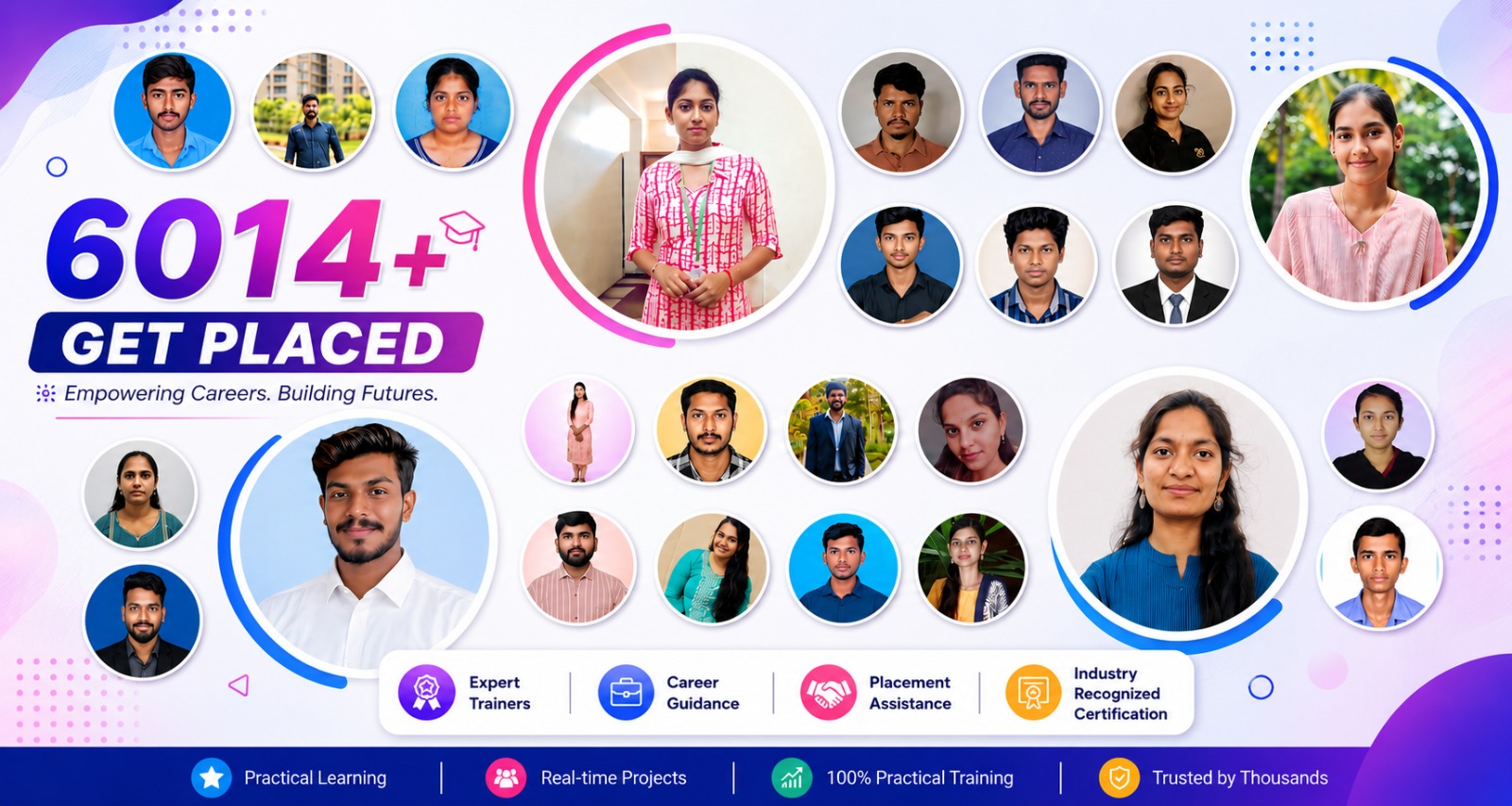
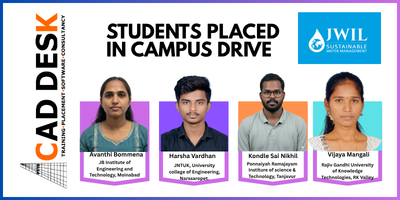
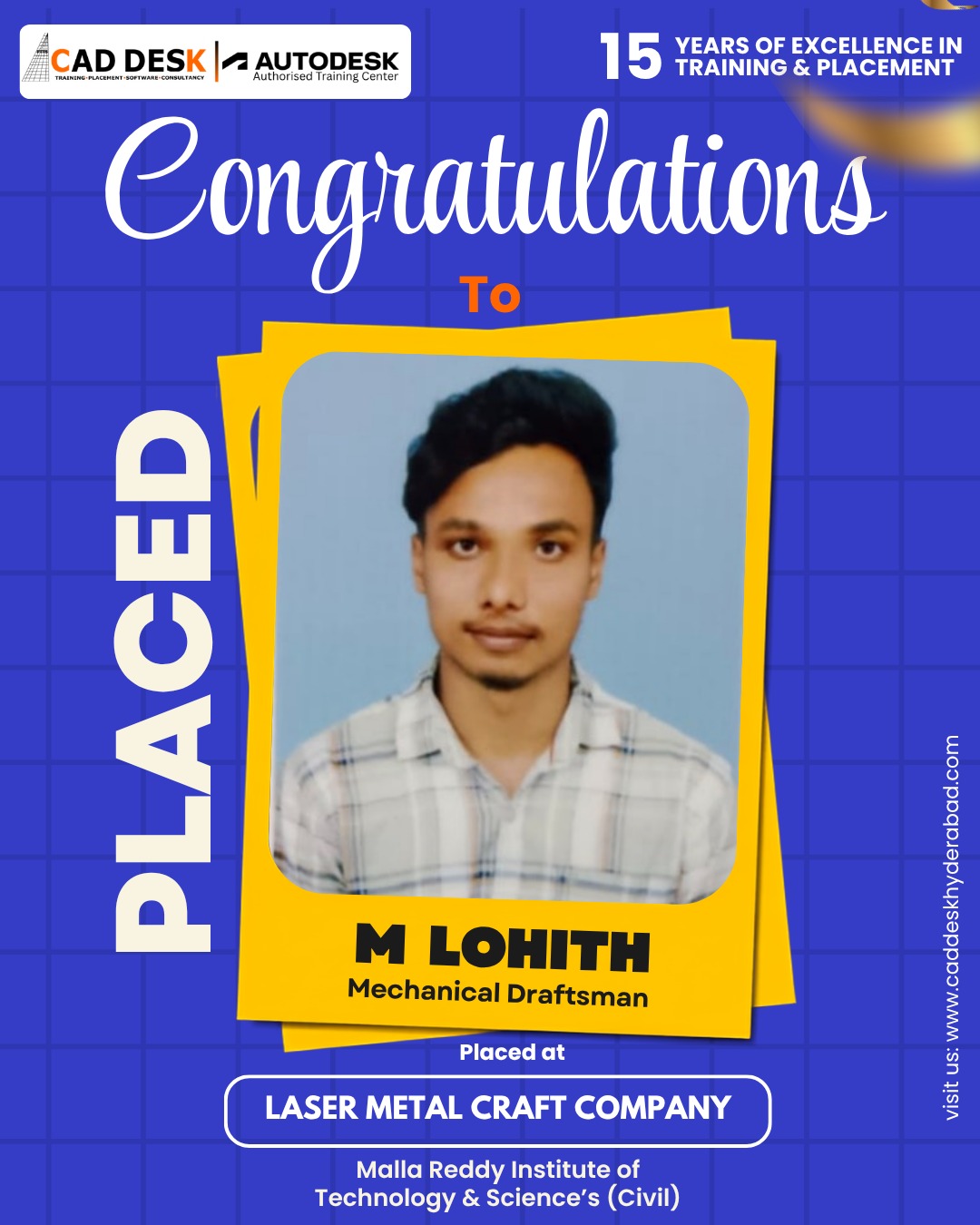
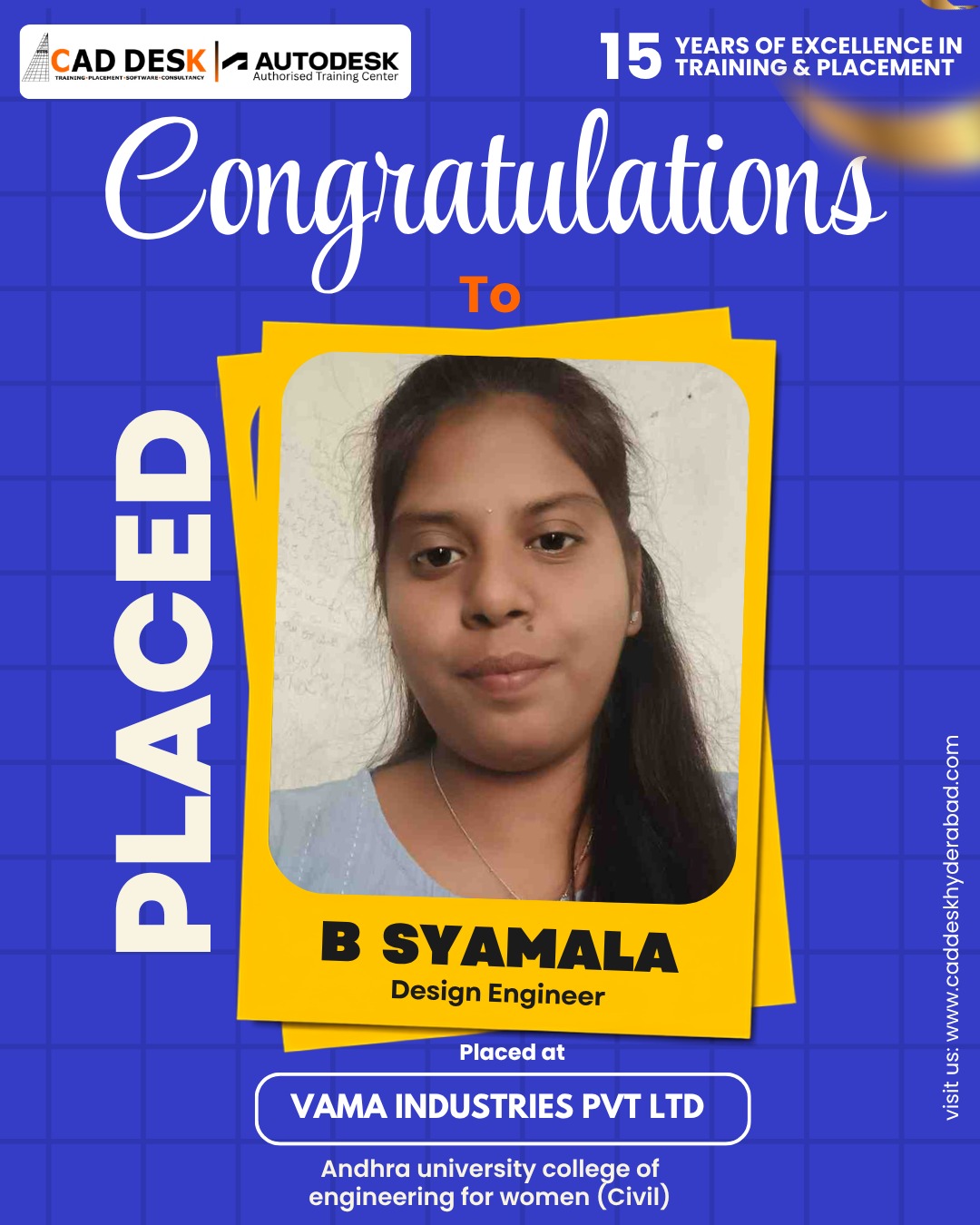
Our Placed Students

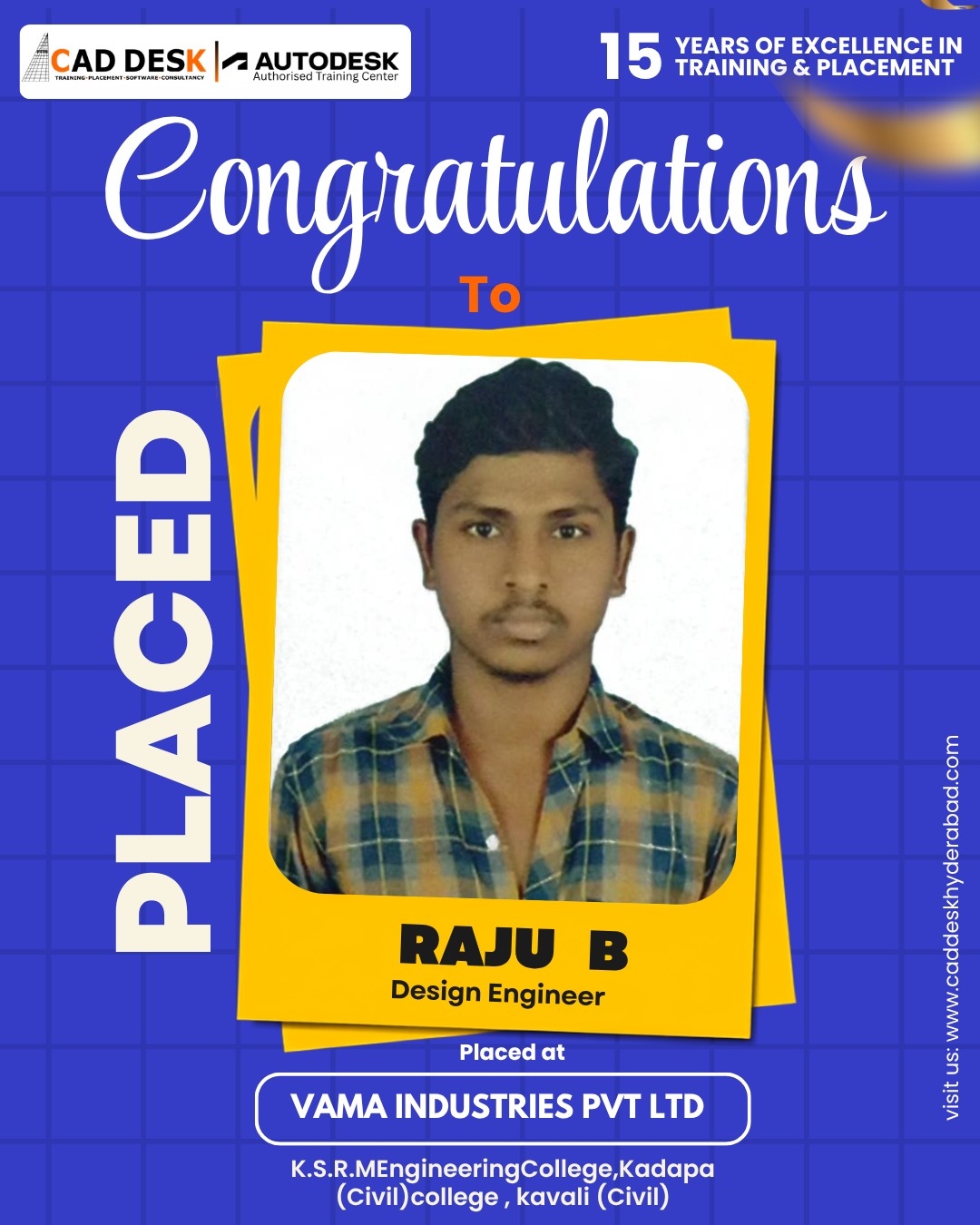
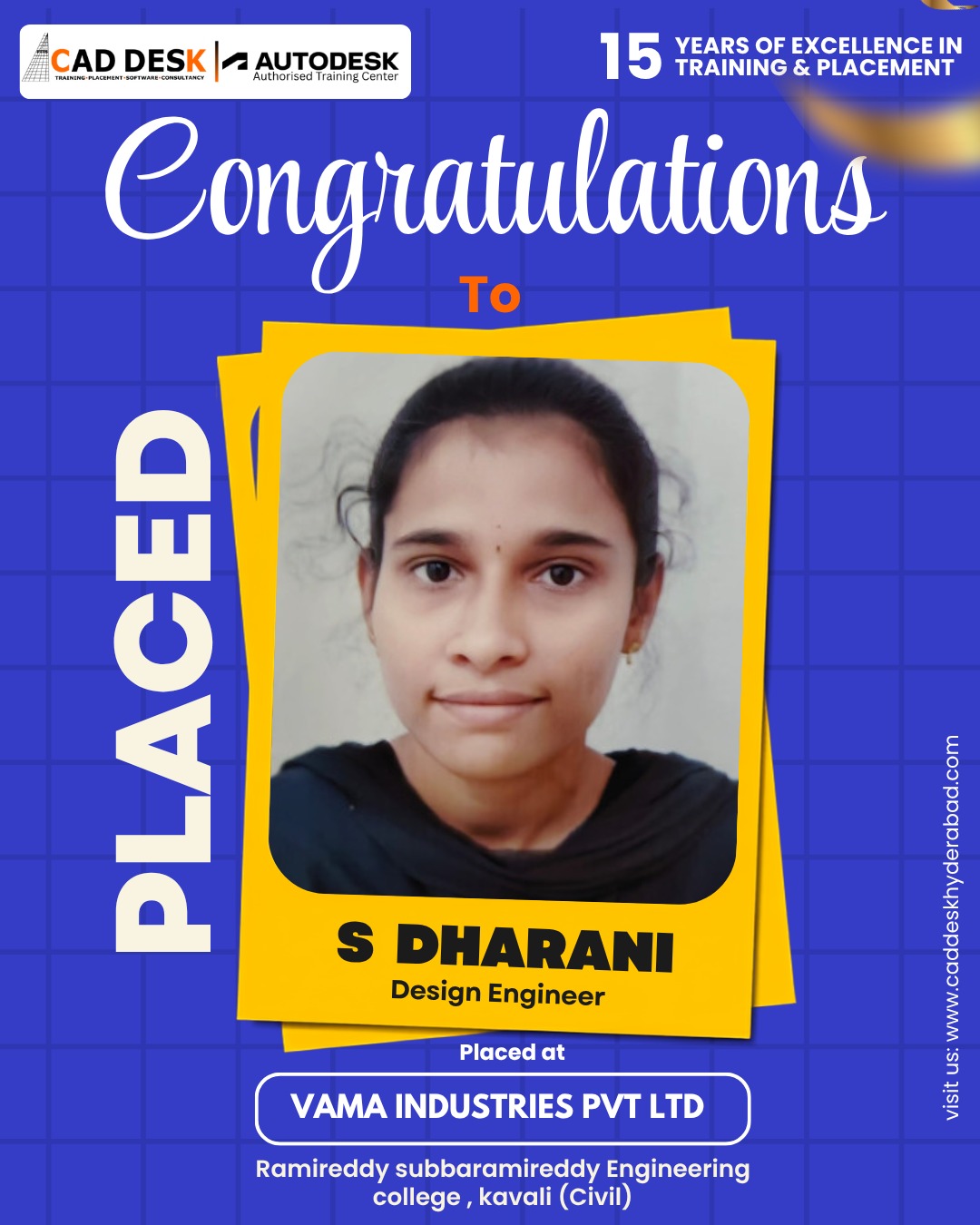
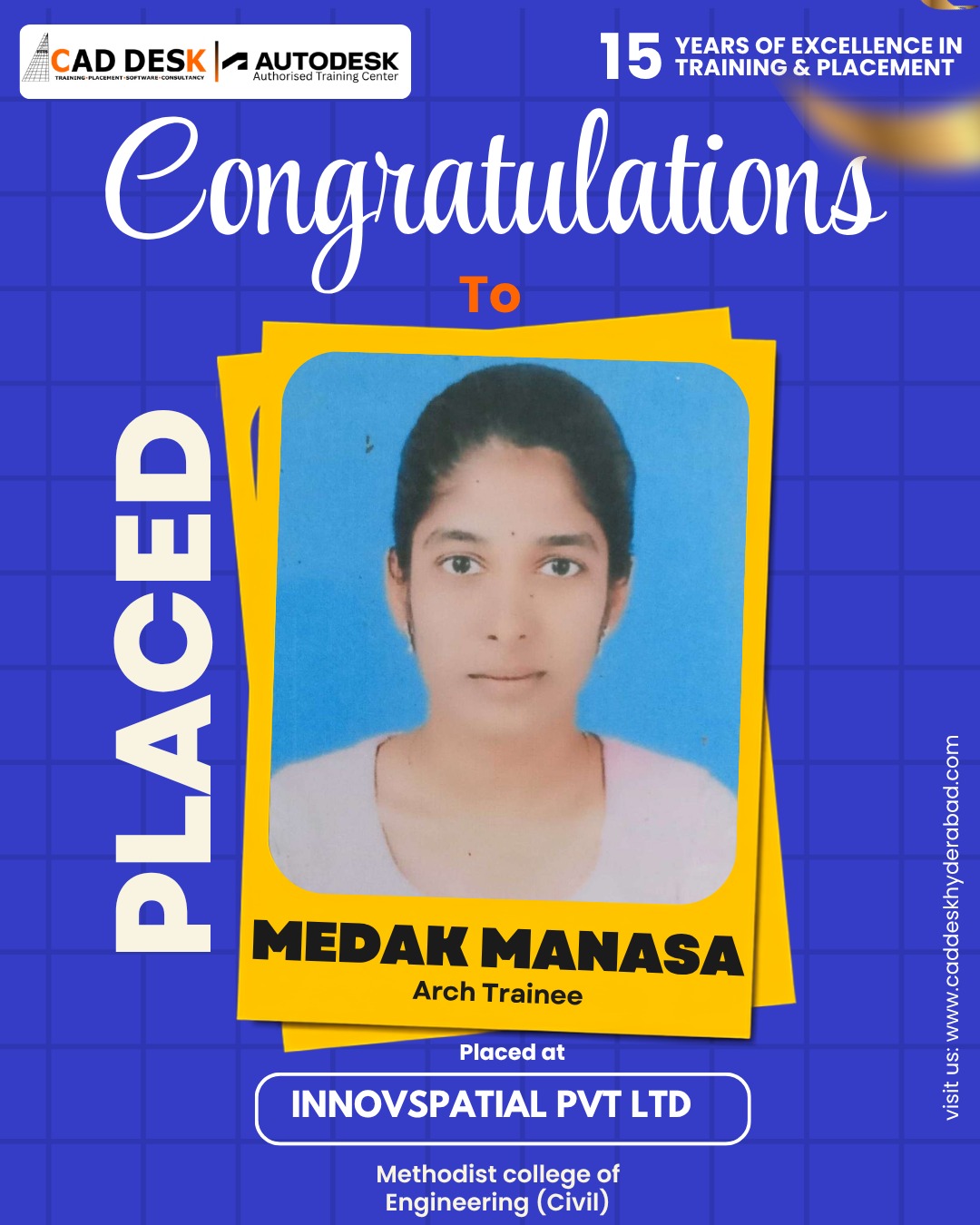
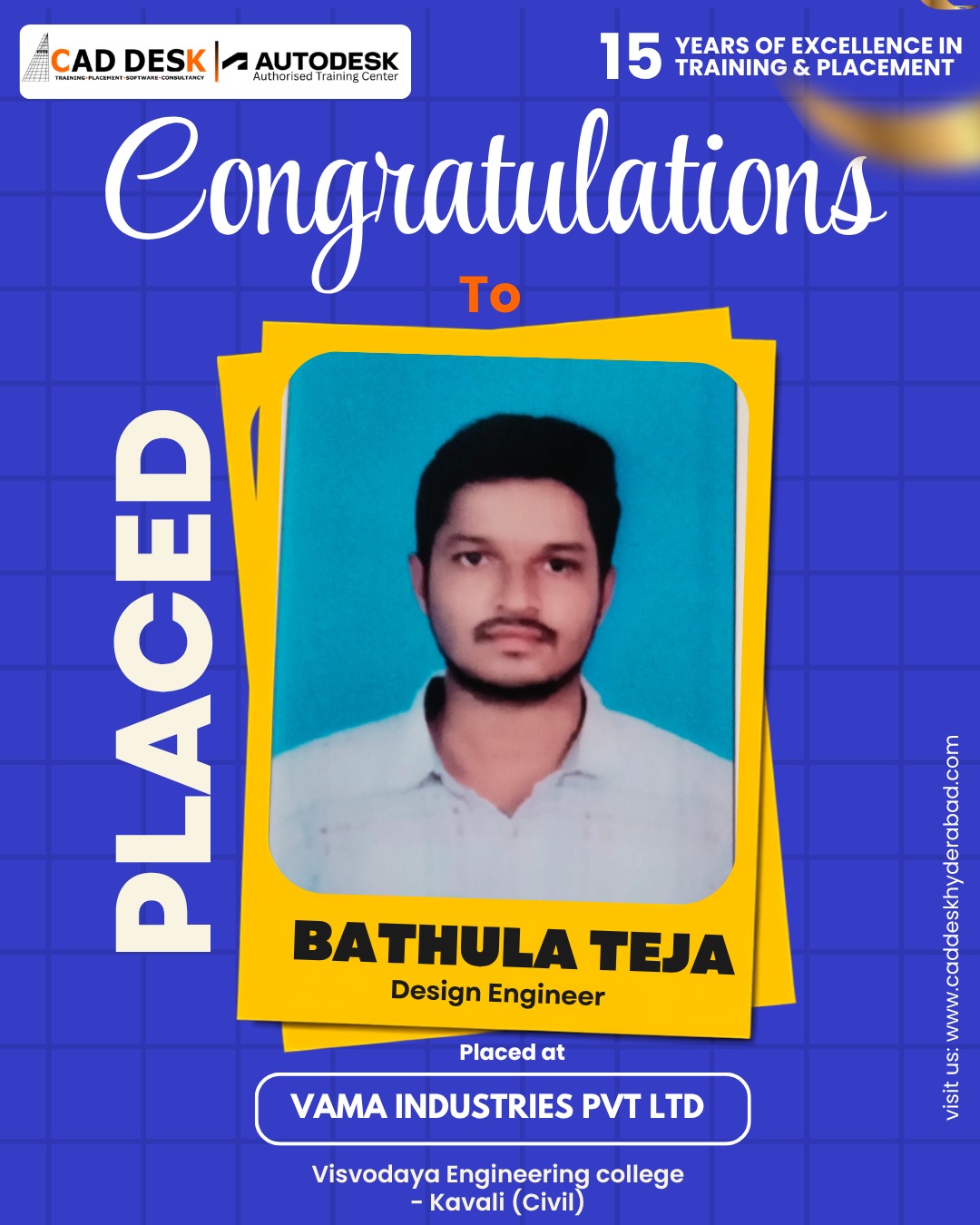
- AutoCAD is one of the world’s most widely used CAD (Computer-Aided Design) software applications for creating precise 2D drawings and 3D models. It is extensively used in civil engineering, architecture, interior design, mechanical design, and construction industries.
The course is suitable for:
- Engineering Students (Civil, Mechanical, Electrical)
- Architects
- Interior Designers
- Diploma Students
- Working Professionals
- Beginners interested in design and drafting careers
No. The course starts from the fundamentals and gradually progresses to advanced drafting concepts, making it ideal for beginners.
The curriculum typically includes:
- AutoCAD Interface & Tools
- 2D Drafting
- Layers & Annotations
- Dimensioning
- Blocks & Attributes
- Layouts & Plotting
- Working Drawings
- Industry-Based Projects
- Introduction to 3D Modelin
The training is primarily practical and project-oriented. Students work on real-world drawings and industry-standard drafting projects to gain hands-on experience.
- Flat.No.A3 3RD Floor, KVR Enclave, above Bata Showroom, beside Asian Satyam Mall, Caddesk, Ameerpet, Hyderabad, Telangana 500016
- info@caddeskhyderabad.com
- 9985023023