
























Batch Starts From

15/06/2026

Course Duration

40 Days | 2 Hours Session

100% Placements

Interview Guarantee

6000+

Enrollments

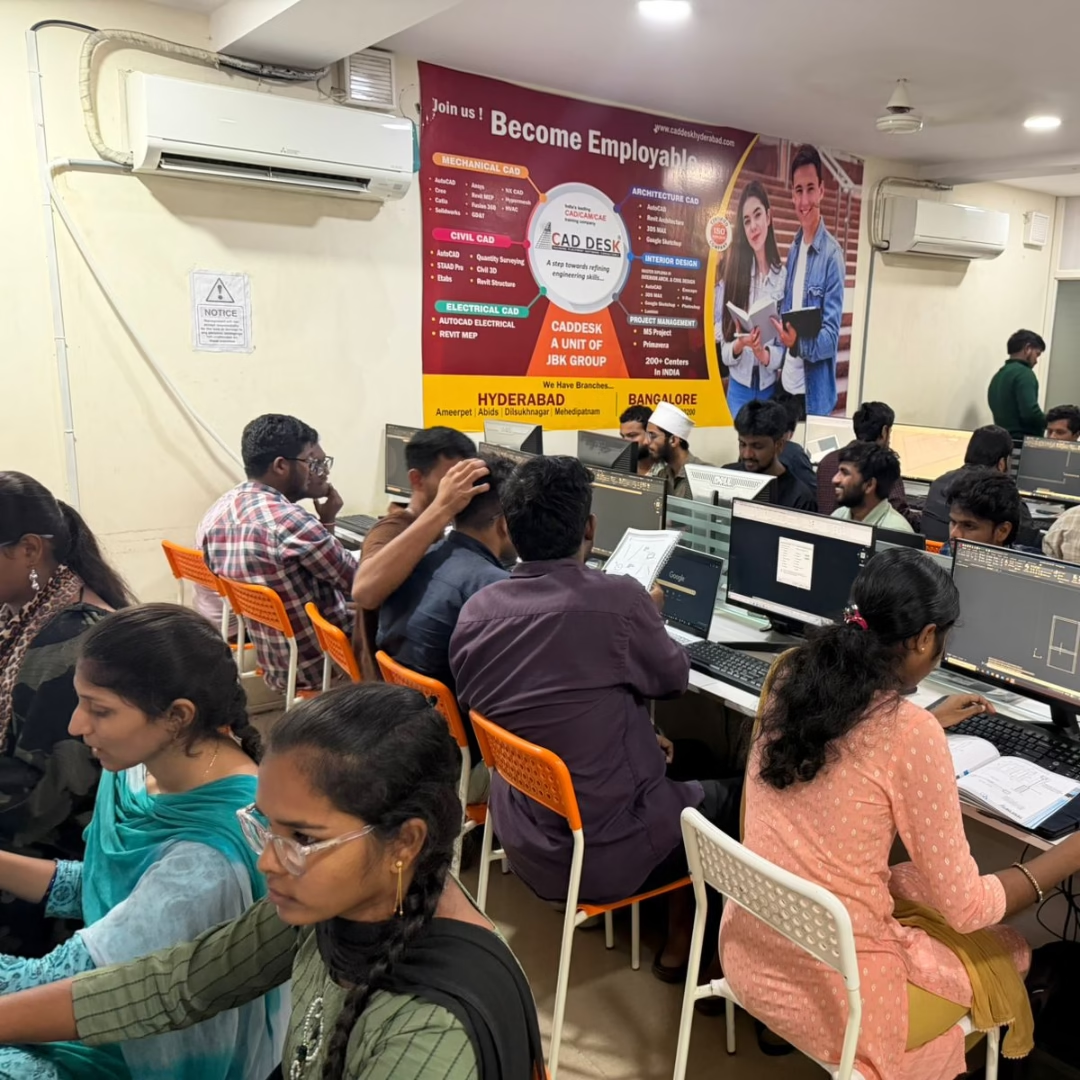
Gallery
Syllabus

Module 1: Introduction to Revit & BIM

  • Overview of Revit Interface
  • Understanding BIM Workflow
  • Project Setup & Templates

Module 2: Basic Architectural Design

  • Levels & Grids
  • Walls, Doors, and Windows
  • Structural Elements Basics

Module 3: Advanced Modeling Tools

  • Floors, Roofs & Ceilings
  • Stairs, Ramps & Railings
  • Curtain Walls & Openings

Module 4: Families & Components

  • System Families
  • Loadable Families
  • Creating Custom Components

Module 5: Views & Visualization

  • Plan, Section & Elevation Views
  • 3D Views & Camera Placement
  • Graphic Display Options

Module 6: Annotations & Detailing

  • Dimensions, Tags & Text
  • Detail Views & Drafting Views
  • Legends & Symbols

Module 7: Materials & Rendering

  • Applying Materials
  • Lighting & Sun Settings
  • Realistic 3D Renders

Module 8: Collaboration & Work-sharing

  • Linking CAD & Revit Files
  • Worksets & Shared Projects
  • Coordination Review

Module 9: Schedules & Documentation

  • Creating Quantity Schedules
  • Construction Documentation
  • Sheets & Title Blocks

Module 10: Project Execution & Export

  • Project Phasing
  • Exporting to AutoCAD & Navisworks
  • Final Project Workflow
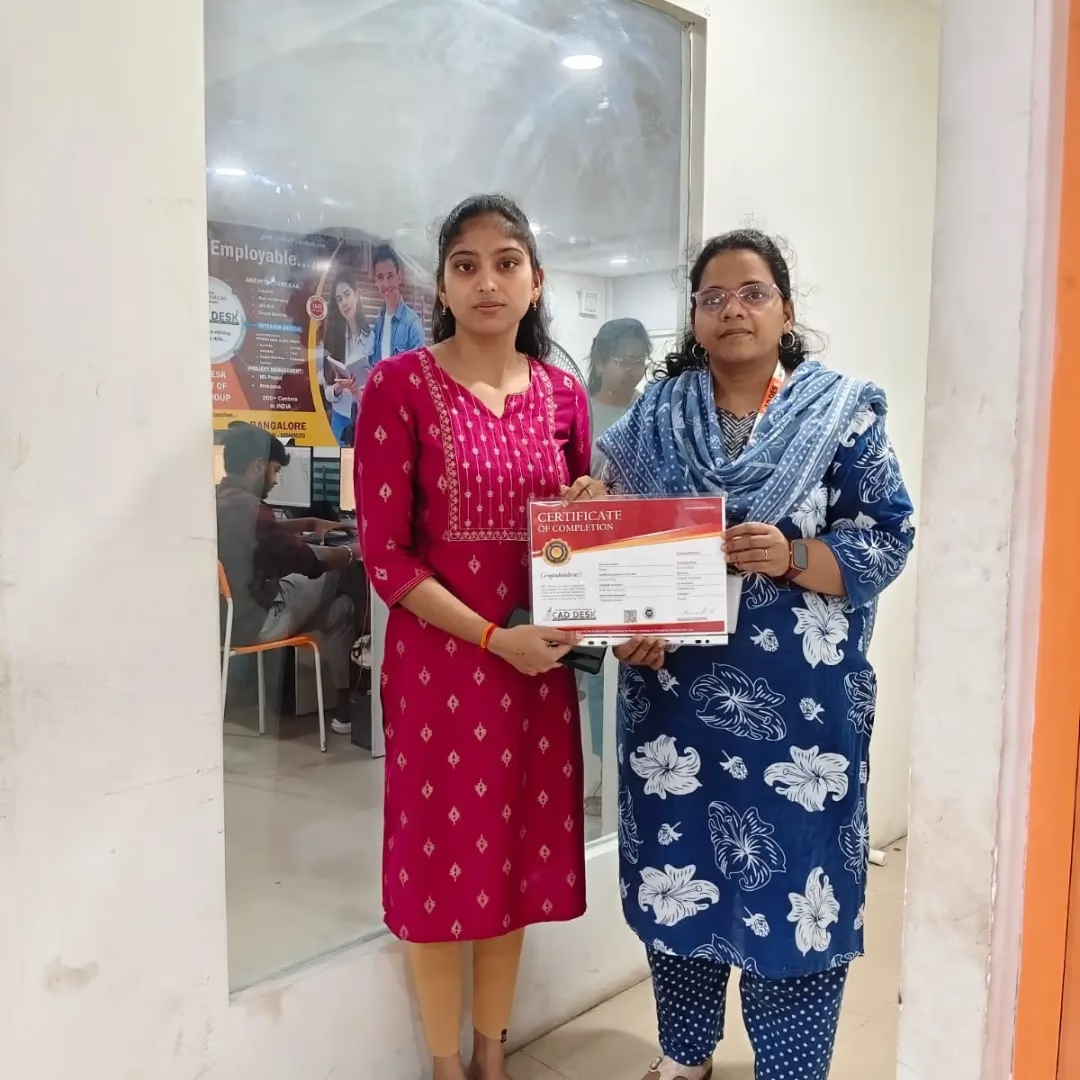
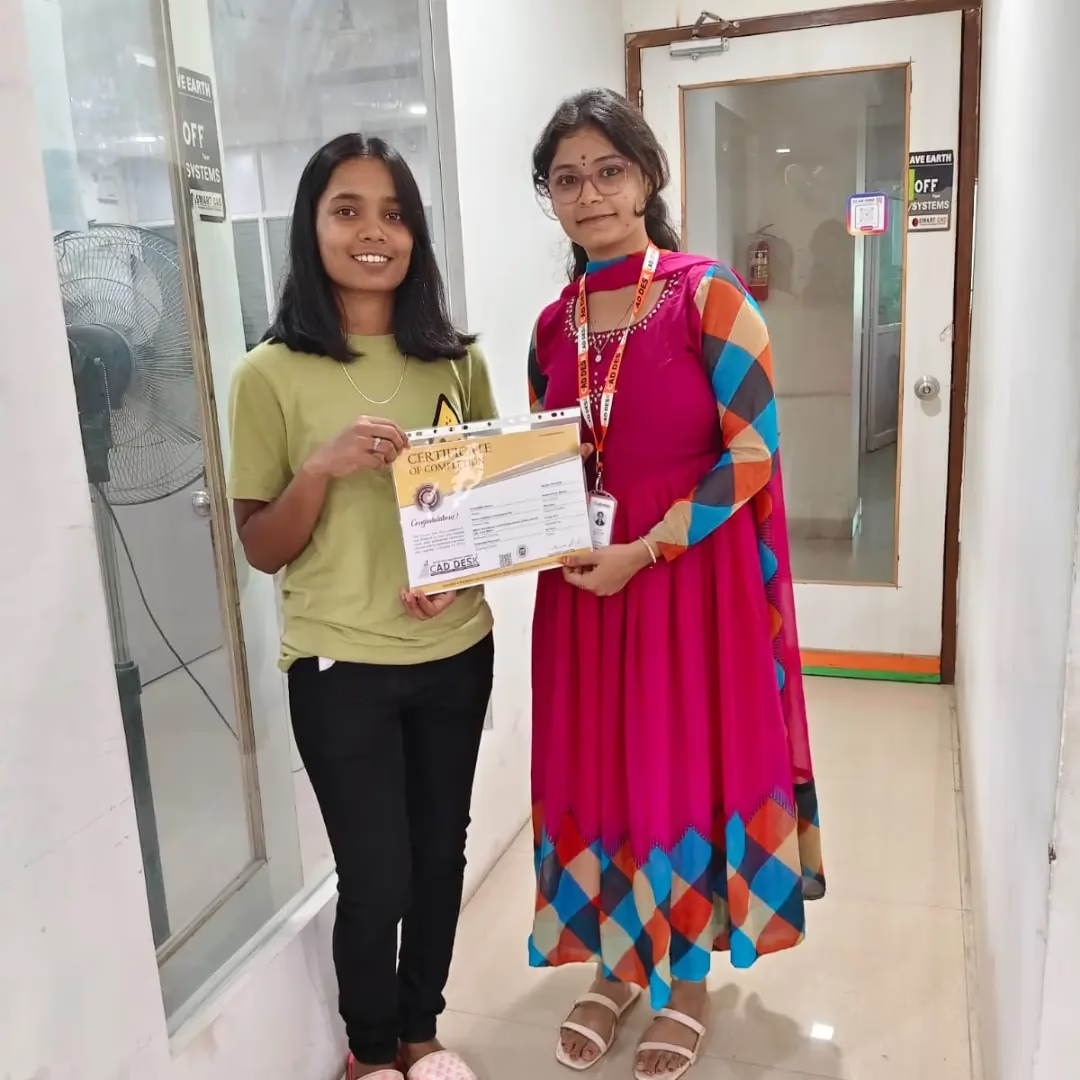
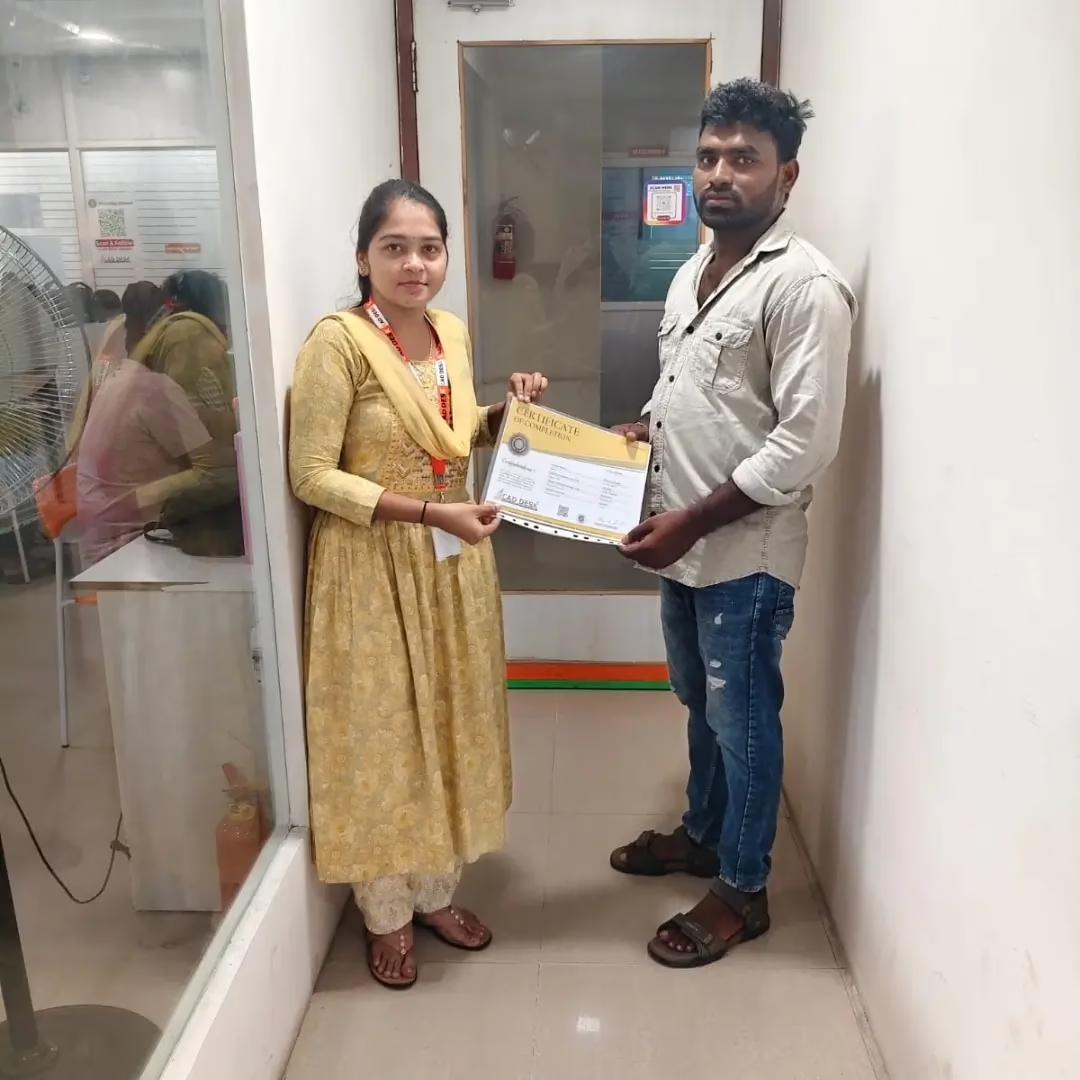
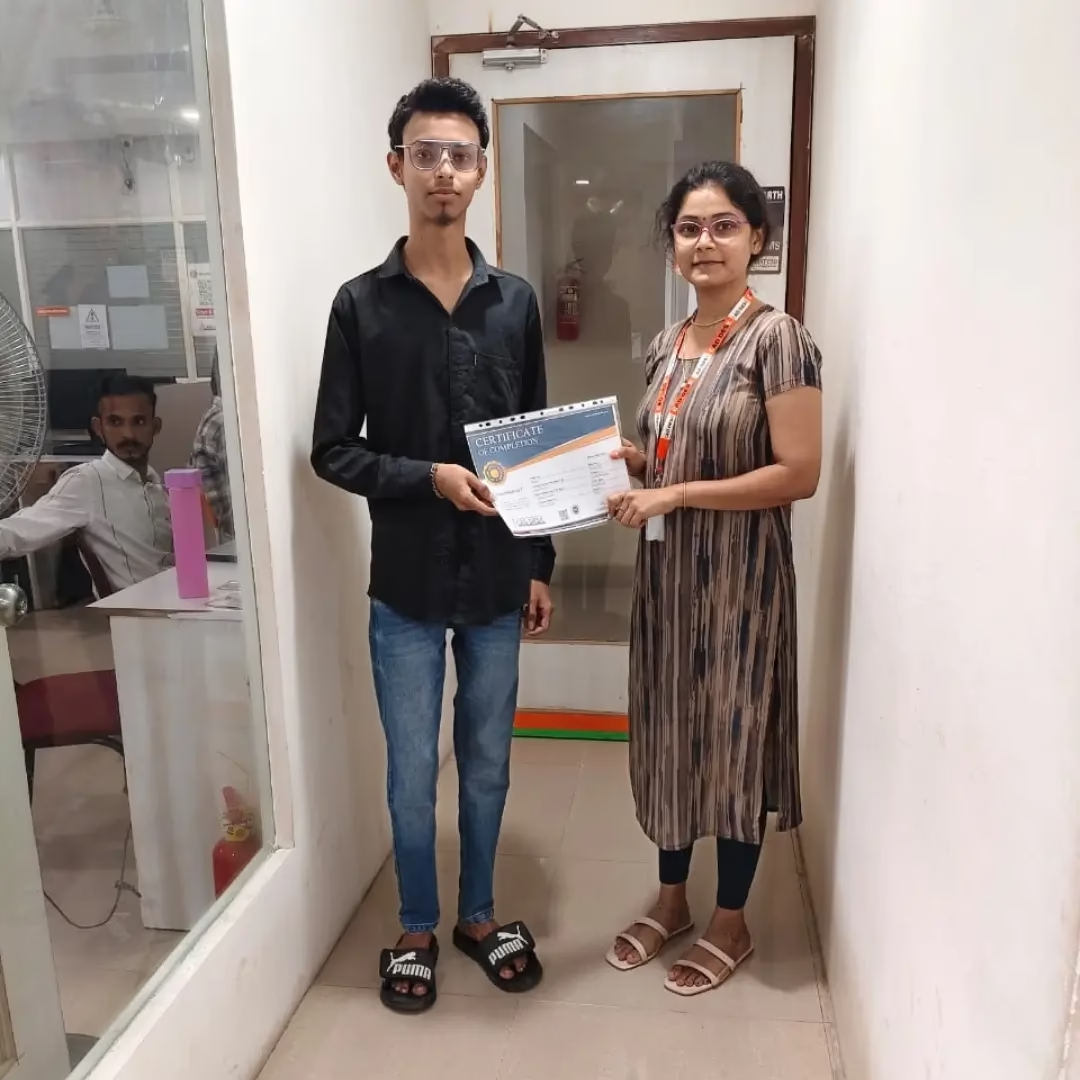
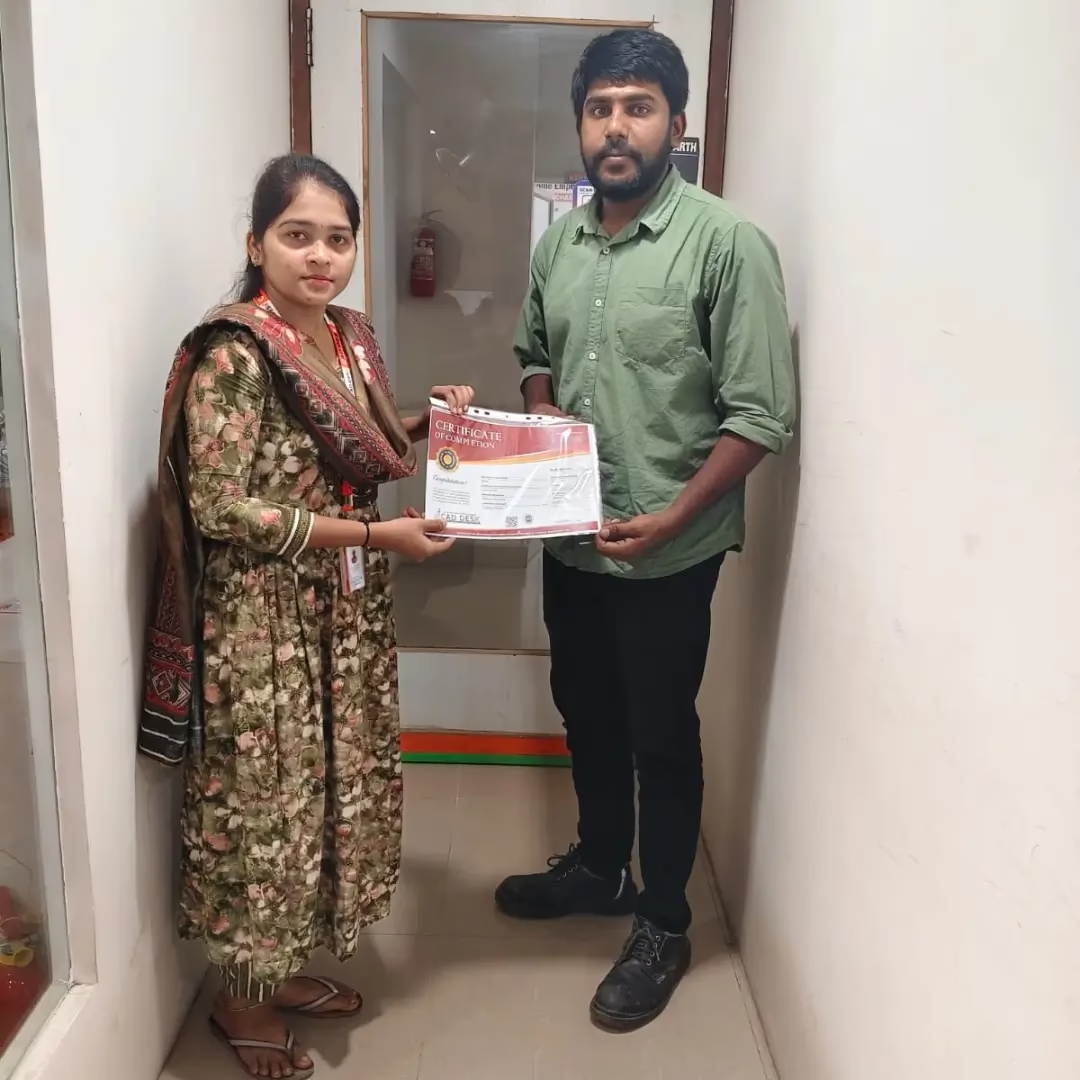
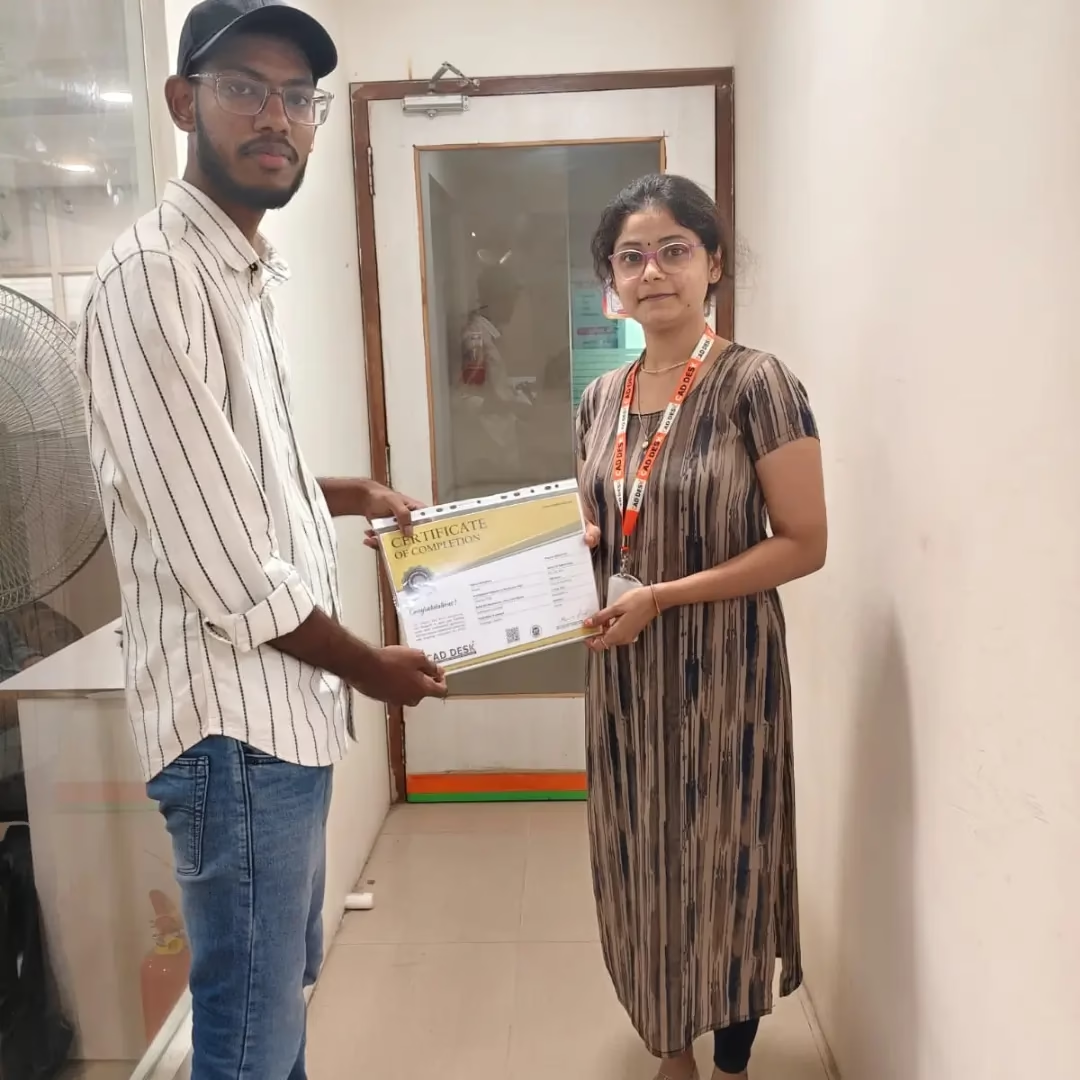
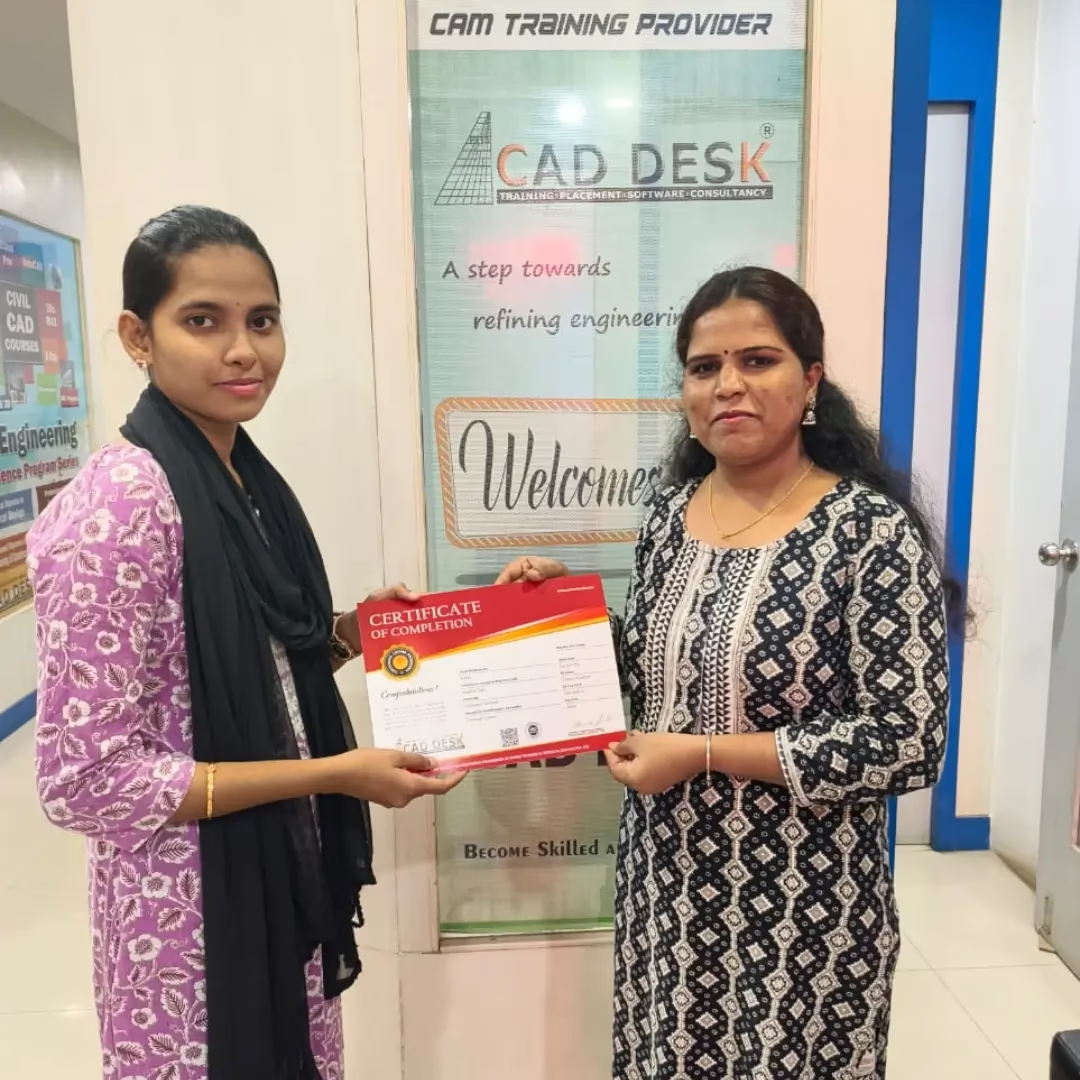
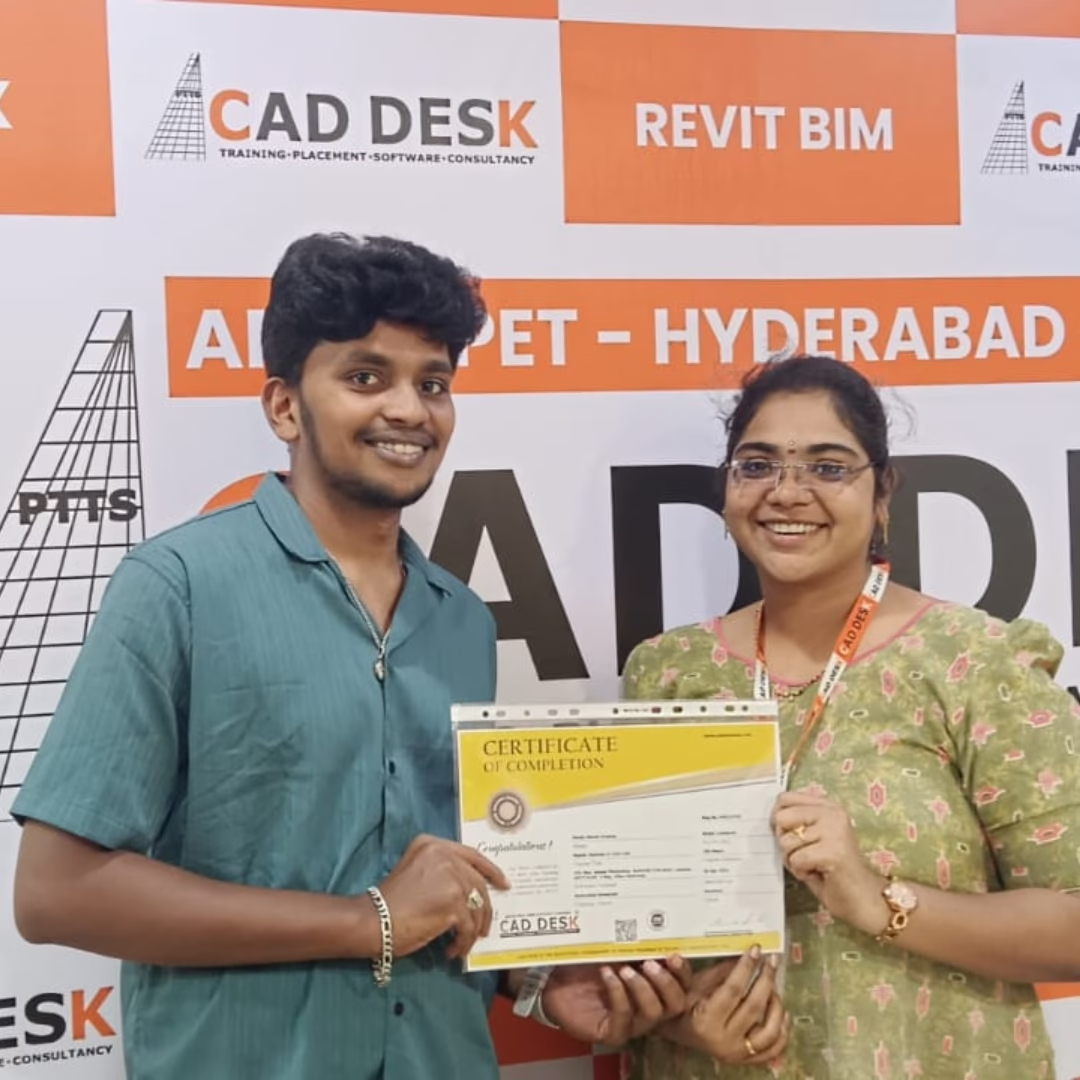
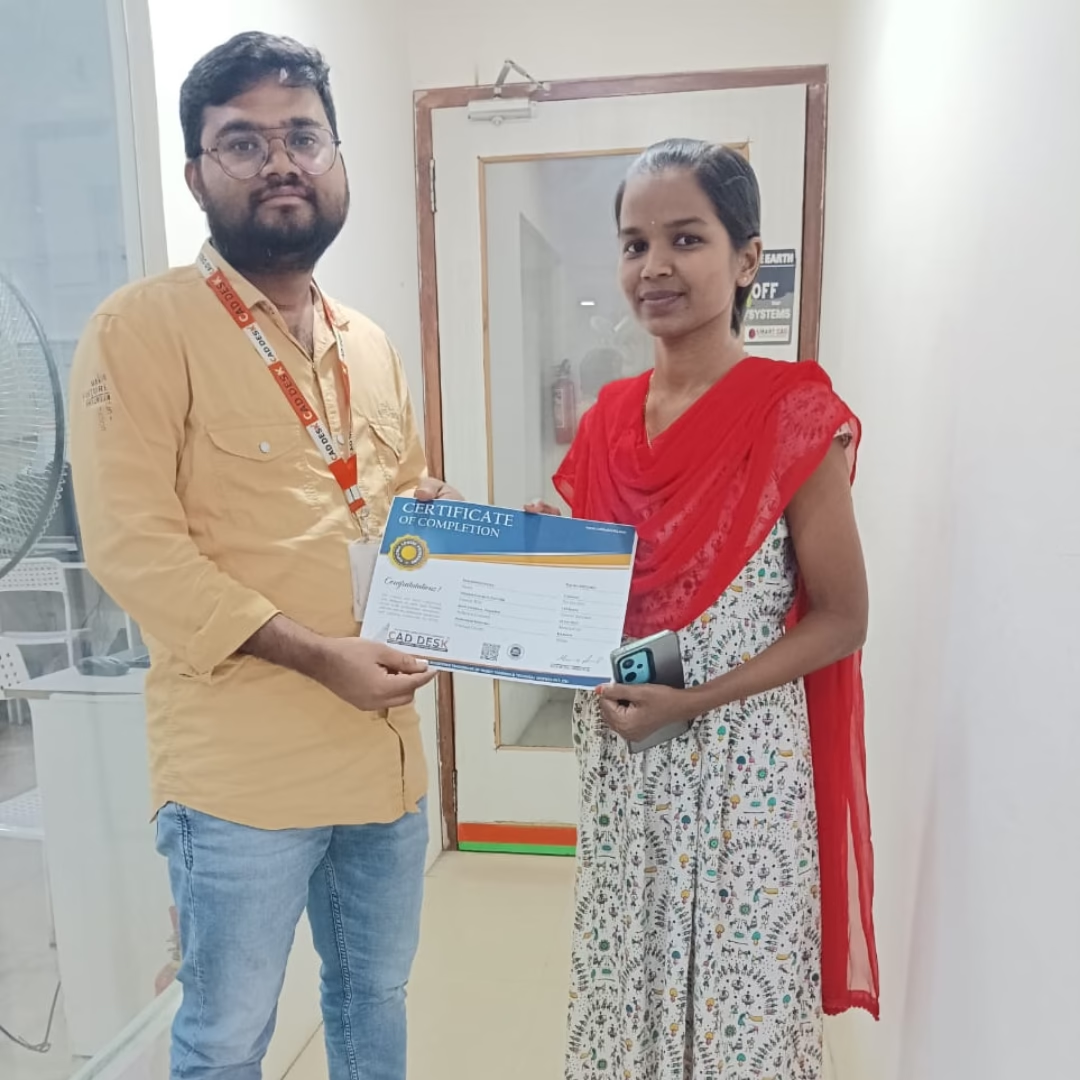
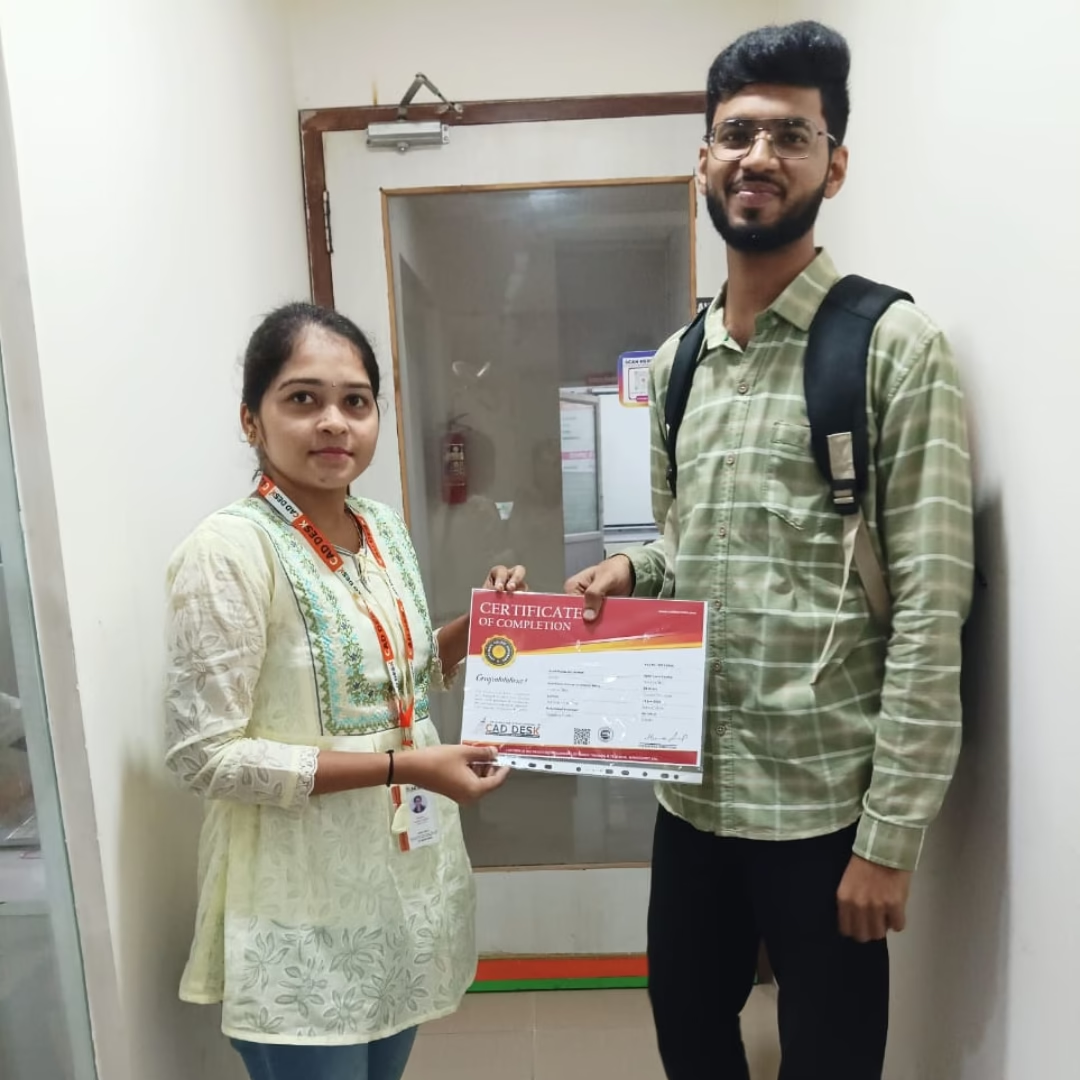
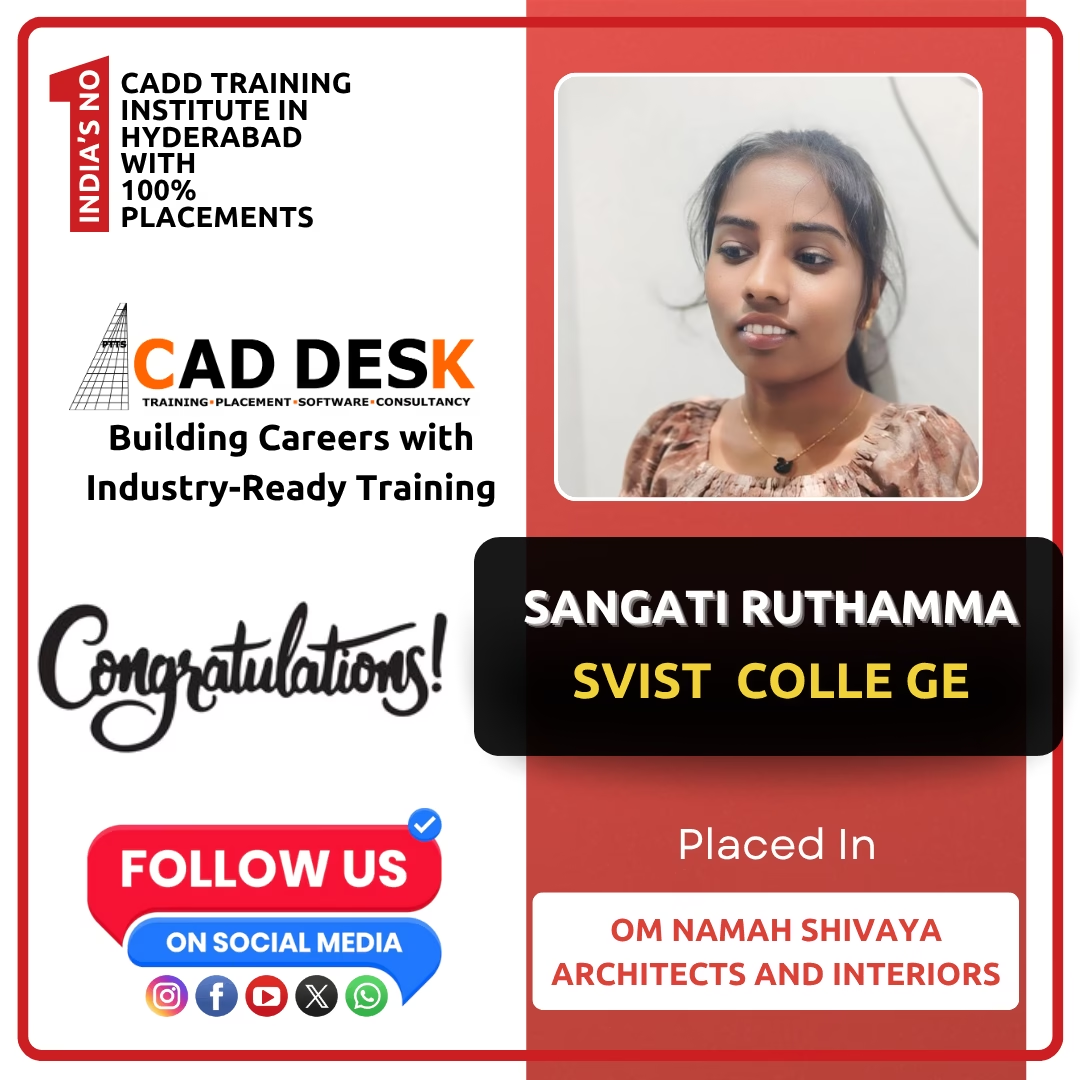
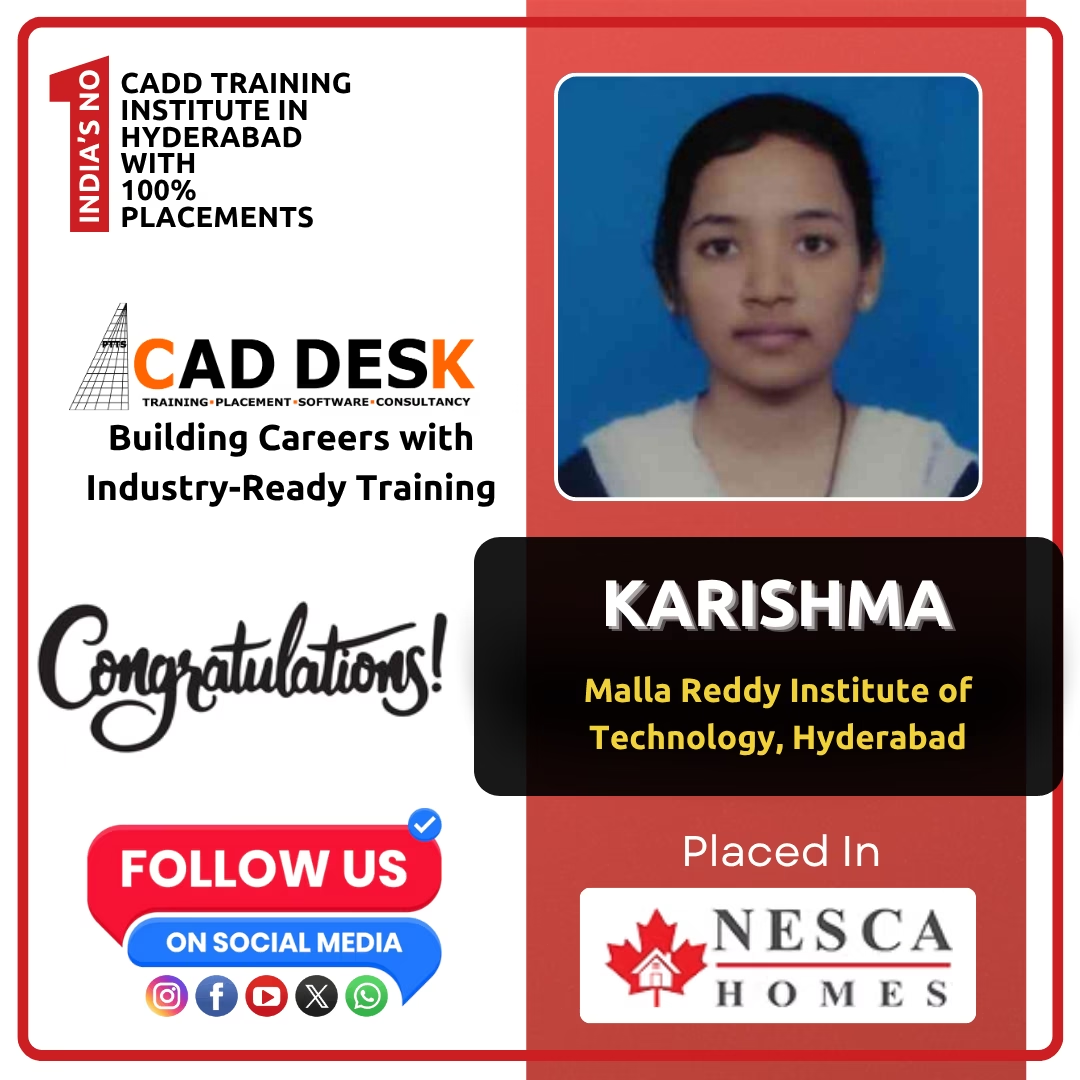
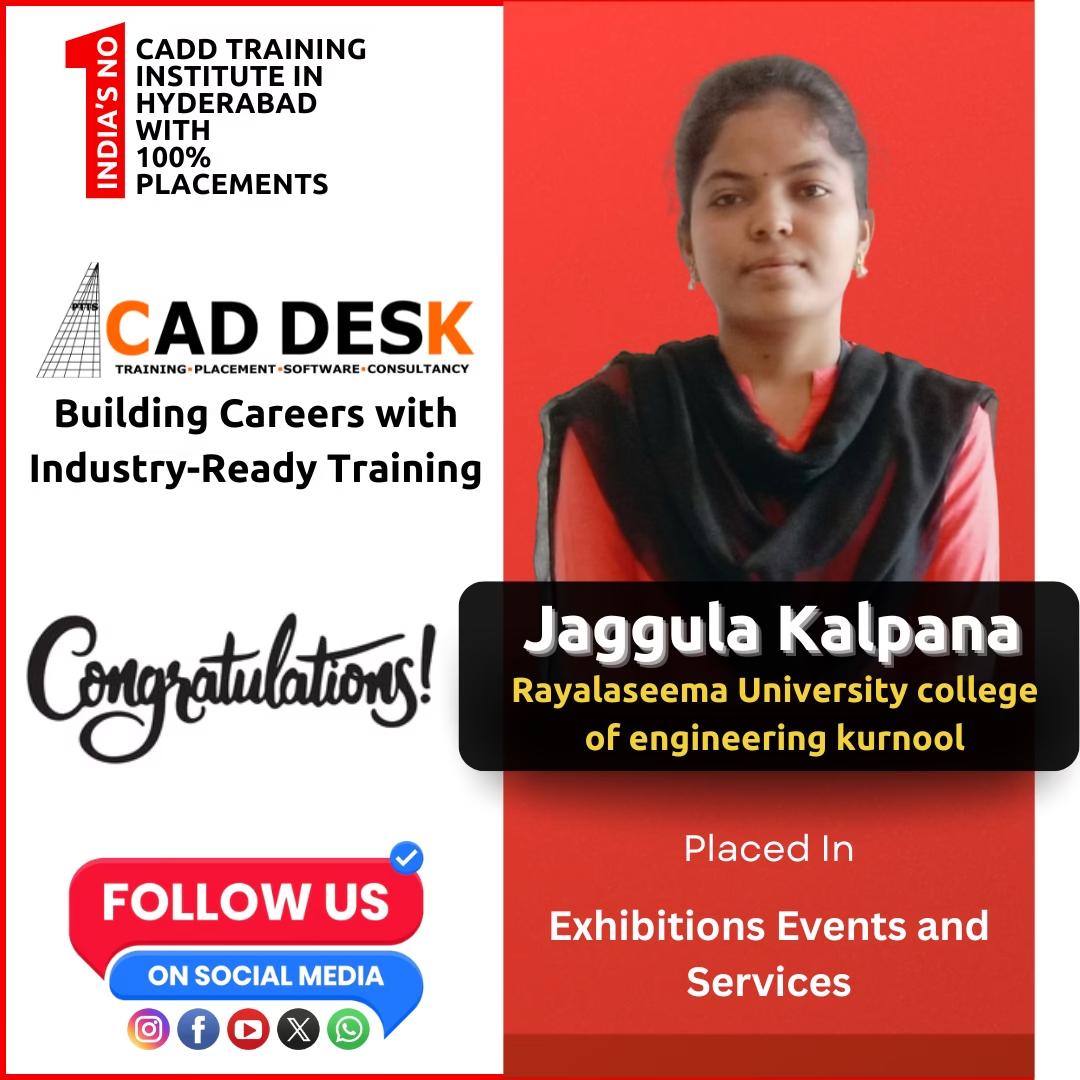
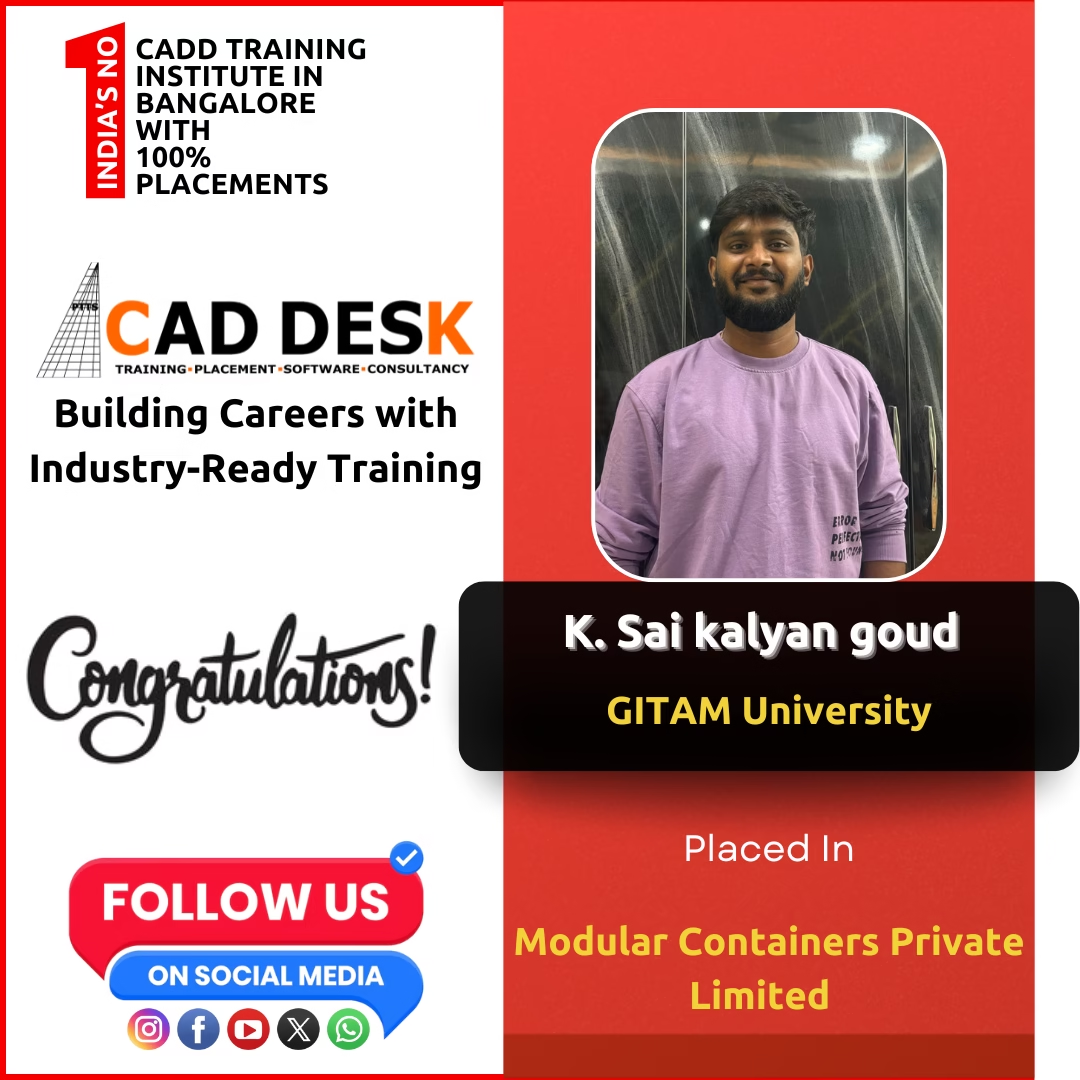
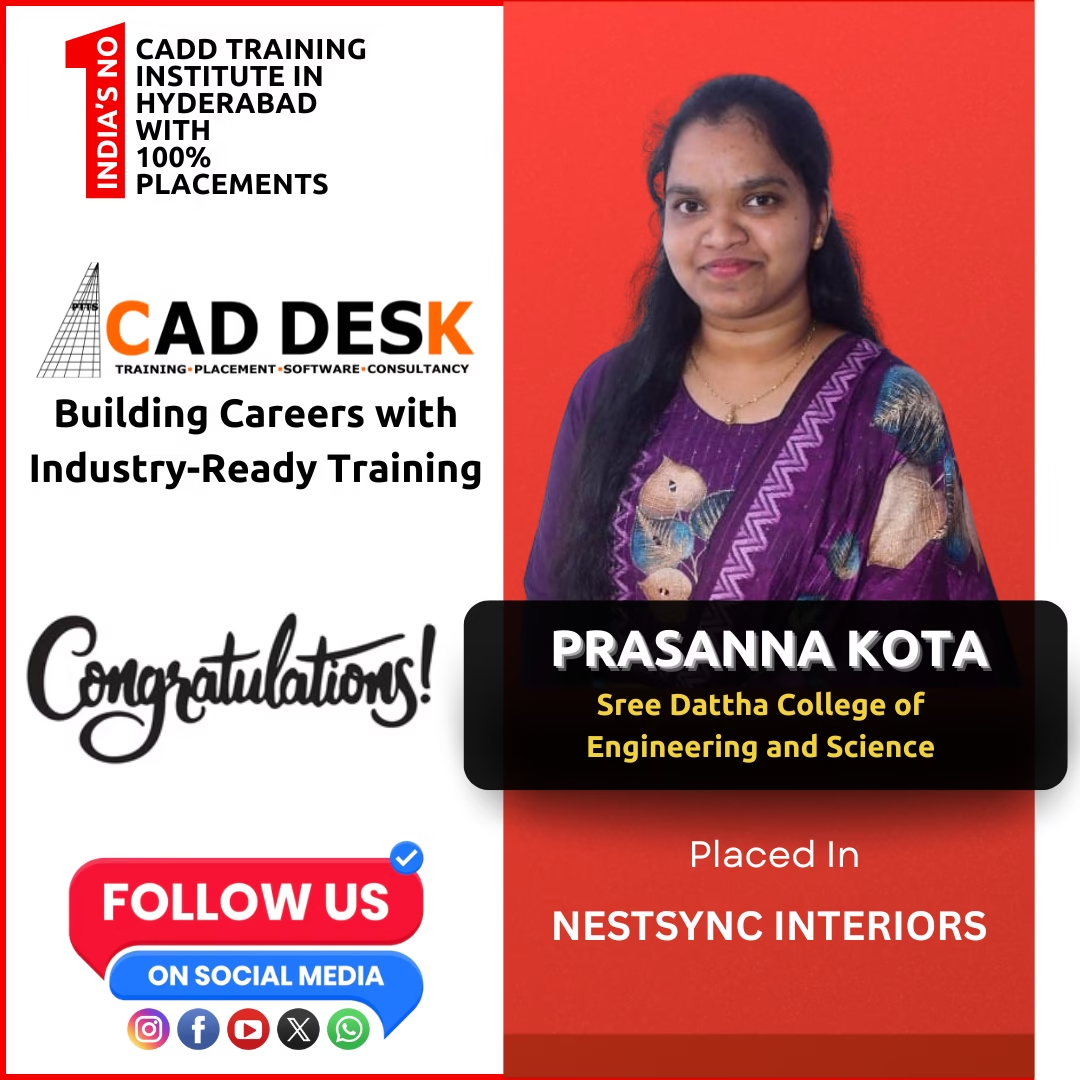
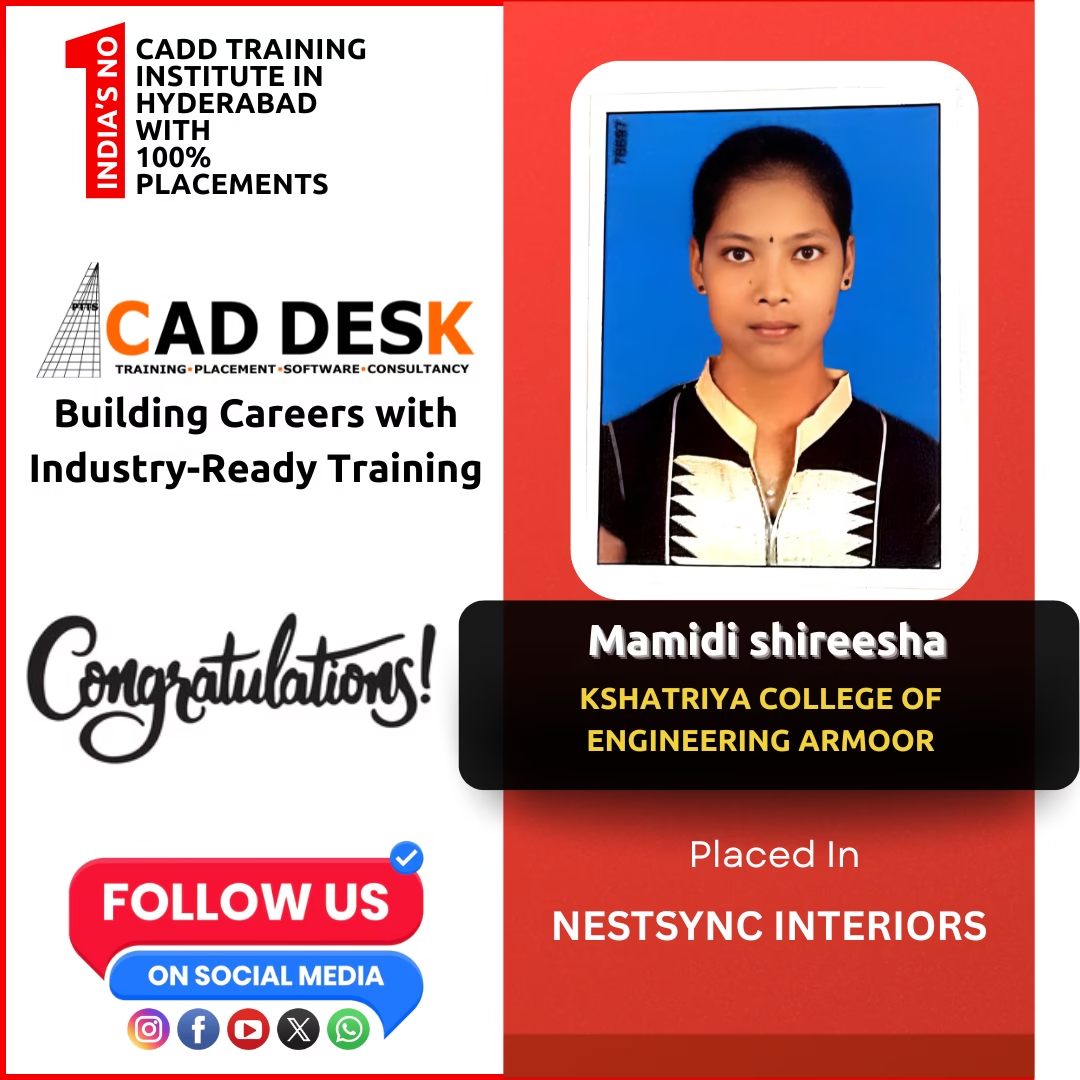
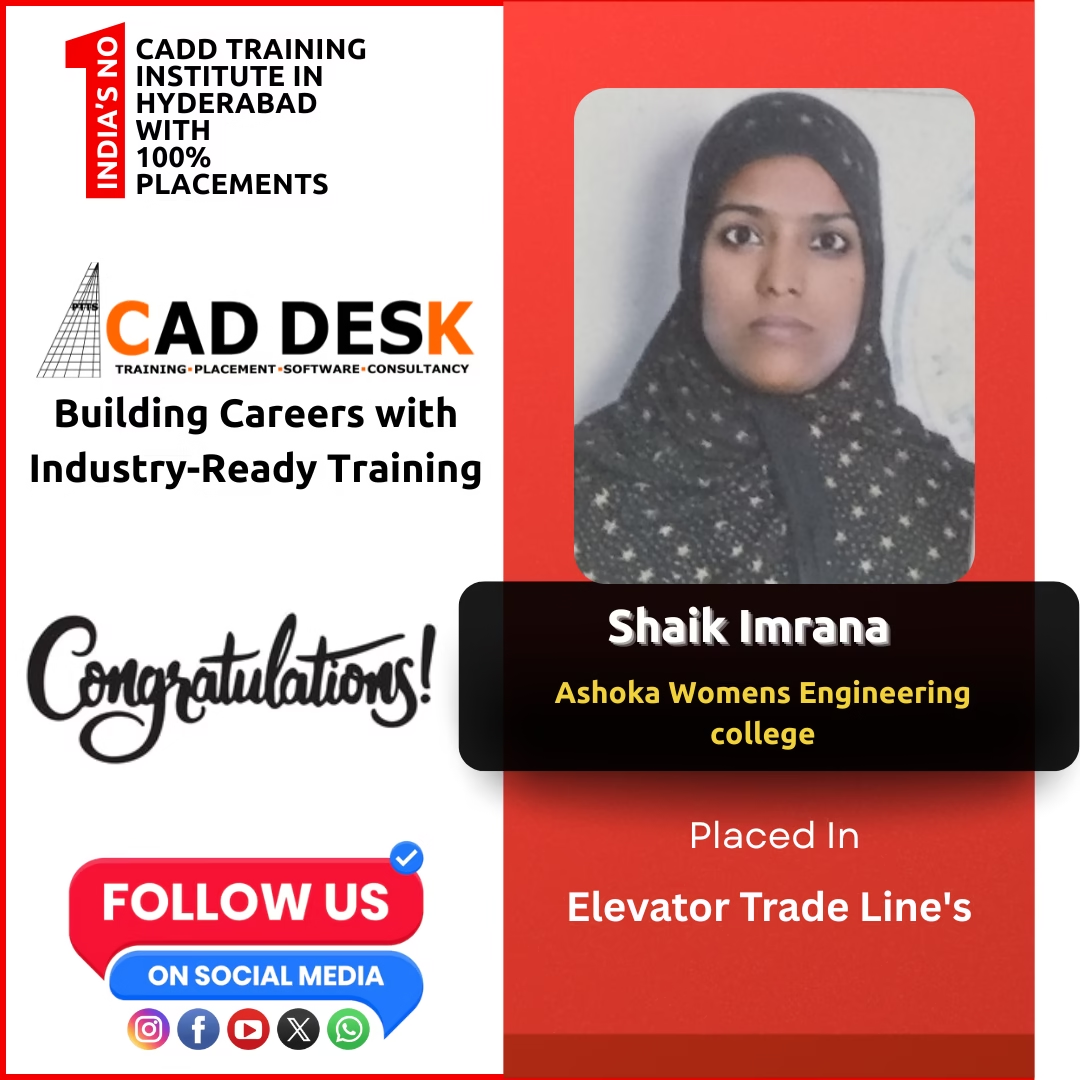
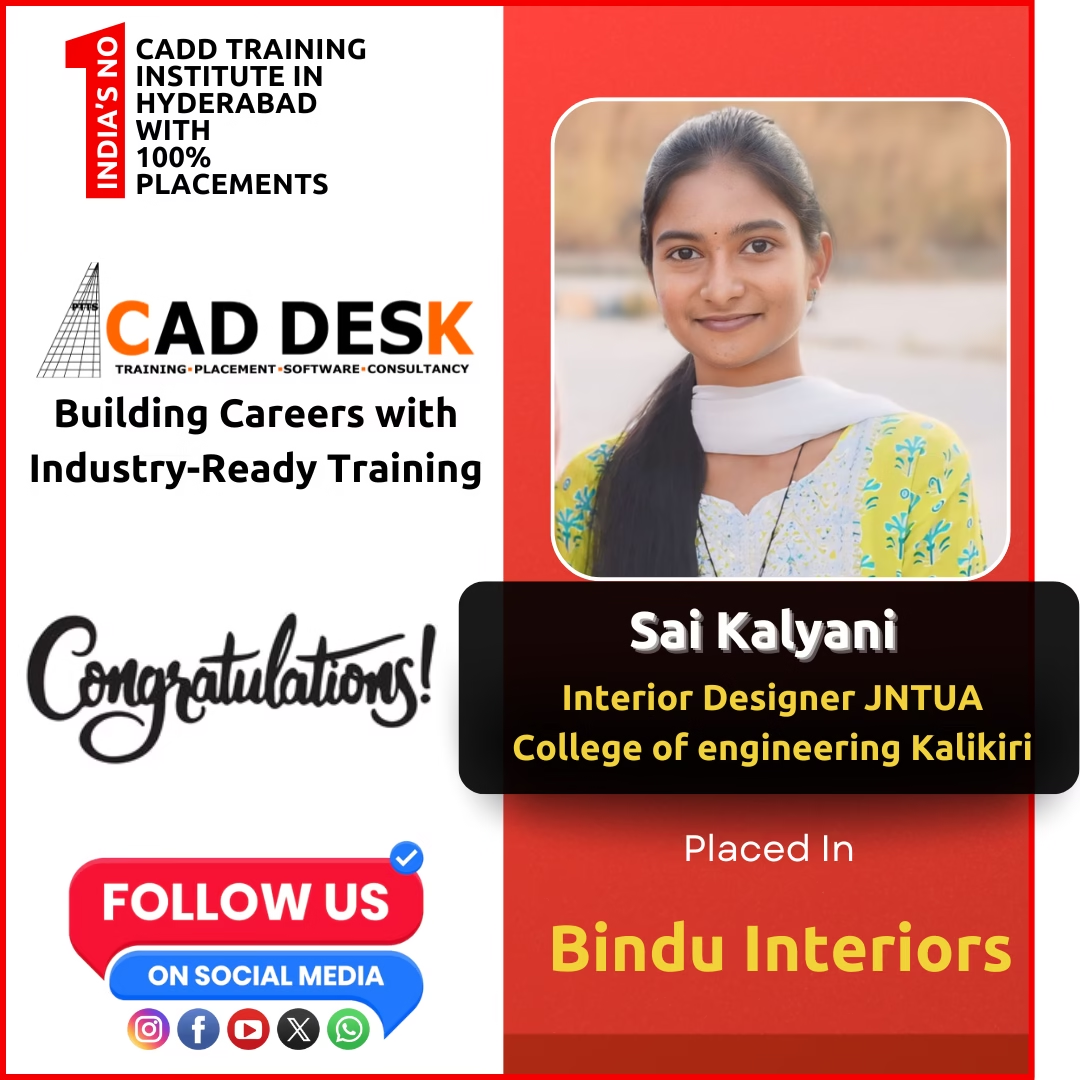
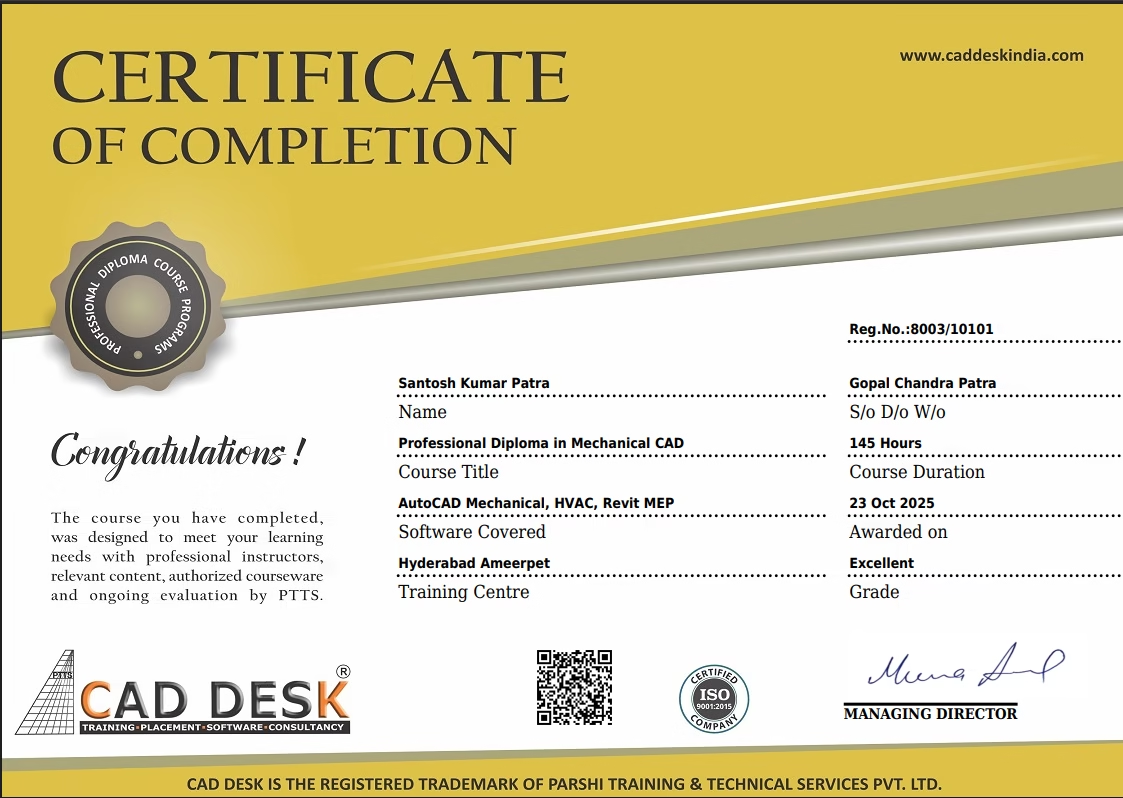
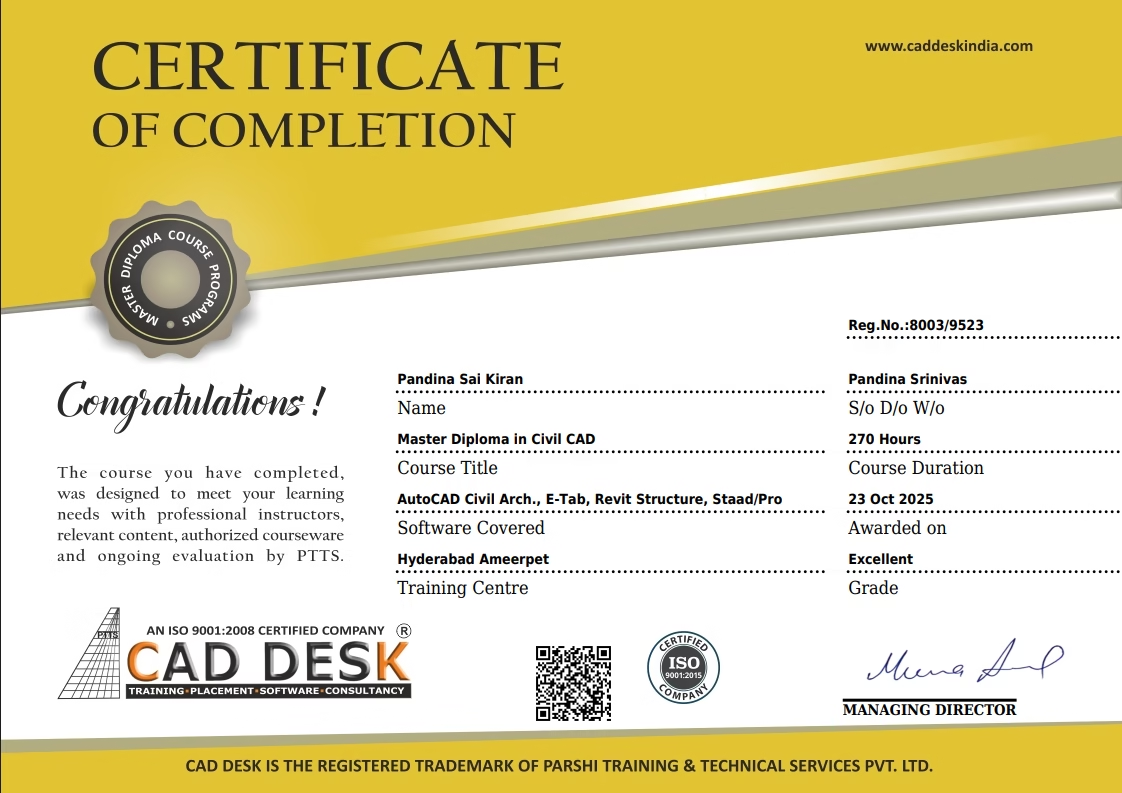
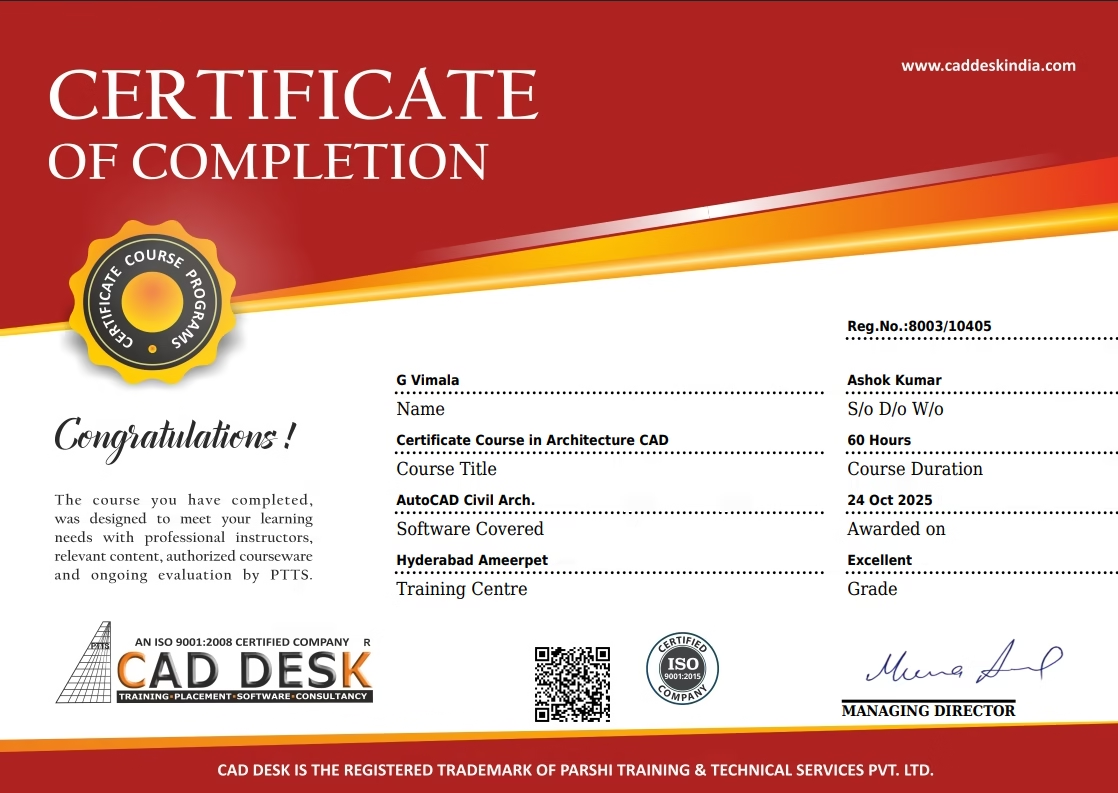
Congratulations
Get
Student Reviews
FREQUNETLY ASKED QUESTIONS

Revit is ideal for civil engineers, architects, interior designers, and anyone interested in building design and construction documentation.

  • 3D visualization and modeling

  • Accurate documentation and schedules

  • Better collaboration through BIM

  • Industry demand and higher career opportunities

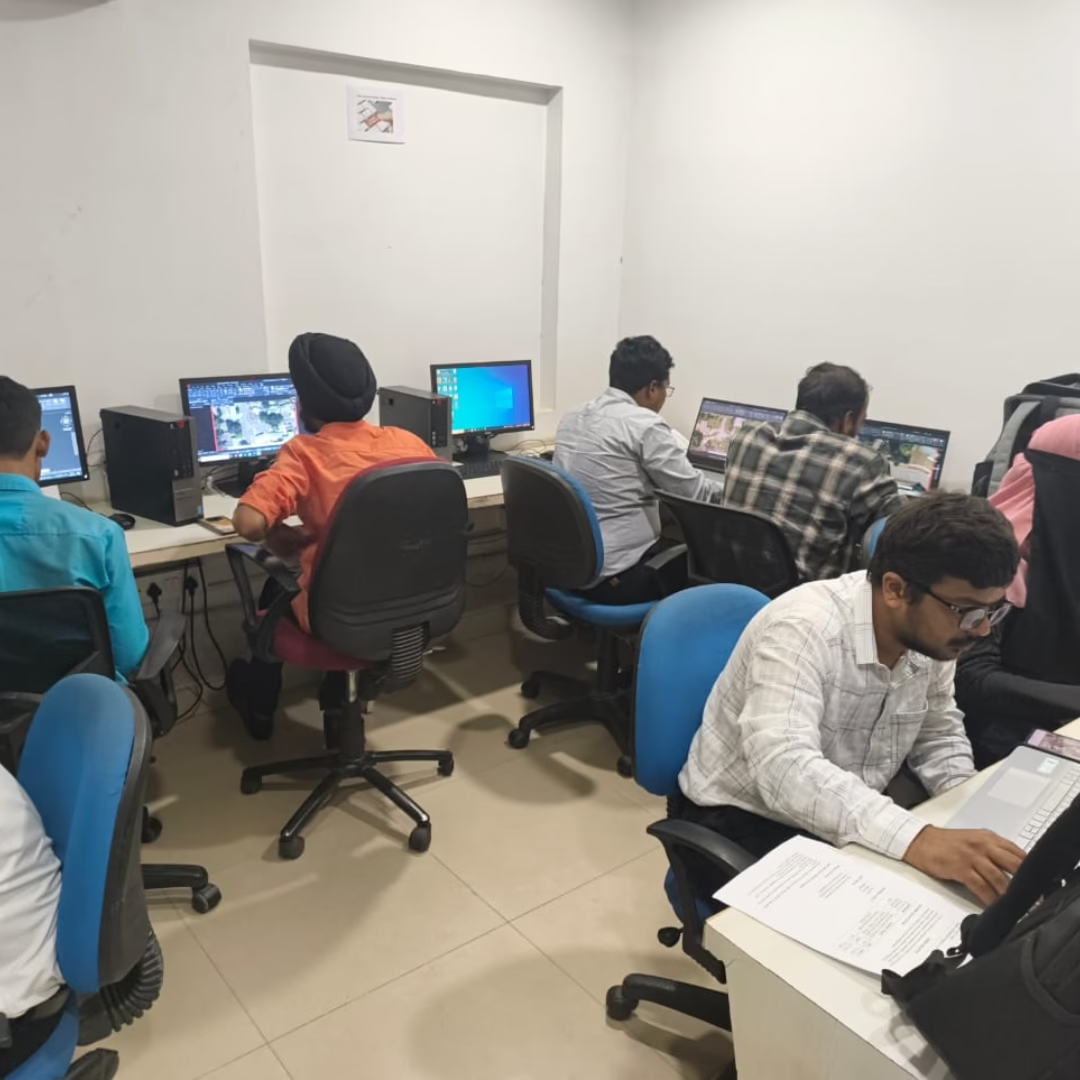
Yes! Our training includes real-time projects, hands-on practice, and industry-based assignments to ensure complete practical exposure.

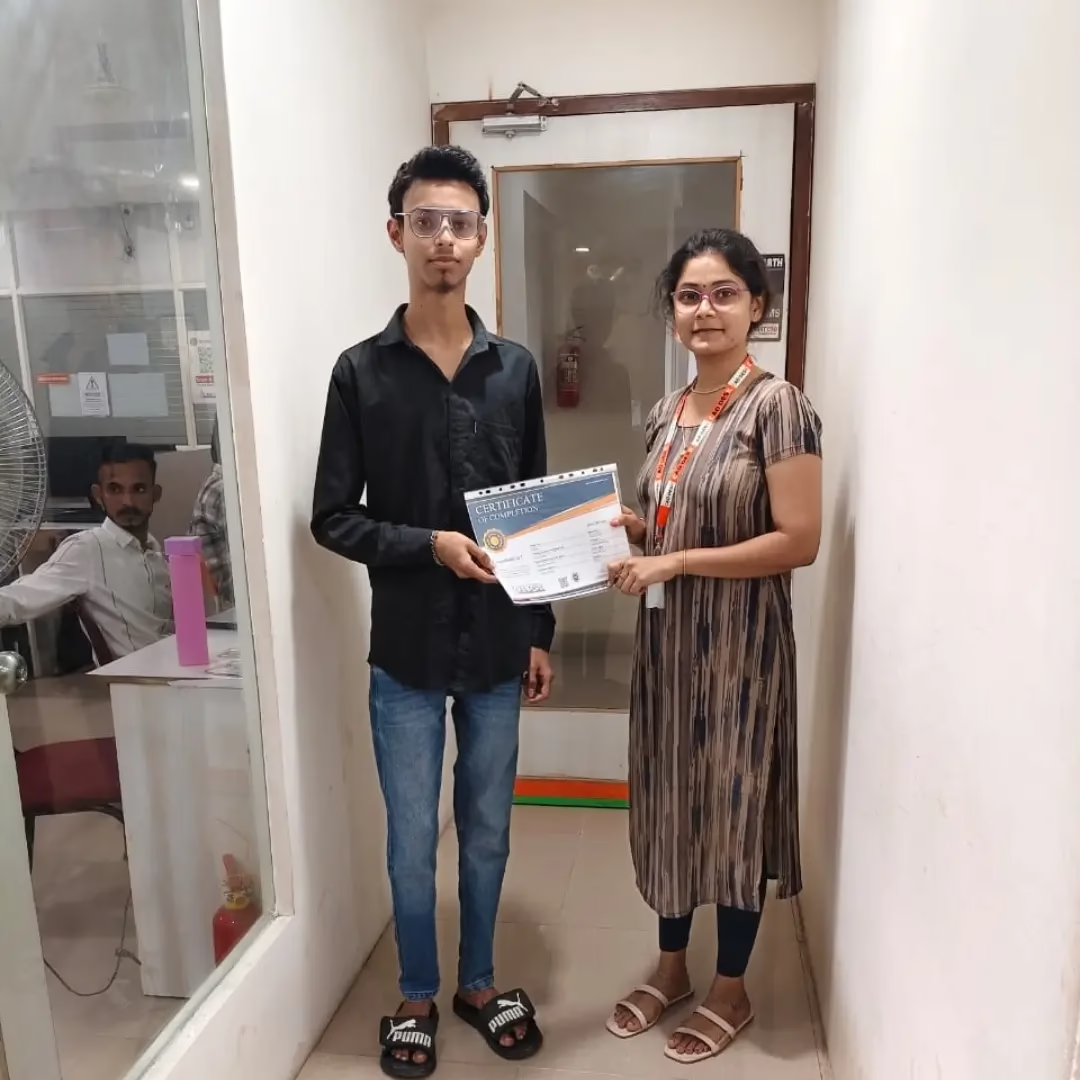
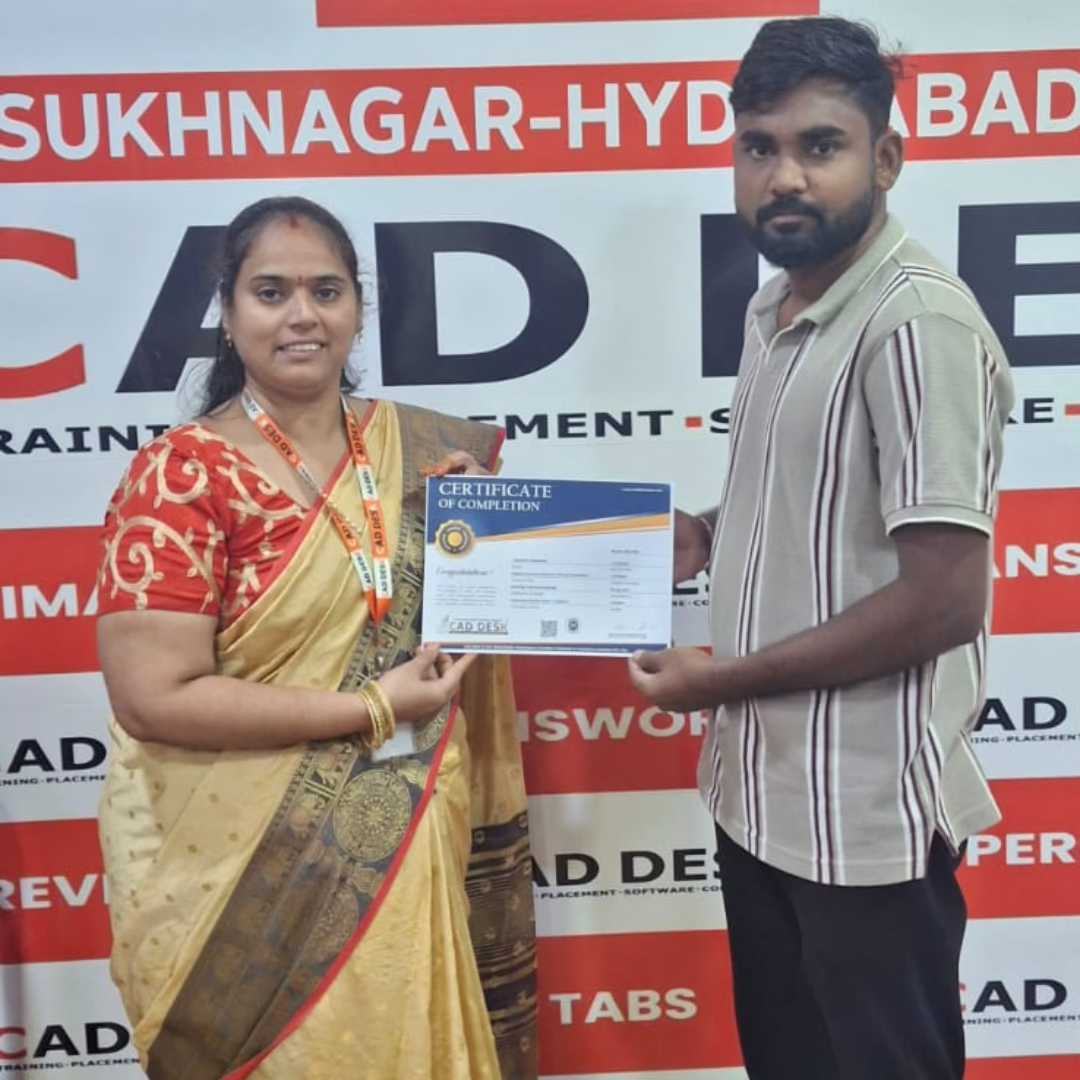
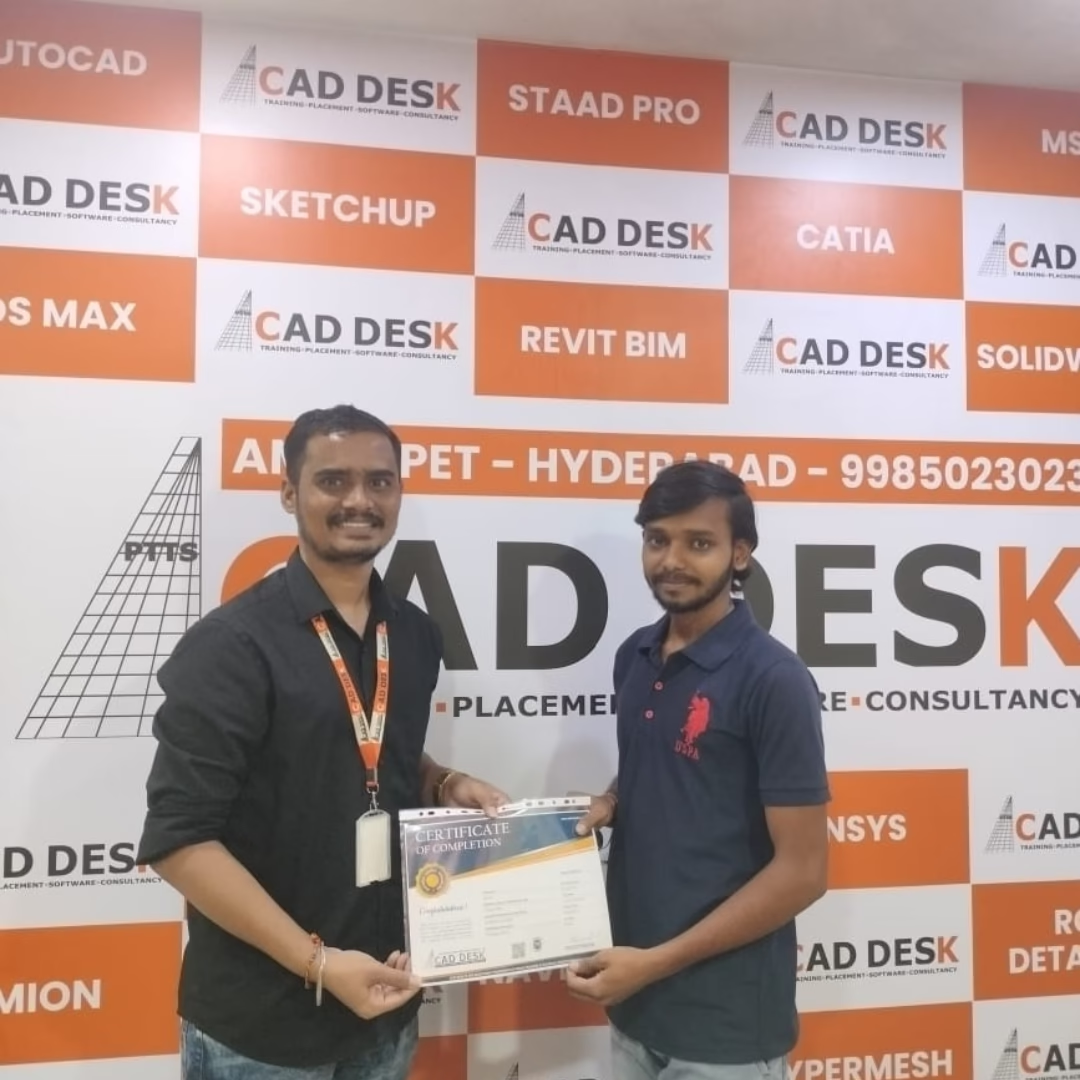
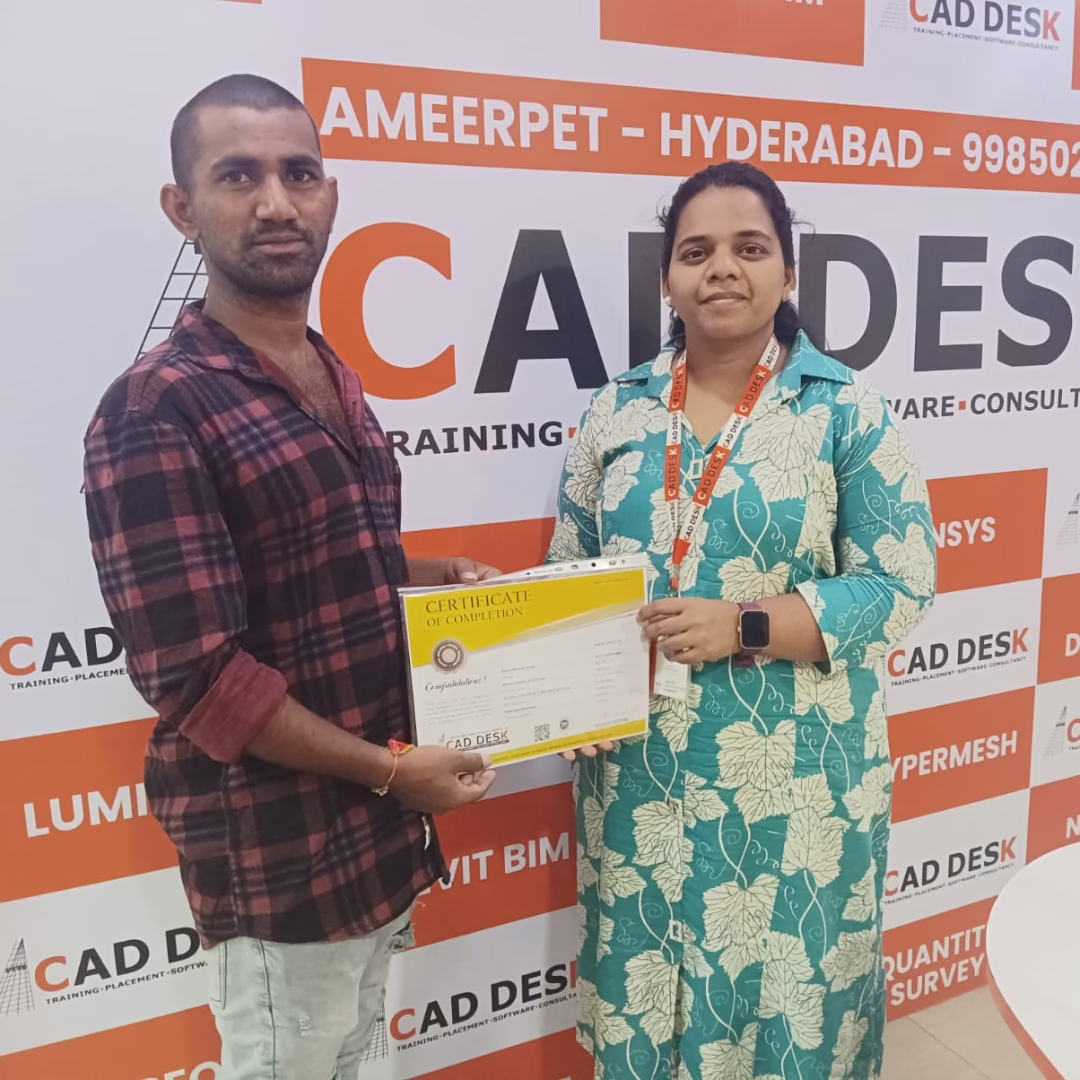
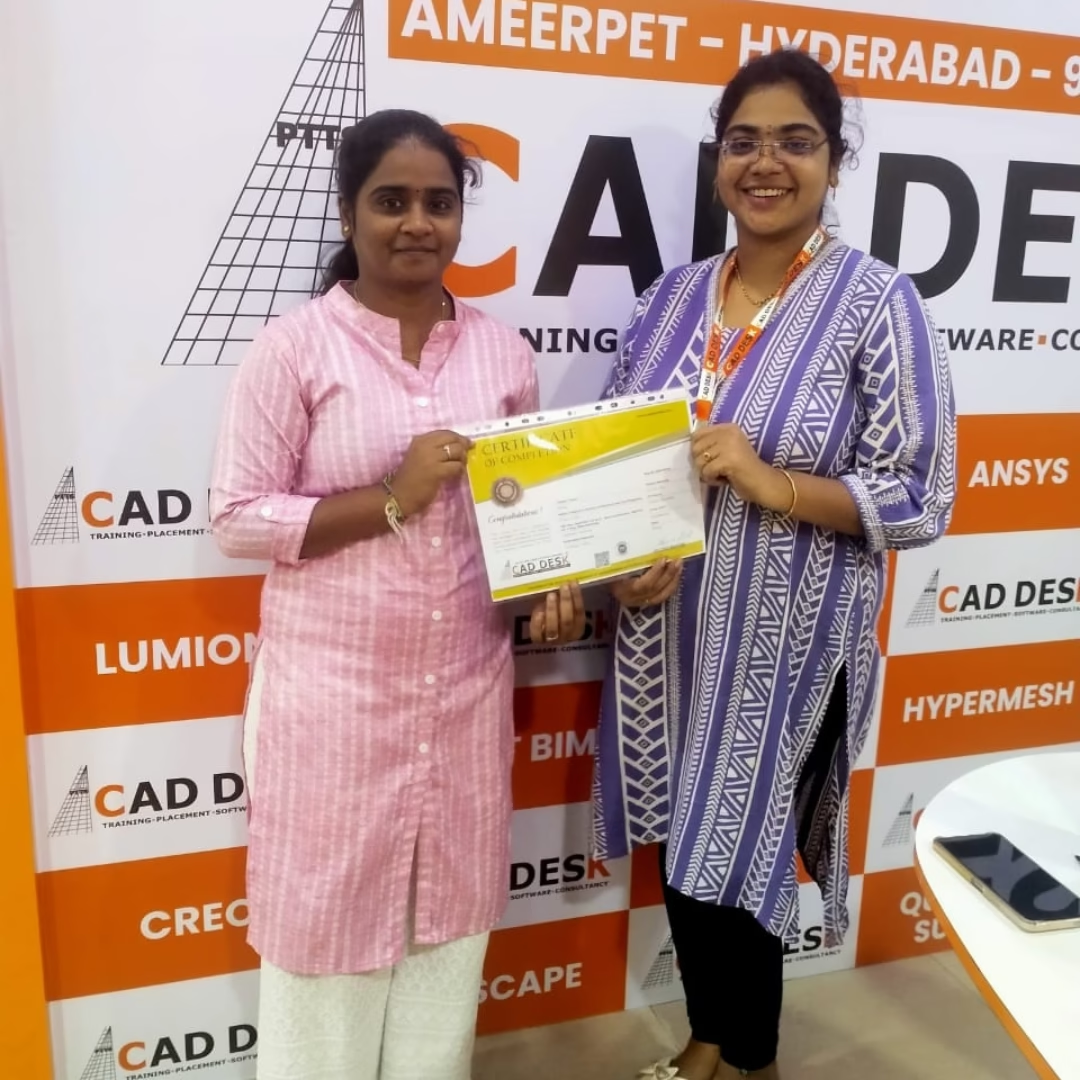
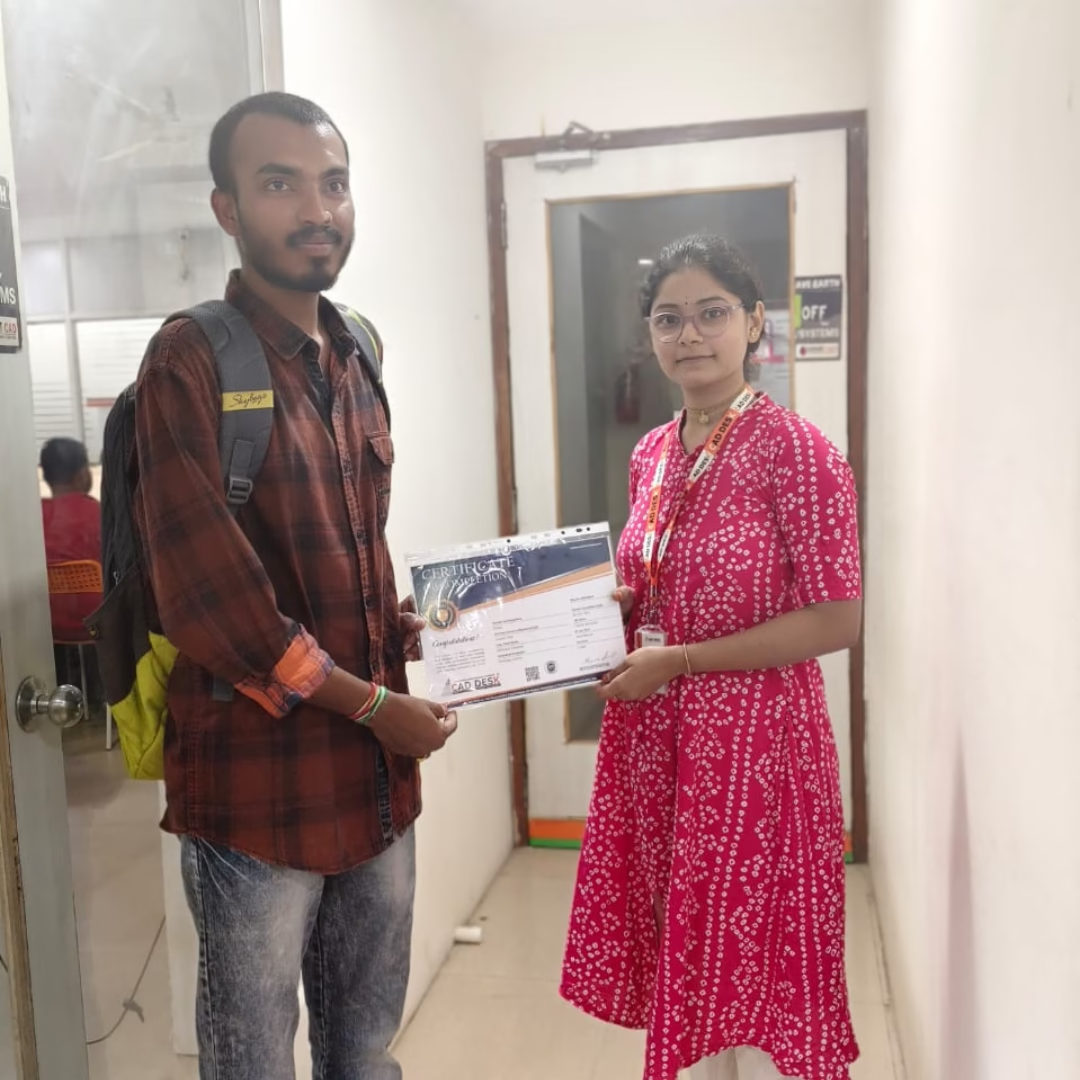
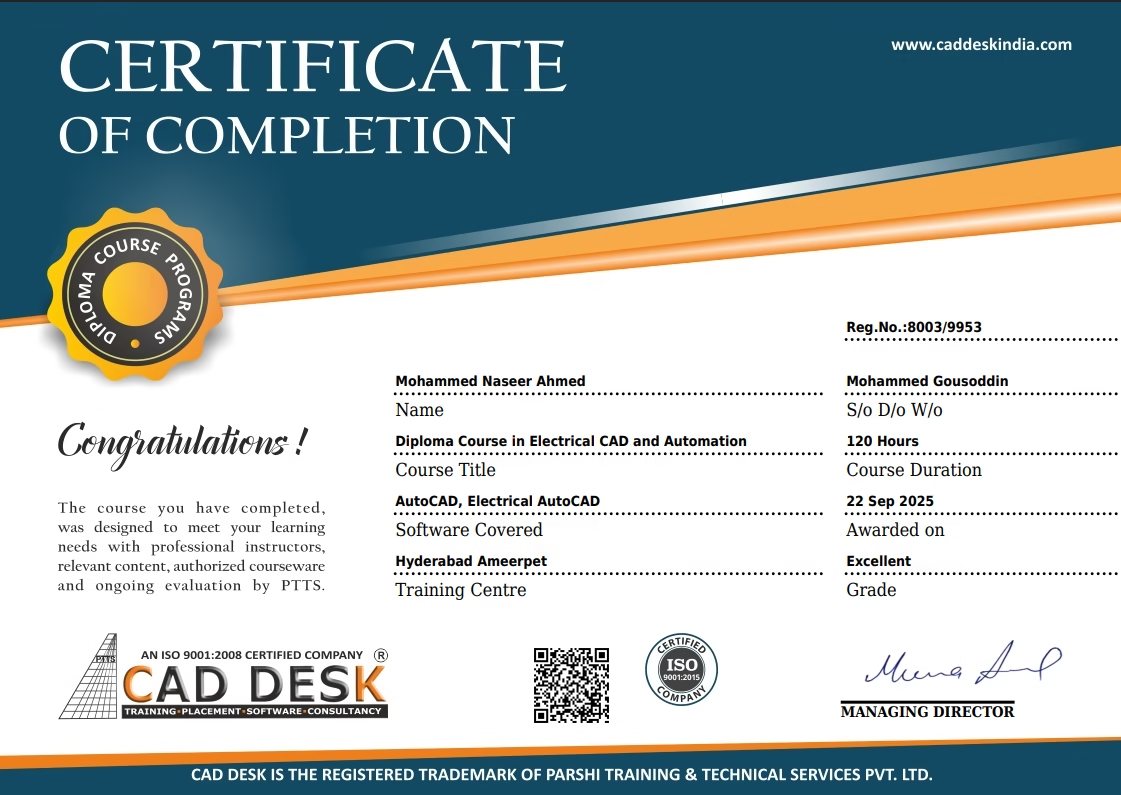
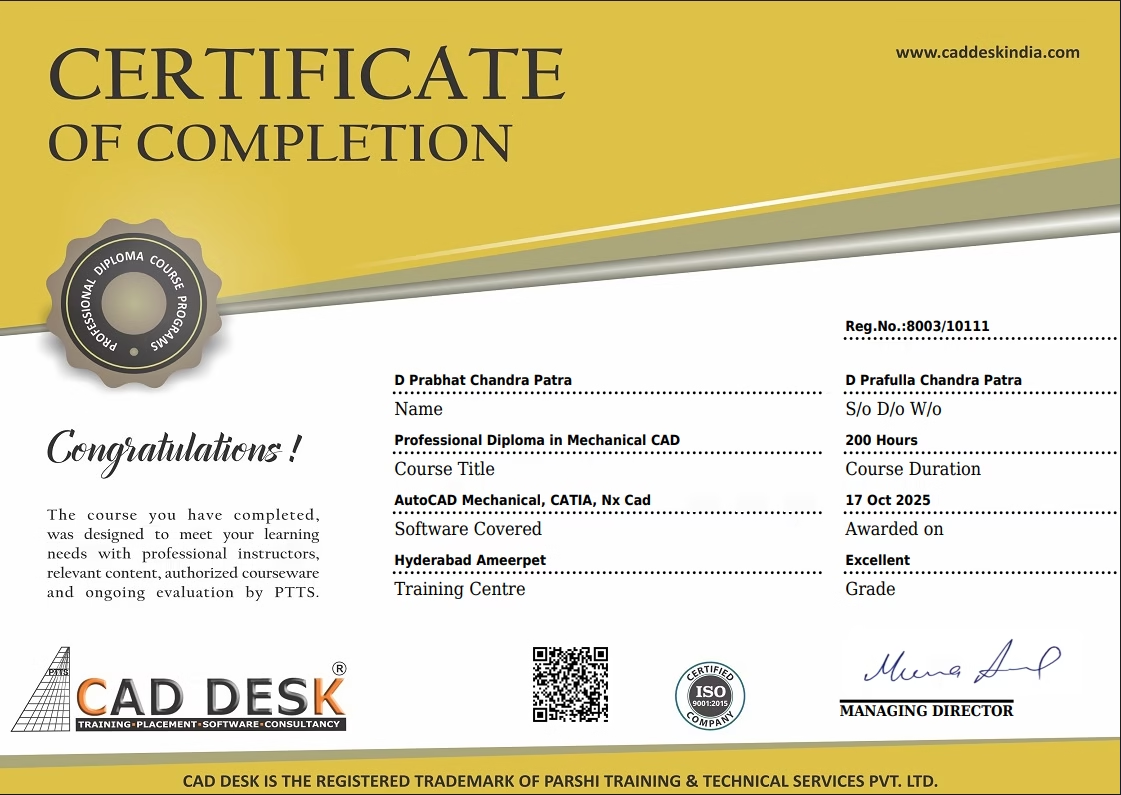
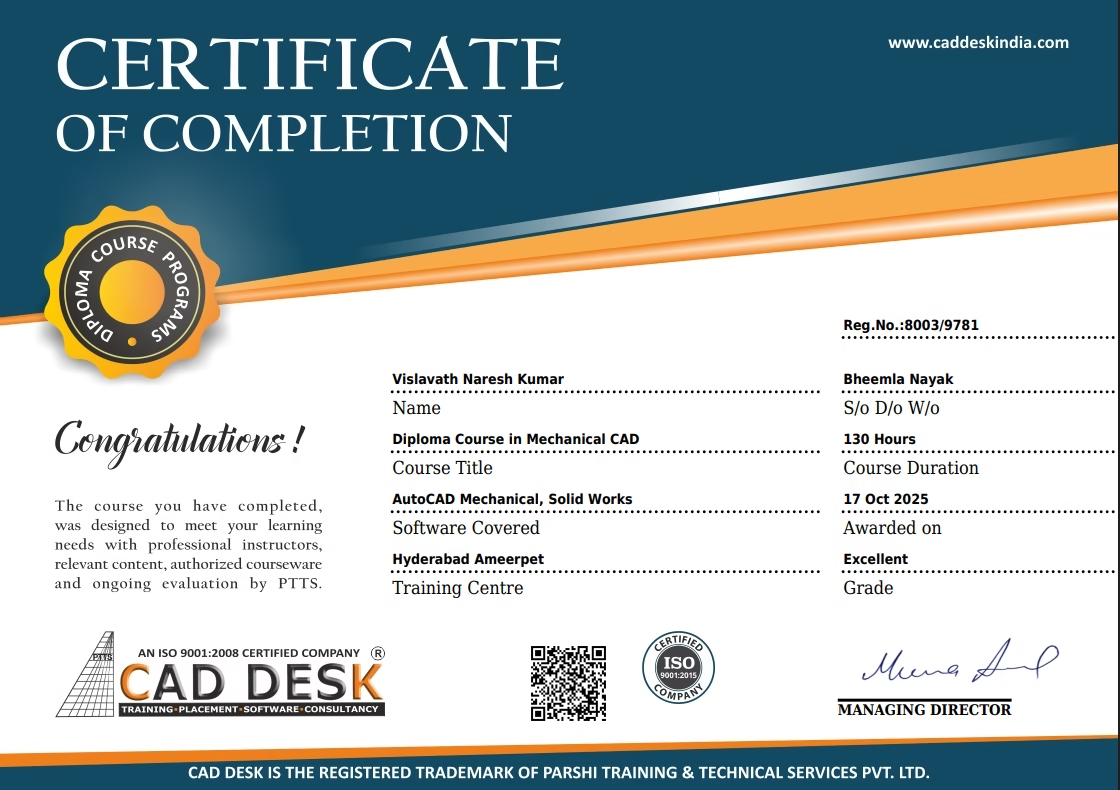
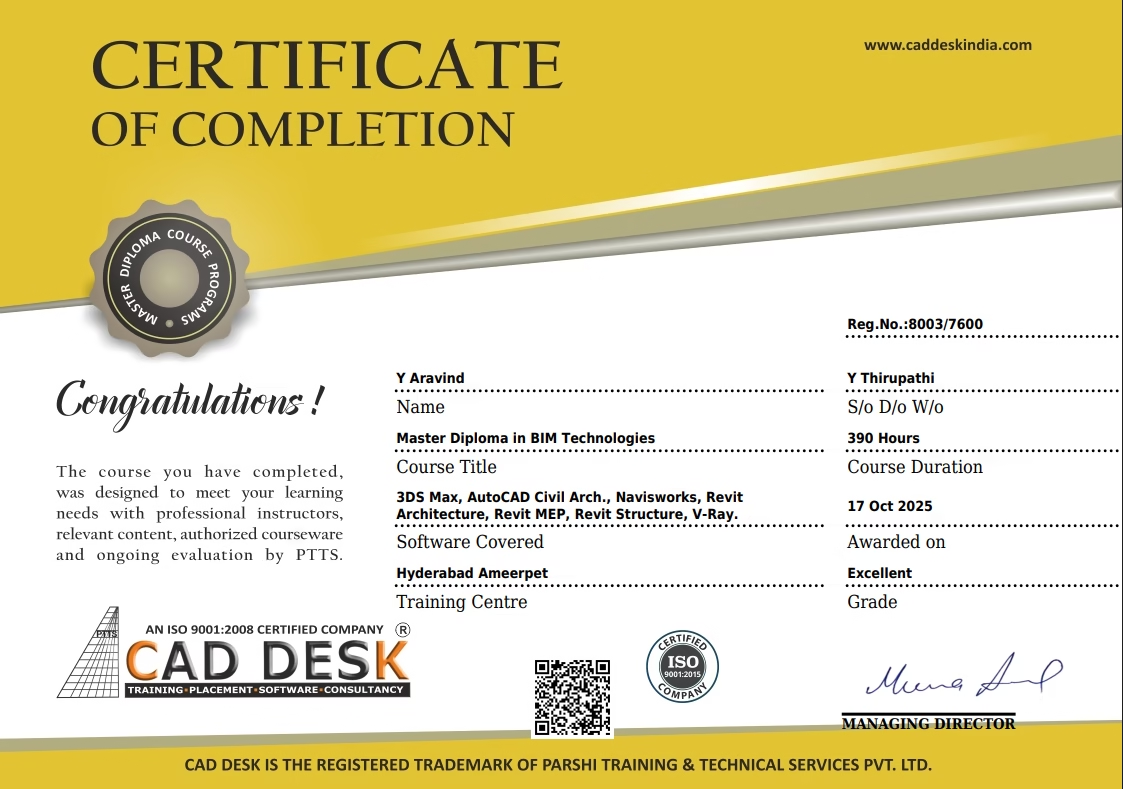
Absolutely  — Students receive an ISO-certified course completion certificate recognized by the industry.

You can work as:

  • BIM Modeler

  • Architectural Designer

  • CAD/Revit Technician

  • 3D Visualizer

  • Interior Designer

CONTACT & REACH US
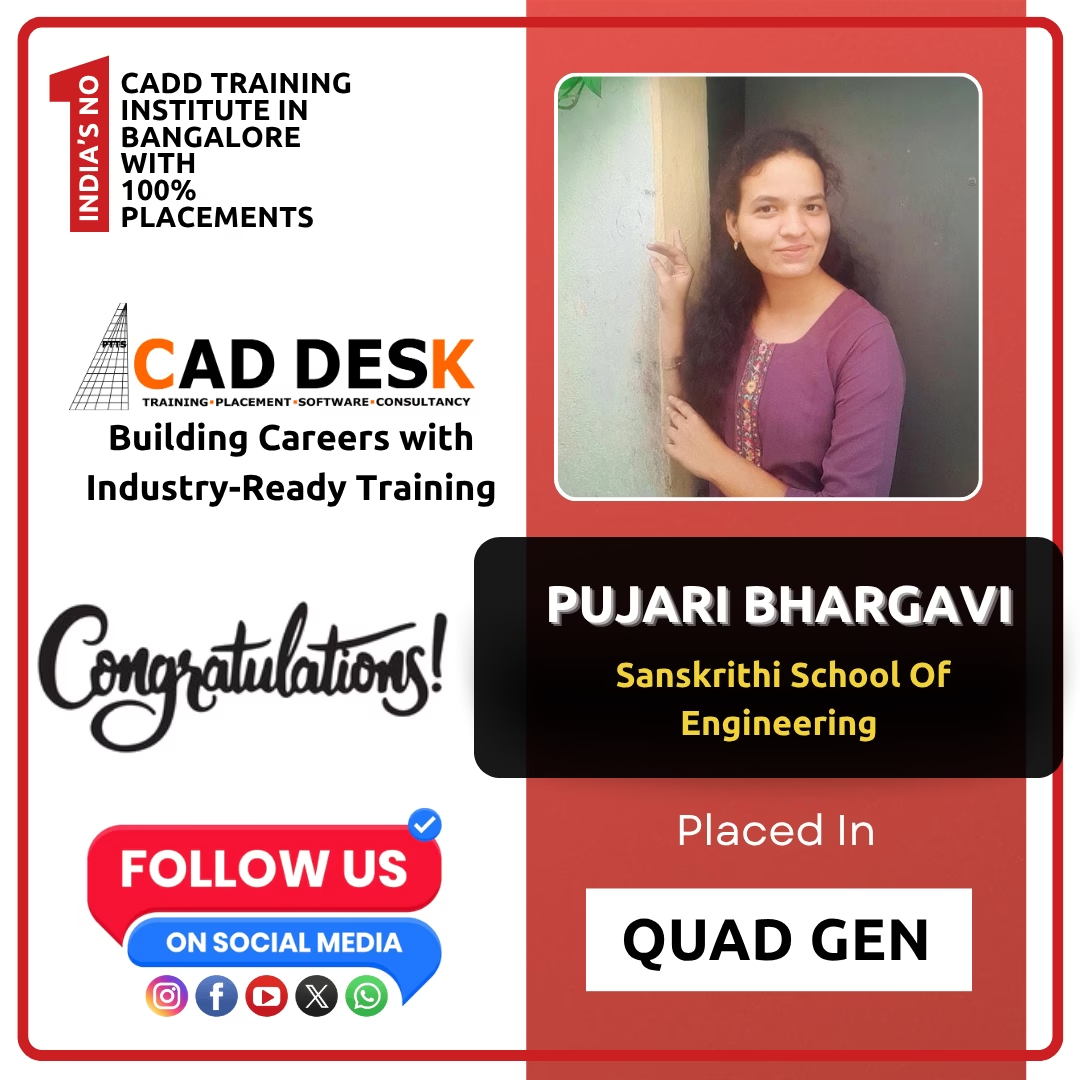
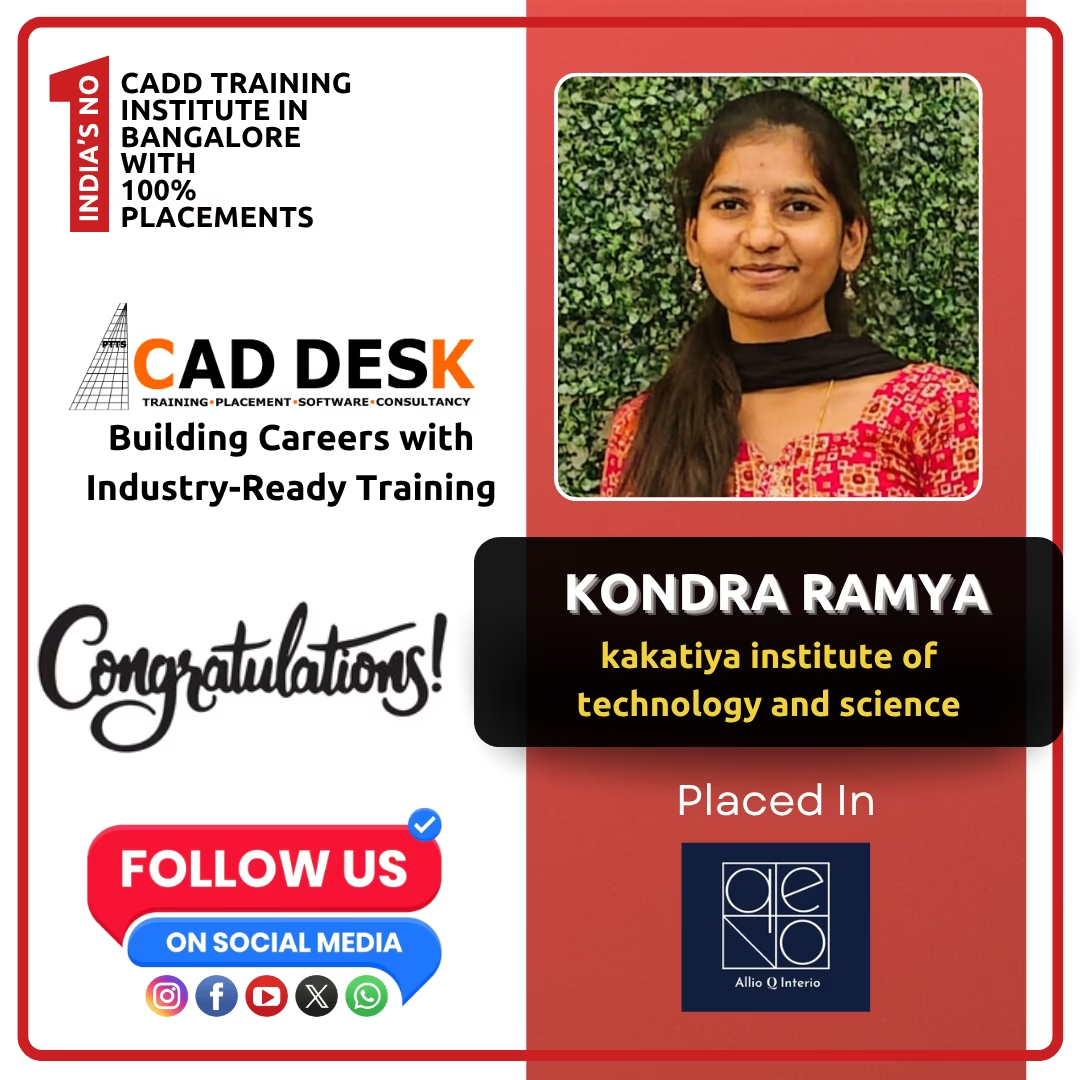
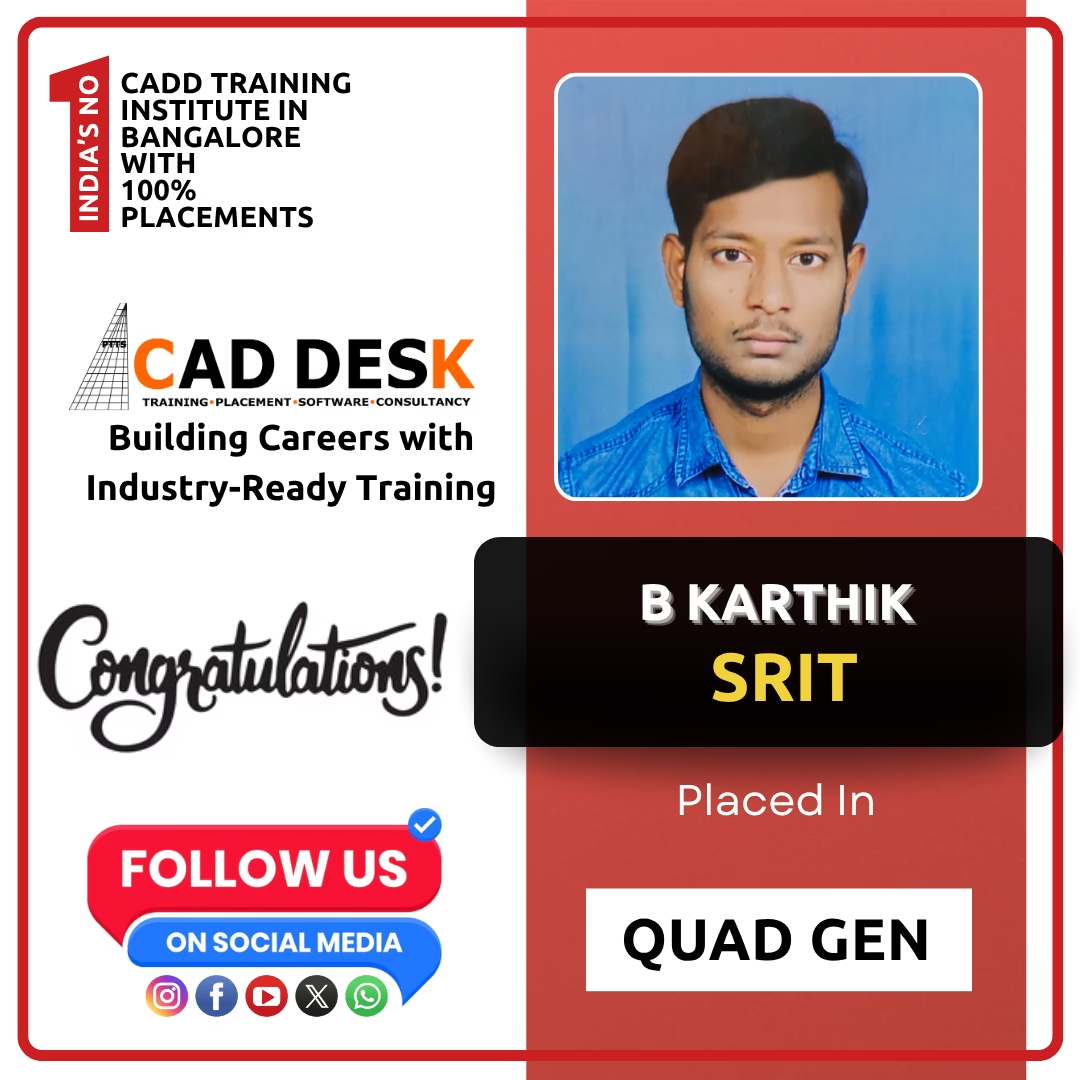
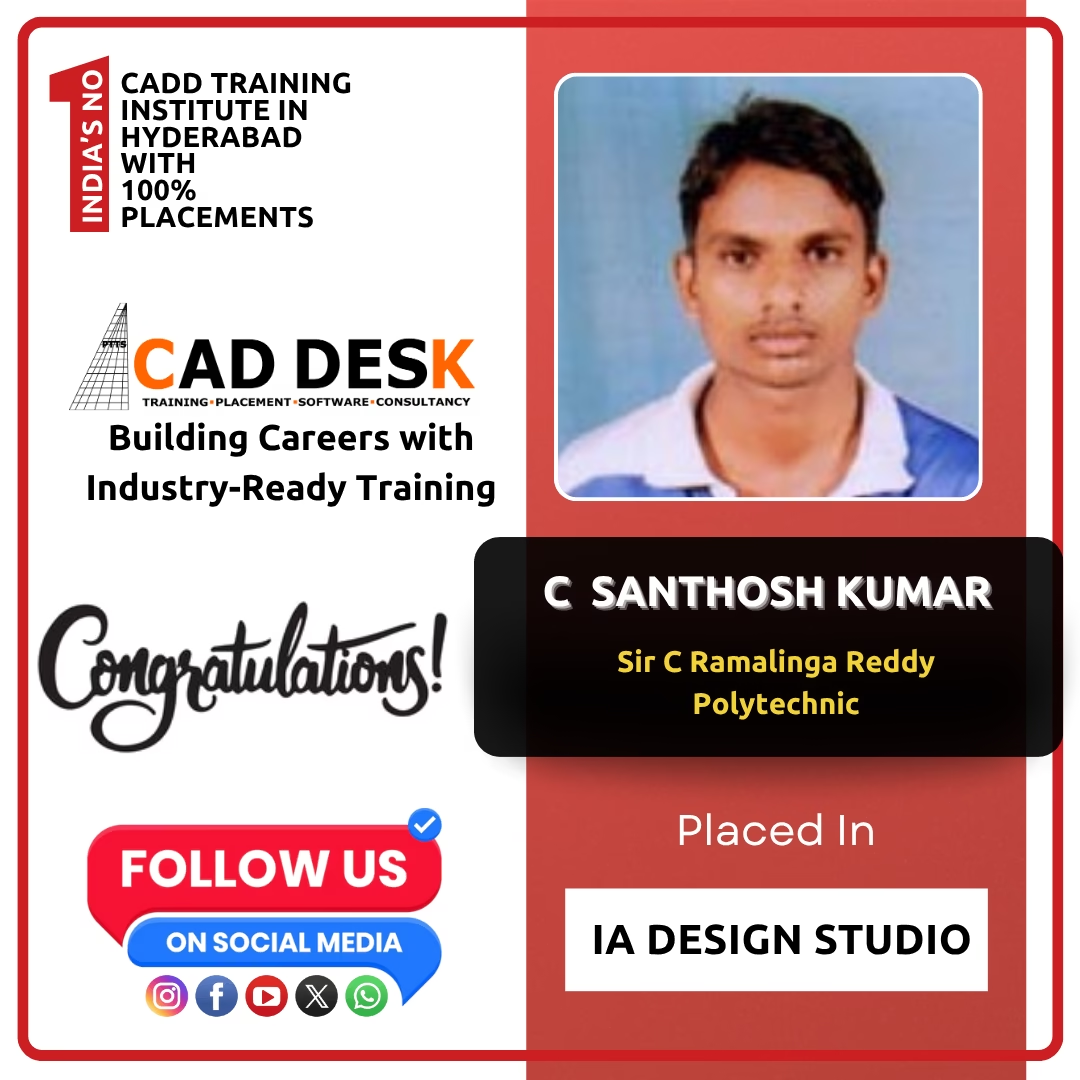
Banner announcing students placed in campus drive, showing five student headshots with colored blocks and logos for CAD DESK and JWIL.

Confused about choosing a course? Fill the form and get a free counselling session.